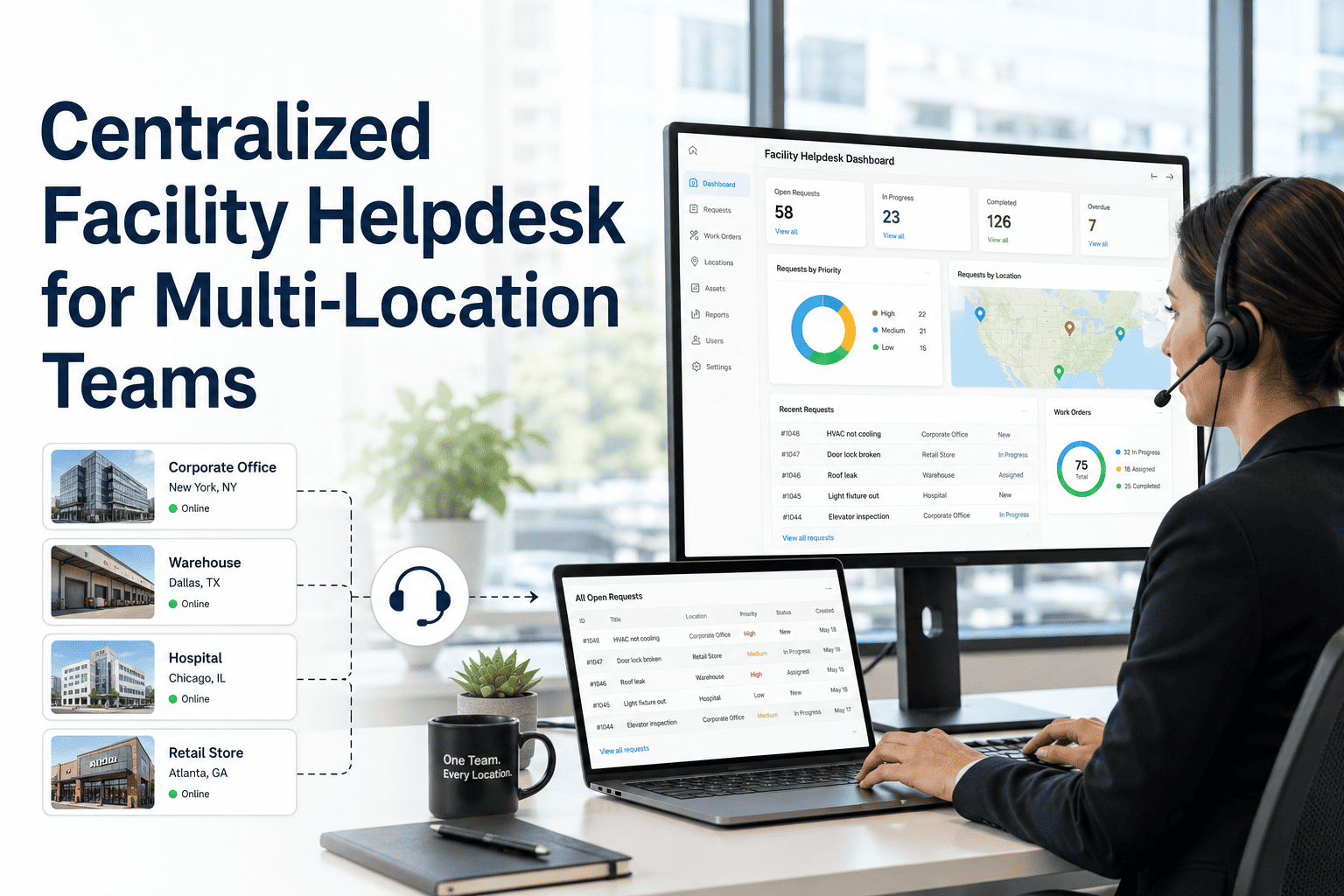
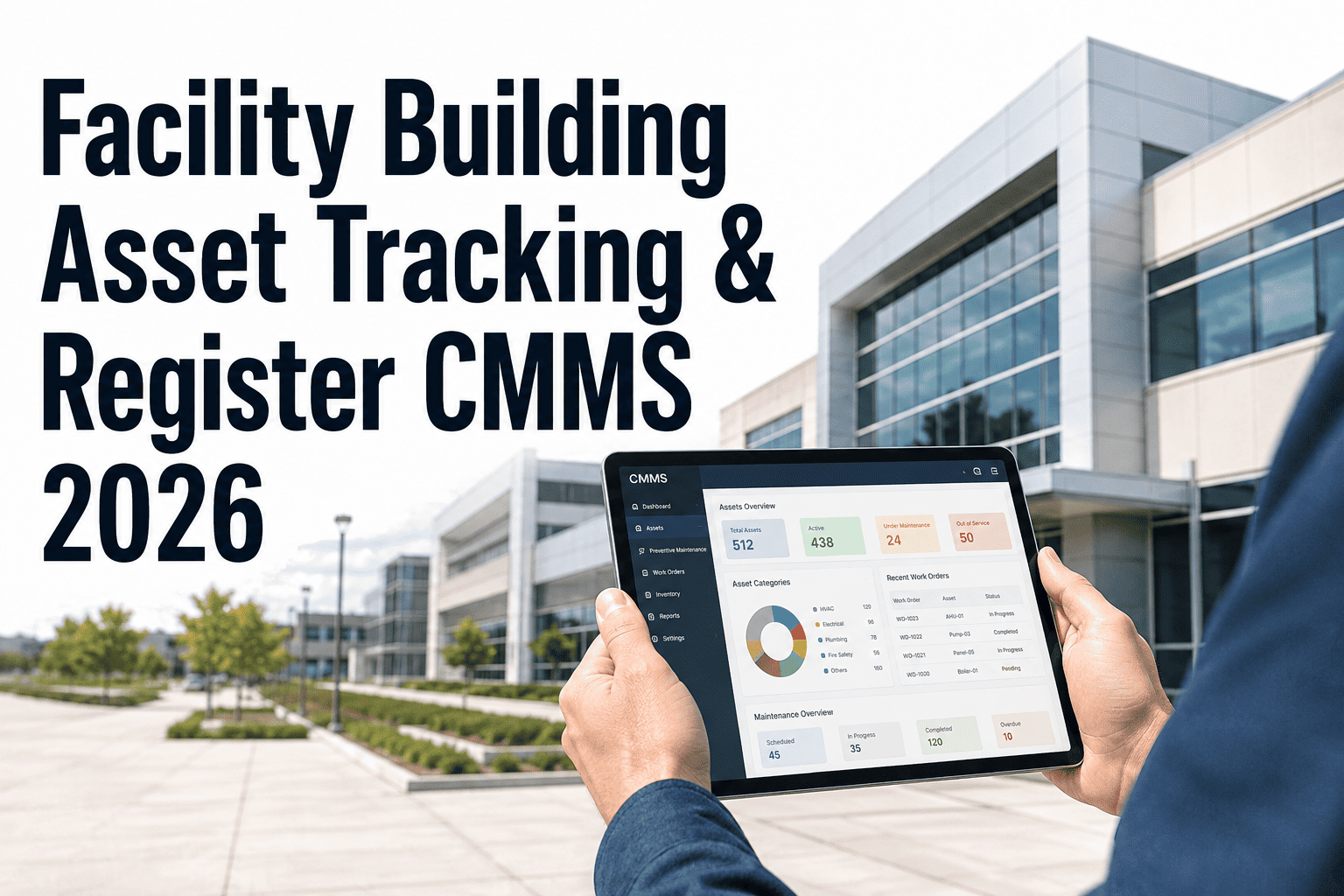
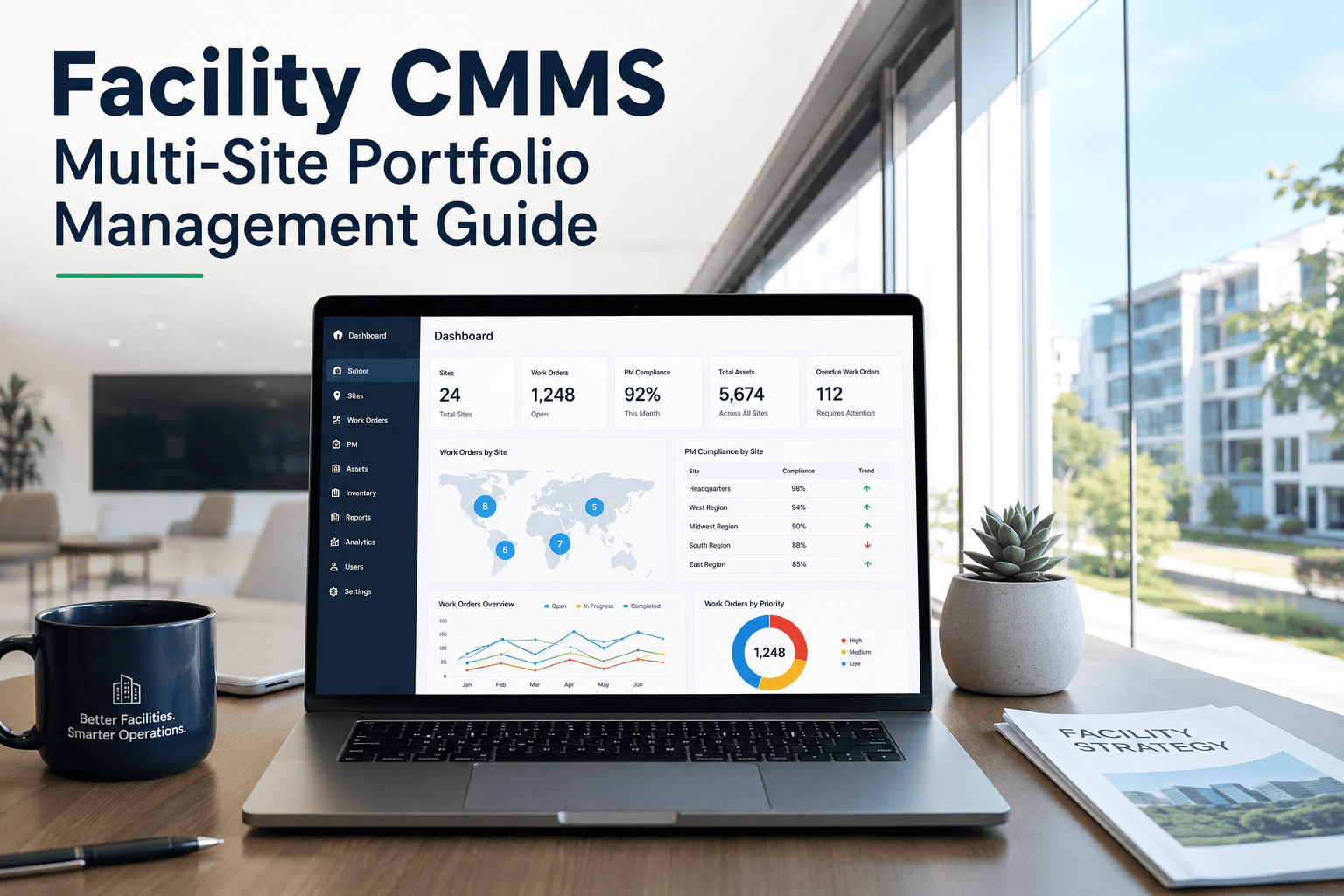
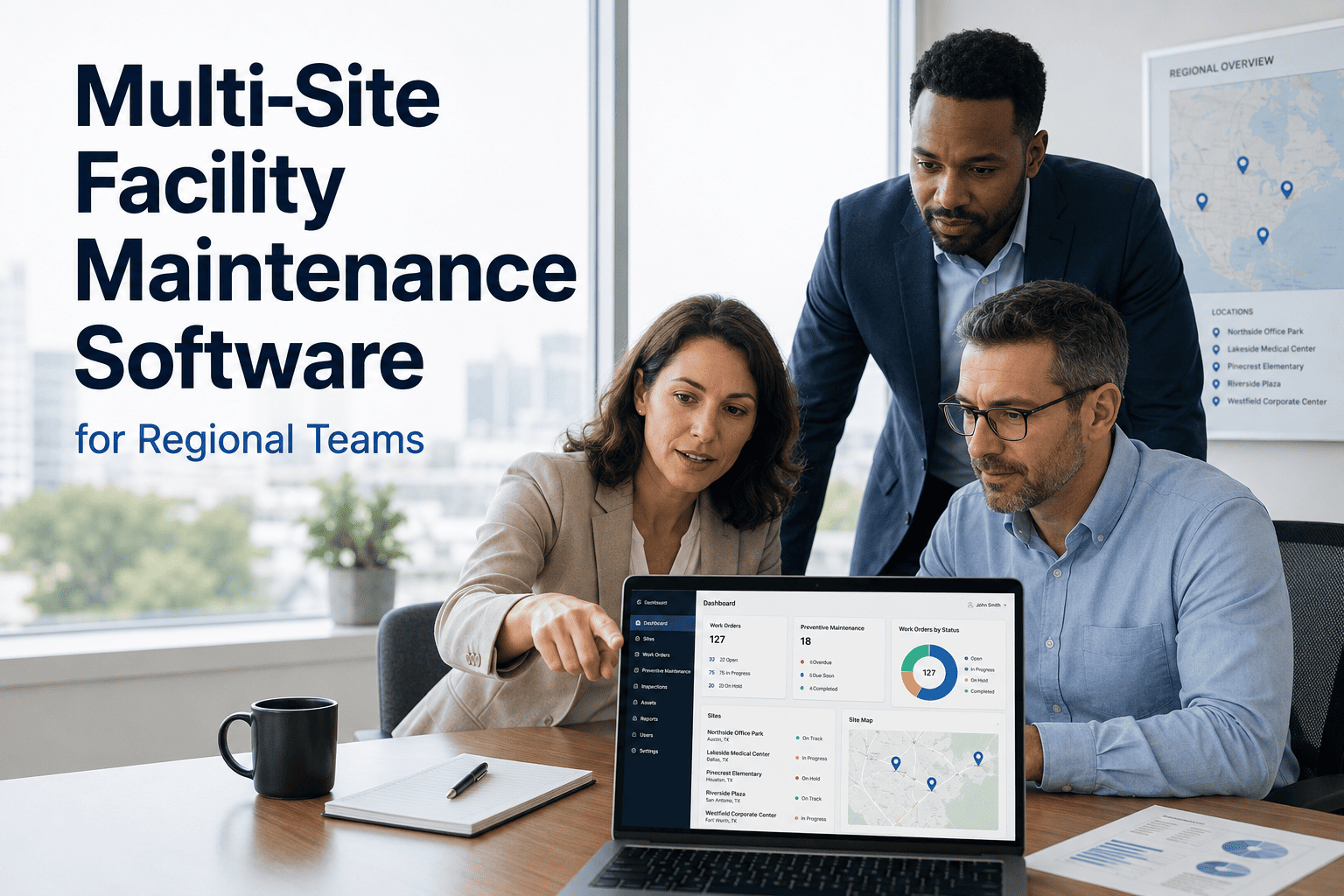
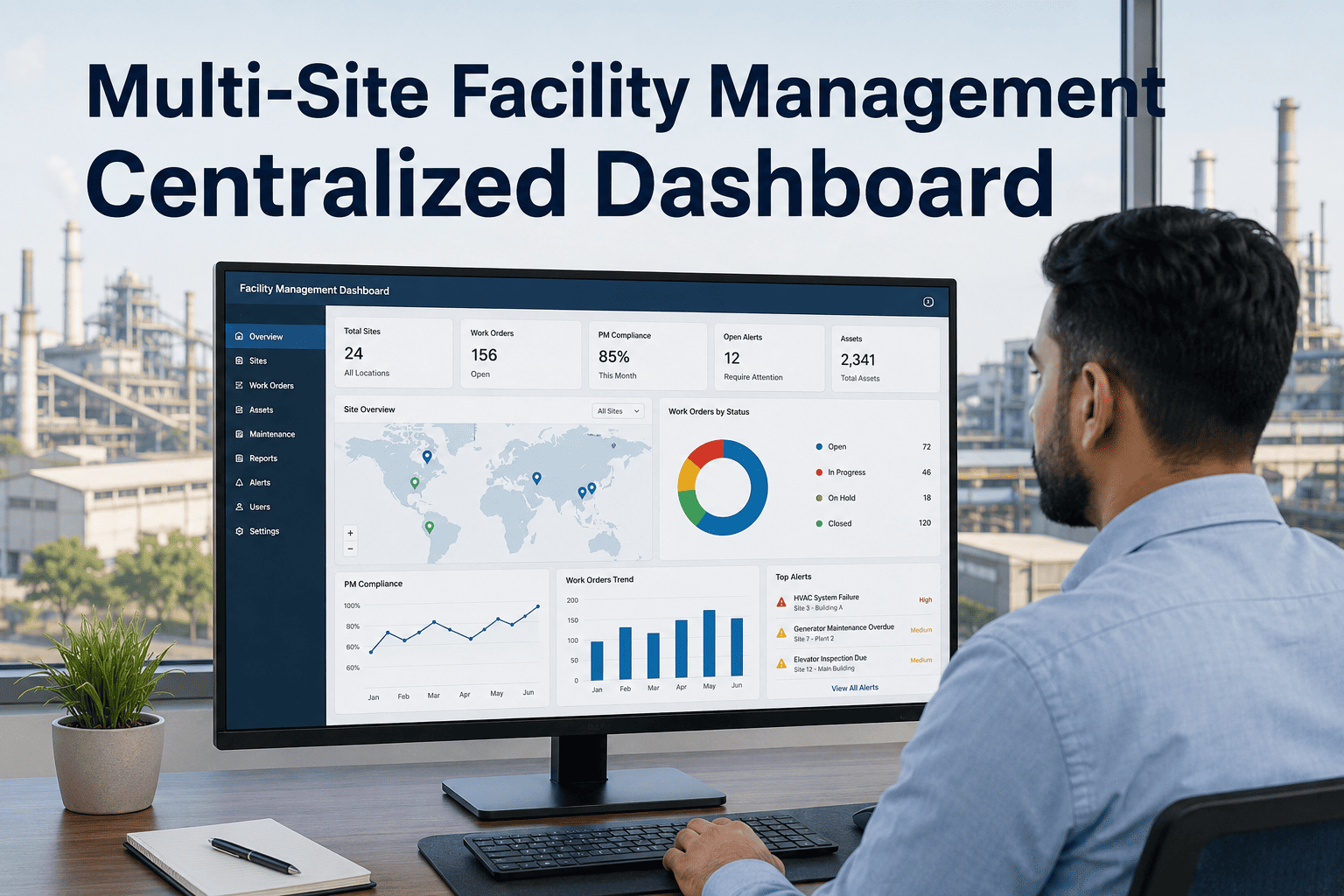
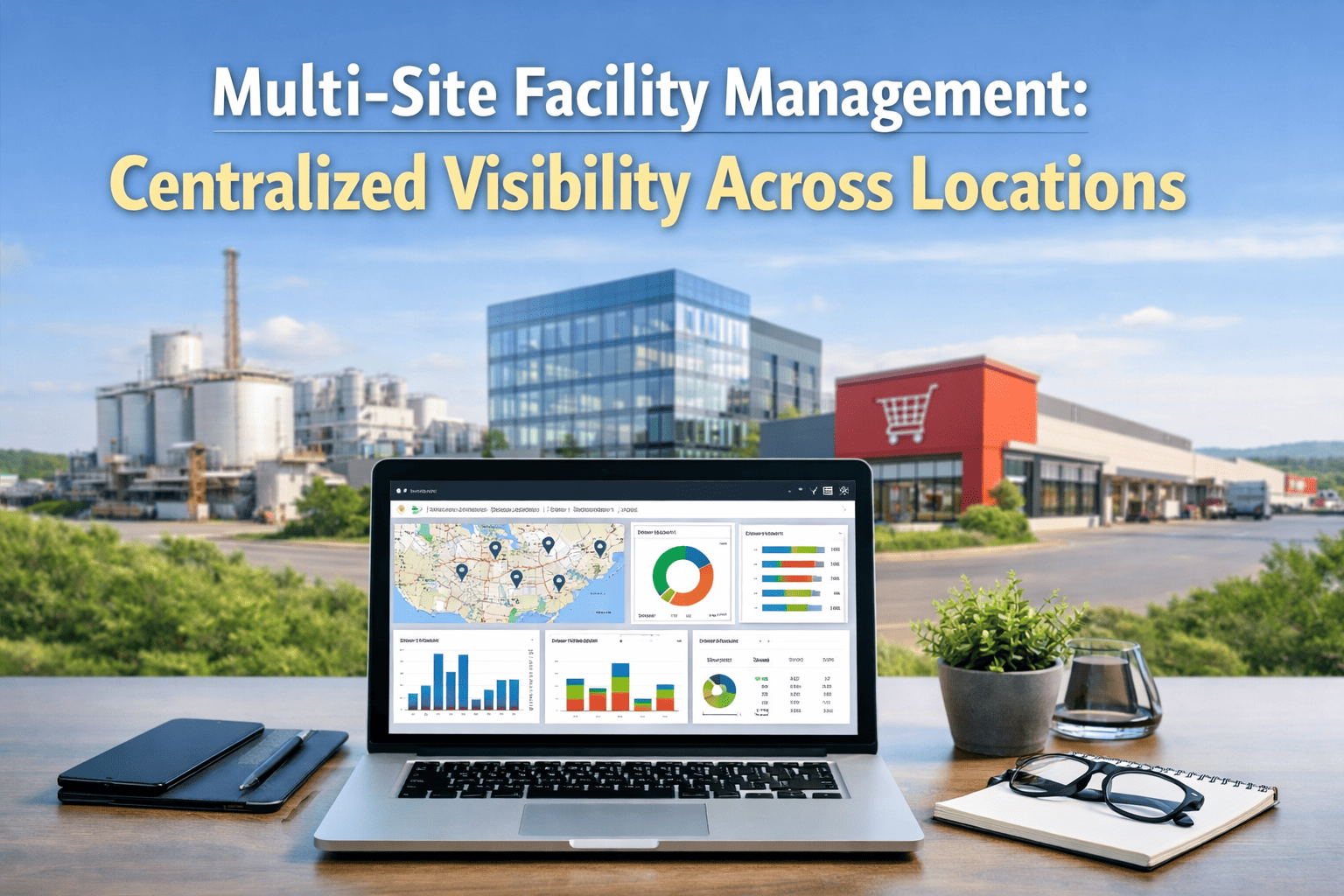
When facility requests come in through email, phone calls, sticky notes, and personal texts to technicians, nothing gets tracked, nothing gets prioritised, and the same problems surface again and again across every building in the portfolio. A Centralized Facility Helpdesk replaces all of those fragmented channels with a single command center — every occupant request captured, every repair routed to the right team, every SLA visible to regional managers in real time. Whether your portfolio spans two sites or twenty, every building running through one helpdesk means no request falls through the gap between an inbox and a work order. Sign in to OxMaint to set up your centralized helpdesk, or book a demo to see how multi-location teams manage requests from a single dashboard.
One Inbox, Every Channel
How Requests Enter The System
OxMaint Helpdesk
All Requests. One Place.
Every channel feeds the same queue. Routing rules assign requests to the right technician and building team automatically — no dispatcher required.
The Request Lifecycle
From Occupant Report To Verified Resolution
Request Captured
Occupant submits via QR, web form, email, or mobile. The system logs the location, asset, urgency, and description automatically — no receptionist relay needed.
Auto-Routed By Rules
Routing rules match the request to the right team by building, trade, and priority level. The right technician gets notified — no manual triage by a supervisor.
SLA Clock Starts
From the moment a request is logged, the SLA timer runs. Regional managers see any job approaching breach with time remaining — before it becomes a penalty.
Resolved And Verified
Technician marks the job done with a photo and notes. The occupant can receive an update automatically. The full record sits in the helpdesk history — audit-ready.
Every Building, One Dashboard. Every Request, One Place.
OxMaint centralizes facility requests from all your sites into a single routed, tracked, SLA-managed helpdesk. No emails disappearing in inboxes. No repairs lost between buildings.
The Difference It Makes
Fragmented Requests Vs Centralized Helpdesk
Without A Helpdesk
Requests arrive by email, text, phone, and hallway conversation — no single record
Technicians triage their own inboxes — priority is whoever asked most recently
SLA tracking done in spreadsheets — breaches discovered after the fact
Regional managers call site managers for status — no live visibility
Audit preparation requires manually collecting records from multiple people
With OxMaint Helpdesk
Every channel feeds one queue — complete request history from day one
Routing rules assign to the right team by trade, building, and urgency automatically
SLA countdown visible per job — managers act before breach, not after
Regional dashboard shows all sites live — no phone calls needed
Full request history searchable by date, site, or asset — audit in minutes
What Changes After Centralization
Results Facility Teams Track After Going Live
3x
faster average response time when requests are auto-routed vs manually triaged
91%
of SLA breaches preventable when managers have live countdown visibility per job
40%
reduction in duplicate repair requests when occupants can see their ticket status
1 day
typical time to go live with OxMaint helpdesk routing for a multi-site portfolio
From The Field
What Multi-Site Operations Leaders Experience
"
Managing five buildings out of email was working until it wasn't. We had three different technicians all responding to the same request from an occupant who had emailed, called, and submitted a web form. The OxMaint helpdesk put a stop to all of that — one place for every request, routing rules that send it to the right person, and a dashboard where I can see what is open across all five sites at a glance. Our SLA compliance went from rough to measured and managed. The occupants stopped chasing us for updates because the system sends them automatically.
Questions We Hear
Multi-Site Teams Ask These Before Getting Started
Can occupants submit requests without downloading an app or creating an account?
Yes. OxMaint supports QR code submission — occupants scan a code placed in any room or near any asset, fill in a simple web form, and the request lands in the helpdesk instantly. No account, no app install, no training required on the occupant side.
Book a demo to see the occupant portal flow.
How do routing rules work across buildings with different trade teams?
Routing rules are configured per building and request type — for example, electrical issues at Site A route to Team 1, plumbing issues at Site B route to a contracted vendor. Rules run automatically on every incoming request, so no dispatcher needs to make that decision manually.
Sign in to set up your routing rules.
What SLA configurations does OxMaint support for multi-site operations?
SLAs can be configured by request type, priority level, building, and tenant. The helpdesk tracks elapsed time from submission and surfaces any job approaching its threshold in the regional dashboard — with time remaining and assigned technician visible before a breach occurs.
Book a demo to walk through SLA configuration.
How quickly can a multi-site team get the helpdesk running?
Most teams are live within a single day — sites are configured, routing rules set, and QR codes or web form links sent to occupants by end of the first session. There are no lengthy implementation projects or data migration requirements to start capturing and routing requests through the system.
Sign in and set up your first site today.
One Command Center For Every Building In Your Portfolio
Facility teams using OxMaint stop losing requests between channels, resolve issues faster with automatic routing, and give regional managers live visibility across every site. Free trial, all sites configured within a day.