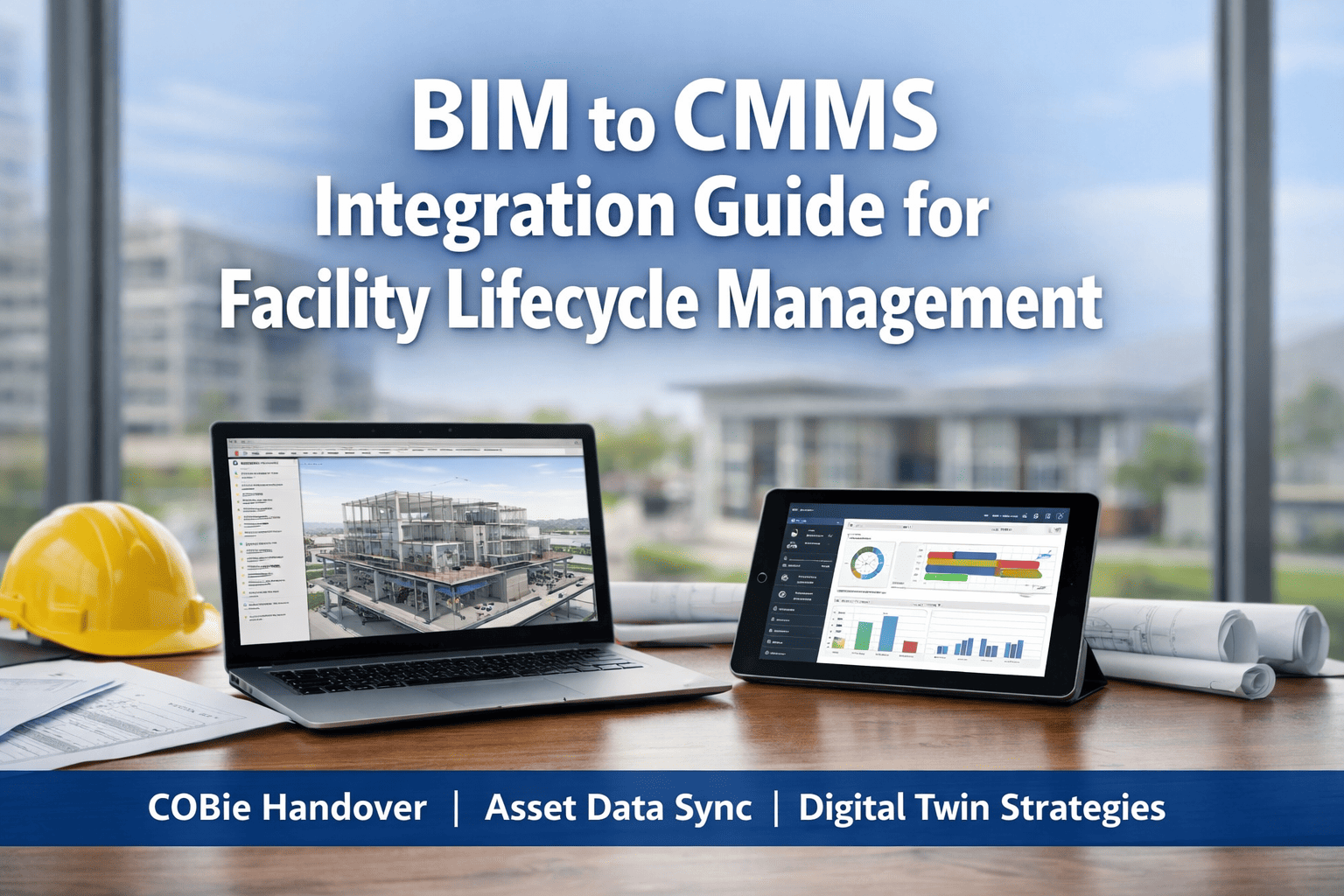
Up to 30% of building lifecycle data is lost at the handover between construction and operations, forcing facility teams to manually re-enter asset information that already exists inside the BIM model. The fix is structured data handover using COBie — a standardised exchange format that moves assets, spaces, warranties, and PM schedules directly from Revit into the CMMS on day one. Oxmaint's Cloud CMMS platform ingests COBie datasets natively, turning as-built BIM models into a live maintenance database before the building is even occupied.
The Four-Phase BIM to CMMS Workflow
COBie data is created progressively — it is not a report generated at handover. Each phase of the project contributes a specific layer of asset data, so the CMMS-ready dataset exists the moment construction completes. A structured BIM-FM handover process prevents the last-minute data reconstruction that derails most projects.
Space & Asset Layout
Architects and engineers capture floors, spaces, equipment types, and system relationships in Revit. COBie attributes added at family level: asset tag, classification, design criteria, PM interval baseline.
As-Built Attribution
Contractors populate make, model, serial number, installation date, warranty terms. Manufacturer data sheets linked as documents. Model validated against approved submittals before handover.
COBie Export & Validation
COBie dataset exported as .xlsx or IFC schema — tabs for Facilities, Floors, Spaces, Types, Components, Systems, Documents. Validated for completeness against Employer's Information Requirements (EIR).
CMMS Ingestion & Live Sync
Oxmaint imports COBie tabs directly into asset hierarchy, PM schedules, and document library. Live sync with BIM model keeps asset data current as replacements and modifications occur.
COBie Tabs Mapped to CMMS Tables
A COBie spreadsheet is a pre-structured database. Every tab corresponds directly to a CMMS table — eliminating the reconstruction work that historically consumed weeks of FM consultant time post-handover.
| COBie Tab | Contains | Maps to in Oxmaint |
|---|---|---|
| Facility | Project, site, building identification | Site hierarchy root |
| Floor | Level names, elevations, gross area | Location — level |
| Space | Rooms, zones, function, area | Location — space |
| Type | Equipment categories, specifications, warranty | Asset class template |
| Component | Individual asset instances, serial, install date | Asset record |
| System | Logical grouping (HVAC, electrical, plumbing) | System hierarchy |
| Job | Recommended PM tasks, intervals, procedures | PM schedule template |
| Document | O&M manuals, warranties, drawings | Asset document library |
| Spare | Recommended spare parts list | Inventory — critical spares |
Digital Twin — What the Live BIM-CMMS Link Enables
Once COBie data lands in the CMMS and the BIM model remains accessible through IFC or a viewer API, the facility gains a functional digital twin. Work orders carry spatial context, technicians navigate to assets through the 3D model, and condition data flows back into the model to inform capital planning.
Stop Rebuilding Asset Data After Construction. Import It Once, Use It For 40 Years.
Oxmaint ingests COBie datasets natively and maintains live links to your BIM model — so your CMMS is populated the day construction completes.
Common Integration Failure Modes — And How to Avoid Them
No EIR Defined Upfront
Without an Employer's Information Requirements document naming mandatory COBie fields, contractors deliver whatever they have. Fix: specify EIR in construction contract, not at handover.
Revit Families Without COBie Attributes
Generic families carry no asset tags, classification codes, or PM metadata. Fix: mandate COBie-compliant families in BIM Execution Plan at design stage.
Manual Re-Entry at Handover
Texas A&M case: contractor delivered non-interoperable data, requiring consultant reconstruction. Fix: contractually require COBie .xlsx or IFC as handover deliverable.
Static Dataset — No Live Sync
COBie imported once, then BIM model diverges from reality over years of modifications. Fix: CMMS with ongoing IFC sync that reflects replacements, relocations, and refurbishments.
“The BIM-to-CMMS integration fails or succeeds at the contract stage, not the handover stage. Owners who specify COBie deliverables in the Employer's Information Requirements and enforce validation gates at each project phase get a populated CMMS on day one. Owners who treat BIM as a design artefact and ask for asset data at commissioning get a three-month data reconstruction project that costs more than the BIM model itself.”