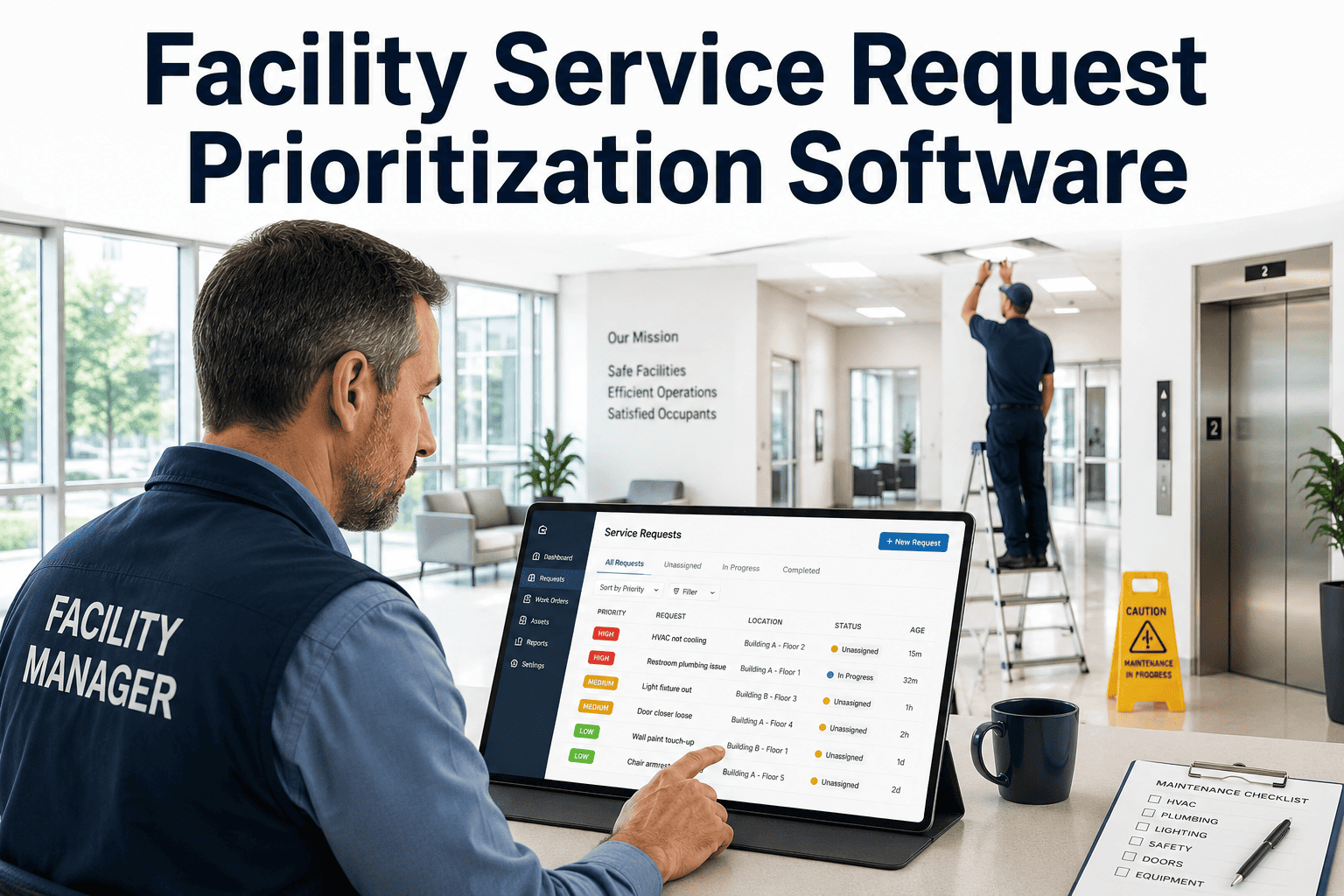
Managing maintenance requests across a large facility is harder than it sounds. Requests come in through phone calls, sticky notes, verbal complaints at the front desk, and the occasional email — and by the time they reach the right technician, the issue has worsened, the occupant is frustrated, and your team has no record of what was reported or when. OxMaint's building maintenance request intake software centralizes every channel — QR codes, web forms, mobile app, email, and front desk — into one structured CMMS queue so nothing gets missed and every request is tracked from submission to resolution. If your team is still juggling scattered intake channels, book a 30-minute demo to see how centralized intake changes response speed overnight.
Maintenance Request Management
Building Maintenance Request Intake Software
One structured queue for every request source. QR codes, web portals, mobile, email, and front desk — all routed, prioritized, and tracked inside your CMMS from the moment an issue is reported.
47%
of buildings now use digital maintenance platforms
42%
reduction in downtime with cloud-based intake software
36%
of large building owners adopted preventive maintenance platforms
The Real Cost of Scattered Request Intake
When occupants cannot submit requests through a single, reliable channel, maintenance teams lose context, miss urgency signals, and spend hours triaging instead of fixing. The impact is measurable — and it compounds every day.
01
Requests fall through cracks
Verbal reports, paper notes, and informal messages have no accountability trail. If the right person was absent, the request never reaches the queue.
02
No location or category data
Without structured intake, technicians arrive on site without knowing the exact location, asset involved, or category of the issue — extending resolution time significantly.
03
Duplicate and misprioritized tickets
Multiple occupants report the same issue across different channels, creating duplicate work orders. Meanwhile, urgent issues get the same priority as routine requests.
04
No response visibility for occupants
When occupants cannot track their request, they follow up repeatedly — pulling front desk staff away from other work and creating a poor building experience.
How OxMaint Centralizes Every Intake Channel
QR
QR Code Scanning
Place asset-linked QR codes on equipment, rooms, and common areas. Occupants scan and submit a structured request in under 60 seconds — no app download required. Every submission automatically inherits the asset, location, and building zone.
WF
Web Portal Form
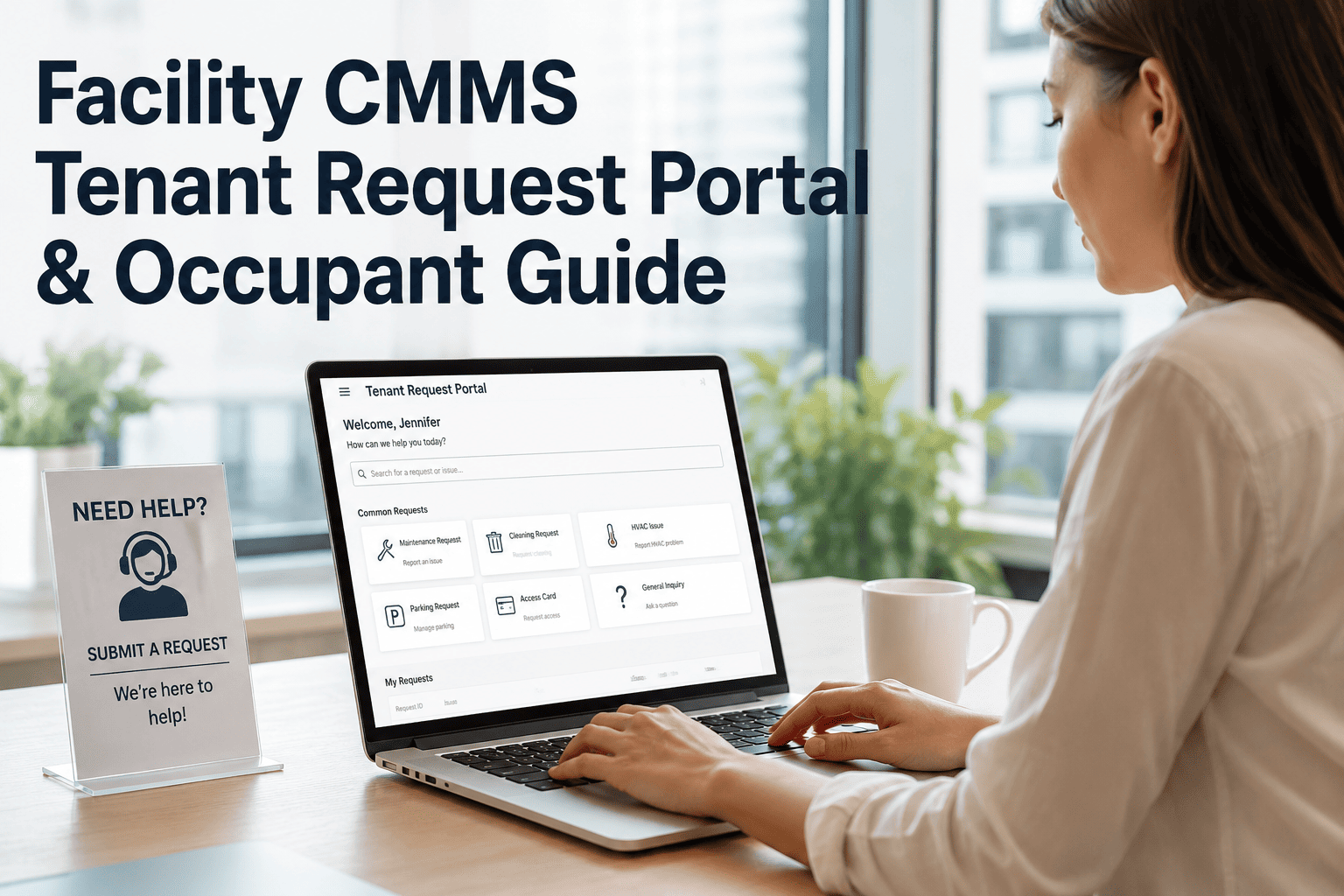
A branded, mobile-friendly portal lets tenants, staff, or visitors submit requests with photos, category selection, urgency level, and description — from any browser, any device.
EM
Email Parsing
OxMaint reads incoming maintenance emails and converts them into structured work orders automatically — capturing sender, subject, and body text as ticket fields without manual entry.
FD
Front Desk Intake
Reception and concierge staff can log requests directly from a simplified desktop view — entering all required fields in one screen so every verbal complaint becomes a tracked ticket.
MB
Mobile App
Facility staff and technicians can create and update requests from the field using the OxMaint mobile app — with photo capture, GPS, and voice-to-text for rapid on-site logging.
See how OxMaint unifies every intake channel into one queue
Watch every QR scan, portal submission, and email convert into a structured work order — routed to the right team within seconds.
What a Structured Request Includes
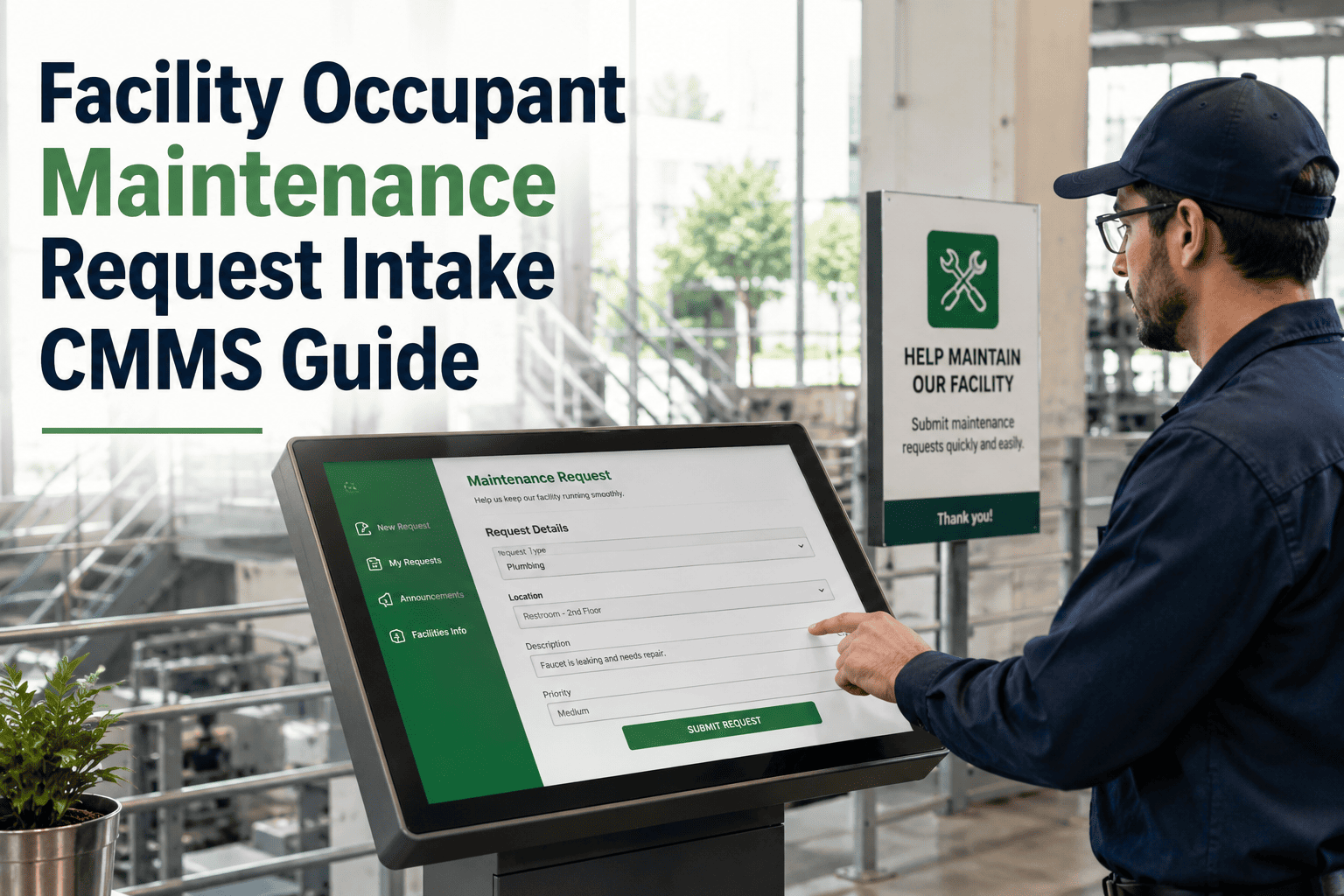
Unstructured requests waste technician time. OxMaint enforces a consistent intake form so every ticket arrives complete — reducing back-and-forth before work can begin.
| Field |
Why It Matters |
How Collected |
| Location / Zone |
Technicians go to the exact room or floor without guessing |
Auto-filled via QR or manual entry |
| Asset / Equipment |
Links request to asset history and warranty records |
QR tag or dropdown selection |
| Issue Category |
Routes to the correct crew — electrical, plumbing, HVAC, etc. |
Occupant selects from structured list |
| Urgency Level |
Prioritizes queue — critical issues surface to top automatically |
Occupant selects: low / normal / urgent |
| Photo Attachment |
Technician understands scope before arriving on site |
Camera upload at submission |
| Contact Info |
Enables automated status updates back to the submitter |
Form field or account login |
Request Lifecycle: From Submission to Resolution
1
Submitted
Via QR, portal, email, or front desk
2
Categorized
Type, priority, and location auto-assigned
3
Routed
Sent to the right technician or team
4
In Progress
Occupant receives real-time status update
5
Resolved
Closure note, time logged, and history recorded
Market Snapshot: Why Facilities Are Switching Now
| Metric |
Industry Data |
Source |
| Building maintenance software market size (2024) |
USD 6.2 Billion |
Verified Market Reports |
| Expected market size by 2033 |
USD 12.1 Billion (8% CAGR) |
Verified Market Reports |
| Cloud-based CMMS adoption growth |
42% expansion in usage |
Market Reports World |
| Buildings with digital maintenance platforms |
47% globally |
Market Reports World |
| Downtime reduction with CMMS adoption |
Up to 18% reduction |
Market Reports World |
| Facilities outsourcing maintenance |
42% of large commercial facilities |
Market Reports World |
Expert Perspective
FM
The biggest killer of maintenance response speed is not staffing — it is intake chaos. When a request enters the system without a location, photo, or category, the technician spends 20 minutes just figuring out what they are walking into. Structured intake is the single fastest lever a facility manager has to close work orders faster without adding headcount.
Facility Operations Specialist
10+ years in commercial real estate maintenance management
OxMaint vs. Manual / Legacy Intake
Without OxMaint
Requests via phone, sticky notes, verbal reports
No location or asset data — technician guesses
Duplicate tickets pile up in different inboxes
No status visibility — occupants keep following up
Reporting requires manual spreadsheet work
With OxMaint
All channels feed one structured CMMS queue
Location, asset, category, and urgency on every ticket
Duplicates flagged and merged automatically
Occupants get automated status updates at each stage
Live dashboards show open tickets, SLA status, and trends
Frequently Asked Questions
Do occupants need to download an app to submit a request?
No app is required. Occupants can submit through a
QR code scan that opens directly in their phone browser, or through the web portal accessible from any device. The QR-to-browser flow is designed to take under 60 seconds from scan to submission — removing any friction that would discourage reporting.
Can OxMaint handle multiple buildings or campuses from one account?
Yes. OxMaint supports multi-building hierarchies where each property has its own zones, assets, and technician assignments — but all requests flow into a single management view. Facility directors can filter by building, floor, or department and see SLA performance across the entire portfolio.
Book a demo to see multi-site configuration in action.
How does OxMaint route requests to the right technician automatically?
Routing rules are configured once during setup — linking issue categories and building zones to specific technicians or teams. When a request comes in, OxMaint matches the category and location against these rules and assigns it automatically. Supervisors can override assignments manually at any time, and escalation rules ensure that unacknowledged tickets are flagged before SLA deadlines are missed.
What kind of reporting does OxMaint provide for request intake?
OxMaint tracks every metric that matters to a facility director: volume by category, average response and resolution time, first-contact resolution rate, SLA compliance percentage, and technician workload distribution. These reports update in real time and can be exported or scheduled for delivery to stakeholders.
Start a free trial to explore the full reporting suite with your own data.
Every missed request is a tenant relationship at risk. Fix intake first.
OxMaint turns every channel — QR codes, portals, email, front desk — into one structured queue your team can actually act on. Start today or see it live.