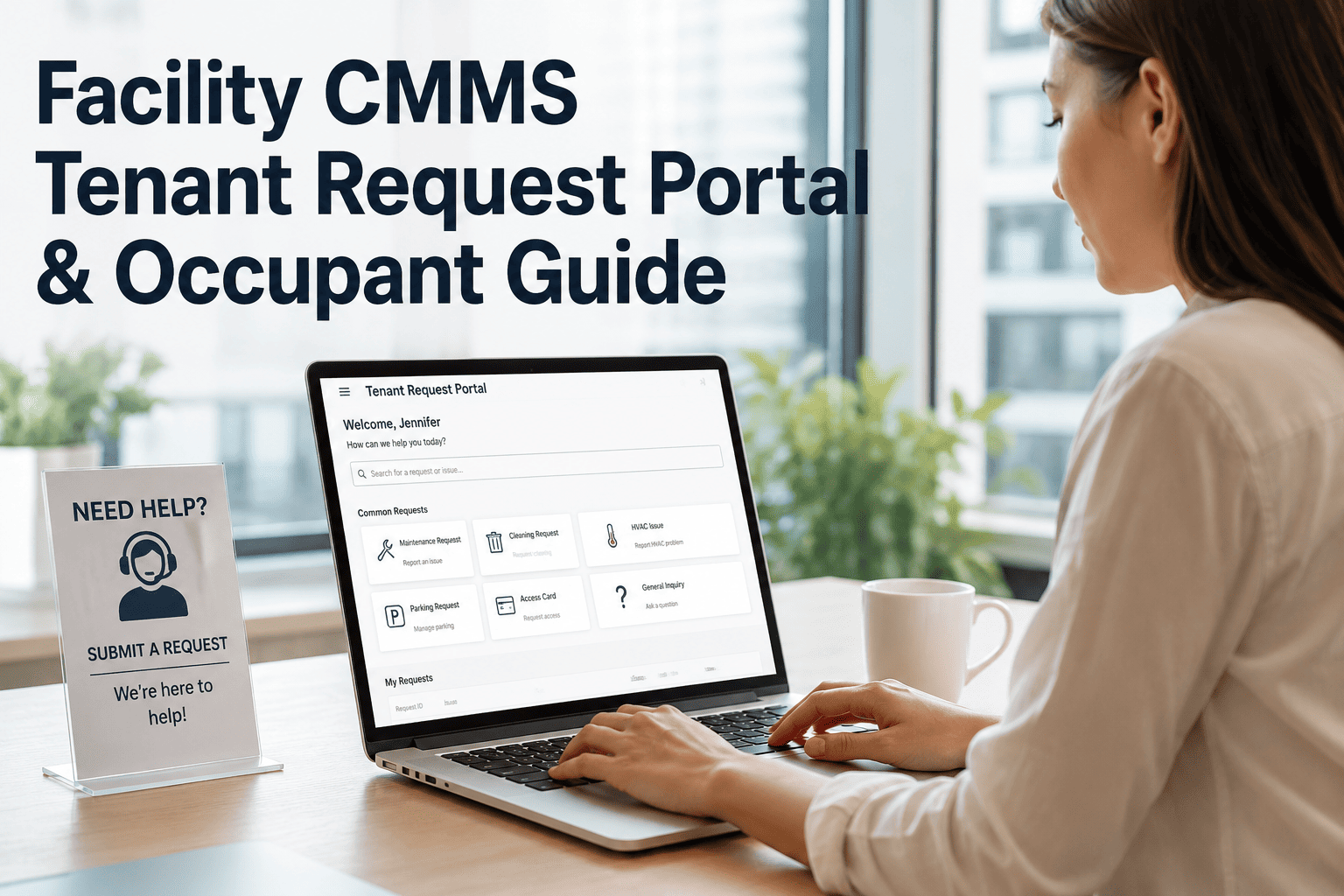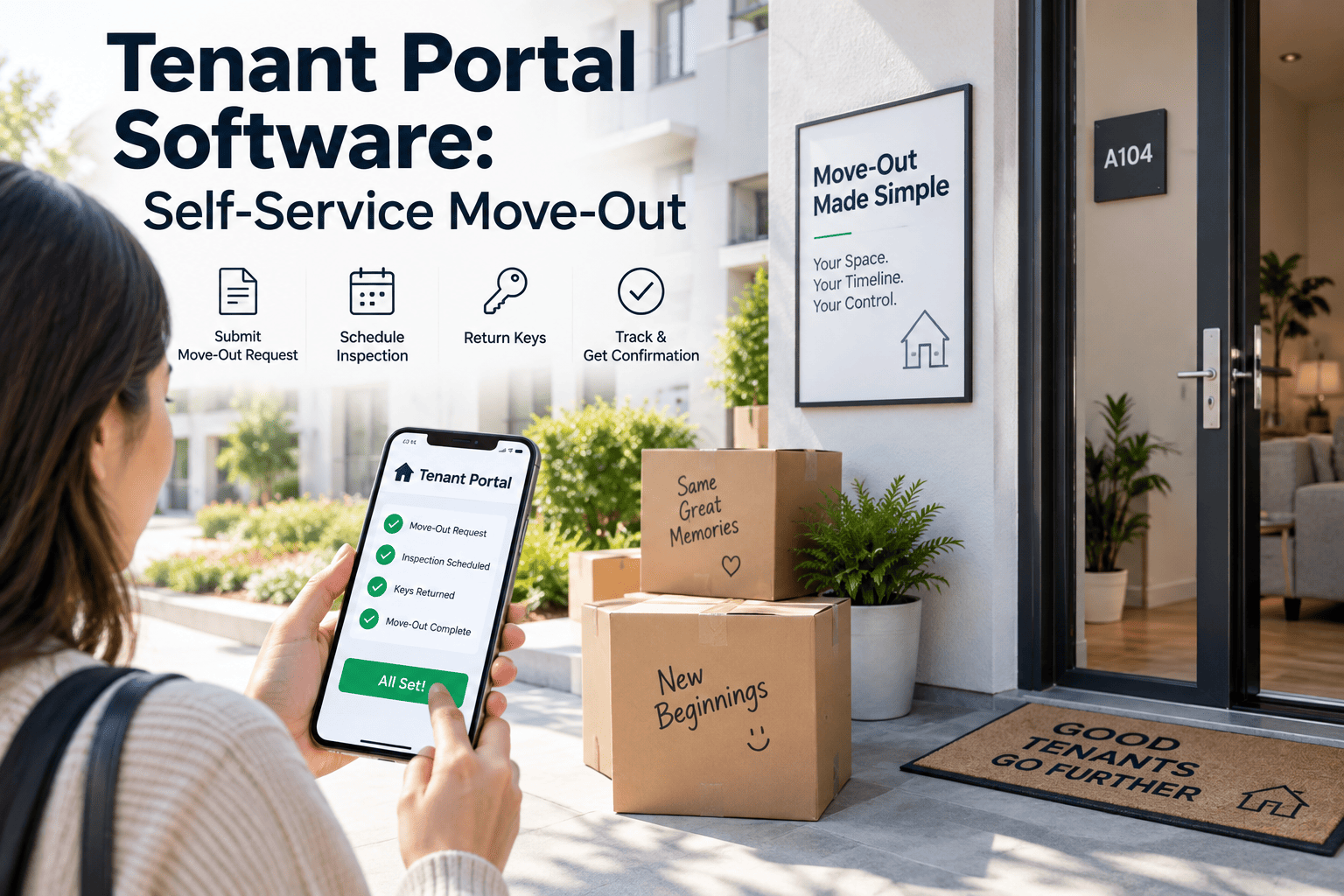
Move-out day is where most property teams lose control of their own schedule — a resident calls to confirm their date, a coordinator manually books an inspector, and by the time someone walks the unit, the turnover clock has already lost two or three days nobody can get back. A tenant portal built for self-service move-out removes that manual relay entirely: residents pick their own move-out date, complete a guided pre-inspection from their phone, and the property team receives a structured record the moment it is submitted. OxMaint's maintenance management software turns that submission directly into a scheduled turnover work order, so the gap between move-out and move-in-ready shrinks without adding staff.
Tenant Portal Software That Puts Move-Out Scheduling in Residents' Hands
Every manually scheduled move-out inspection adds a day of vacancy that did not need to happen. OxMaint's self-service tenant portal lets residents book their own move-out, complete a guided pre-inspection, and trigger turnover work automatically — without a single phone call to the office.
The Move-Out Workflow: Manual Coordination vs. Self-Service Portal
The difference between a manually coordinated move-out and a self-service one is not a small convenience — it is the entire chain of delay that determines how many vacant days a unit sits before the next resident moves in, and how much staff time gets consumed chasing confirmations instead of completing turnover work.
Instead of calling or emailing the office and waiting for a confirmation, the resident picks an available date directly in the portal, which instantly checks against the property's turnover calendar.
The resident walks through a structured checklist covering appliances, walls, flooring, and fixtures, photographing each area before handing back keys — creating a documented baseline before staff ever enter the unit.
The moment the resident submits their pre-inspection, the property team receives a structured record and a turnover work order is generated automatically, with the unit's condition already documented.
Property staff conduct their own final walkthrough against the resident's submitted checklist, resolving any discrepancies quickly since both records already exist side by side.
Manual Move-Out Coordination vs. Self-Service Portal
Property teams managing move-outs by phone and email are working with the same underlying process a portal automates — just slower, with more room for miscommunication, and with far less documentation to fall back on if a resident later disputes a deposit deduction.
Why Vacancy Days Add Up Faster Than Property Teams Expect
Every day between a resident handing back keys and a unit being ready for the next move-in is a day of lost rent, and manual coordination tends to add days in places that are easy to overlook until they are measured.
The Confirmation Delay
A resident requesting a move-out date by phone or email often waits a day or more for staff to check the calendar and confirm, time that a portal collapses to seconds.
The Inspection Scheduling Gap
Without a pre-inspection already on file, staff have to schedule a separate walkthrough before turnover work can even be scoped, adding another day before cleaning or repairs begin.
The Work Order Creation Lag
Manually writing up a turnover work order after a staff walkthrough — instead of generating one automatically from a submitted checklist — often pushes the maintenance queue back another day.
The Compounding Effect Across a Portfolio
A one- or two-day delay per unit sounds minor until it is multiplied across every move-out in a portfolio over a year, at which point it becomes a measurable amount of lost rent.
Let Residents Schedule Their Own Move-Out
OxMaint's tenant portal turns move-out coordination into a self-service step that residents complete on their own time, while your team gets a structured, photo-documented record the moment they submit it.
What Self-Service Move-Out Actually Protects
A self-service pre-inspection is not just a scheduling convenience. It creates a documented record that protects both the resident and the property when questions come up about unit condition or deposit deductions, and it removes the guesswork that often surrounds disputes months after a resident has already moved on.
A Time-Stamped Condition Record
The resident's own photos and notes, submitted at the moment of move-out, become a neutral reference point if a dispute over damage or normal wear ever arises later.
Faster Turnover Scheduling
Because the work order generates automatically from the submitted checklist, maintenance and cleaning crews can be scheduled the same day instead of waiting for a manual staff walkthrough to happen first.
Fewer Deposit Disputes
When both the resident's move-out photos and the staff's final inspection exist in the same record, disagreements over what caused damage are resolved with evidence instead of memory.
Less Staff Time Spent Coordinating
Property staff stop playing scheduling intermediary for every move-out and instead review submissions and confirm turnover work — a smaller, faster task repeated across every unit.
The Resident Experience Side of Self-Service Move-Out
Turnover speed is the operational win, but the resident-facing experience matters just as much — a smoother move-out process is often one of the last impressions a resident carries away from a property, and it shapes reviews and referrals as much as anything that happened during the lease.
No Waiting on Office Hours
Residents can schedule their move-out and complete the pre-inspection checklist whenever it fits their schedule, rather than working around the property office's business hours.
A Clear Record of What Was Returned
Documenting unit condition themselves gives residents a record they can point back to if a deposit deduction seems inconsistent with the condition they left behind.
Fewer Surprise Charges
When both the resident's photos and the staff inspection are on file, deposit deductions are easier to explain clearly, which reduces the number of disputed charges that escalate into complaints.
A Smoother Final Impression
A simple, guided process at move-out — instead of a confusing phone tag with the office — leaves residents with a better final impression of the property, even after they have moved on.
Move-Out Checklist Categories Residents Complete in the Portal
A guided checklist keeps the resident's self-inspection consistent from unit to unit, so staff reviewing submissions know exactly what has and has not been covered, without needing to follow up individually with every resident to fill in missing details.
| Checklist Category | What the Resident Documents | Photo Required |
|---|---|---|
| Walls and Flooring | Scuffs, holes, stains, or flooring damage beyond normal wear | Yes |
| Appliances | Condition and cleanliness of stove, refrigerator, dishwasher | Yes |
| Fixtures and Hardware | Faucets, cabinet hardware, light fixtures, door handles | Optional |
| Windows and Screens | Cracks, missing screens, functioning locks | Yes |
| Keys and Access Devices | Count of keys, fobs, and garage remotes returned | No |
Rolling Out a Self-Service Move-Out Portal Across a Portfolio
Introducing a self-service portal works best as a phased rollout rather than a single switch, so property staff and residents both adjust to the new workflow smoothly and any gaps in the checklist or automation get caught before they affect the whole portfolio.
Pilot With One Property
Start with a single property to refine the checklist categories and confirm the turnover work order automation matches your actual maintenance workflow before scaling further.
Notify Residents Early
Include portal instructions in the lease renewal or move-out notice period, so residents know self-service scheduling is available before they need to use it.
Train Staff on Review, Not Data Entry
Property staff shift from manually logging move-out details to reviewing resident-submitted checklists and confirming turnover work — a faster task once the workflow is familiar.
Expand Portfolio-Wide
Once the pilot property shows faster turnover scheduling and fewer coordination calls, extend the same portal and checklist structure to every property in the portfolio.
A Common Pattern: How Manual Move-Out Coordination Slows an Entire Portfolio
Consider a two-hundred-unit portfolio where residents notify the office of their move-out date by email, often with only a week or two of notice. The leasing coordinator has to manually cross-check the date against staffing availability, confirm it by reply email, and then schedule a staff walkthrough for the day after keys are returned. On a busy week with a dozen move-outs clustered together, walkthroughs slip by a day or two simply because staff cannot be in twelve units at once, and turnover work orders are written up after the fact rather than the moment a unit becomes available.
The result is not a single dramatic failure — it is a steady accumulation of one- and two-day delays across every unit, every month. Multiplied across two hundred units a year, that accumulated delay represents real lost rent and real staff hours spent coordinating rather than completing turnover work. A self-service portal does not eliminate the need for staff judgment on the final walkthrough, but it removes the confirmation delay, the scheduling gap, and the manual work order write-up that together account for most of the lost time. Residents submit their own date and pre-inspection whenever it is convenient for them, and the property team's first touch on the unit is already backed by a documented condition record.
What to Look for in a Self-Service Tenant Portal
Not every resident portal is built to handle move-out scheduling and pre-inspection together. These are the capabilities that make the biggest difference once a property team starts relying on the portal to shrink turnover time.
Live Calendar Availability
Residents should see real available move-out dates instantly, checked against the property's actual turnover capacity, rather than submitting a request and waiting for staff to confirm.
Photo-Based Guided Checklists
A checklist that requires photos for key categories — walls, appliances, flooring — produces a far more useful record than a simple text field asking residents to describe unit condition.
Automatic Work Order Generation
The portal should connect directly to the maintenance system so a submitted checklist creates a turnover work order immediately, without a staff member manually re-entering the same information.
Mobile-First Design
Most residents will complete their move-out checklist from a phone while walking through the unit, so the portal needs to work smoothly in a browser without requiring a separate app download.
Tenant Self-Service Move-Out: Frequently Asked Questions
Does a self-service portal replace the staff move-out inspection entirely?
What happens if a resident's photos and the staff inspection disagree?
Can residents reschedule a move-out date once it is booked?
How long does it take to set up a self-service move-out checklist?
Does the portal work for residents who are not comfortable using an app?
Give Residents a Faster, Documented Way to Move Out
OxMaint's tenant portal turns move-out scheduling and pre-inspection into a self-service step, shrinking the gap between move-out and move-in-ready — without adding coordination work to your team's day or leaving unit condition undocumented until staff can get to it.