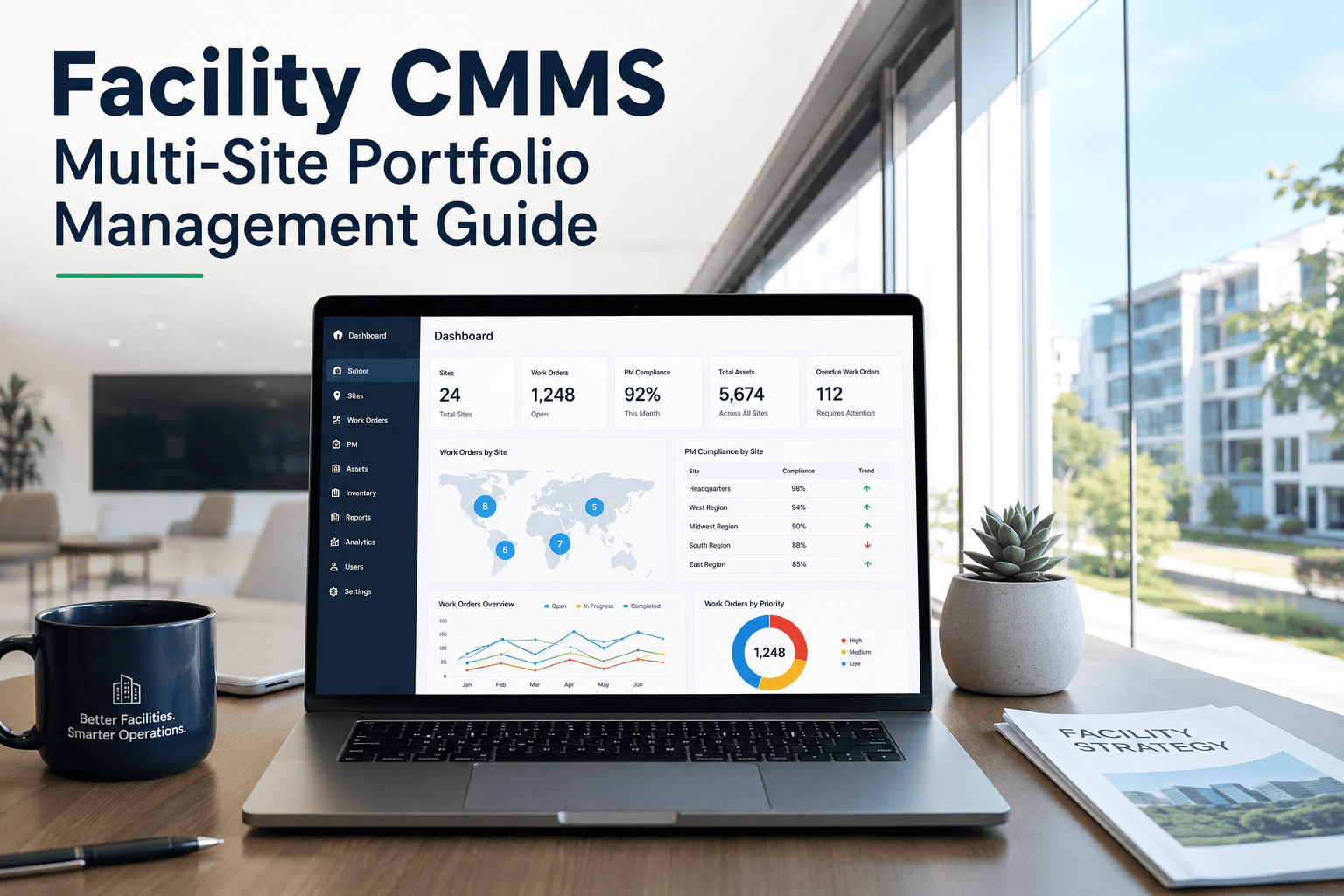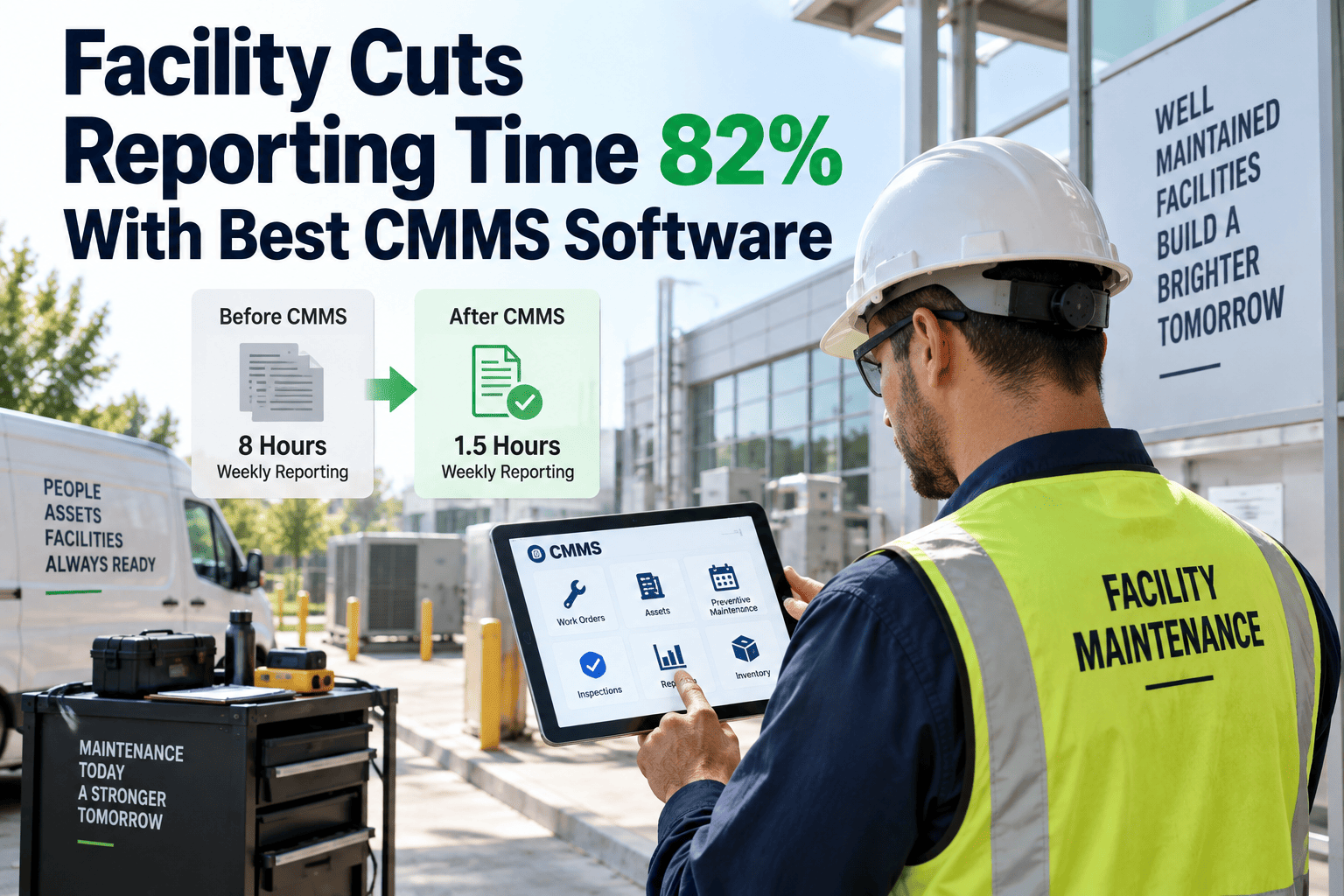
A regional facilities director running twelve buildings rarely has a data problem — she has a format problem. Site A logs HVAC inspections in a spreadsheet with four columns, Site B uses a six-field PDF form, and Site C's technician still emails a photo of a handwritten checklist. When the portfolio report lands on the director's desk each month, three different definitions of "completed" and two different ways of recording downtime have to be reconciled by hand before anyone can trust the number. That reconciliation tax is exactly what report standardisation software is built to remove.
One reporting format, every site, every technician, every month
Facility report standardisation software replaces the patchwork of spreadsheets, PDFs and paper logs that make multi-site portfolios impossible to compare — so a work order closed in Denver means the same thing as one closed in Dallas, and a portfolio dashboard reflects reality instead of a reconciliation exercise.
Why multi-site facility reporting quietly breaks down
Every facility team starts with good intentions and a shared template. Within a year, each site has quietly adapted it — a dropped field here, a renamed status there — until the "same" report means twelve different things, and nobody can say exactly when the drift began.
What it looks like today
- Site-level spreadsheets with different column orders and naming conventions
- Technicians recording labor hours, parts and downtime in free text
- Regional managers manually re-keying data into a master file each month
- No shared definition of "critical", "planned" or "overdue" across sites
- Compliance evidence stored in inboxes, not a searchable system of record
What it costs the business
- Portfolio KPIs that cannot be trusted without a manual audit first
- Regional managers spending days, not hours, closing the books each month
- Underperforming sites hidden inside averages instead of flagged early
- Audit and insurance requests that take weeks to assemble from scattered files
- New sites onboarded with whatever format the incoming manager prefers
None of this shows up as a single dramatic failure. It shows up as a slow erosion of trust in the numbers — until a board meeting, an insurance renewal or a lender review forces someone to reconcile twelve versions of the truth in a single afternoon.
Format drift is a process failure, not a discipline failure
Facility teams rarely lack effort. What they lack is a system that makes the standardised format the path of least resistance rather than an extra step technicians have to remember.
No single schema for asset and work order data
When each site builds its own field list in Excel, there is nothing forcing "asset type", "downtime cause" or "priority" to mean the same thing twice.
Reporting happens after the work, not during it
Paper logs and end-of-shift spreadsheets get filled from memory, so the data quality depends entirely on how careful one technician felt that day.
No enforced validation at the point of entry
A free-text field accepts anything, so "HVAC", "hvac unit" and "AC-1" all describe the same asset across three different reports.
Turnover resets the template
Every new site manager or technician who inherits a spreadsheet adjusts it slightly to fit their own habits, and the drift compounds year over year.
What standardisation changes at the report level
The difference is not cosmetic. A standardised CMMS report structure changes what a regional manager can actually do with the data the moment it arrives.
| Reporting element | Before standardisation | After standardisation |
|---|---|---|
| Asset naming | Free text, varies by site and technician | Fixed asset register with shared IDs and categories |
| Work order status | Site-specific labels (done, closed, fixed) | One controlled status list across every site |
| Downtime cause | Free-text notes, inconsistent detail | Structured failure-mode dropdown, same taxonomy everywhere |
| Compliance evidence | Photos and PDFs in email or shared drives | Attached to the work order, searchable by asset and date |
| Monthly roll-up | Manual re-entry into a master spreadsheet | Automatic dashboard aggregation across all sites |
Five steps to a standardised multi-site reporting format
A standardisation project succeeds or fails on sequencing. Build the schema before you touch the technology, and the software becomes an enforcement layer rather than another format to reconcile. Teams that reverse the order — buying software first and figuring out the schema later — usually end up automating the same inconsistencies they were trying to fix.
Define one shared data schema
Agree, across every site, on the exact fields that make up an asset record, a work order and an inspection — names, categories, statuses and priority levels included.
Migrate every site onto one asset register
Replace site-specific spreadsheets with a single, portfolio-wide asset hierarchy so the same asset type is tagged identically wherever it sits.
Build the report templates once, lock the fields
Standard inspection checklists, PM templates and downtime forms are built centrally and deployed to every technician, with required fields that cannot be skipped.
Capture data at the point of work, not after
Mobile work orders let technicians log labor, parts, downtime cause and completion status on-site, in the same structured format every time.
Roll up automatically, review by exception
Once every site reports through the same structure, portfolio dashboards aggregate automatically, and managers review outliers instead of re-building spreadsheets.
Bring every site onto one reporting format
Standardise asset records, work orders and inspection reports across your entire portfolio with a CMMS built for multi-site operations.
What a standardised reporting layer should let you measure
Standardisation is only worth the effort if it produces numbers leadership can act on. These are the KPIs a multi-site reporting format should surface without a manual reconciliation step, and the ones worth putting in front of an operations committee every month.
A rollout checklist for facility and operations leaders
Standardisation projects stall when they try to fix every site at once. A phased checklist keeps the project moving without disrupting daily maintenance work.
Audit current report formats across a sample of five sites to map every field variation in use today, including the ones nobody remembers deciding on.
Agree a single asset and work-order schema with input from at least one technician per region so the fields match how work actually gets done.
Pilot the standardised templates at two or three sites before a portfolio-wide rollout, and treat early complaints as design feedback, not resistance.
Train technicians on mobile data capture so entries happen on-site, not from memory at shift end, when detail is easiest to lose.
Retire the legacy spreadsheets only once a full reporting cycle has run cleanly on the new format across every pilot site.
Set a quarterly review of dashboard data quality so drift is caught early, before a new site manager reintroduces an old habit.
What is pushing multi-site portfolios toward standardised reporting in 2026
Three forces are converging on facility operators this year, and each one makes an unstandardised report format more expensive to keep running.
Portfolio consolidation and REIT reporting
Real estate investment trusts and multi-site operators are under growing pressure from investors and lenders to show consistent, auditable operating data across every property in a portfolio, not a narrative built from site-by-site summaries.
IoT and sensor data at scale
As more sites add connected meters, vibration sensors and building automation feeds, the volume of incoming data makes a manual, spreadsheet-based reporting process physically impossible to sustain past a handful of sites.
Mobile-first field teams
Technicians increasingly expect to log work from a phone or tablet on the job, not fill out a spreadsheet back at a desk — which pushes the reporting format toward structured mobile forms rather than free-text documents.
Benchmarking across sites
Operations leaders want to compare MTTR, PM compliance and repair spend site to site so capital and staffing decisions are based on data rather than which manager complains loudest.
Standardised reporting is also an audit-readiness strategy
Insurance renewals, safety inspections and lender audits all ask for the same thing in different words: proof that maintenance happened, when it happened, and who signed off on it. A standardised format turns that proof into a search rather than a scavenger hunt.
Every site records evidence the same way
Photos, signatures and completion timestamps attach to the work order itself, in the same fields, whether the site is in Phoenix or Pittsburgh.
Auditors query one system, not twelve inboxes
A compliance request for "every fire suppression inspection in the last 18 months" becomes a filtered report instead of a week of emails to site managers.
Gaps surface before the auditor finds them
Because every site reports on the same schedule and fields, a missed inspection at one location shows up on the portfolio dashboard well before renewal season.
What to look for in facility report standardisation software
Not every CMMS enforces a shared format the same way. Before committing to a platform for a multi-site rollout, weigh it against the capabilities that actually prevent format drift from creeping back in.
| Capability | Why it matters for multi-site portfolios |
|---|---|
| Central asset register | One naming convention and hierarchy for every asset, applied automatically to new sites |
| Configurable required fields | Technicians cannot close a work order without completing the fields the portfolio depends on |
| Mobile work order capture | Data entered on-site, at the time of the work, instead of reconstructed later from memory |
| Portfolio-level dashboards | Every site's data rolls up automatically without a manual export-and-merge step |
| Role-based access by site | Site managers see their own operations while regional leaders see the full portfolio view |
| Template library and cloning | New sites launch with the same PM schedules and inspection forms from day one |
A platform that scores well against this list does more than store data — it makes the standardised format the only practical way for a technician to close a work order, which is what actually stops drift from returning after the rollout is finished. Treat the evaluation as a test of enforcement, not just a feature checklist, because enforcement is what survives staff turnover and a new site manager's personal preferences.
Where multi-site standardisation projects go wrong
Most failed rollouts do not fail because of the software. They fail because of how the schema and the change process are handled before anyone opens a laptop.
Designing the schema without field input
A format built entirely by head office, without a working technician in the room, tends to miss the exceptions that make real jobs hard to log — and gets quietly worked around within weeks.
Rolling out to every site at once
Without a pilot, the first real problems with the template, the mobile workflow or the training surface across the whole portfolio simultaneously, instead of at one manageable site.
Keeping the old spreadsheet as a backup
If technicians can still fall back to the familiar spreadsheet, some will — and the portfolio ends up maintaining two formats instead of retiring one.
Facility report standardisation — common questions
How long does a multi-site standardisation rollout take?
Most portfolios pilot at two or three sites in the first month, then expand once the template and mobile workflow are proven. A full portfolio rollout typically runs 3–6 months depending on site count. You can pilot the workflow yourself — Get Started at one site this month.
What happens to historical data from the old spreadsheets?
Historical records can be imported and mapped to the new schema, so past PM history and asset records carry forward instead of being lost during migration. Most teams keep the legacy files as a read-only archive for the first year.
Do technicians need to learn a complex new system?
Mobile work order forms are built around the same steps a technician already follows on a job, with required fields guiding entry rather than a blank spreadsheet.
Can each site still track anything unique to its operations?
Yes — the core schema stays consistent across the portfolio while site-specific fields can be added without breaking the shared reporting structure, so local requirements do not force every other site back into free text.
How do we see the reporting format before committing?
A short walkthrough covers asset setup, mobile work orders and portfolio dashboards. Book a Demo to see it configured for your site count.
Stop reconciling twelve formats into one report
Move every site onto a single asset register, work order structure and reporting format — and get portfolio dashboards you can trust without a manual audit, a spreadsheet merge, or a week of chasing site managers for numbers.
Free trial · No credit card required