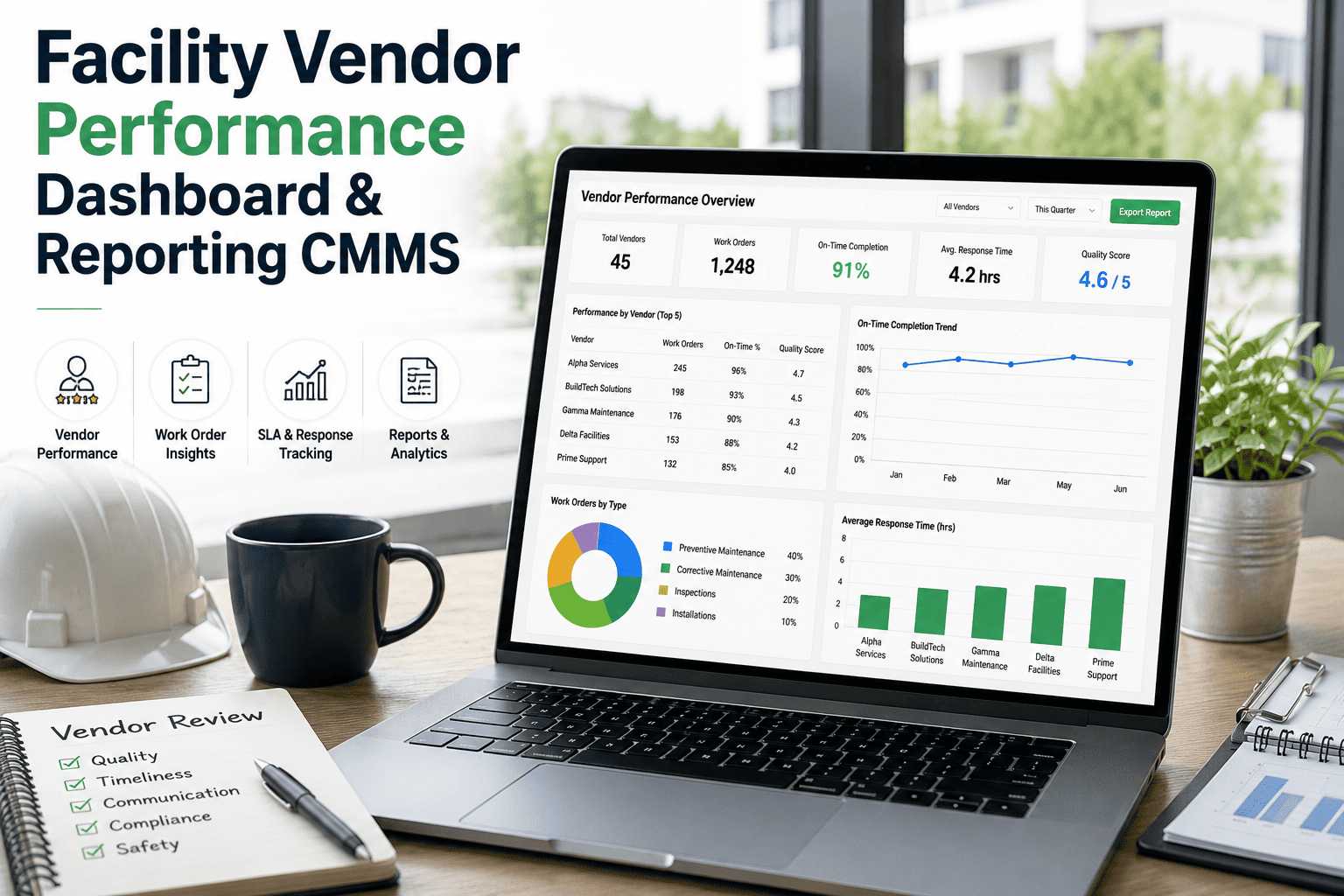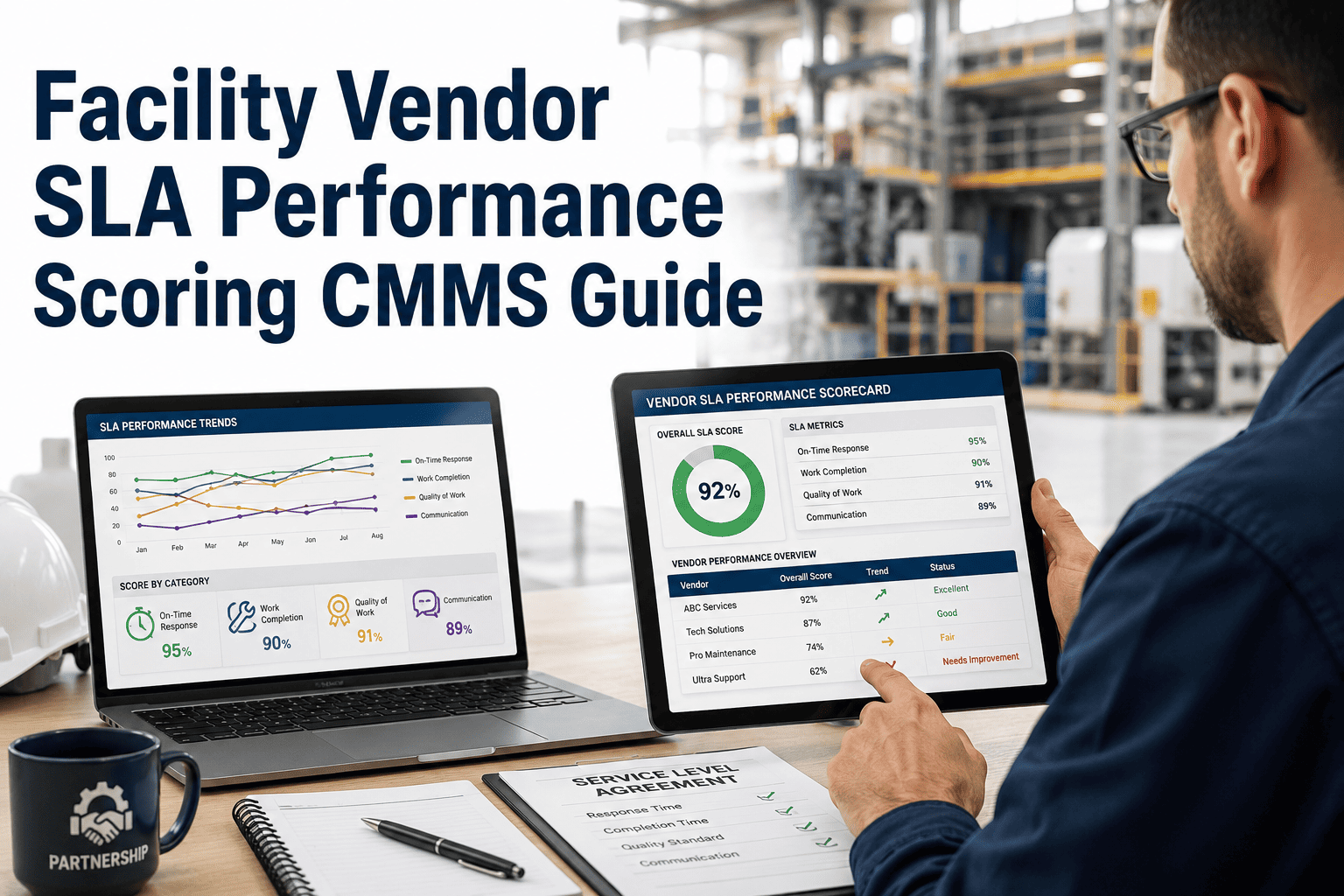
Facility vendor SLA performance scoring is the discipline that turns a 200-page maintenance contract into a number a procurement team can act on — and a CMMS is what makes that number defensible. Most plants still grade vendors on gut feel or single-incident complaints, then wonder why the same HVAC, fire-suppression, and elevator vendors miss the same response windows quarter after quarter. When you score every work order against agreed response time, first-time-fix rate, MTTR, and documentation completeness inside a CMMS scorecard, you replace opinions with audit-ready evidence — and the vendors who underperform either improve or lose the contract. The guide below walks through the metrics, benchmarks, scoring formula, and CMMS workflow needed to make vendor scoring stick. Start Free Trial to build your first vendor scorecard in under an hour.
Are your facility vendors hitting 95% SLA compliance — or are you subsidizing their delays?
Most facility teams cannot answer this question with data. They track work orders but never roll them into a defensible vendor scorecard. The result: late escalations, repeated downtime, and contracts renewed on inertia instead of evidence. A CMMS-based SLA scoring model closes that gap in 30 days.
The five metrics that belong on every vendor scorecard
A defensible vendor scorecard tracks five measurable dimensions — not opinions. Each metric maps to a clause in the MSA or service contract and rolls up into a single 0–100 score vendors cannot argue with.
Response Time Compliance
Percentage of work orders where the vendor acknowledged the request within the contractual window (typically 2 hr for critical, 8 hr for routine). The single most-litigated SLA clause in facility contracts.
First-Time-Fix Rate
Share of tickets resolved on the first technician visit without a callback or second dispatch. Low FTFR signals poor diagnostics, under-stocked parts, or unqualified techs — all vendor-controllable.
Mean Time to Resolution
Average elapsed hours from ticket creation to verified closure. MTTR captures the full vendor cycle — dispatch, travel, diagnosis, repair, paperwork — and is the truest proxy for downtime cost.
Documentation Completeness
Percentage of closed work orders with a complete digital packet: labor hours, parts used, photos, root-cause code, and asset tag. Incomplete packets stall warranty claims and audit trails.
Customer Satisfaction Score
Post-service rating from the on-site facility contact, captured automatically by the CMMS on work-order closure. One-star reviews on emergency callouts predict vendor churn risk months before a missed-KPI report does.
Repeat-Failure Rate
Percentage of assets that generate a second ticket for the same fault code within 30 days of a vendor repair. A high rate means the vendor patched the symptom, not the root cause — a hidden cost most scorecards miss.
How to calculate a defensible 0–100 vendor SLA score
The formula below is weighted so that response time and resolution quality dominate the score, while documentation and satisfaction act as modifiers. Weights are configurable in a CMMS but these defaults reflect ISO 55000 asset-management priorities.
Each component is expressed as a 0–100 percentage (e.g., 92% response-time compliance = 92). The composite produces a single number per vendor per month — the basis for renewal, penalty, or escalation decisions.
| Composite Score | Performance Band | Contract Action | Payment Terms |
|---|---|---|---|
| 90 – 100 | Exemplary | Auto-renew eligibility, preferred-vendor status | Full invoice + 2% early-pay bonus |
| 80 – 89 | Compliant | Standard renewal, quarterly review | Full invoice, net-30 |
| 70 – 79 | At Risk | Formal improvement plan, 60-day re-score | 5% holdback until score ≥ 80 |
| 60 – 69 | Non-Compliant | Penalty clause triggered, RFP re-bid initiated | 10% penalty deduction |
| Below 60 | Breach | Contract termination for cause | Withheld pending audit |
A 180-asset plant spending $42K/yr on HVAC vendor calls
Consider a food-processing facility with 180 tagged assets — chillers, AHUs, walk-in coolers — spending roughly $42,000 annually on an outsourced HVAC vendor. Before CMMS-based scoring, the vendor's invoices were paid in full and response complaints were handled by phone calls. Here is what changed when the same 12 months of work-order data were scored retroactively.
Vendor was paid 100% — performance was invisible
- 262 work orders closed in 12 months41% breached the 4-hr critical response window
- 1.8 average revisits per ticket (FTFR ~52%)
- $9,400 in downtime attributed to delayed response
- Zero documentation on 38% of closed tickets
Same vendor, same contract — scorecard published monthly
- 9% response-window breach (down from 41%)
- 2.1 average revisits → 0.6 (FTFR ~83%)
- $2,100 downtime — a $7,300 recovery
- Documentation completeness rose to 94%
- Vendor accepted 5% holdback clause to keep contract
The vendor did not get better by accident. The scorecard made the gap visible, the monthly review made it accountable, and the holdback clause made it expensive to ignore.
— Facility Manager, mid-size food processing plantFrom contract clauses to live scorecard in 30 days
A vendor SLA scorecard is not a year-long IT project. Most facility teams can configure CMMS scoring rules, import active vendor contracts, and publish the first monthly scorecard within four weeks. Below is the standard implementation path.
Map contract clauses to CMMS fields
Extract response-time windows, escalation tiers, and penalty clauses from each vendor MSA. Map them to CMMS priority codes, asset categories, and work-order status triggers. Every clause must correspond to a measurable field — if it cannot be measured, it cannot be scored.
Configure scoring rules and weightings
Inside the CMMS, set up automated scorecards per vendor. Assign the formula weights (30/25/20/10/10/5 is the default, adjustable per contract type). Enable auto-calculation so every closed work order updates the vendor's rolling 30-day and 90-day scores without manual entry.
Backfill 90 days of historical work orders
Import the last 90 days of completed tickets per vendor to establish a baseline score. This baseline is what every future month is measured against — and it is usually worse than anyone expected, which is exactly the motivation needed to drive vendor behavior change.
Publish the first monthly scorecard
Generate the first vendor scorecard PDF from the CMMS and distribute it in the quarterly business review. Vendors respond to numbers they can see — especially when those numbers are tied to holdback clauses, renewal decisions, and re-bid eligibility. The first scorecard is where accountability begins.
Turn next month's vendor invoices into evidence
Configure your vendor SLA scorecard in OxMaint CMMS and publish the first monthly report before your next facility review.
What un-scored vendor performance actually costs
When vendor SLAs are not tracked in a CMMS, the cost does not show up on a single invoice — it hides across downtime, callbacks, warranty losses, and contract renewals that should never have happened. These are the numbers facility teams measure when they finally switch on scoring.
Vendor SLA scoring — the questions facility teams ask first
What is a vendor SLA scorecard in a CMMS?
A vendor SLA scorecard is an automated report inside a CMMS that calculates a 0–100 composite score for each vendor based on response time, first-time-fix rate, MTTR, documentation completeness, customer satisfaction, and repeat-failure rate. The scorecard refreshes with every closed work order, giving procurement a real-time, audit-ready view of vendor performance instead of quarterly guesswork.
How often should vendor SLA scores be reviewed?
Scores should be calculated continuously (every closed ticket updates the rolling average) but formally reviewed monthly with the vendor and quarterly with procurement. Monthly cadence is short enough to catch degradation before it becomes a breach, and long enough to give the vendor a fair sample of work orders. Annual reviews are too slow — by then the damage is on the P&L.
Can SLA scoring handle different contract types and priority levels?
Yes. A CMMS lets you define separate response-time windows per priority code (e.g., 2 hr for P1-critical, 8 hr for P3-routine) and per service category (HVAC, fire, elevator, janitorial). The scoring engine applies the correct threshold to each work order automatically, so a single composite score can fairly aggregate performance across mixed contract terms. To see this configured live, Book a Demo.
What happens when a vendor disputes their score?
Every component of the score is tied to a CMMS work-order record with timestamps, status changes, labor logs, and photo evidence. A disputed score is resolved by opening the underlying tickets — not by re-litigating opinions. This is why documentation completeness (90% target) is itself a scored metric: incomplete packets weaken your position in a dispute and are penalized in the formula.
How long does it take to implement vendor scoring in OxMaint?
Most facility teams are live in 30 days: Week 1 maps contract clauses to CMMS fields, Week 2 configures scoring rules and weightings, Week 3 backfills 90 days of historical work orders for a baseline, and Week 4 publishes the first monthly scorecard. You can Start Free Trial and build the first scorecard template the same day you sign up — no implementation fee, no credit card.
Your vendors are already being scored — by your downtime
Make the score visible, defensible, and tied to contract action. Build your vendor SLA scorecard in OxMaint CMMS today.
Free 14-day trial · No credit card