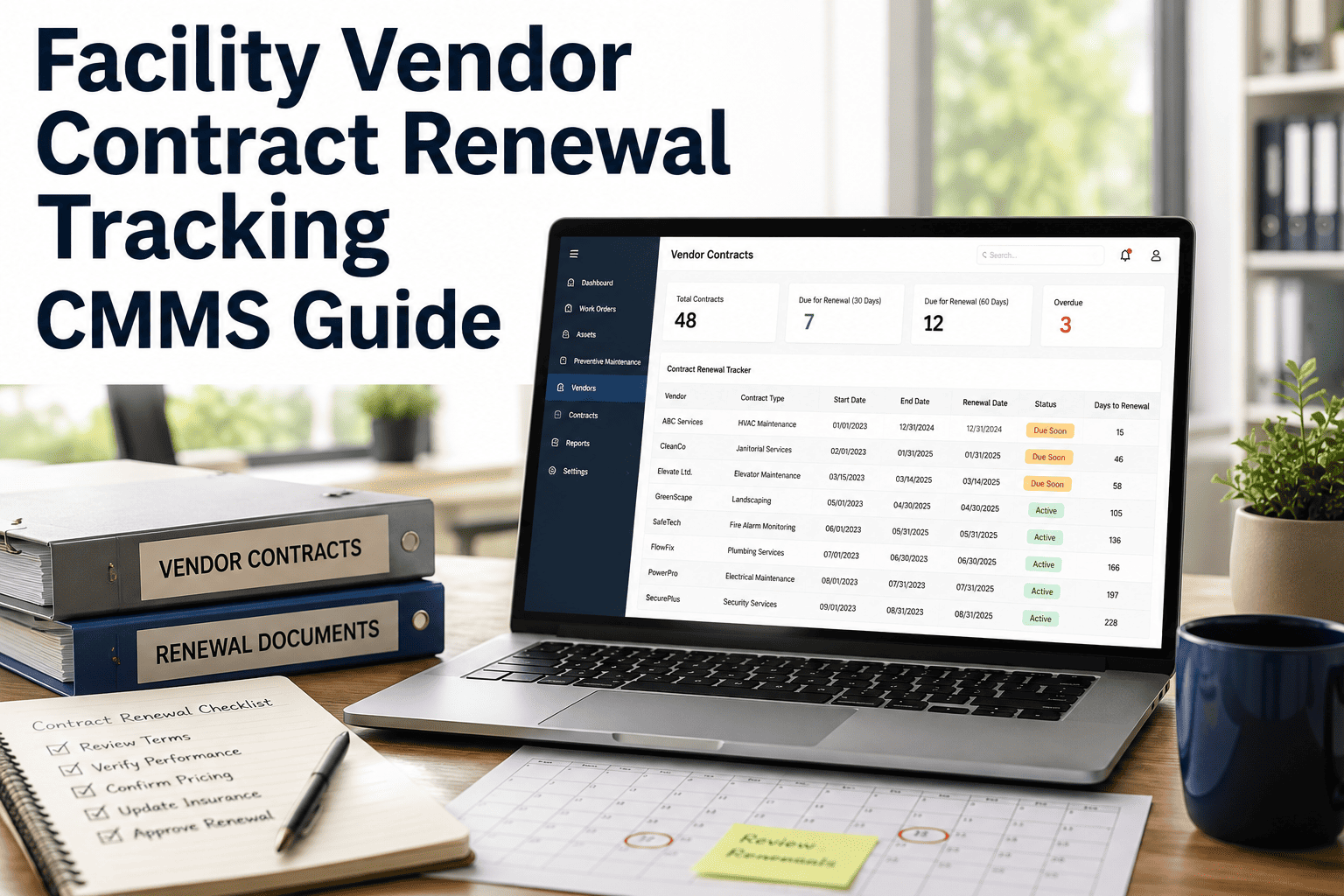
Managing facility vendor contracts through spreadsheets and shared drives is one of the most common blind spots in maintenance operations, with research suggesting that 30–40% of organizations still rely on manual tracking for renewal pipelines. When a single HVAC service agreement or elevator maintenance contract auto-renews or lapses unnoticed, the downstream cost can be 15–25% higher than a negotiated renewal and weeks of unplanned downtime. A CMMS-based contract renewal pipeline eliminates that risk by centralizing expiration alerts, performance scoring, and procurement approvals in one auditable system. If you want to stop firefighting contract deadlines, the fastest path is to Start Free Trial and configure your vendor pipeline in under an hour.
Is a $200K facility contract auto-renewing next month without anyone reviewing performance?
Without a structured renewal pipeline, 1 in 4 facility vendor contracts renews at default rates or lapses entirely. A CMMS gives you expiration alerts 90 days out, MTTR-based performance scoring, and a procurement-ready decision trail on every agreement.
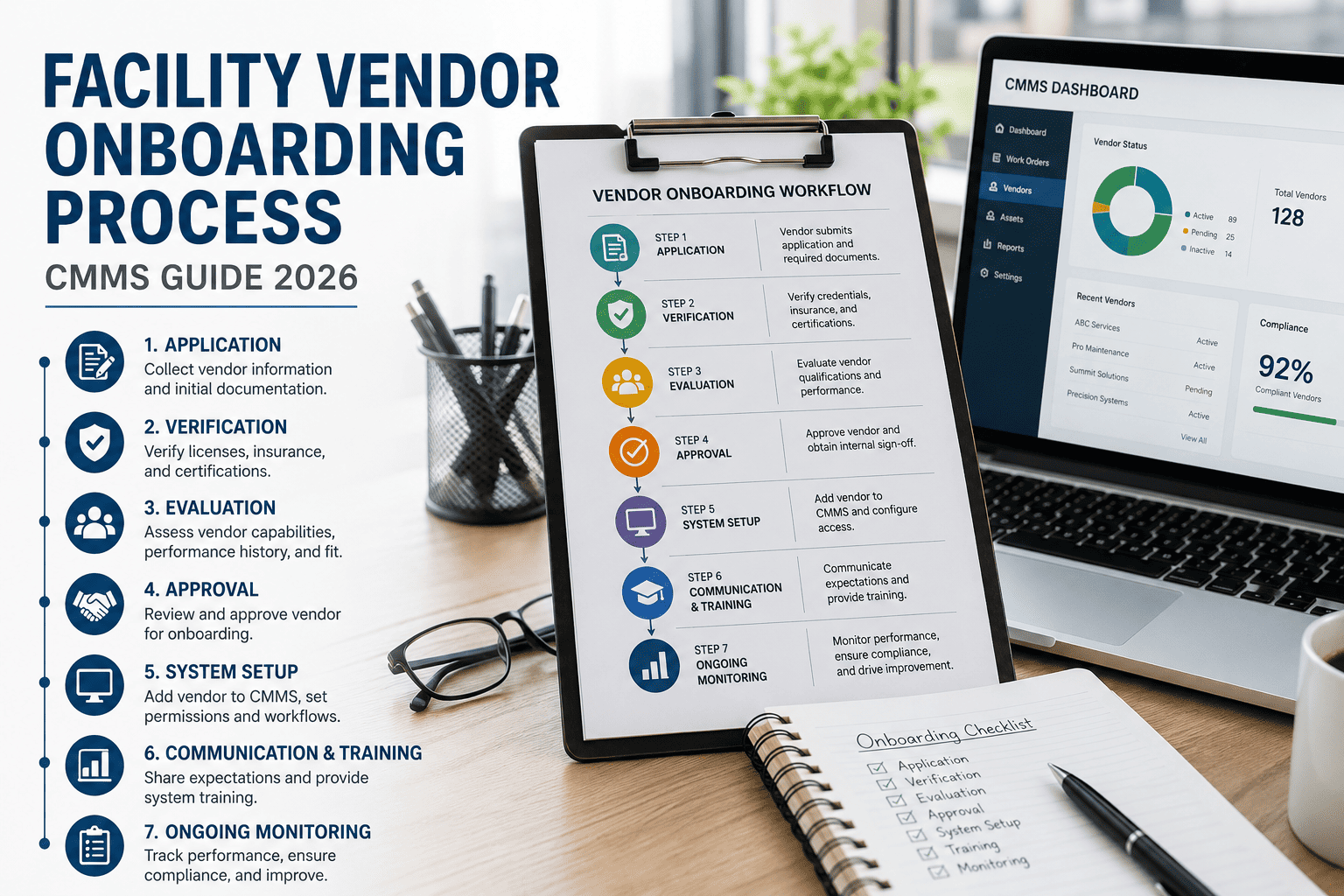
Four stages from expiration alert to signed renewal
A CMMS pipeline compresses the renewal cycle from a reactive scramble into a predictable 90-day workflow. Each stage has a defined owner, a data trigger, and a documented handoff.
Expiration alert fires
CMMS scans the contract registry and fires a tiered alert — 90, 60, and 30 days out — to the facility manager and procurement lead. No contract reaches its renewal window unnoticed.
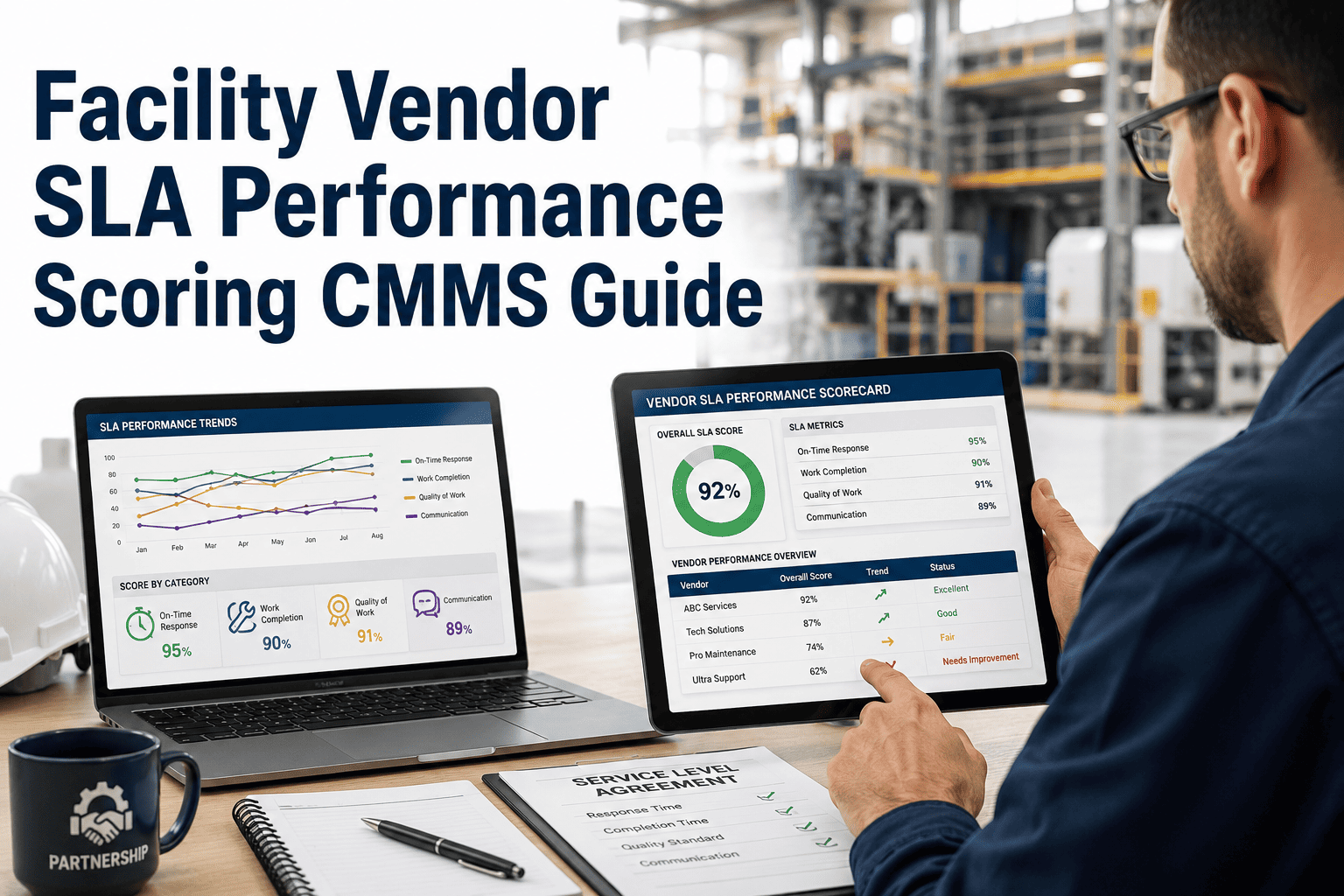
Vendor performance scored
The system aggregates work-order data — MTTR, first-time-fix rate, SLA breach count, and mean cost per asset — into a renewal scorecard. Vendors below threshold are flagged for re-bid.
Renew, renegotiate, or re-bid
Procurement reviews the scorecard and chooses one of three paths. Renegotiation leverages documented SLA gaps; re-bid pulls three quotes from pre-qualified vendors already loaded in the CMMS.
Contract executed and logged
The renewed or new contract is uploaded to the vendor record, terms map to asset-level PM schedules, and the next expiration date is auto-set. The audit trail closes cleanly.
What changes when renewals live in a CMMS
The gap between manual tracking and a CMMS pipeline is measurable. Below is a side-by-side of the same 180-vendor facility running renewals both ways.
| Renewal capability | Spreadsheet / shared drive | CMMS contract pipeline |
|---|---|---|
| Expiration visibility | Manual monthly review; 1 in 4 missed | Auto-alerts at 90 / 60 / 30 days |
| Performance evidence | Anecdotal; no work-order link | MTTR, FTFR, SLA scorecard per vendor |
| Renegotiation leverage | Limited; gaps undocumented | 11–18% average savings on renegotiated deals |
| Re-bid cycle time | 3–5 weeks from scratch | 5–7 days using pre-qualified vendor pool |
| Audit trail | Email threads and file versions | Single signed record per contract |
| Auto-renewal risk | High; default terms often accepted | Near-zero; every renewal is a deliberate decision |
The renewal scorecard formula
Instead of renewing because the deadline is urgent, score each vendor on the data already in your CMMS. Vendors below 70 trigger an automatic re-bid workflow.
FTFR = first-time-fix rate · SLA = on-time completion % · MTTR = normalized mean time to repair · Cost Var = variance vs. quoted cost per work order. Score range 0–100.
A 180-asset plant spending $42K/yr on elevator service
The vendor's FTFR sat at 61%, SLA breaches hit 14 in 12 months, and MTTR averaged 9.2 hours against a 4-hour SLA. The CMMS renewal score returned 58. Procurement re-bid, landed a vendor at $36K/yr with a 92% FTFR commitment, and the contract closed 22 days before expiration. Net first-year savings: $6,000 cash plus an estimated $11,000 in recovered downtime.
What a structured pipeline delivers
Facilities that move renewal tracking into a CMMS see consistent, measurable improvements within the first two renewal cycles.
Stop letting vendor contracts renew on autopilot
Configure your contract pipeline, set 90-day alerts, and score every vendor before the renewal window closes.
Facility vendor contract renewal tracking, answered
How early should a CMMS alert me before a facility contract expires?
A 90-day tiered alert is the standard — 90, 60, and 30 days out. Ninety days gives procurement enough runway to score vendor performance, decide between renew / renegotiate / re-bid, and execute paperwork before the window closes. Contracts with high dollar value or single-source vendors should trigger a 120-day alert.
What data does the renewal scorecard pull from the CMMS?
The scorecard aggregates work-order-level data already in the system: first-time-fix rate, SLA breach count, mean time to repair, cost variance against quoted rates, and asset-level uptime impact. No manual data entry is required — the score updates continuously as work orders close. You can review the live scorecard anytime, or Book a Demo to see a sample vendor report.
Can a CMMS prevent auto-renewals at default rates?
Yes. Every contract record carries an auto-renewal flag and a cancellation-notice deadline. The CMMS fires an alert ahead of that deadline, forcing a documented decision — renew, renegotiate, or cancel — before the window closes. This eliminates the most expensive renewal pattern: accepting default terms because no one reviewed the contract in time.
How long does it take to migrate existing contracts into the pipeline?
A typical facility with 80–200 vendor contracts can be fully loaded in one to two days. You upload contract PDFs or spreadsheets, map vendor names to existing work-order records, set expiration dates, and configure alert thresholds. The renewal scorecard populates automatically once historical work-order data is linked.
What happens to PM schedules when a vendor contract changes?
When a new contract is executed, its terms — service frequency, response-time SLAs, asset coverage — map directly to the corresponding preventive maintenance schedules in the CMMS. If you switch vendors, the PM calendar updates automatically and the old vendor's open work orders are reassigned, so there is no gap in coverage.
Build your renewal pipeline before the next contract expires
Set up expiration alerts, vendor scorecards, and a procurement-ready renewal workflow in under an hour.
Free 14-day trial · No credit card