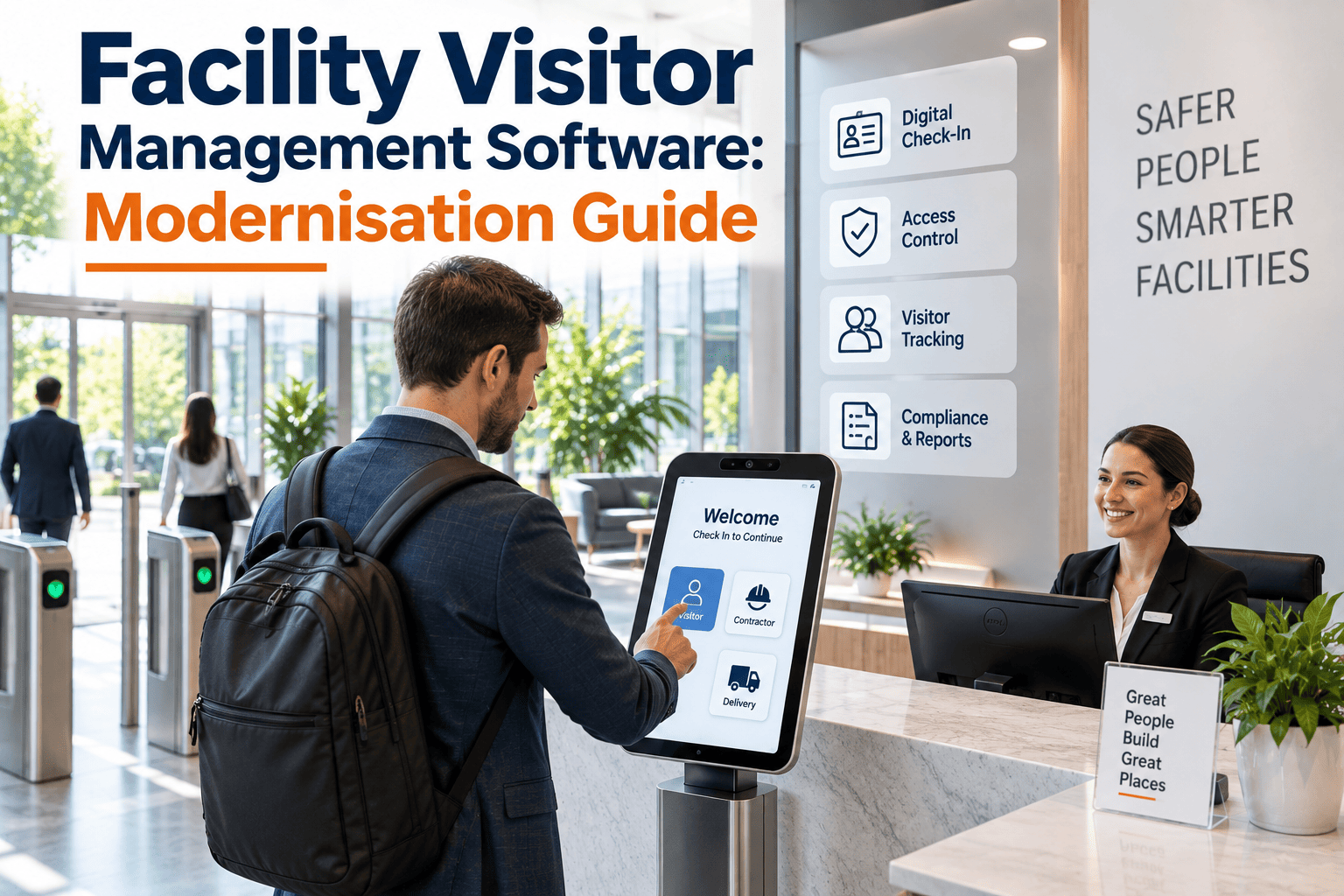
A paper sign-in sheet at the front desk looks harmless until an auditor asks for last month's contractor access records and nobody can produce them. Facility visitor management software has moved well past guest logging in 2026 — it now touches badge printers, access panels, kiosk hardware, and the work orders that govern who is allowed near a live asset. Facility and security teams researching a visitor management CMMS platform are really asking a broader question: how do we keep every device in the check-in chain running, and how do we prove who was on site when something went wrong. This guide breaks down the hardware, the workflow gaps, and the maintenance discipline that separates a visitor log from a defensible facility record.
Your Visitor Log Is Only As Reliable As The Hardware Behind It
Kiosk crashes, jammed badge printers, and access panels that silently fail turn a polished front desk into a liability. Facility teams pairing visitor management with a CMMS get scheduled device upkeep, work-order-linked contractor check-ins, and an audit trail that actually holds up.
The Visitor Experience Is Actually A Hardware Problem
Most facility teams treat visitor management as an IT or front-desk concern. In practice, every step of a visit depends on physical equipment that ages, jams, and fails like any other building asset.
Kiosk And Tablet Downtime
Check-in kiosks run on shared Wi-Fi, aging tablets, and cheap mounting hardware. A frozen screen during a busy morning pushes visitors into a manual paper workaround that nobody reconciles later.
Badge Printer Failures
Thermal printheads clog, ribbon stock runs out, and nobody notices until a visitor is standing at reception with no badge and no escort record.
Access Panel Drift
A reader that grants entry intermittently is worse than one that fails outright, because it creates false confidence in a system nobody is actively monitoring.
Orphaned Contractor Visits
Vendors get checked in against a generic "maintenance visit" reason with no link to the actual work order, asset, or technician assignment behind the visit.
Why Visitor Data And Maintenance Data Live In Separate Silos
Visitor management platforms are built by security and workplace-experience vendors. CMMS platforms are built by maintenance and asset teams. The two rarely talk to each other, which creates three specific gaps.
| Gap | What It Looks Like Day To Day | Consequence |
|---|---|---|
| No asset ownership on VMS hardware | Kiosks and printers are not registered as maintainable assets anywhere | No PM schedule, no fault history, reactive-only repairs |
| No zone lockdown awareness | Visitor check-in does not know an asset is under repair or a hazard exists | Escorted visitors walk into active work areas |
| No visit-to-work-order link | Contractor arrival is logged as a name and a time only | No chain of custody when equipment is later found damaged or missing |
| No compliance export | Visitor history and maintenance history sit in separate exports | Audit prep takes days of manual cross-referencing |
Worked Example: A 600-person corporate campus reviewed a month of visitor logs and found more than a third of check-ins had no matching checkout, including one contractor badge still showing as active nine hours after a forty-five minute service call. Cross-referencing that badge against a CMMS work order log would have flagged the discrepancy the same day instead of during a quarterly audit.
The Check-In-To-Work-Order Flow
A modernised visitor process treats every contractor arrival as an extension of the maintenance workflow, not a separate front-desk event.
Work Order Created
A technician or vendor is assigned to a work order tied to a specific asset and location before the visit is scheduled.
Visit Auto-Generated
The assigned company or contact is pre-registered automatically, so reception already expects them and knows exactly why.
Check-In Linked
Badge issuance is stamped against the work order ID, creating a timestamped chain from arrival to the asset being serviced.
Zone Awareness Applied
If the target asset is flagged under repair or hazardous, escort routing and access are adjusted before the visitor moves through the building.
Checkout Closes The Loop
Checkout time is compared against work order completion time, flagging any visit that runs long or never closes out.
See Contractor Check-In Linked To Your Work Orders
Book a 30-minute walkthrough and we will map how visitor arrivals, escort routing, and access-control status connect to live work orders inside OxMaint.
Treat Visitor Hardware Like Any Other Facility Asset
The fastest way to stop reactive visitor-desk emergencies is to bring the physical equipment into the same asset register as HVAC units and pumps.
- Register every kiosk, tablet, and mounting bracket as a tracked asset with a QR tag
- Set preventive maintenance for badge printer cleaning, ribbon replacement, and firmware updates
- Log every access panel by door, floor, and controller so a fault ticket routes to the right technician instantly
- Capture part-replacement history per device to inform warranty claims and lifecycle replacement decisions
- Allow a QR scan at the device itself to open a work order with asset context pre-filled
Facility teams that start by registering only mechanical and HVAC assets tend to expand into visitor and security hardware once they see how much unmanaged downtime was hiding in devices nobody had ever assigned an owner to.
What Changes Once Visitor Hardware Sits Inside The CMMS
Before
After
What Facility Teams Typically See After Modernisation
A Practical Rollout Timeline
Facility teams do not need to replace their visitor management platform to fix the maintenance gap underneath it. Most rollouts follow four stages.
Inventory The Hardware
Walk every reception point and register kiosks, printers, and access panels as assets with location and serial data.
Set Preventive Schedules
Build PM triggers for printer maintenance, kiosk reboots, and reader diagnostics based on manufacturer intervals.
Connect Visit Data To Work Orders
Configure automatic visit generation for vendor companies tied to open work orders so arrivals are pre-expected.
Run The First Combined Audit
Pull a single report cross-referencing visitor checkout times against work order completion times to catch gaps early.
Why 2026 Is A Turning Point For Visitor Programs
Three forces are converging on facility visitor programs at the same time, each raising the stakes for treating the underlying hardware as an afterthought.
Calendar-Integrated Pre-Registration
A meeting invite now automatically creates a visitor record, host notification, and pre-printed badge, but only if the printer, kiosk, and network path behind that automation stay online.
Higher Contractor Accountability Standards
Insurers and corporate security teams ask harder questions about contractor access after publicized incidents involving unescorted vendors near restricted equipment.
Portfolio-Wide Data Consolidation
Multi-site organizations are pulling visitor data into the same dashboard as facility and security platforms rather than stitching together exports from a dozen buildings.
What An Unmanaged Visitor Hardware Program Actually Costs
The financial exposure of an outdated visitor process rarely shows up as a single incident. It accumulates through daily friction that is easy to dismiss until it is added up.
Lost Productivity At The Desk
Every kiosk outage pushes staff back to manual sign-in, doubling front-desk workload and creating a paper record that has to be re-entered later or simply never is.
Emergency Vendor Callouts
Reactive-only printer and kiosk repairs cost more per incident than a scheduled service call, and rush fees add up quickly across a multi-site portfolio.
Compliance Remediation Hours
When an audit finds gaps, the remediation project to reconstruct missing records consumes far more staff time than maintaining the discipline would have in the first place.
Reputational Exposure
A visitor who witnesses a chaotic, malfunctioning check-in process forms an impression of the entire organization within the first minute of arrival.
Who Should Own Visitor Hardware Maintenance
One of the most common rollout mistakes is leaving visitor equipment ownership ambiguous between IT, security, and facilities. A clear division of responsibility prevents devices from falling through the cracks.
| Responsibility | Typical Owner | Why It Belongs There |
|---|---|---|
| Network and software platform | IT / Security | Owns the visitor management software, integrations, and data governance |
| Physical device upkeep | Facilities / Maintenance | Owns power, mounting, printer servicing, and physical fault response |
| Consumables and supply | Facilities / Front Desk | Owns badge stock, ribbon, and reorder thresholds tied to actual usage |
| Compliance reporting | Security / Compliance | Owns the audit-ready export that draws from both platforms |
Putting the physical asset register inside the same CMMS that already tracks HVAC, electrical, and life-safety equipment removes the ambiguity, because every device has one documented owner and one place to report a fault regardless of which department manages the software layer above it.
Scaling Visitor Hardware Maintenance Across A Portfolio
A single-building rollout is straightforward. Portfolio-wide consistency is where most visitor management programs actually break down.
Mismatched Hardware Generations
Different buildings often end up on different kiosk models, printer brands, and firmware versions, making it hard for a regional manager to diagnose a fault remotely.
One Standard Asset Record
When every site logs kiosks, printers, and panels the same way inside one CMMS, fault frequency and consumable spend become comparable across the entire portfolio.
Tractable Compliance Reporting
A consolidated view is what makes multi-site audits manageable, instead of requesting a separate export from every building during a routine review.
A Practical Starting Point For Small Teams
Facility teams without dedicated security staff can still close most of the visitor hardware gap without a large project budget.
Begin with the single highest-traffic reception point rather than a portfolio-wide rollout on day one. Register the kiosk, printer, and door reader at that location, set a basic preventive maintenance schedule for consumables, and run one test audit comparing visitor checkout times against known work order activity for that week. That single-location proof point is usually enough to justify extending the same registry to every other reception desk.
Facility Visitor Management Questions
Does visitor management hardware really need preventive maintenance?
Yes. Kiosks, badge printers, and access panels fail like any other electromechanical asset, and unmanaged failures create both a poor visitor experience and a security gap at the same time.
How does linking visits to work orders improve compliance?
Every contractor check-in gets stamped against the work order that justified the visit, giving auditors a direct chain of custody instead of a standalone name-and-time log entry.
Can a CMMS replace our existing visitor management platform?
No, and it does not need to. A CMMS like OxMaint manages the hardware and links visits to maintenance records, working alongside whatever front-desk visitor platform is already in place.
What is the fastest first step toward modernisation?
Register the kiosks, printers, and access panels as maintainable assets first. Most of the audit exposure disappears once those devices have an owner, a schedule, and a fault history. Start a free trial to see how quickly that registry can be built.
How do we handle a work area that is under active repair?
Flagging an asset as under repair inside the CMMS can drive escort routing and access changes for any visitor whose visit touches that zone, reducing the chance of an unescorted walk into a hazard.
Stop Treating Visitor Hardware As An Afterthought
Bring kiosks, badge printers, and access panels into the same maintenance discipline as the rest of your building, and give every contractor visit a defensible paper trail.
Free 14-day trial · No credit card