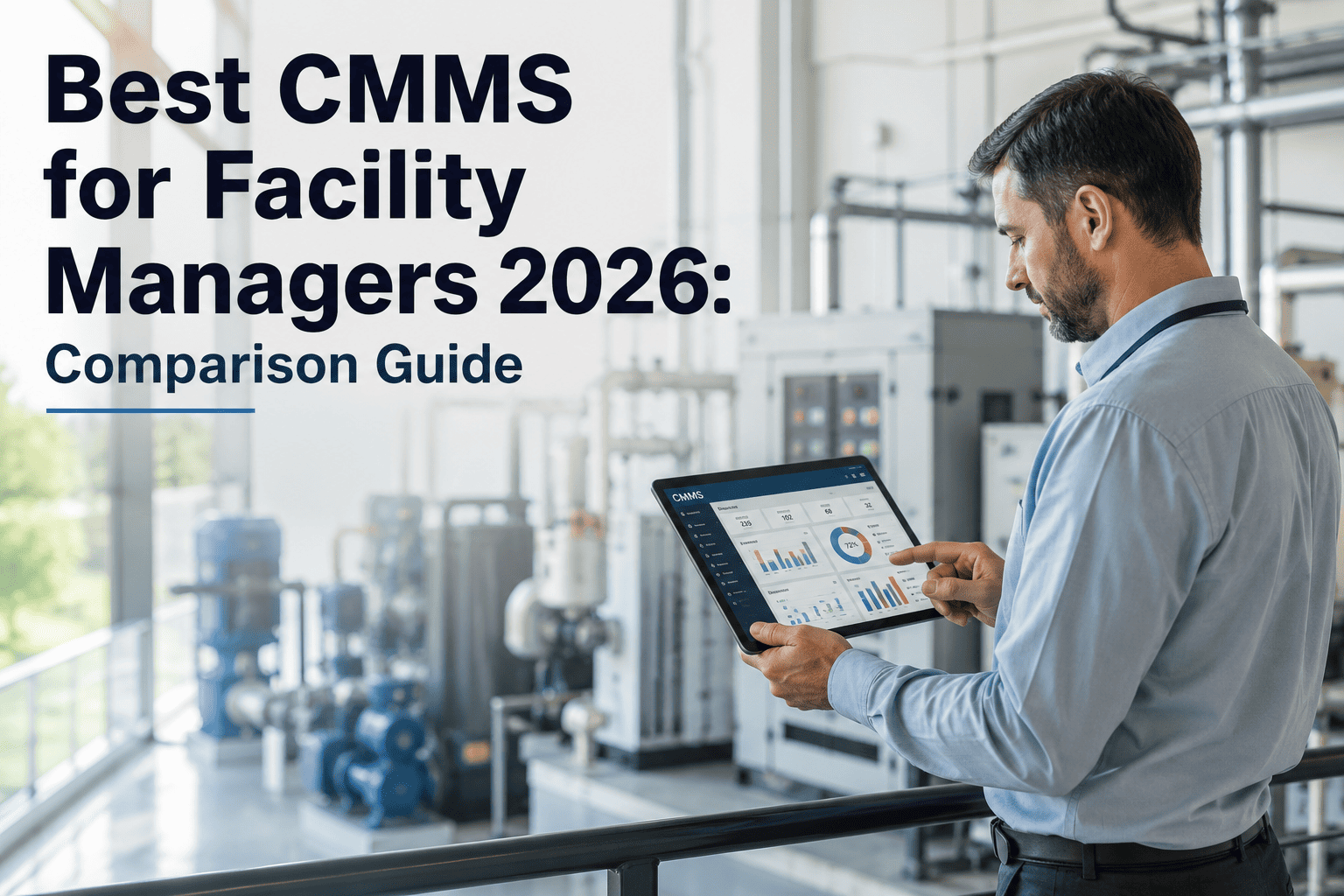
Best Facility Inspection Software 2026: Top Solutions

By shreen on February 12, 2026

best-facility-inspection-software-2026-top-solutions

Every facility manager knows the frustration: clipboards stuffed with paper checklists, photos lost in camera rolls, and inspection findings buried in spreadsheets that nobody reviews until an auditor shows up. In 2026, the gap between organizations running manual inspections and those using purpose-built inspection software is wider than ever — with digital-first teams completing audits 3x faster and catching 47% more deficiency items per round. If your team is still stitching together generic tools, it is time to evaluate the platforms built specifically for facility inspection workflows. Sign up free on Oxmaint to digitize your facility inspections today.

Why Facility Inspection Software Matters More Than Ever

Regulatory bodies are tightening enforcement cycles, insurance providers are demanding digital audit trails, and asset portfolios are growing more complex. Manual inspection methods cannot scale with these pressures — they introduce transcription errors, create compliance blind spots, and delay corrective action by days or weeks. Modern inspection platforms eliminate these gaps by combining mobile data capture, automated scheduling, real-time dashboards, and direct integration with maintenance management systems.

3x
Faster audit completion with mobile inspection apps vs paper forms
47%
More deficiencies caught per inspection round using digital checklists
72%
Reduction in time from finding to corrective work order generation
89%
Of top-performing facilities use dedicated inspection software in 2026
Key Insight
68% of facility managers
report that their biggest inspection bottleneck is not finding problems — it is converting findings into tracked, completed corrective actions. The best inspection software in 2026 closes this loop automatically by generating maintenance work orders the moment an inspector flags a deficiency.

What to Look for in Facility Inspection Software

Not every platform claiming inspection capabilities is built for facility operations. The best solutions combine mobile-first field capture with asset-aware scheduling, automated compliance tracking, and native CMMS integration. Here are the critical capabilities that separate purpose-built inspection tools from generic form builders.

01

Configurable Digital Checklists

Your inspection templates must mirror your actual facility requirements — not force you into a rigid format. Look for platforms that let you build checklists with conditional logic, photo capture requirements, pass/fail/NA scoring, and severity ratings per item. Templates should be reusable across locations and versionable for regulatory updates. Create your first digital checklist free on Oxmaint.

02

Offline-Capable Mobile Access

Facility inspections happen in basements, rooftops, mechanical rooms, and areas with poor connectivity. Your software must work offline with full checklist functionality, photo capture, and automatic sync when connectivity returns. Native mobile apps outperform browser-based tools in offline reliability and camera integration.

03

Direct CMMS and Work Order Integration

Findings without follow-through are worthless. The best inspection platforms auto-generate work orders from failed items, attach photos and notes, assign technicians, and track resolution — all without manual re-entry. Platforms like Oxmaint that combine inspection and CMMS in one system eliminate this handoff entirely. Schedule a demo to see the inspection-to-work-order flow.

04

Compliance Dashboards and Audit Trails

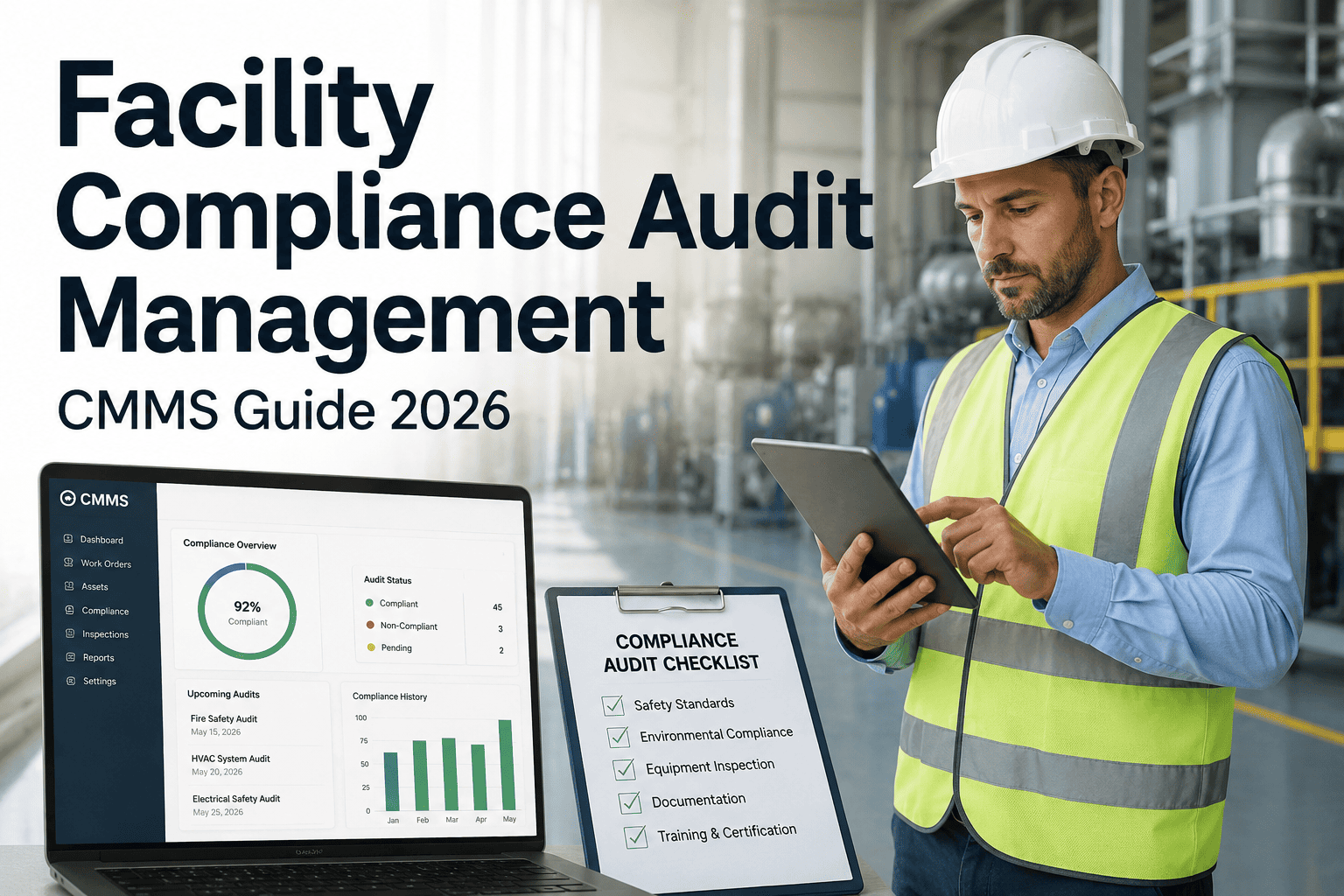
Regulators and auditors want proof — timestamped records of who inspected what, when, and what was found. Your platform should produce exportable compliance reports, trend charts showing inspection scores over time, and immutable audit trails that satisfy OSHA, EPA, fire code, and industry-specific requirements.

05

Automated Scheduling and Recurrence

Inspection cadences vary by asset type, risk level, and regulation. Your platform must support daily, weekly, monthly, and custom recurrence schedules — automatically assigning the right inspector and sending reminders. Missed or overdue inspections should trigger escalation alerts to supervisors.

Ready to replace paper inspections with a platform built for facility teams? Oxmaint combines inspection checklists, automated scheduling, photo documentation, and CMMS work orders in one mobile-first platform.

Paper Inspections vs Digital Inspection Software

The operational difference between manual and digital inspection workflows is not incremental — it is transformational. Here is how the two approaches compare across the metrics that matter to facility operations teams.

Paper-Based Inspections
Handwritten forms prone to illegibility and transcription errors
Photos stored separately from inspection records
Findings manually re-entered into maintenance systems
Compliance reports compiled manually before audits
No visibility into overdue or missed inspections
Corrective actions tracked in spreadsheets or email chains
Digital Inspection Software
Structured digital forms with validation and required fields
Photos embedded directly in inspection records with timestamps
Failed items auto-generate work orders in your CMMS
Real-time compliance dashboards always audit-ready
Automated alerts for overdue and upcoming inspections
Corrective actions tracked to resolution with full audit trail

Top Facility Inspection Software Solutions for 2026

We evaluated the leading platforms based on checklist configurability, mobile experience, CMMS integration depth, compliance reporting, and total cost of ownership. Here are the top solutions facility teams should consider this year.

Top Pick
Oxmaint
Inspections + CMMS unified in one platform
Custom checklists with conditional logic and photo capture
Auto-generated work orders from failed inspection items
Offline mobile app with automatic sync
Built-in asset registry, PM scheduling, and inventory
Free tier available with unlimited inspections
CMMS Integration Mobile-First Free Tier
02
iAuditor (SafetyCulture)
Template-rich inspection and audit platform
Large public template library for quick deployment
Analytics dashboards for inspection trends
CMMS integration requires third-party connectors
No native maintenance management capabilities
Templates Analytics
03
Fulcrum
Geo-enabled mobile data collection
Strong GPS and mapping for distributed facility portfolios
Custom app builder for complex inspection workflows
Steeper learning curve for template configuration
No built-in work order or maintenance management
GIS/Mapping Custom Apps
04
UpKeep
CMMS with inspection add-on modules
Solid mobile maintenance management interface
Meter-based and condition-based triggers
Inspection templates less configurable than dedicated tools
Higher per-user pricing at scale
CMMS Mobile
05
MaintainX
Chat-first work order and inspection tool
Messaging-style interface easy for frontline workers
Built-in procedure library with approval workflows
Advanced reporting locked behind premium tiers
Limited offline capabilities on some plans
Messaging Procedures

How Oxmaint Solves the Facility Inspection Workflow

Unlike standalone inspection apps that stop at data capture, Oxmaint connects every inspection finding to the maintenance action that resolves it — creating a closed-loop system where nothing falls through the cracks.


Inspection-to-Work-Order Automation
Every failed checklist item creates a prioritized work order with photos, notes, severity level, and assigned technician — automatically. No copy-paste, no email chains, no lost findings. Teams resolve issues faster because context travels with the task.

Multi-Site Inspection Scheduling
Manage inspection cadences across dozens of buildings from a single dashboard. Set daily fire door checks, weekly HVAC filter inspections, monthly elevator audits, and annual roof surveys — each with the right inspector assignment and escalation rules for missed rounds.

Asset-Linked Inspection History
Every inspection result attaches to the specific asset record in Oxmaint. View complete inspection history alongside maintenance logs, parts usage, and downtime records — giving your team a full picture of asset health from one screen. Sign up free to connect inspections to your asset registry.

Compliance-Ready Reporting
Generate audit-ready PDF reports with one click. Timestamped records, inspector signatures, geo-tagged photos, and corrective action closeout documentation satisfy regulatory requirements for OSHA, fire safety, environmental compliance, and insurance audits without manual compilation.
We switched from paper-based fire safety inspections across 14 buildings to Oxmaint in three weeks. The first month, we caught 23 deficiencies that had been consistently missed on paper forms — including two fire door closers that had been documented as passing for over a year. The automatic work order generation alone saved our team eight hours per week.
— Facilities Director, Regional Healthcare System

Start Running Smarter Facility Inspections This Week

Your facility deserves inspection software that captures findings, triggers corrective actions, tracks resolution, and keeps your compliance records audit-ready — all from one platform your team actually wants to use. Oxmaint gives you configurable checklists, automated scheduling, mobile offline access, and direct CMMS integration at a price that works for facilities of every size.
Frequently Asked Questions

What makes facility inspection software different from a general form builder?
Purpose-built inspection platforms include asset-aware scheduling, automated recurrence, severity-based scoring, photo documentation with timestamps, compliance audit trails, and direct CMMS integration for corrective work orders. Generic form tools like Google Forms or Jotform capture data but lack the maintenance workflow, asset linkage, and regulatory reporting that facility teams need.
Can inspection software work without internet access in the field?
Yes — the best platforms offer full offline functionality including checklist completion, photo capture, notes, and digital signatures. Data syncs automatically when connectivity returns. Oxmaint's mobile app is designed specifically for environments with unreliable connectivity. Sign up free to test offline inspection capabilities.
How does inspection software connect to our existing maintenance system?
Integration methods vary. Standalone inspection apps typically connect to CMMS platforms via API or middleware like Zapier. Oxmaint eliminates this integration challenge entirely by combining inspection management and CMMS in a single platform — failed inspection items generate work orders natively without third-party connectors or data mapping. Book a demo to see the unified inspection and CMMS workflow.
What types of facility inspections can these platforms handle?
Modern inspection software handles virtually any recurring facility check: fire safety walkthroughs, HVAC system inspections, elevator and escalator audits, roof condition surveys, restroom cleanliness rounds, ADA compliance checks, emergency lighting tests, backflow preventer inspections, and environmental compliance surveys. Custom templates adapt to any facility type or regulatory framework.
How long does it take to deploy inspection software across multiple buildings?
Most facilities go live within one to two weeks. Template configuration takes one to three days, user onboarding requires a single training session, and pilot inspections typically start the same week. Multi-site rollouts scale quickly because templates and schedules replicate across locations. Oxmaint offers guided onboarding to ensure your team is productive from day one.

Share This Story, Choose Your Platform!