Every facility team runs on work orders — the tickets that turn a broken chiller, a leaking pipe, or a flickering hallway light into a scheduled repair. Yet most facility teams still lose the better part of a technician's shift to coordination overhead: chasing down request details, waiting on approvals, and re-entering the same information across disconnected systems. Industry data shows technicians spend barely a quarter of their day on actual hands-on repair work, with the rest disappearing into paperwork and phone calls. Automated work order management, powered by a modern CMMS, replaces that friction with a structured flow from request to resolution — auto-classifying, auto-assigning, and auto-escalating every job the moment it is created. If your maintenance backlog feels bigger every week, start free with Oxmaint and see automated work orders running inside your own facility within days.
Work Order Automation · CMMS Guide 2026
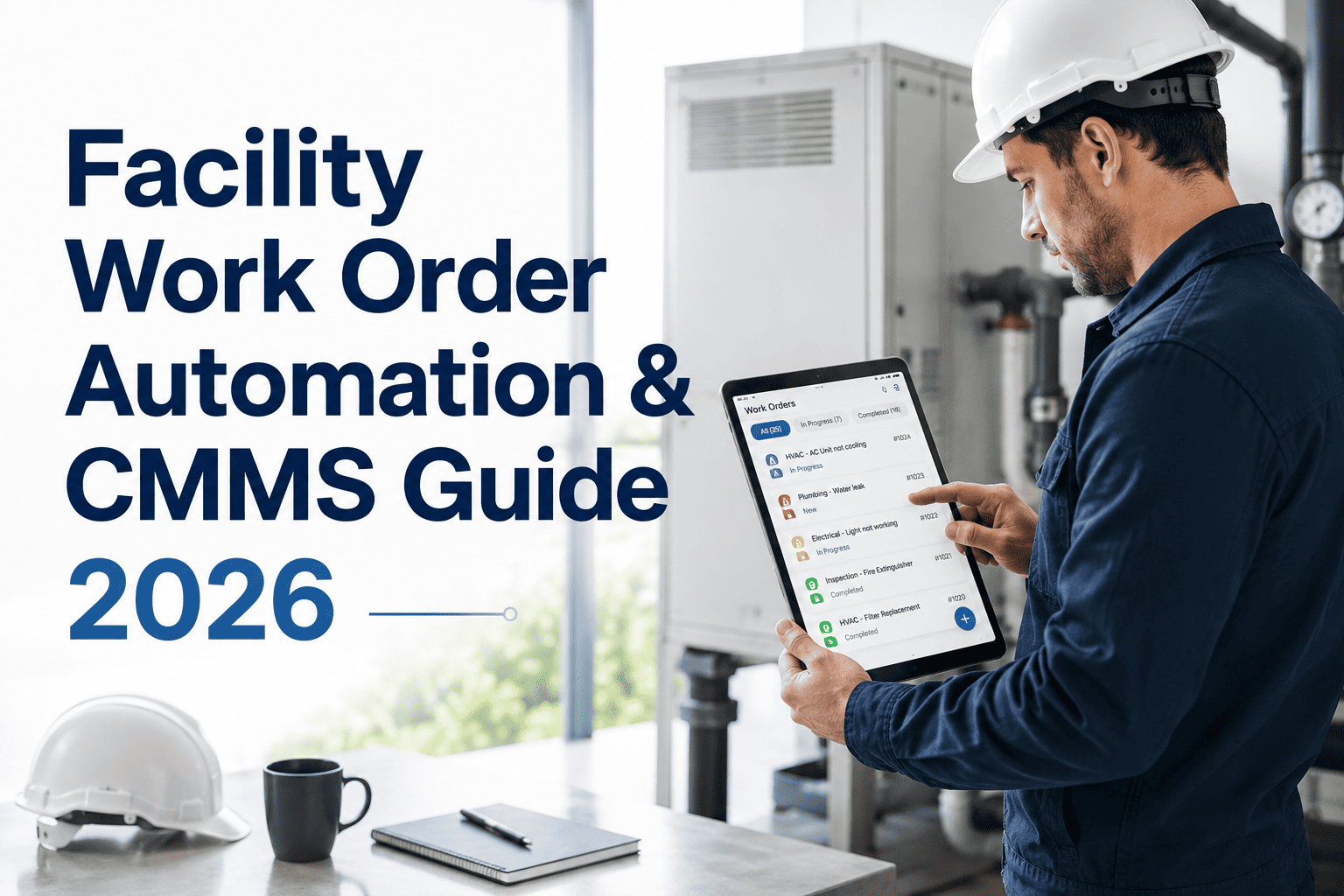
Facility Work Order Automation: The Complete CMMS Guide for 2026
Manual work order handling is quietly draining your maintenance budget. Here is how automated capture, AI triage, and smart dispatch turn a chaotic ticket queue into a self-running workflow.
75%
of tech time lost to coordination, not repairs
80%
faster response with automated dispatch
15min
average approval time, down from days
The Hidden Cost of Manual Work Order Management
Paper forms, whiteboards, and email chains do not scale past a handful of assets. Here is what manual work order handling actually costs a typical facility team.
75.5%
of a technician's day disappears into coordination overhead instead of hands-on repair work
23%
of work orders in large facilities arrive as duplicates or missing critical details
4.8x
higher cost of reactive repairs compared to planned, scheduled maintenance work
4.2 hrs
wasted per technician every week just figuring out what job comes next
How Work Order Automation Works, Step by Step
A modern CMMS turns every incoming request into a governed workflow — from the moment it is submitted to the moment it closes with full documentation.
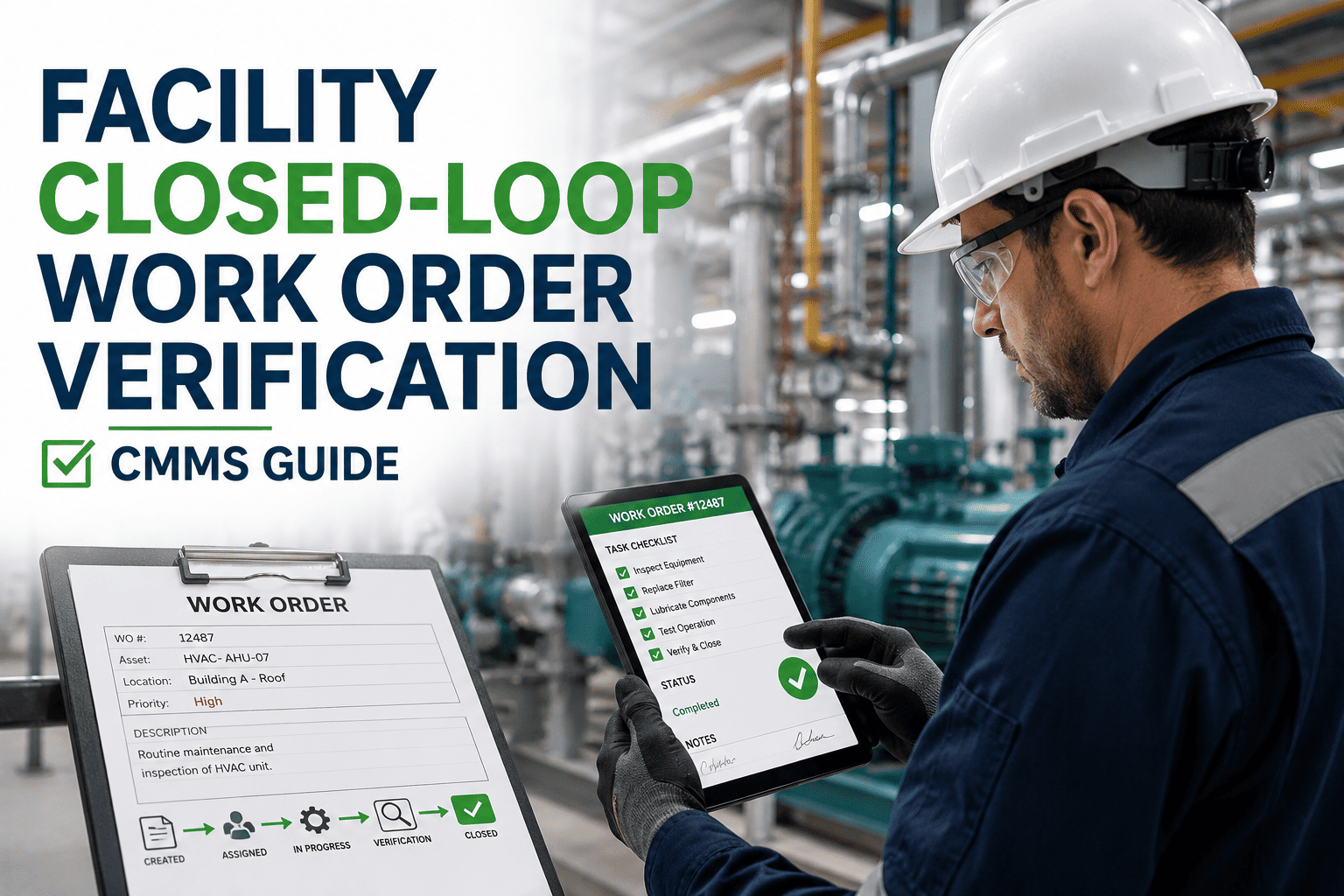
Work orders are created automatically from a tenant app, technician mobile device, sensor alert, or email — with no manual re-typing between systems.
02
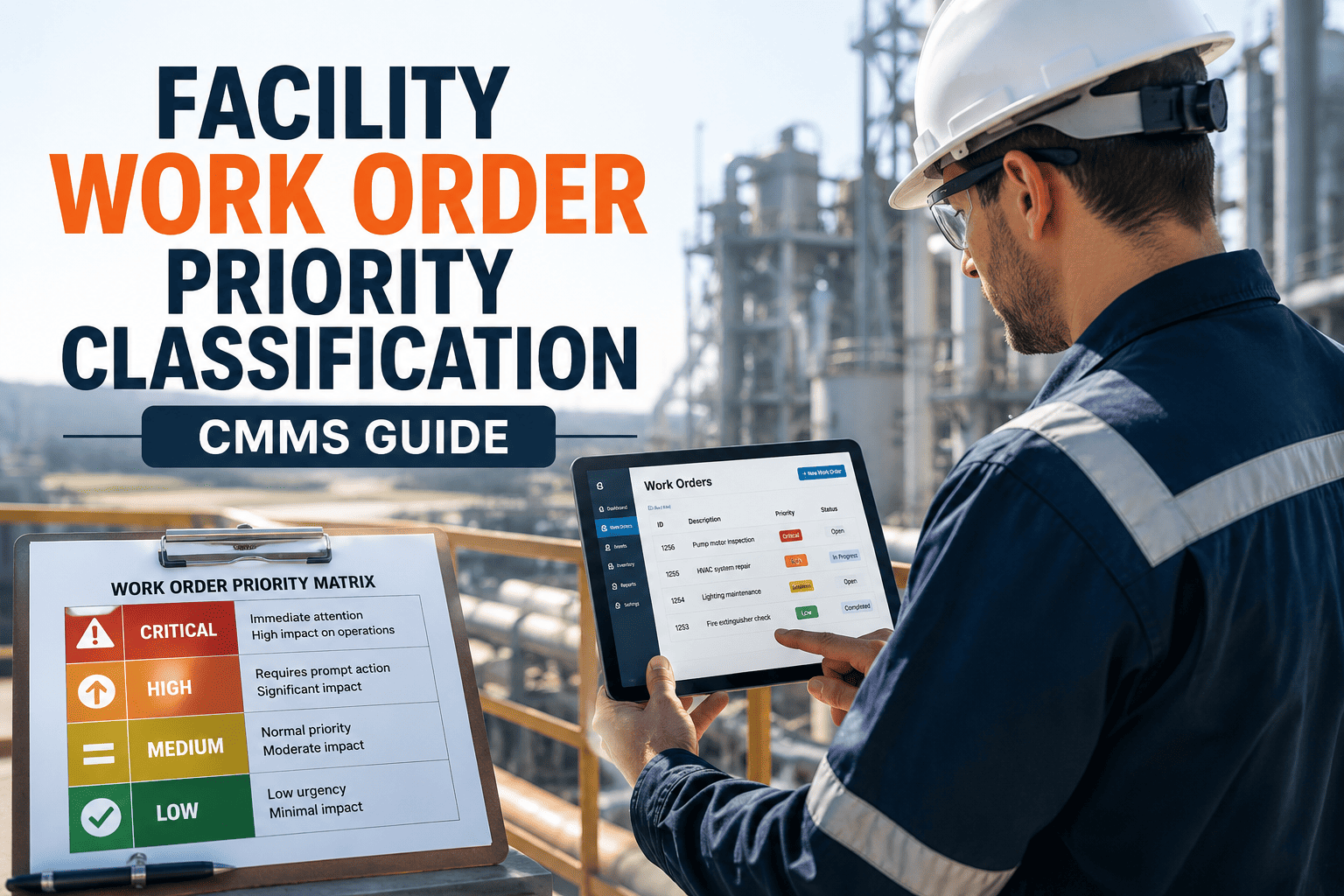
AI Triage & Priority Routing
Every request is classified by urgency, asset criticality, and safety risk the instant it lands, so nothing critical waits behind low-priority tickets.
03
Smart Technician Assignment
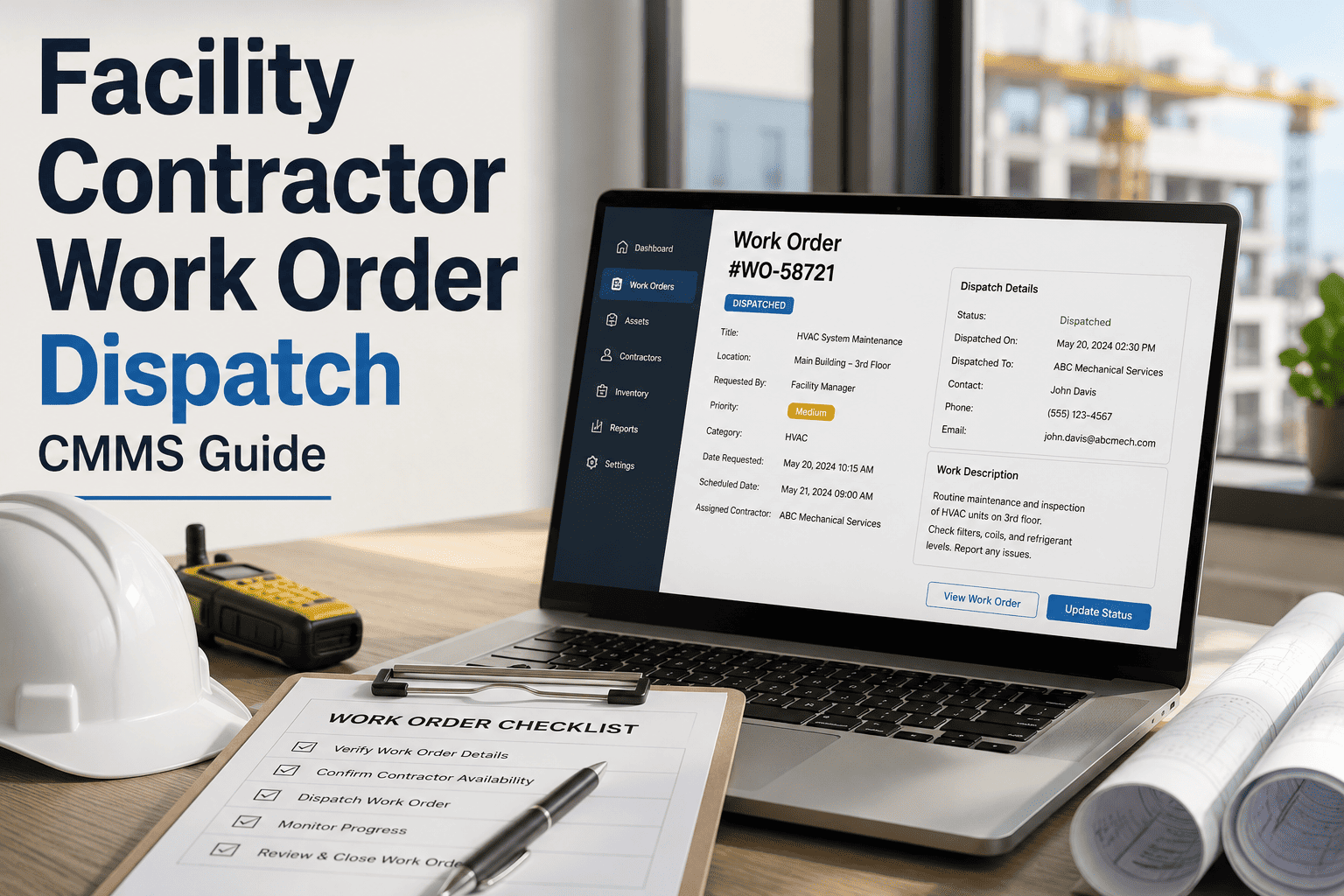
Jobs are matched to the best-available technician by skill, certification, location, and current workload, then pushed straight to their mobile device.
04
Tiered Approval Automation
Cost-based rules route approvals automatically, cutting typical sign-off time from several days down to minutes for the majority of work orders.
05
Auto-Close & Analytics
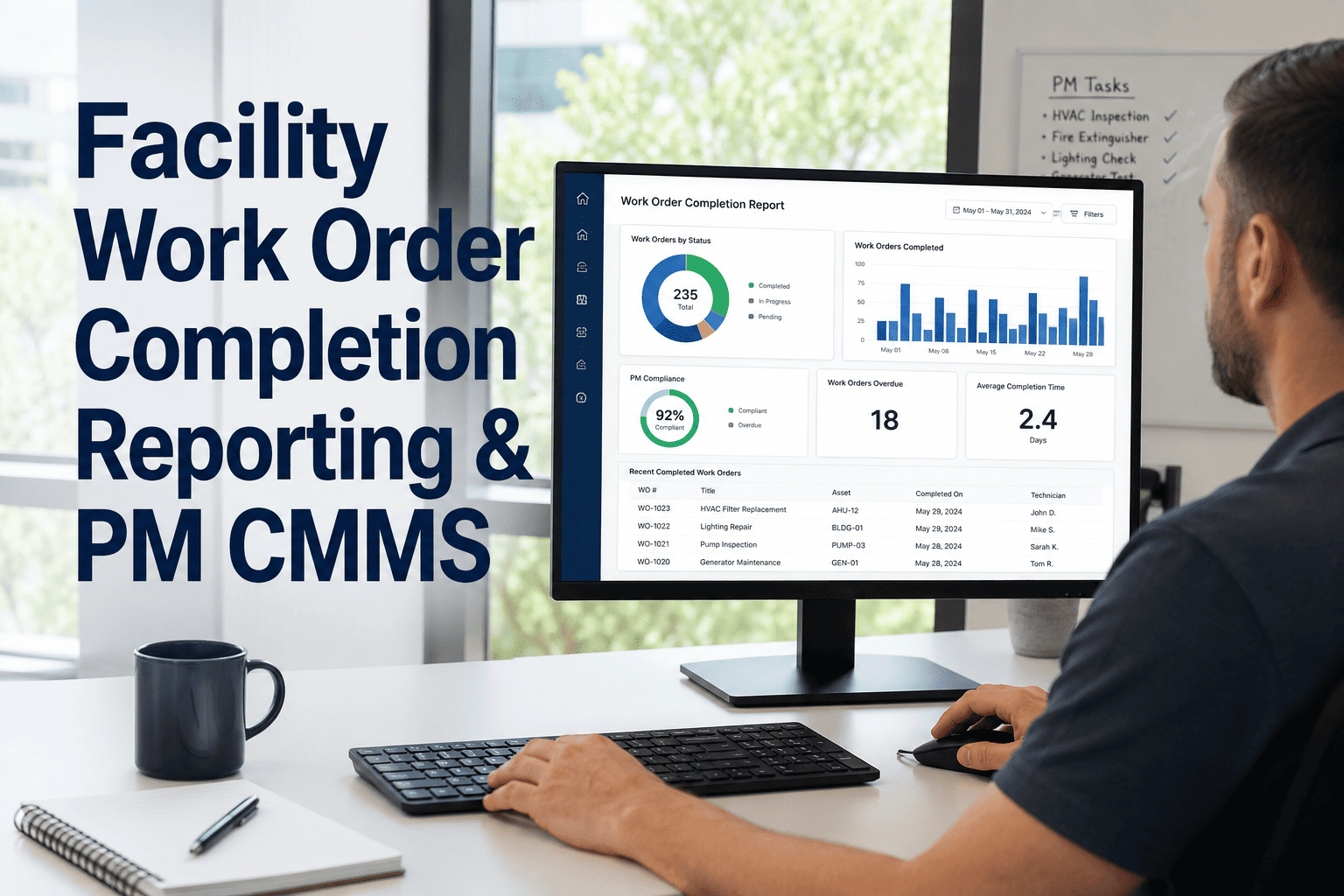
Closure requires root cause, labor, and parts data by default, feeding every future PM schedule, budget, and capital planning decision automatically.
The CMMS market is projected to grow sharply through 2026 as facility teams shift from spreadsheets to governed, automated work order systems. Teams that make the switch now are the ones building the maintenance data advantage that compounds every month.
Manual vs Automated Work Order Management
The same maintenance team, running the same buildings, produces very different results depending on how work orders move through the system.
| Stage |
Manual Process |
Automated CMMS |
| Request Intake |
Phone calls, sticky notes, and scattered emails with missing details |
Captured instantly from app, mobile, sensor, or portal with structured fields |
| Prioritization |
Whoever complains loudest or calls the manager directly |
Auto-ranked by urgency, asset criticality, and safety risk |
| Technician Assignment |
Morning meetings, whiteboards, and manual dispatch calls |
Matched automatically by skill, proximity, and workload |
| Approval Time |
Around 4.2 days on average for cost sign-off |
Under 15 minutes for most work orders |
| Closure Rate |
Roughly 59 percent closed with complete data |
100 percent closure with mandatory root cause and cost fields |
| Reporting |
Manually compiled spreadsheets, days behind reality |
Live dashboards updating automatically as work orders close |
Systems That Can Trigger a Work Order Automatically
Automation only works if it connects to the systems already running your building. A modern CMMS listens to all of them at once.
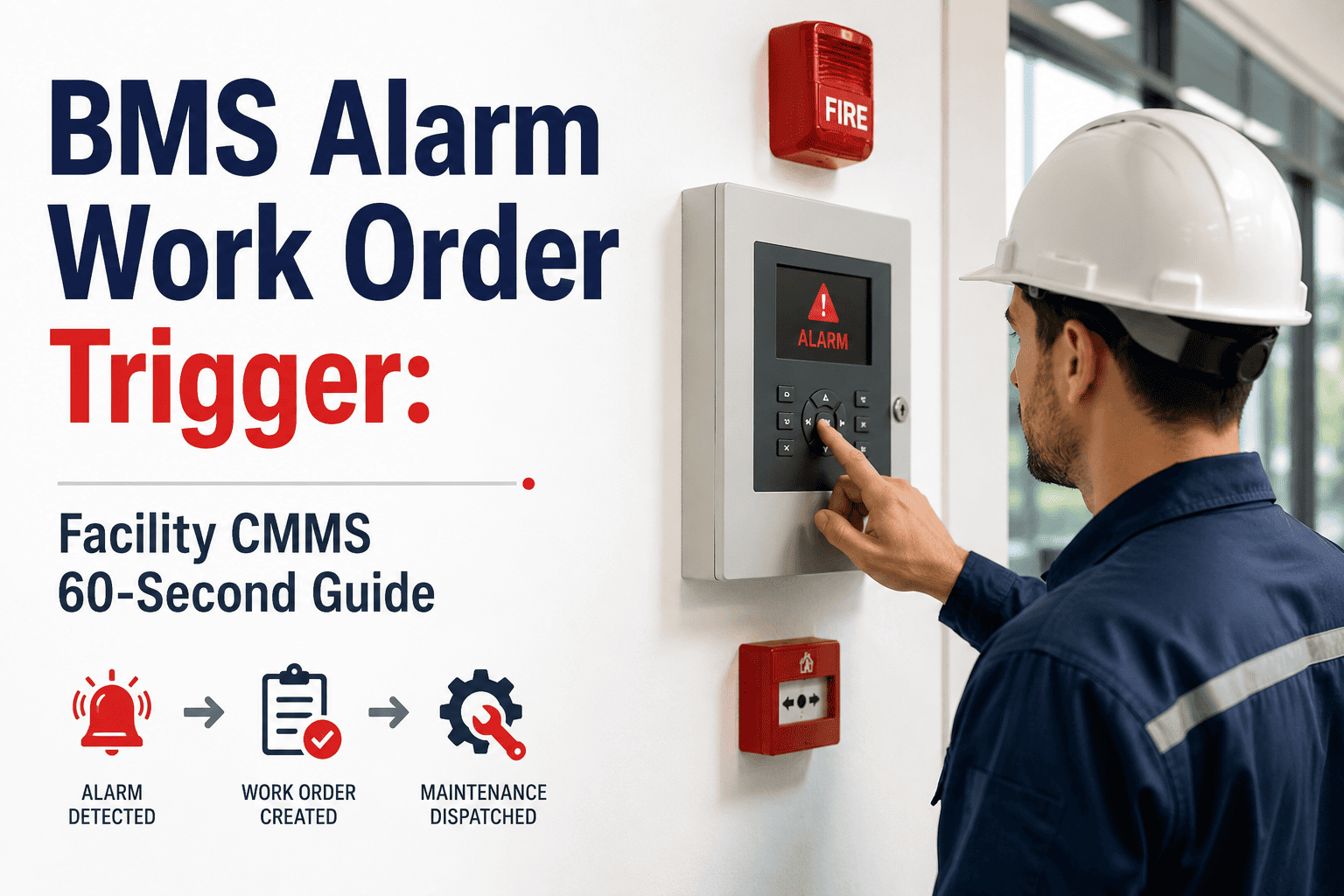
Building Automation Systems
BACnet, Modbus, and OPC-UA connections turn HVAC and control system alarms into work orders without a human in the loop.
IoT Condition Sensors
Vibration, temperature, and pressure sensors feed data over MQTT or REST APIs, generating a ticket the moment a threshold is crossed.
Energy Management Systems
Consumption anomalies are flagged automatically, opening an investigative work order before an energy spike becomes a bigger failure.
ERP & Financial Platforms
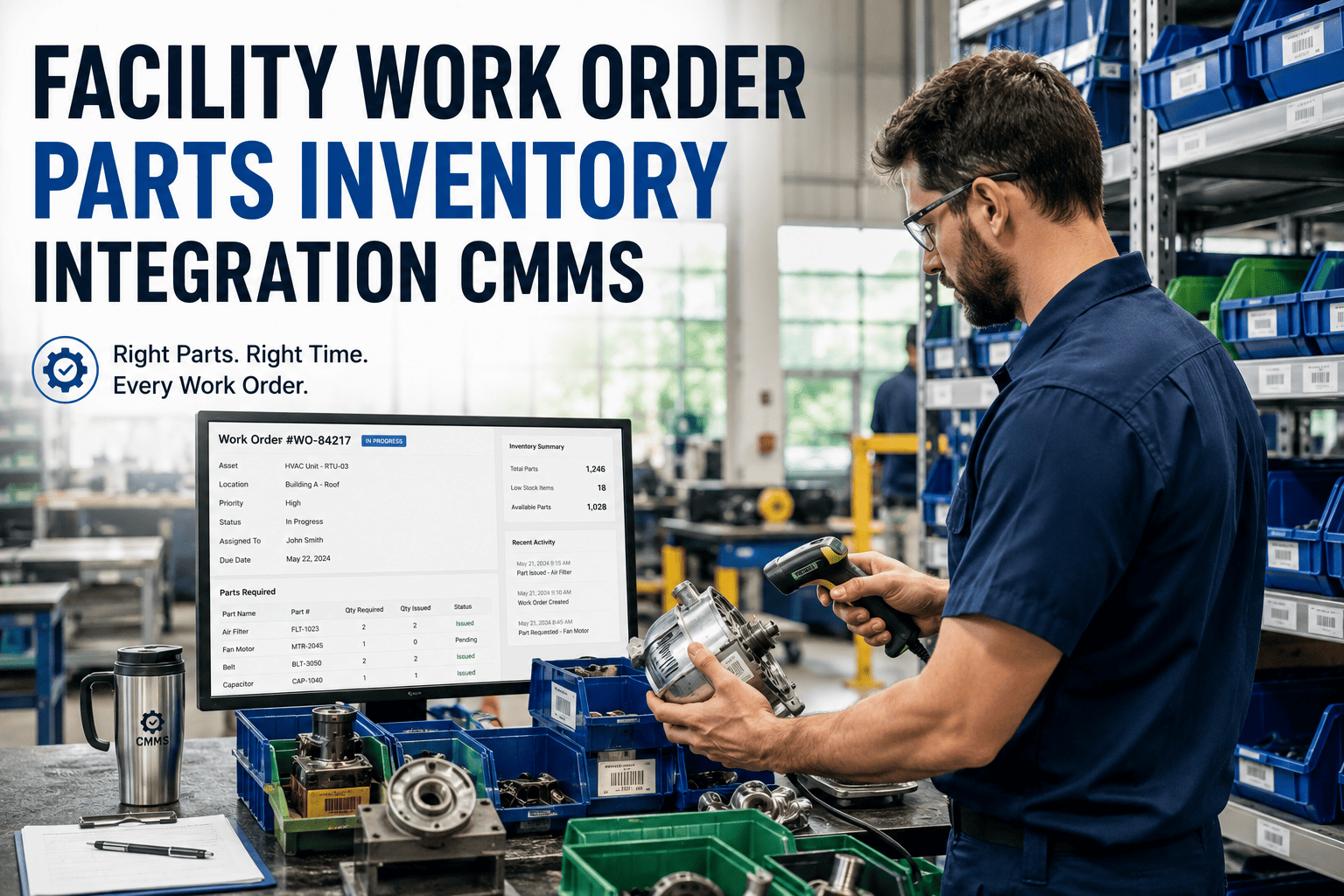
Labor, parts, and cost data sync back to accounting automatically, so every work order carries a true, auditable total cost.
Real-World Impact by Facility Type
Corporate Campus
Response times cut by more than half within the first quarter
Automated routing removed the loudest-complainant bias, moving critical infrastructure repairs to the front of the queue regardless of who submitted the ticket.
Healthcare Facility
Patient-area repairs flagged at highest priority instantly
Life-safety and clinical-area work orders are triaged the moment they are created, with no manual review required during night shifts.
Multi-Site Portfolio
Unified visibility across every building in one dashboard
Portfolio operators managing dozens of properties get one standardized work order workflow instead of a different process per site.
Frequently Asked Questions
What does work order automation actually mean in a CMMS?
It means every request is captured, classified, assigned, and closed by defined rules instead of manual coordination.
Try Oxmaint free to see a live automated workflow.
How much faster is automated work order routing compared to manual dispatch?
Facilities using automated dispatch typically see response times drop by 60 to 80 percent versus manual whiteboard assignment.
Book a demo to see routing configured for your building.
Can automated work orders connect to our existing BAS or IoT sensors?
Yes, most CMMS platforms integrate with BACnet, Modbus, OPC-UA, and MQTT feeds so sensor alerts open work orders directly.
Start free and test your integrations within the first two weeks.
Do technicians need special training to use an automated system?
Most field teams adopt mobile work order apps within days since jobs arrive with full context already attached.
Book a demo to see the technician mobile experience.
How long does it take to go live with automated work order management?
Most facilities configure core automation rules and integrations within one to three weeks with no custom development.
Sign up free to begin configuration today.
Stop Losing Hours to Manual Work Order Chasing
Give your maintenance team a work order system that captures, triages, assigns, and closes every job automatically — so technicians spend their day fixing things, not tracking them down.