Facility maintenance teams running on clipboard workflows and desktop-only software lose an average of 11 hours per technician per week to non-wrench time — walking back to offices for work order details, manually logging completion notes, and chasing supervisors for approvals. A 40-person maintenance crew at a 500,000 sq ft commercial campus switched to Oxmaint's mobile CMMS platform and recovered 6.2 productive hours per technician per week within 90 days. Work order completion rates jumped from 64% to 93%, mean time to repair dropped 41%, and first-time fix rates improved by 28% because technicians had asset history, manuals, and parts availability on their phones at the point of work.
Why Desktop-Only CMMS Fails Field Maintenance Teams
Maintenance management software designed for office desks creates a fundamental disconnect — the people who execute work orders spend 80% of their shift away from computers. Every trip back to a workstation for job details, every handwritten note transcribed hours later, and every verbal approval that goes undocumented erodes the system's value. Facilities that keep their CMMS locked to desktops see technician adoption rates below 35%, which means 65% of maintenance activity happens outside the system of record. Book a demo to see how Oxmaint's mobile-first approach solves this.
Core Mobile CMMS Capabilities for Facility Teams
An effective mobile CMMS goes beyond shrinking a desktop screen onto a phone. It redesigns the technician's workflow around field conditions — offline capability, barcode scanning, one-thumb navigation, and context-aware notifications that surface the right information at the right time. Facilities managing these workflows through Oxmaint's mobile platform see technician adoption rates above 90% within the first month.
What Mobile CMMS Delivers in the Field
Each capability below addresses a specific breakdown point in facility maintenance workflows. Teams using Oxmaint's mobile app execute these functions from any smartphone or tablet — online or offline — with automatic sync when connectivity returns.
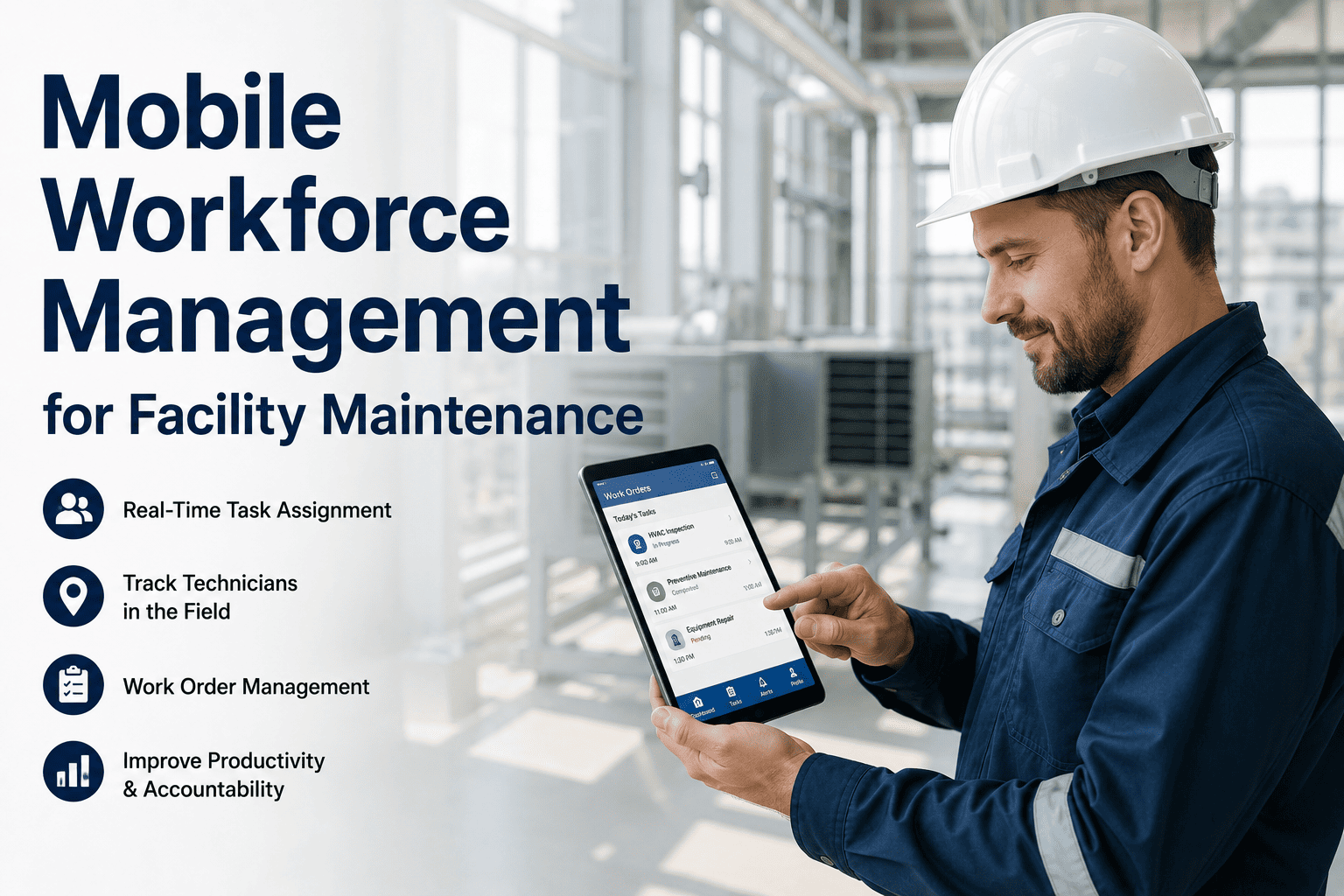
Technicians receive push-notified work orders with full job details — equipment location, priority level, required parts, safety lockout procedures, and previous repair history. Every action is logged with timestamps: arrival, start, parts used, labor hours, and completion. No manual transcription, no lost paper trails.
Scan any asset's QR code or barcode to instantly pull up its complete maintenance history, warranty status, installed parts, operating manuals, and open work orders. No searching through spreadsheets or filing cabinets — point, scan, and get every data point your technician needs to make the right repair decision on the first visit.
Building occupants submit maintenance requests through a branded portal or QR-code scan — describing the issue, attaching photos, and tagging the location. Requests route automatically to the right technician based on skill set, shift, and proximity. No phone tag, no email chains, no lost sticky notes on the facilities desk.
Calendar-based and meter-based PM schedules push directly to technician phones with step-by-step checklists, required tools, safety procedures, and parts lists. Completed PMs sync instantly to the central system — supervisors see real-time compliance rates without chasing techs for paperwork. Schedule a demo to see PM scheduling in action.
Before starting a repair, technicians check real-time parts availability from their phone — see what's in stock, where it's located in the storeroom, and whether a purchase order is already in progress for out-of-stock items. Parts consumption logs automatically against the work order, keeping inventory counts accurate without manual stock adjustments.
Give Your Maintenance Team the Tools They Actually Use
Oxmaint's mobile CMMS puts work orders, asset data, and approvals in every technician's pocket — no office trips, no paper forms, no data gaps.
Platform Features Built for Mobile-First Teams
Every feature in Oxmaint is designed to work on a 5-inch screen in a noisy mechanical room with gloved hands. The interface prioritizes large touch targets, minimal typing, and contextual defaults that reduce input to two or three taps per action.
Offline-First Architecture
Full work order access, PM checklists, and asset data cached on-device. Technicians working in basements, elevator shafts, and rooftop mechanical rooms never lose access to job information — all changes sync automatically when connectivity resumes.
Photo and Voice Documentation
Attach before/after photos, record voice notes converted to text, and tag GPS coordinates — all from the work order screen. Audit-ready documentation generated at the point of work without slowing down the technician.
Push Notification Routing
Critical work orders, overdue PMs, and escalation alerts delivered as push notifications with one-tap acceptance. Supervisors see real-time technician locations and workloads to make intelligent dispatch decisions from their own mobile devices.
Dashboard Analytics on Mobile
Facility managers view KPI dashboards — backlog trends, PM compliance, MTTR, technician utilization — from any device. Drill into specific buildings, floors, or equipment classes without waiting for monthly reports. Sign up free to explore mobile dashboards.
Frequently Asked Questions
Put Your CMMS Where the Work Happens
Every minute your technicians spend walking back to a desktop is a minute they're not turning wrenches. Oxmaint's mobile CMMS eliminates the gap between your maintenance system and your maintenance team.



.jpeg)