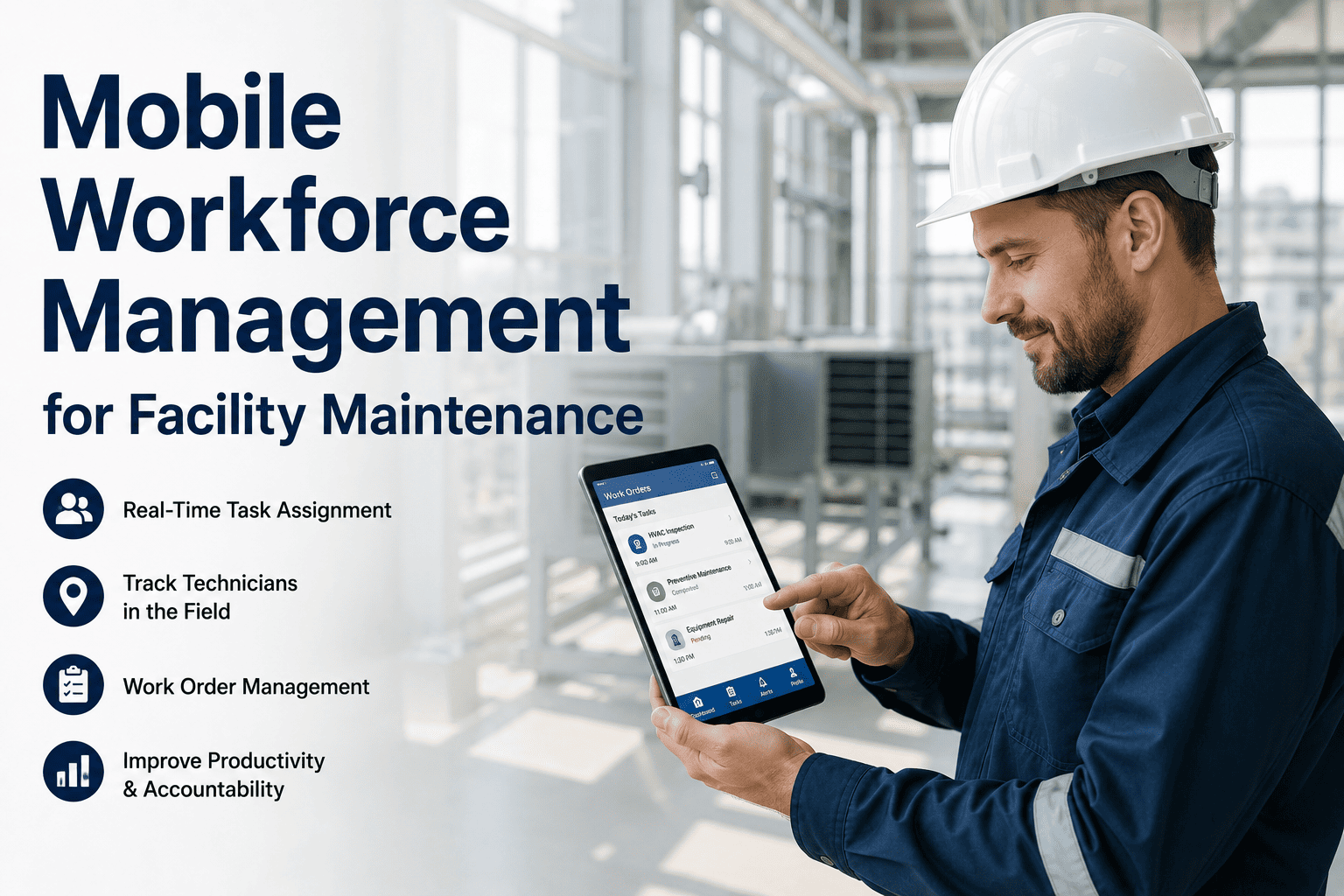
The average facility maintenance technician spends less than 35% of their working day actually performing maintenance — the rest is consumed by travel between jobs, searching for parts, waiting for work order paperwork, and manual status reporting. That's not a people problem, it's a systems problem. OxMaint's Mobile CMMS App puts the entire work order lifecycle — scheduling, dispatch, asset history, inspection checklists, photo capture, and completion — on every technician's phone. The administrative friction disappears, and the time spent doing real maintenance work climbs to 60% or higher within the first 90 days.
Where Technician Time Actually Goes — Without Mobile Tools
Before facility teams can fix the time problem, they need to see exactly where the hours are going. Research into maintenance technician time allocation consistently shows the same pattern — and it's a pattern that mobile workflow tools are specifically designed to break.
What OxMaint Mobile Gives Every Technician
Every feature in OxMaint's mobile app is designed to remove a specific category of non-productive time from a technician's day. The result is a team that spends more hours fixing things and fewer hours waiting, walking, and paperwork-filling.
Give Your Technicians the Tools to Do More in Every Shift
OxMaint's mobile app is available on iOS and Android. Work orders, QR scanning, checklists, and offline mode — active from day one. No hardware purchase required.
Mobile CMMS vs. Paper-Based Workflow: Real Comparison
| Workflow Step | Paper-Based Process | OxMaint Mobile Process | Time Saved |
|---|---|---|---|
| Receiving work assignment | Phone call or walk to supervisor — job described verbally | Push notification with full job detail on mobile | 20–30 min/day |
| Finding asset history | Walk to office, search paper binder or desktop CMMS | QR scan at asset — full history in 5 seconds | 15–20 min/job |
| Completing inspection | Paper checklist — transcribed to system later, often incomplete | Mobile form — completed at asset, synced immediately | 30–45 min/inspection |
| Documenting a fault | Written description — photo taken separately, filed manually | Photo captured in app — auto-linked to asset and work order | 10–15 min/fault |
| Closing a work order | Return paper sheet to office — data entered by admin later | One-tap close on mobile — MTTR recalculates instantly | 45–60 min/day admin |
| Working in low-connectivity areas | No access to work orders or history — work from memory | Offline mode — full functionality without signal | Errors eliminated |
What Managers See in Real Time
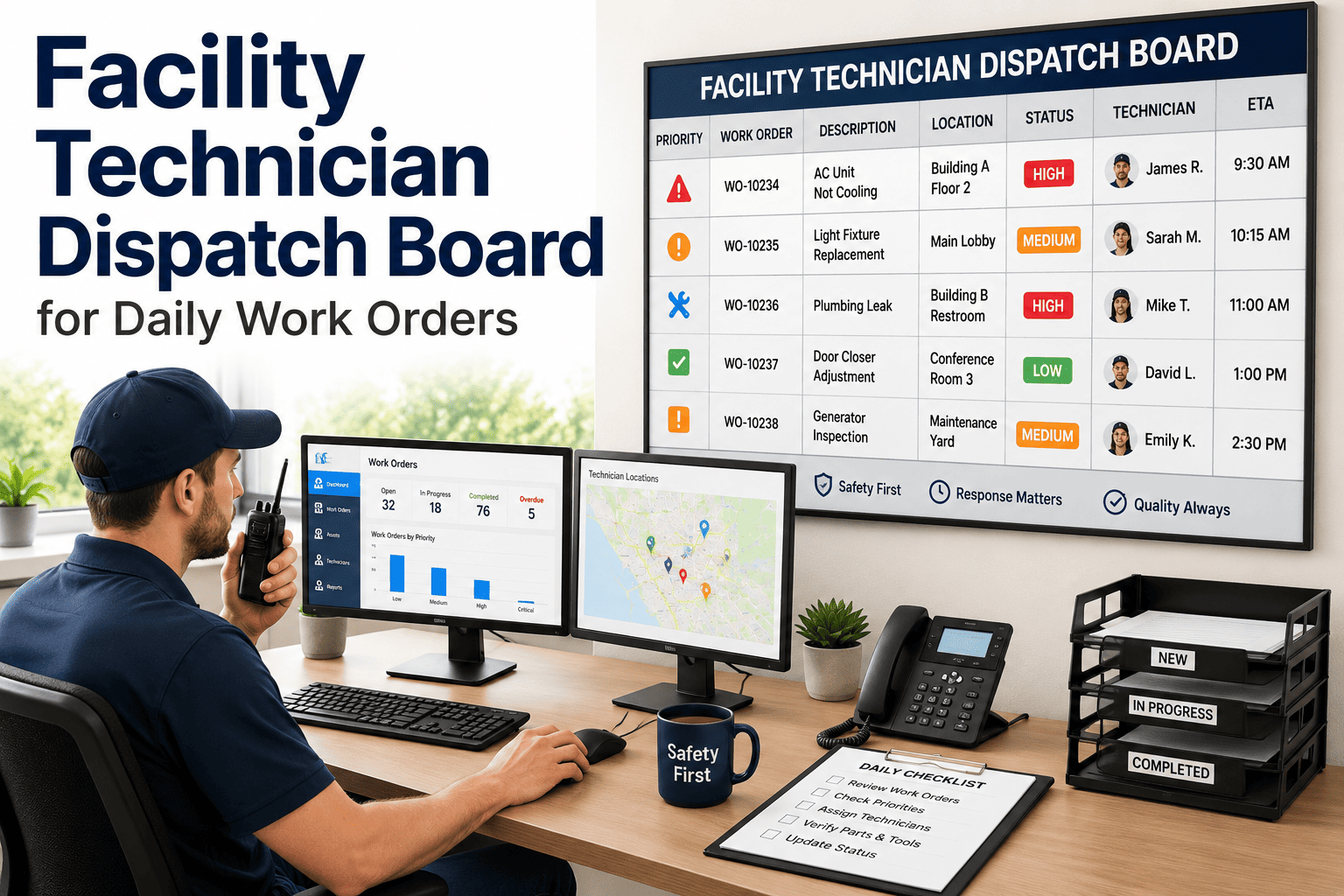
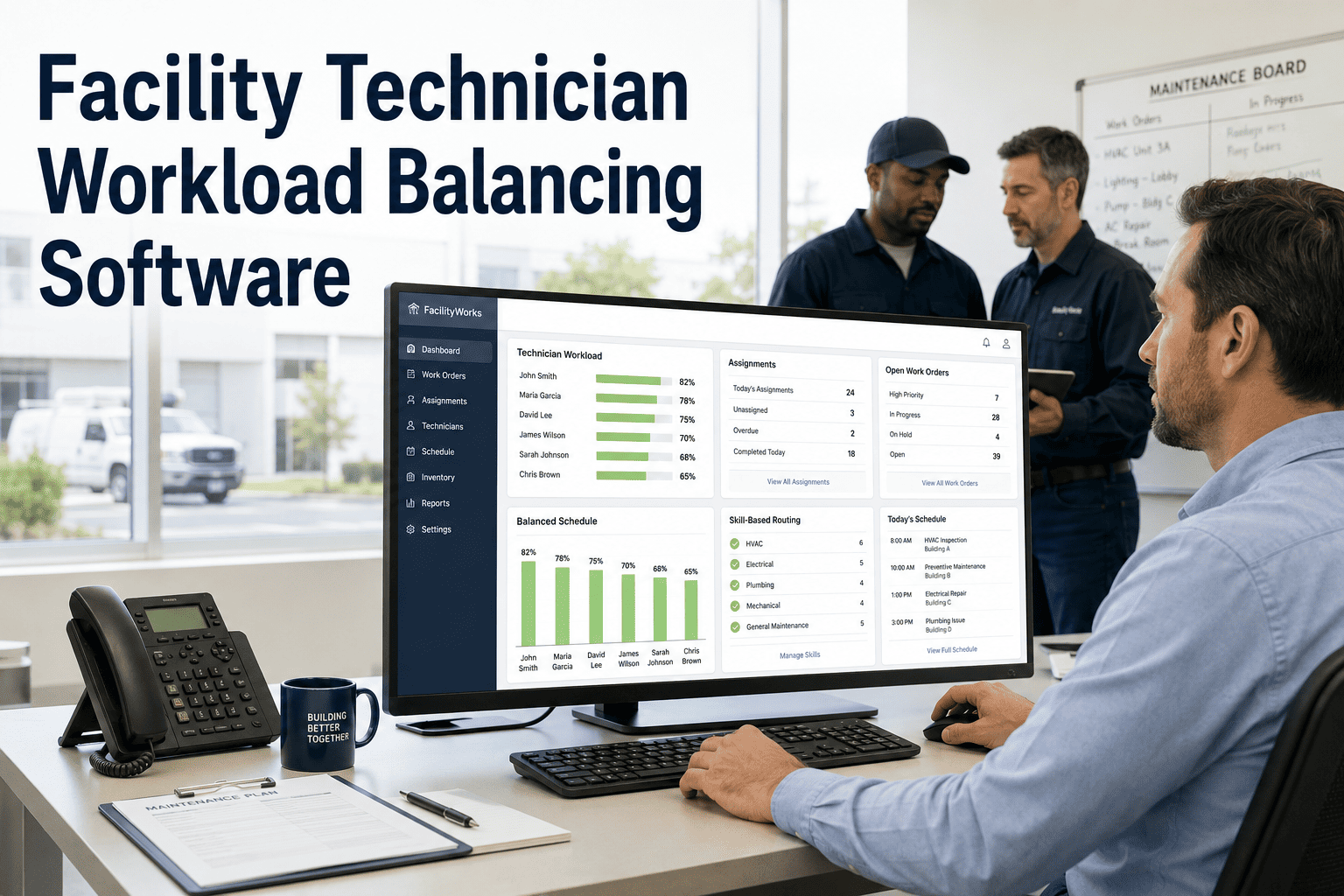
The mobile app transforms technician visibility for managers — every job status, location, completion, and photo update flows back to the facility management dashboard without any manual reporting from the field.
Expert Review
The single biggest lever we pulled to improve our maintenance team's output wasn't hiring — it was eliminating the paper workflow. When a technician spends 40 minutes of every morning waiting for a paper work order, walking to find the asset binder, and manually writing up findings, that's 40 minutes of labor cost producing zero maintenance value. Mobile work order completion alone — where the technician closes the job on their phone and the system updates instantly — saved us close to an hour per technician per day. At a team of 12, that's 12 hours of recaptured productive capacity daily without adding headcount. OxMaint's mobile app with QR scanning and offline mode was the specific combination that made it work — because most of our work happens in plant rooms and basements where mobile signal is unreliable.
A More Productive Maintenance Team Starts with Better Tools
OxMaint Mobile puts work orders, asset history, inspection checklists, QR scanning, and offline capability on every technician's phone. Most facility teams see measurable wrench time improvement within 60 days of full mobile deployment.
Frequently Asked Questions
What is mobile CMMS and how does it differ from a desktop maintenance system?
A mobile CMMS (Computerized Maintenance Management System) delivers the core functions of a maintenance management platform — work orders, asset history, inspection checklists, and compliance records — to a smartphone or tablet that technicians carry in the field. Desktop CMMS systems require a technician to return to an office or workstation to access job information, log completion, and update asset records. The mobile difference is significant: with OxMaint's mobile app, a technician scans a QR code at the asset to pull up its complete maintenance history, completes a digital inspection checklist, captures photos of any faults, and closes the work order — all while standing at the equipment. The result is faster job completion, elimination of paper transcription errors, and a maintenance record that is complete and accurate from the moment work ends rather than hours later when it's entered at a desktop.
How does QR code asset scanning work in facility maintenance?
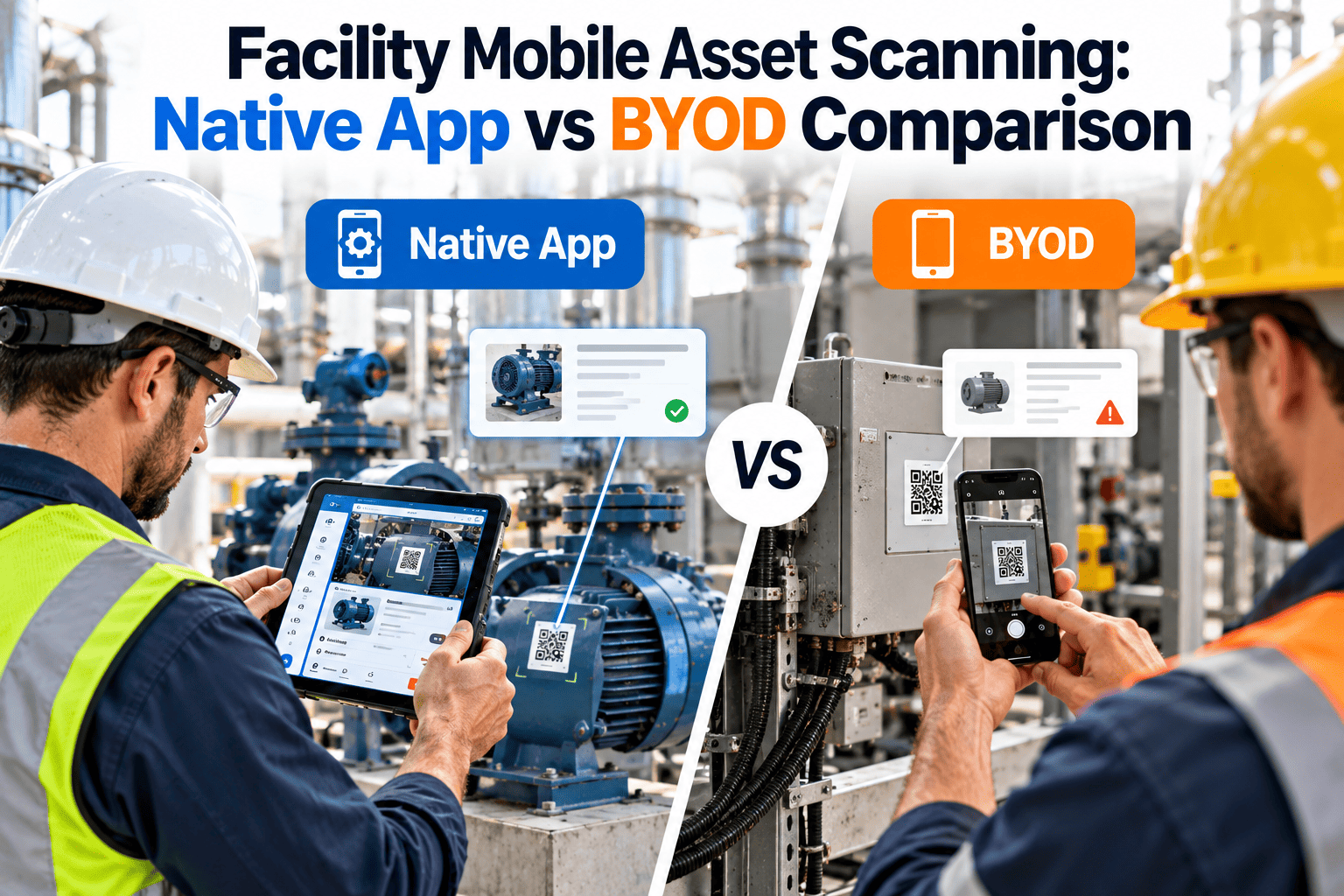
QR code asset scanning involves placing a durable QR tag on each physical asset — HVAC units, pumps, electrical panels, elevators — and linking each code to that asset's record in OxMaint. When a technician scans the tag with their phone camera, OxMaint immediately displays the asset's full maintenance history, open work orders, parts list, OEM documentation, and last inspection findings. The entire process takes under five seconds and works offline once the data has been synced to the device. The practical impact is significant: a technician responding to an HVAC complaint arrives at the unit, scans the QR tag, and immediately sees that the same fault was reported three weeks ago, which parts were used, and which technician performed the last service — before touching the equipment. This context dramatically reduces diagnostic time and the repeat visits caused by incomplete repair information.
What happens when a technician loses signal in a basement or plant room?
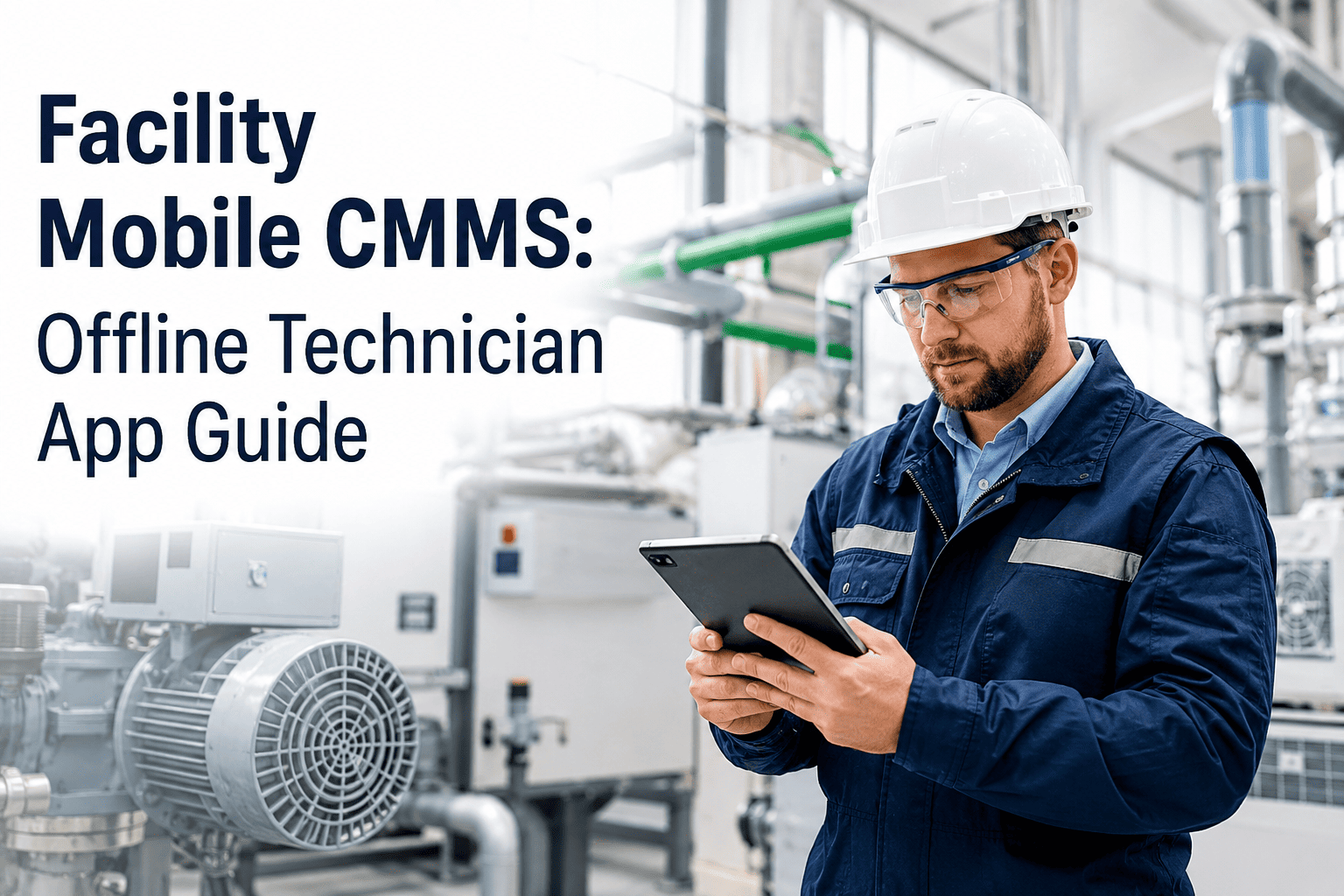
OxMaint's offline mode is designed specifically for this scenario, which is where a majority of facility maintenance work actually happens. When a technician opens the app while connected, OxMaint automatically syncs all assigned work orders, asset data, inspection checklists, and reference documentation to the device's local storage. Once in a low or no-connectivity area — basement plant rooms, rooftop mechanical spaces, underground parking — the full app continues to function normally: technicians can view job details, complete inspection checklists, take photos, scan QR codes, and mark work orders complete. All data is queued locally and syncs to the OxMaint cloud the moment connectivity resumes. No data is lost, no forms need to be re-entered, and the manager's dashboard updates automatically when the sync completes — typically within seconds of the technician stepping back into a coverage area.
How long does it take for a facility maintenance team to adopt mobile work order workflows?
Most facility maintenance teams reach full mobile workflow adoption within 2 to 4 weeks of OxMaint deployment. The critical adoption factor is the app's simplicity for technicians — the interface is intentionally designed for field use, not office use, with large tap targets, minimal navigation steps, and a one-tap work order close that takes under 10 seconds. Teams that adopt mobile completion quickly typically see the biggest gains: wrench time improvements become measurable within 30 to 60 days as paper-handling and office-based reporting time is eliminated. The transition from paper binders to QR scan–based asset access is consistently reported as the fastest behavioral change, because the productivity benefit to the technician is immediate and obvious. OxMaint provides in-app guided setup and onboarding support to ensure technicians and supervisors are operational without a formal training program.