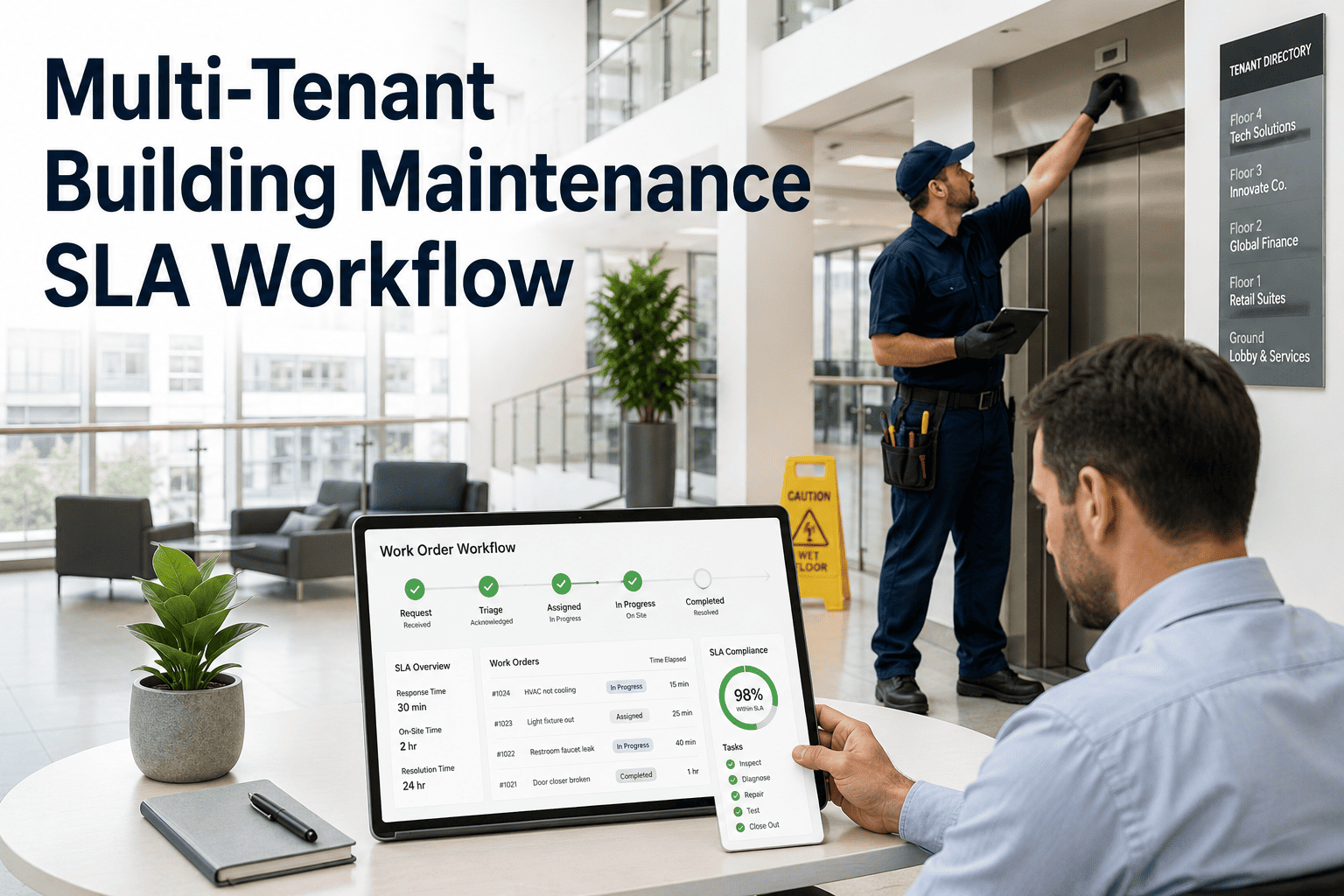
A net-lease office tower might have one tenant whose contract guarantees a one-hour response to any HVAC complaint, and a neighbor two floors up with no written SLA at all — yet most maintenance software treats every request the same way. When SLA terms live in lease PDFs and a property manager's memory instead of the ticketing system, breaches surface only after the penalty clause has already triggered. A tenant-aware SLA workflow ties every incoming request to the right contract the moment it's logged, starts the correct clock automatically, and raises a flag before the deadline is missed. See how that runs inside OxMaint's CMMS, or book a quick demo against your own building's lease terms.
Multi-Site Operations / SLA Management
Multi-Tenant Building Maintenance SLA Workflow
Configure SLA rules per tenant, auto-categorize every request, and escalate before a deadline is missed — across every building in the portfolio.
100%
Of requests matched to the correct tenant SLA on intake
3
SLA tiers tracked automatically per building
0
Manual SLA timers needed once rules are set up
One ticket queue, a dozen different contracts
Every tenant in a building negotiated different terms, but a generic work order queue can't tell the difference between a guaranteed one-hour response and a request with no SLA attached. That gap is where penalty clauses and tenant escalations come from.
| What the team needs to track |
Generic ticket queue |
Tenant-aware SLA workflow |
| Response deadline |
Same for every request |
Set by each tenant's own contract |
| Escalation path |
Manual, once someone notices |
Automatic, ahead of the deadline |
| Proof of compliance |
Reconstructed from email later |
Logged automatically on every ticket |
| Penalty exposure |
Discovered at invoice dispute |
Flagged while there's time to act |
Three tiers, applied automatically by building
Most lease SLAs collapse into a small number of severity tiers. Define them once per building and every incoming request is sorted into the right one without a dispatcher reading the contract.
Emergency
Response1 hour
Resolution target4 hours
Water leak, power loss, life-safety fault
Urgent
Response4 hours
Resolution target24 hours
HVAC discomfort, lighting outage, door fault
Routine
Response24 hours
Resolution target5 business days
Cosmetic repair, non-urgent request
From request to closed-loop report
The tenant never sees the contract logic — they just submit a request. Everything that matters happens automatically behind it.
1
Request loggedTenant, building, and unit are matched the moment it's submitted.
2
SLA tier appliedThe correct clock starts based on that tenant's contract terms.
3
Vendor or technician assignedRouted to whoever covers that trade in that building.
4
Breach risk escalatesA supervisor is alerted before the deadline, not after.
5
Closed and reportedResolution time is logged against the SLA automatically.
See your own lease terms inside the workflow
Bring your actual SLA tiers and we'll show you exactly how requests would route, escalate, and report across your portfolio.
What the workflow handles for the team
None of this needs a spreadsheet running in the background — the rules live in the system once and apply to every request after that.
Tenant-specific rules
Each lease's SLA terms are configured once and applied to every request from that tenant automatically, no matter who logs it.
Automatic escalation
A request approaching breach pushes a notification to a supervisor before the clock runs out, not after a tenant complains.
Compliance reporting
Owners and asset managers get a per-tenant, per-building SLA performance view without anyone compiling it by hand.
Audit-ready history
Every timestamp, assignment, and escalation is recorded automatically — ready the moment a lease dispute asks for proof.
What changes once SLAs run themselves
Portfolios that move SLA tracking out of email and into a tenant-aware workflow consistently see compliance climb, simply because breaches get caught while there's still time to act.
62%
SLA compliance, manual tracking
95%
SLA compliance, automated workflow
Expert Review
"The mistake I see most often in mixed-use and multi-tenant portfolios is treating SLA management as a reporting exercise instead of a routing one. By the time someone pulls a compliance report, the breach already happened. What actually moves the needle is putting the tenant's contract terms into the system itself, so the clock that matters starts the second the ticket is created and the right person gets pinged before it runs out. That single change — catching the risk instead of explaining it after the fact — is usually worth more to the relationship with ownership than any dashboard."
Reviewed by a Commercial Property Operations Manager, 14+ years overseeing multi-tenant office and retail portfolios.
Stop reconstructing SLA compliance after the fact
Walk through tenant-specific rules, automatic escalation, and compliance reporting on a real OxMaint workspace.
Frequently asked questions
What is a multi-tenant SLA workflow?
It's a maintenance process that ties every incoming request to the specific SLA terms in that tenant's lease, rather than applying one generic deadline to everyone in the building. The system starts the right clock, routes to the right team, and reports compliance per tenant automatically. See it configured in
OxMaint.
How does the system know which SLA applies?
SLA rules are configured once per tenant or lease and stored against that tenant's profile. When a request comes in tagged to that tenant and building, the matching tier and deadline are applied automatically — no manual lookup required.
Book a demo to see rule setup.
What happens if a request is about to breach SLA?
The workflow tracks remaining time against the deadline in real time and pushes an alert to a supervisor or manager before the threshold is crossed, not after. That gives the team a window to reassign, expedite, or communicate proactively with the tenant. Try the escalation rules in
OxMaint.
Can SLA tiers differ across buildings in the same portfolio?
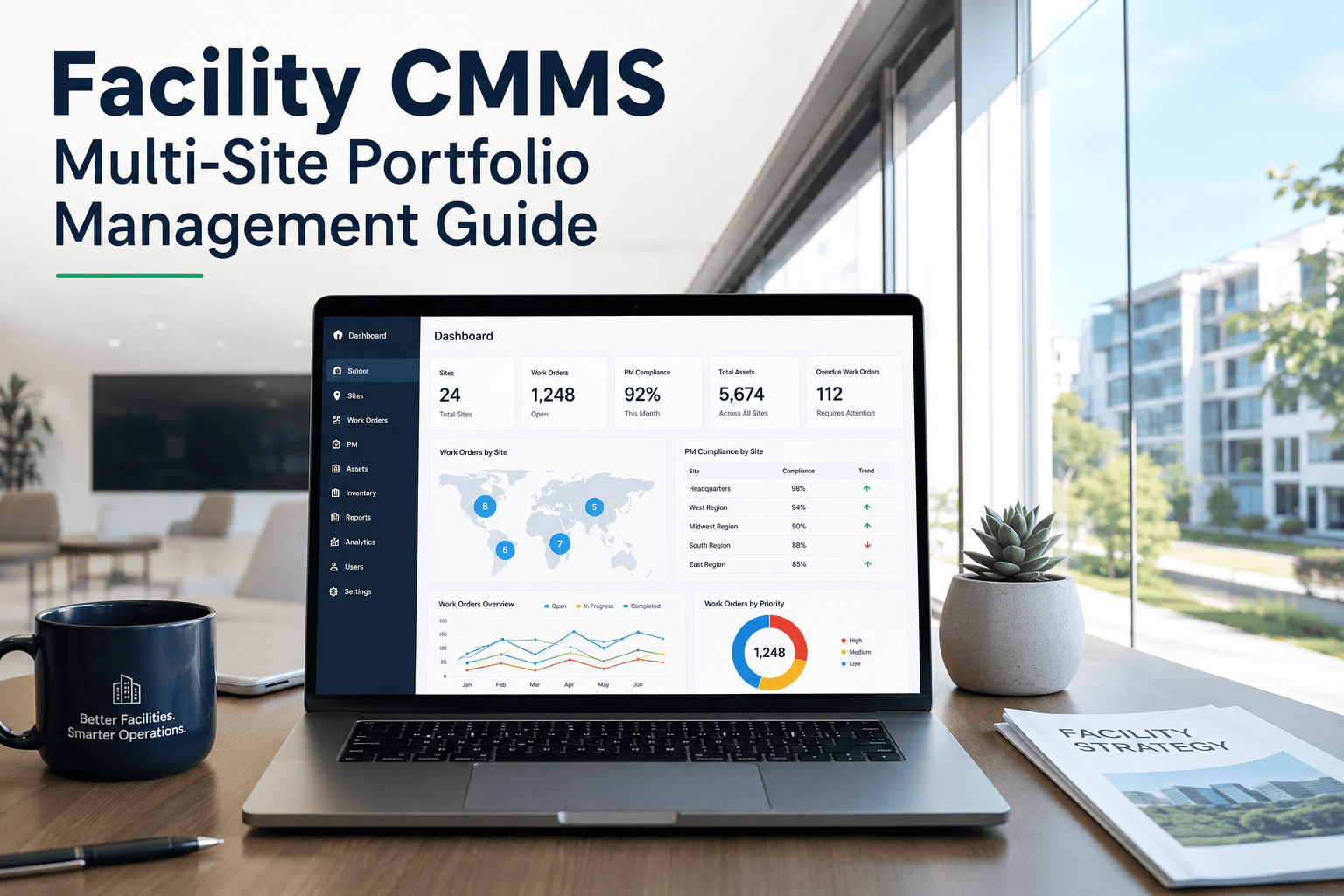
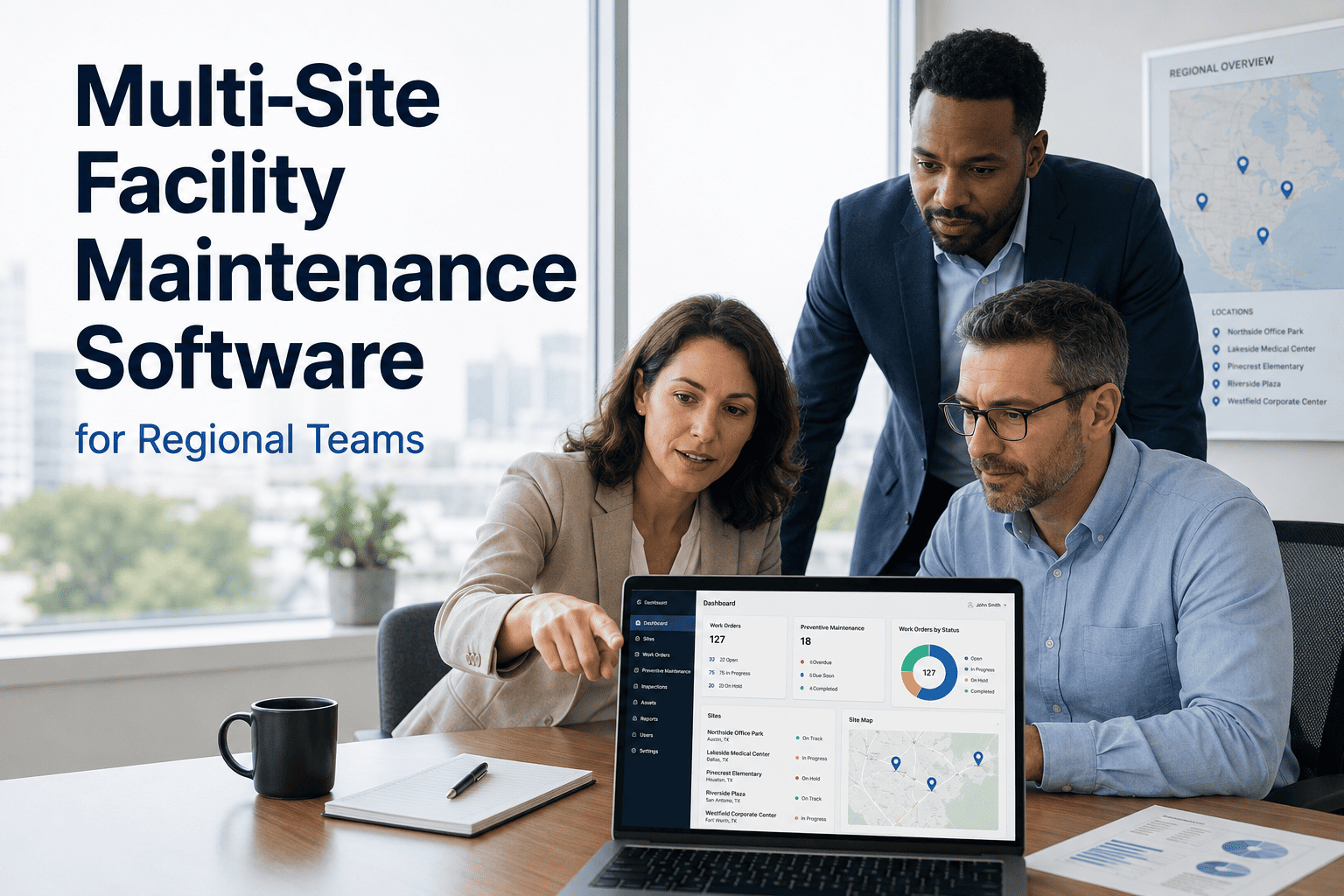
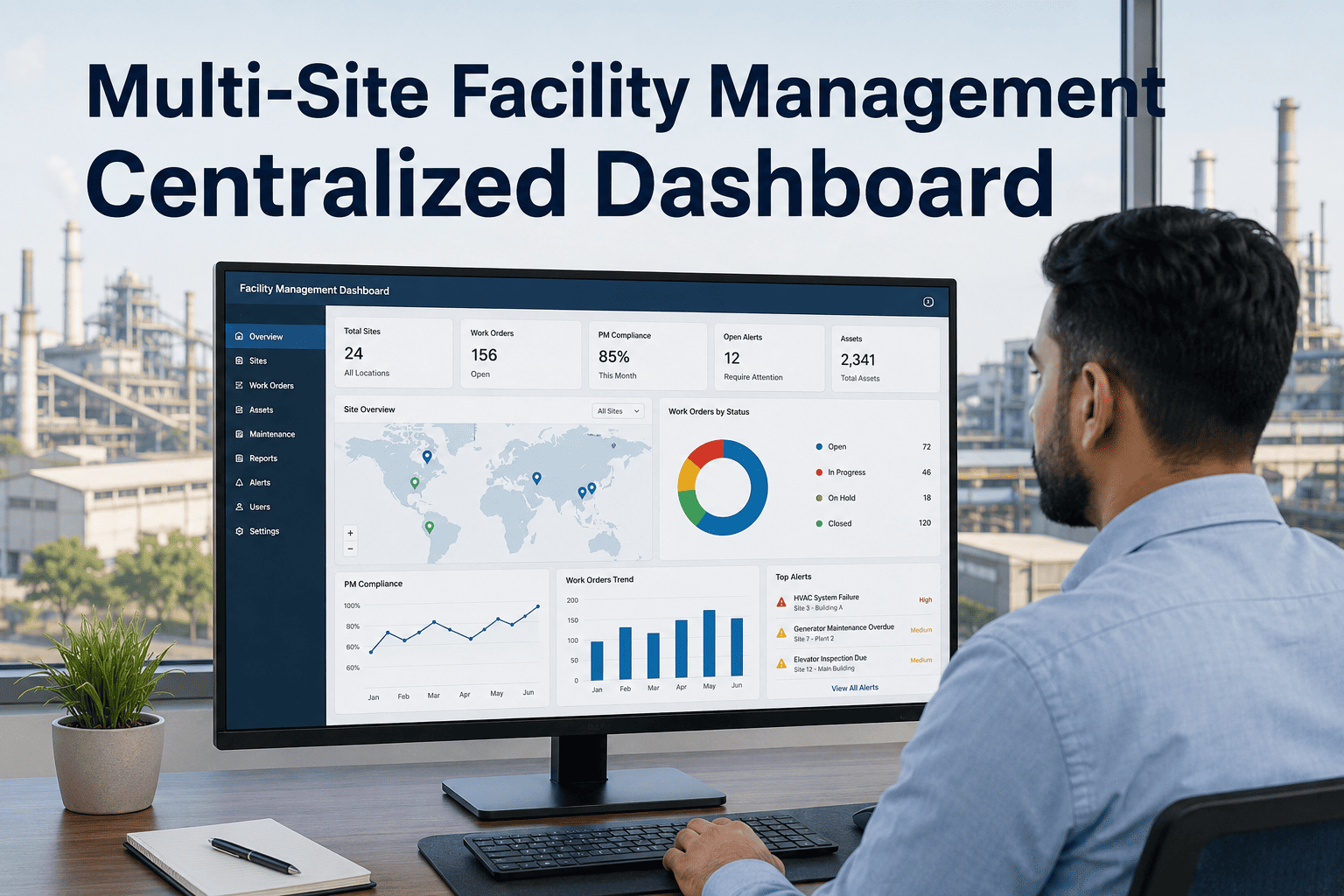
Yes. Each building and each tenant within it can carry its own tiers and timeframes, since lease terms rarely match across a portfolio. A regional or portfolio-wide view still rolls everything up for reporting purposes.
See a multi-building setup in a demo.
How is SLA compliance reported to owners or tenants?
Every request carries a timestamped record of when it was logged, assigned, and resolved against its SLA target, which rolls up into per-building and per-tenant compliance reports. That removes the manual work of reconstructing performance from email threads. Explore reporting in
OxMaint.
How long does it take to set up tenant-specific SLA rules?
Most teams map existing lease terms into tiers and assign them to tenants within a few days, since the underlying tier structure rarely needs more than three or four levels. Larger portfolios usually start with their highest-risk buildings first. Start with a
free trial.
Put real lease terms behind every ticket
Stop tracking SLAs in spreadsheets and inboxes. Give every tenant request the right deadline, the right escalation, and a report you can hand to ownership.