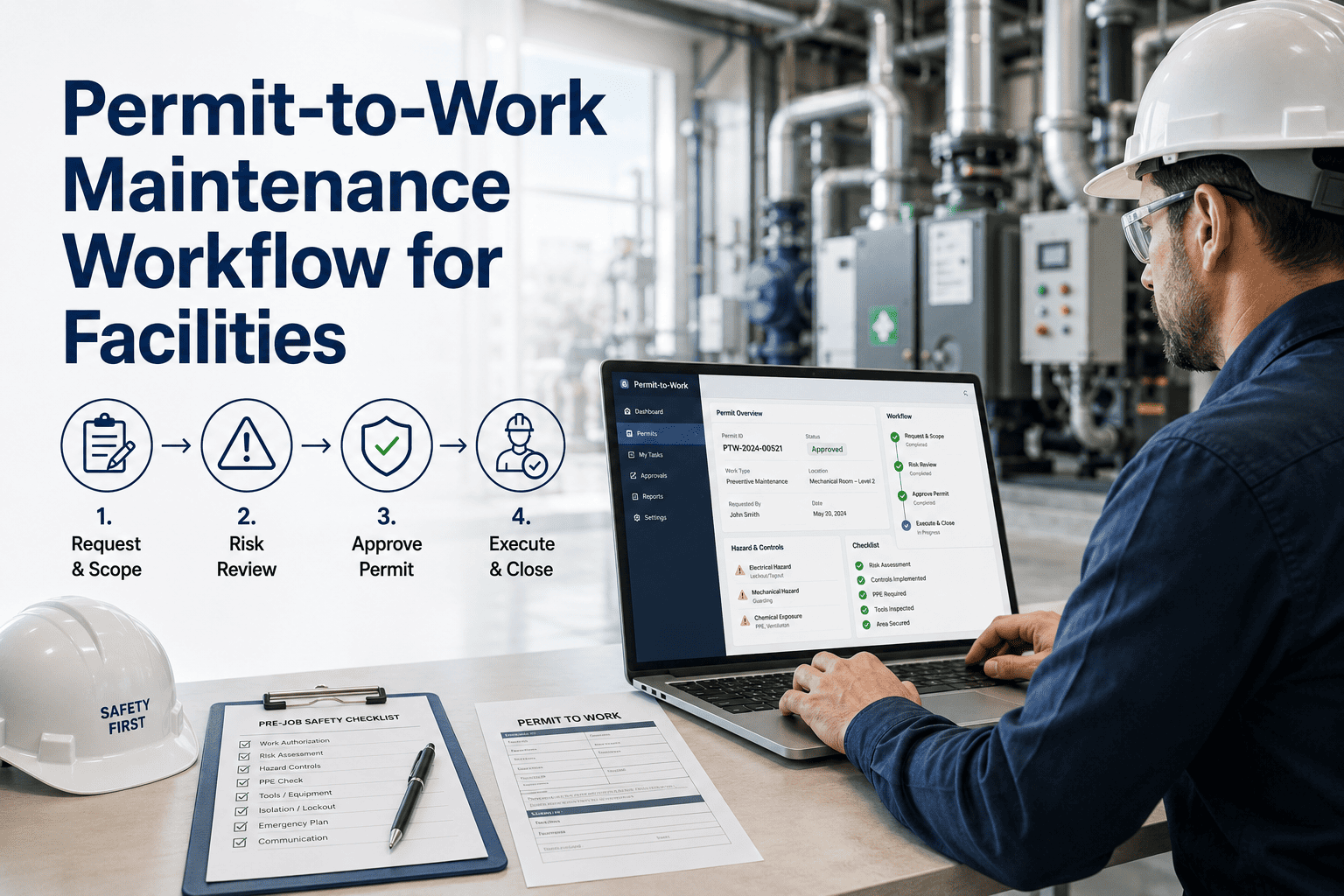
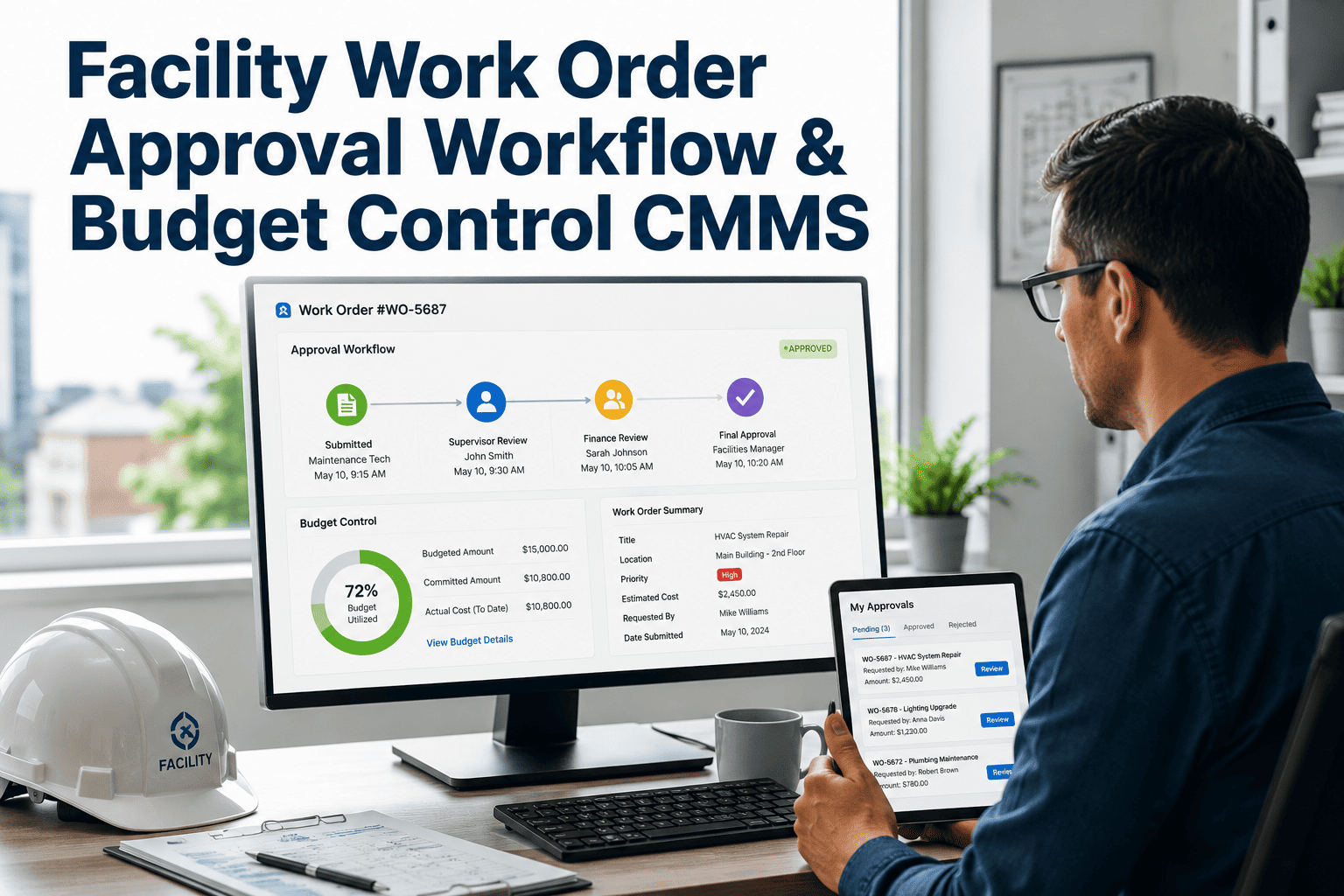
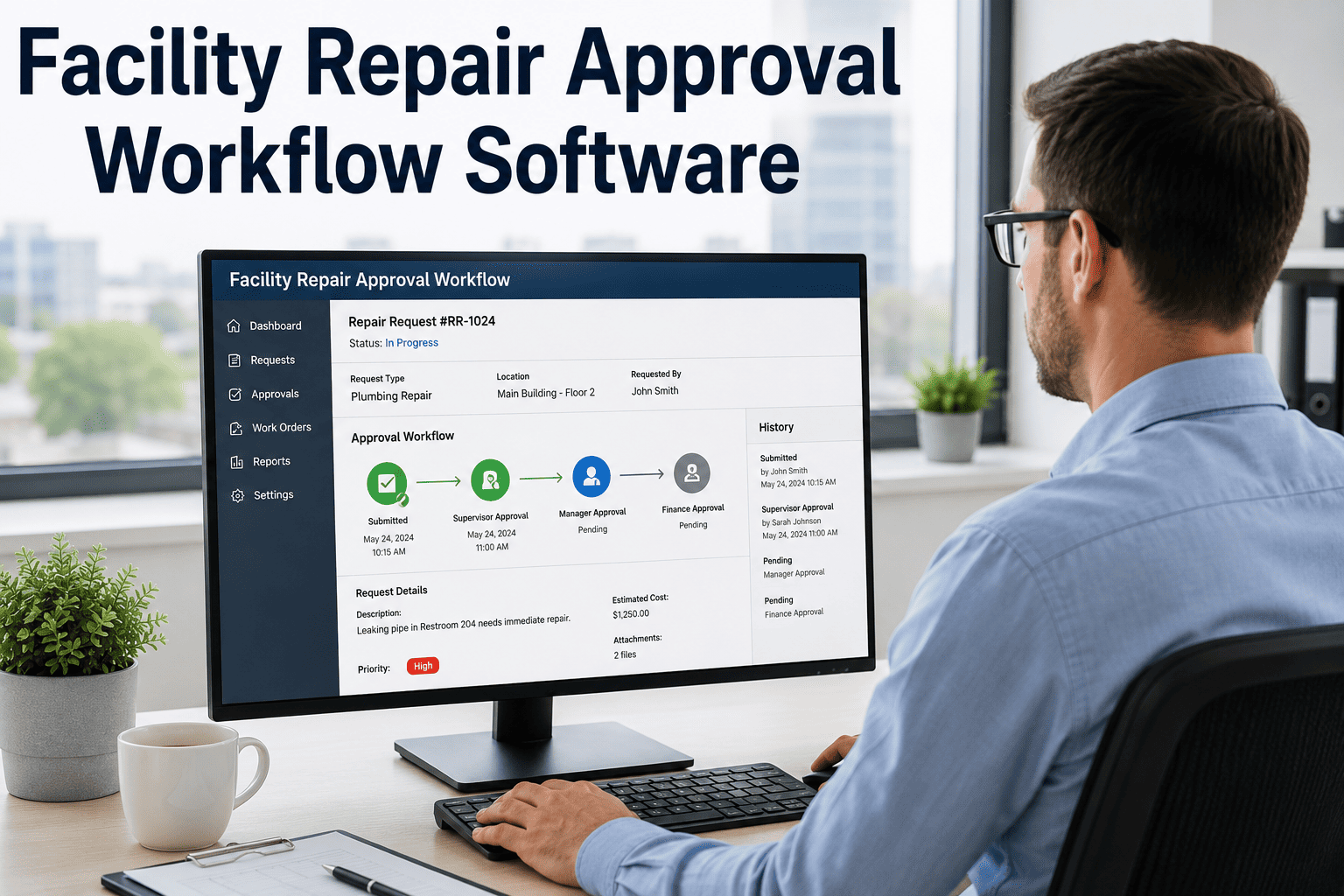
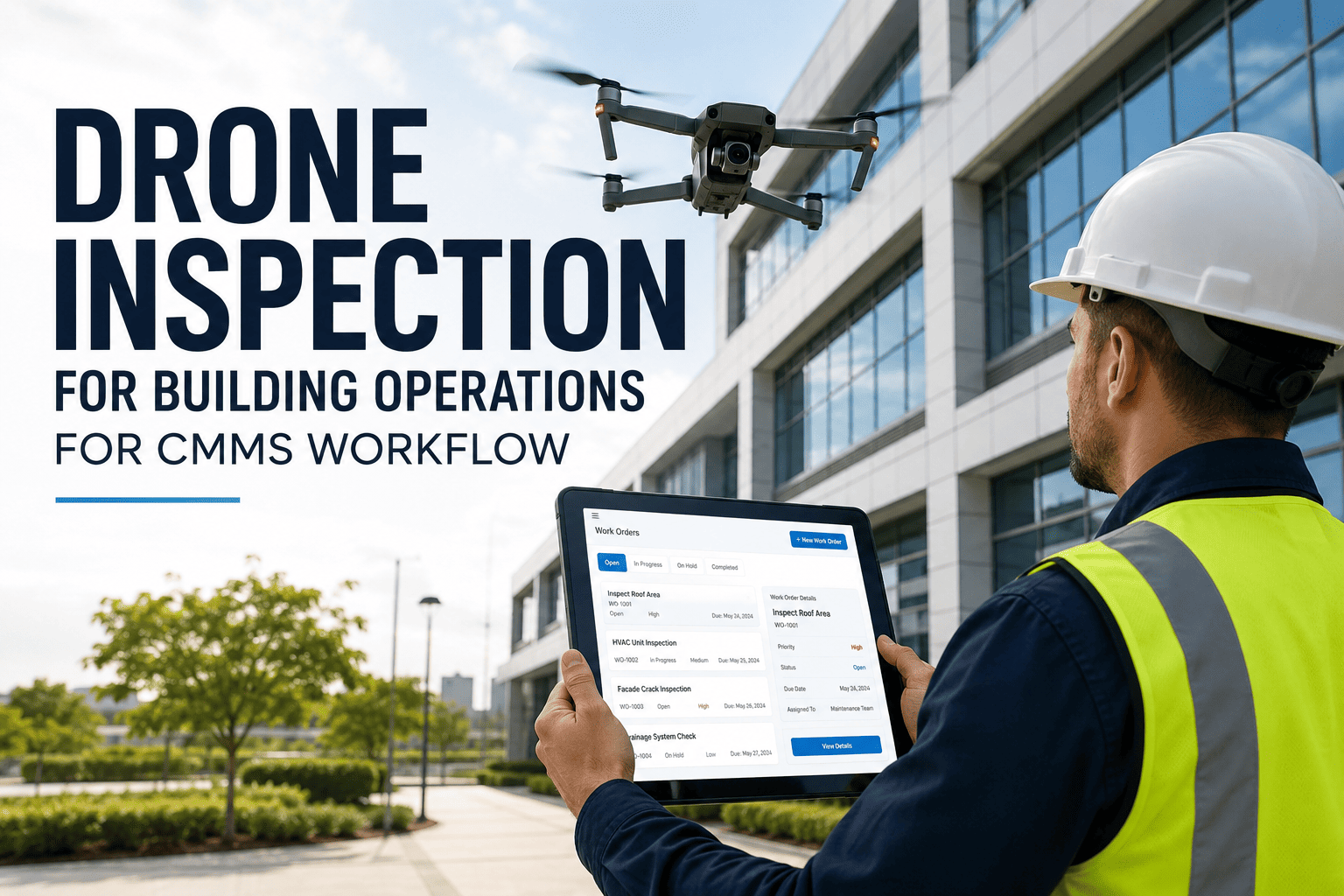
High-risk maintenance work — confined space entry, live electrical work, hot work, work at height, chemical handling — carries a category of liability that ordinary work orders were never designed to manage. A permit-to-work system exists to ensure that before any technician touches a dangerous task, every safety precaution has been verified, every authorization has been granted, and every step of the work is traceable. When that system lives in paper binders or email chains, the chain of accountability breaks precisely when it matters most. Digital permit-to-work in Oxmaint connects high-risk facility repairs to structured approvals, safety verification steps, contractor records, and completed work order evidence — in a single traceable workflow.
EHS Management · Compliance & Safety
Permit-to-Work That Closes Every Safety Gap
Connect high-risk repairs to mandatory approvals, safety verification steps, contractor qualifications, and completed work evidence — all in one digital workflow that protects your team and satisfies any auditor.
AssetBoiler Room — Unit B3
ContractorAllied Mechanical Ltd
Authorized ByJ. Okonkwo · 09:14 AM
Fire suppression isolated
Gas line locked out
Fire watch assigned
Contractor cert on file
$2.3M
Average liability cost of a workplace fatality in a commercial facility when permit-to-work procedures were absent
68%
Of OSHA serious injury citations in facility maintenance involve inadequate isolation or authorization procedures
5 min
Average time to issue a digital PTW in Oxmaint — versus 45+ minutes for paper-based permit systems
Permit Work Types
Which High-Risk Tasks Require a Permit in Oxmaint
Hot Work
Welding, cutting, grinding near flammable materials. Requires fire watch assignment and suppression system status verification before issue.
Live Electrical
Work on energized equipment or panels above 50V. Requires LOTO verification, arc flash assessment acknowledgment, and qualified technician certification check.
Confined Space
Entry into tanks, vaults, trenches, or enclosed plant areas. Requires atmospheric testing record, rescue plan confirmation, and entry supervisor assignment.
Work at Height
Any work above 1.8 metres without fixed barriers. Requires fall arrest equipment check, area exclusion confirmation, and weather condition sign-off.
Chemical Handling
Handling, transfer, or disposal of COSHH-classified substances. Requires SDS review confirmation, PPE check, and spill kit availability verification.
Ground Excavation
Digging, drilling, or penetration below paved surfaces. Requires buried services survey, exclusion zone setup, and emergency stop procedure briefing.
The Workflow
From Request to Closed Permit — Step by Step
| Stage |
What Happens |
Who Acts |
Evidence Captured |
| 1. Permit Request |
Technician or contractor raises a PTW request linked to a work order, specifying the hazard type and scope |
Technician / Contractor |
Request timestamp, work scope, asset ID |
| 2. Safety Checklist |
Required safety preconditions are completed and signed — isolation verification, PPE confirmation, area clearance |
Facility Safety Officer |
Signed checklist, photo evidence per step |
| 3. Authorization |
Permit is reviewed and approved by the authorized person — with digital signature and timestamp |
Authorized Manager |
Approval signature, authorizer name, time |
| 4. Contractor Check-In |
Contractor or technician confirms receipt, verifies qualifications on file, and accepts permit conditions |
Contractor / Technician |
Qualification certificates, acceptance sign-off |
| 5. Work Execution |
Work proceeds within permitted conditions; time-limited permit expires automatically if not renewed |
Technician / Contractor |
Work progress updates, any deviation reports |
| 6. Permit Closure |
Area is restored, isolation removed, and permit is formally closed with completion evidence attached |
Authorized Manager |
Completion sign-off, restoration confirmation |
Protect Your Team and Your Facility
Book a demo and see Oxmaint's PTW workflow configured for the high-risk work types most common at your facility. We'll walk through approval routing, contractor management, and the audit trail.
Expert Perspective
What Safety and Facilities Leaders Say
Paper permits create the illusion of compliance, not actual compliance. I've seen binders full of signed permits where half the preconditions listed were never actually verified — the form was completed, but the site conditions weren't checked. Digital PTW that requires photo evidence at each safety step and links back to the work order is the only system that proves the checklist was real, not ceremonial.
Gary Mensies
EHS Manager · Industrial Facilities · 24 years safety systems
★★★★★
Contractor management is the hidden risk in most facility PTW programs. An internal team follows the rules because there are consequences. A contractor who works across ten different sites may not even know your specific isolation procedures. A digital PTW system that won't issue a permit until the contractor's qualifications are on file and acknowledged is the safeguard that paper systems can't provide.
Book a demo to see how Oxmaint handles contractor credentialing in the permit workflow.
Zoe Kallistratos
Facilities Risk Manager · Mixed-Use Commercial Portfolio · 17 years contractor safety
★★★★★
Common Questions
What Facilities Teams Ask About Digital PTW
Can we configure different permit types with different approval chains for different risk levels?
Yes. Oxmaint supports fully configurable permit templates for each work category. A confined space entry permit can require three-level authorization — local supervisor, safety officer, and site manager — while a routine hot work permit can require only a single authorized manager approval. Each permit type has its own checklist, authorization chain, time limit, and evidence requirements. Changes to permit configurations are logged with a full change history for compliance audit purposes.
Book a demo to review your specific risk categories.
How does Oxmaint handle a permit that expires while work is still in progress?
Permits in Oxmaint carry a configurable time limit set at the point of issue. When a permit approaches expiry, both the permit holder and the authorizing manager receive an automated alert. If the work is not yet complete, the permit holder can request an extension, which triggers the same authorization workflow as the original issue. If the permit expires without extension, access to the related work order is suspended and the system records the expiry event. This prevents work from continuing outside authorized conditions without requiring manual enforcement.
Can we use Oxmaint PTW for contractors who don't have a CMMS account?
Yes. Contractors can receive and respond to permit notifications via a secure email link without needing a full Oxmaint account. The link gives them access only to the specific permit, where they can confirm qualifications, acknowledge conditions, and sign off on completion — all captured with a timestamp in the Oxmaint audit trail. For contractors who work regularly with your facility, a dedicated contractor login provides a broader view of their assigned work orders and permit history.
Sign up free to test contractor access.
What audit evidence does Oxmaint produce for a regulator inspecting our PTW records?
Oxmaint generates a full permit audit report showing every PTW issued in a selected period, including the permit type, asset, work scope, authorized by whom and when, safety checklist completion with photo evidence, contractor qualification records, work execution timeline, and permit closure sign-off. The report is exportable as a PDF or CSV and is structured to match the evidence requirements of OSHA, HSE, and ISO 45001 inspections. Every action within a permit carries an immutable timestamp and cannot be backdated.
Get Started
High-Risk Work Needs a Traceable Workflow, Not a Paper Form
Oxmaint connects your high-risk facility maintenance to digital permit approvals, safety checklists, contractor records, and closed-loop work order evidence — protecting your team and your liability exposure on every job.