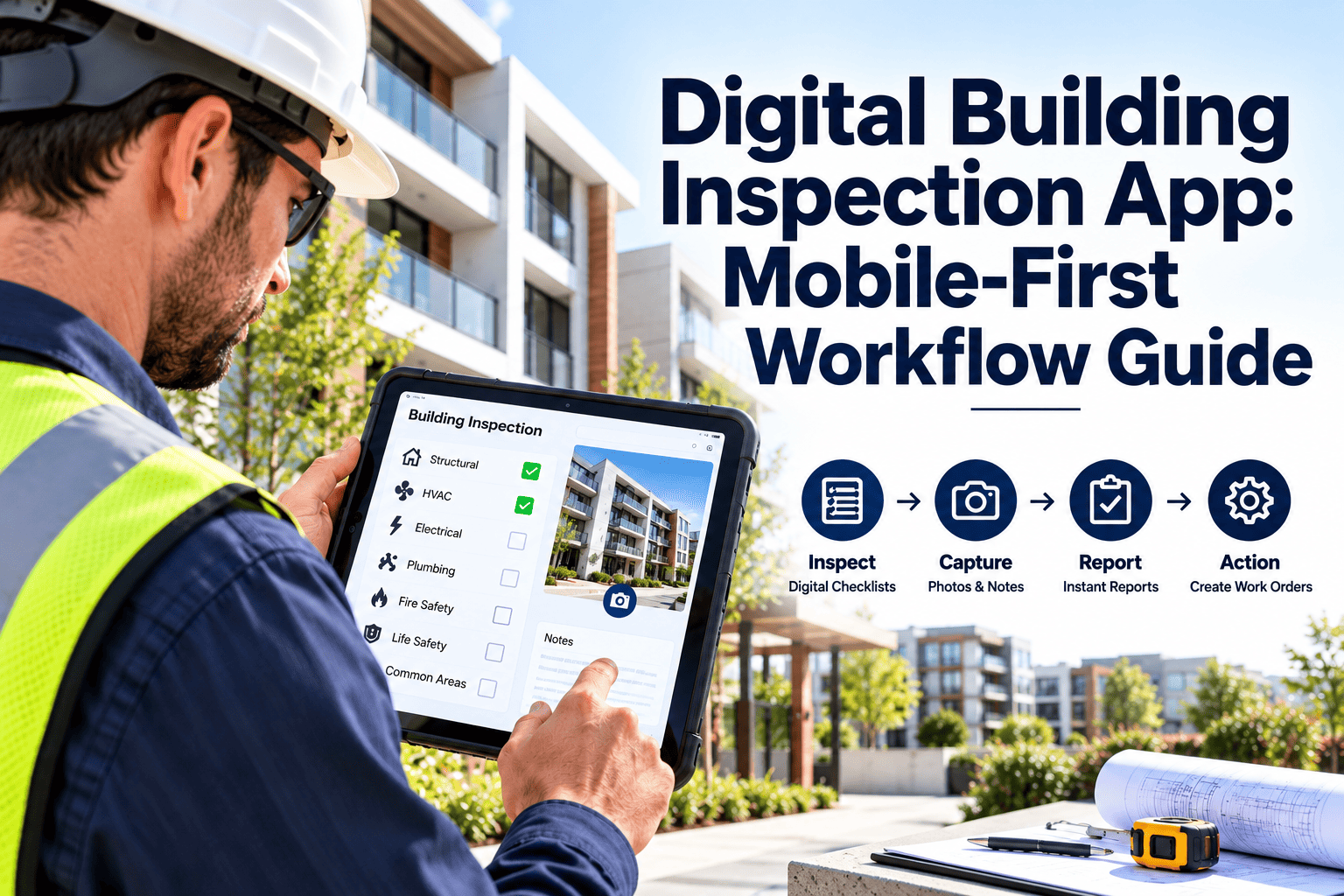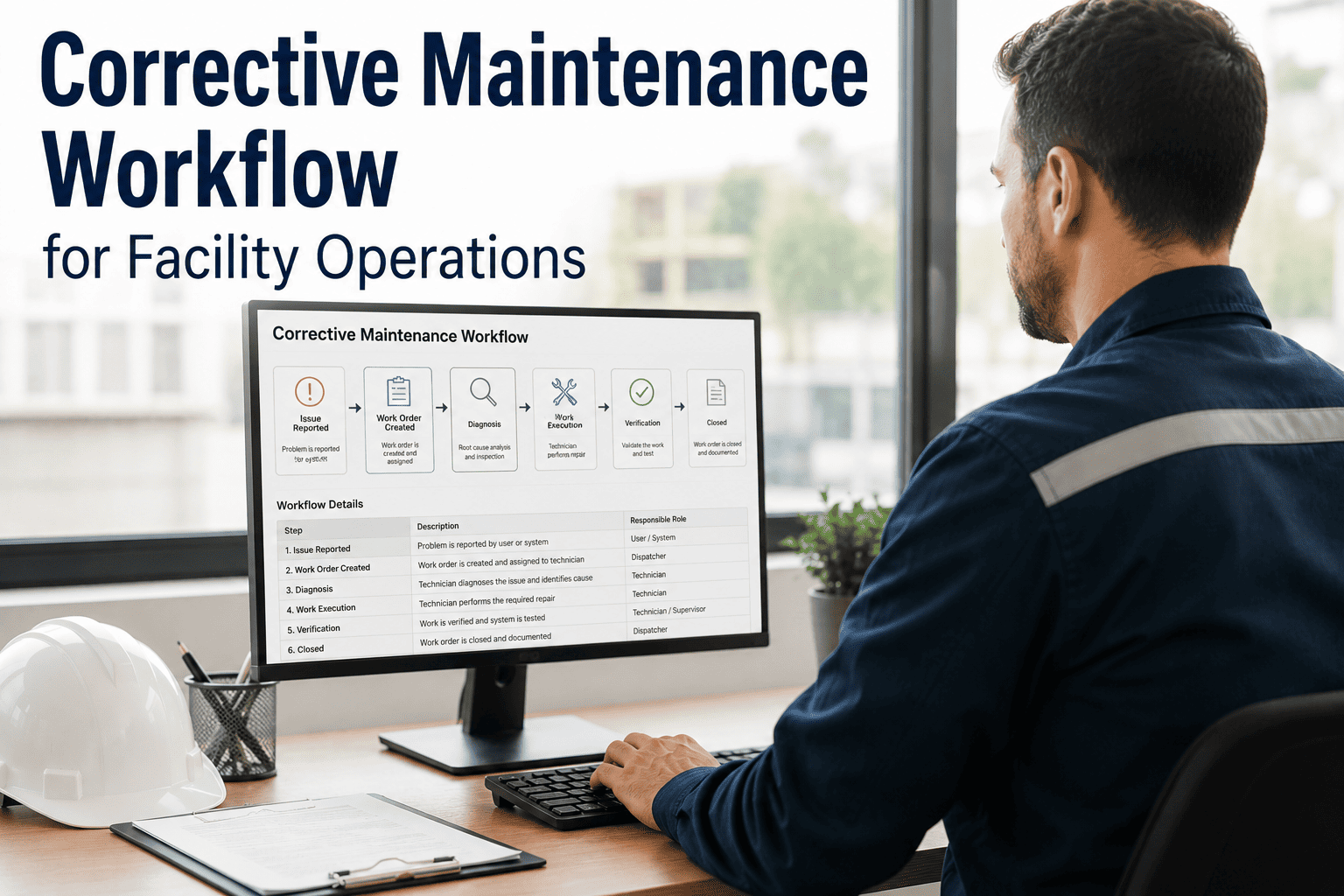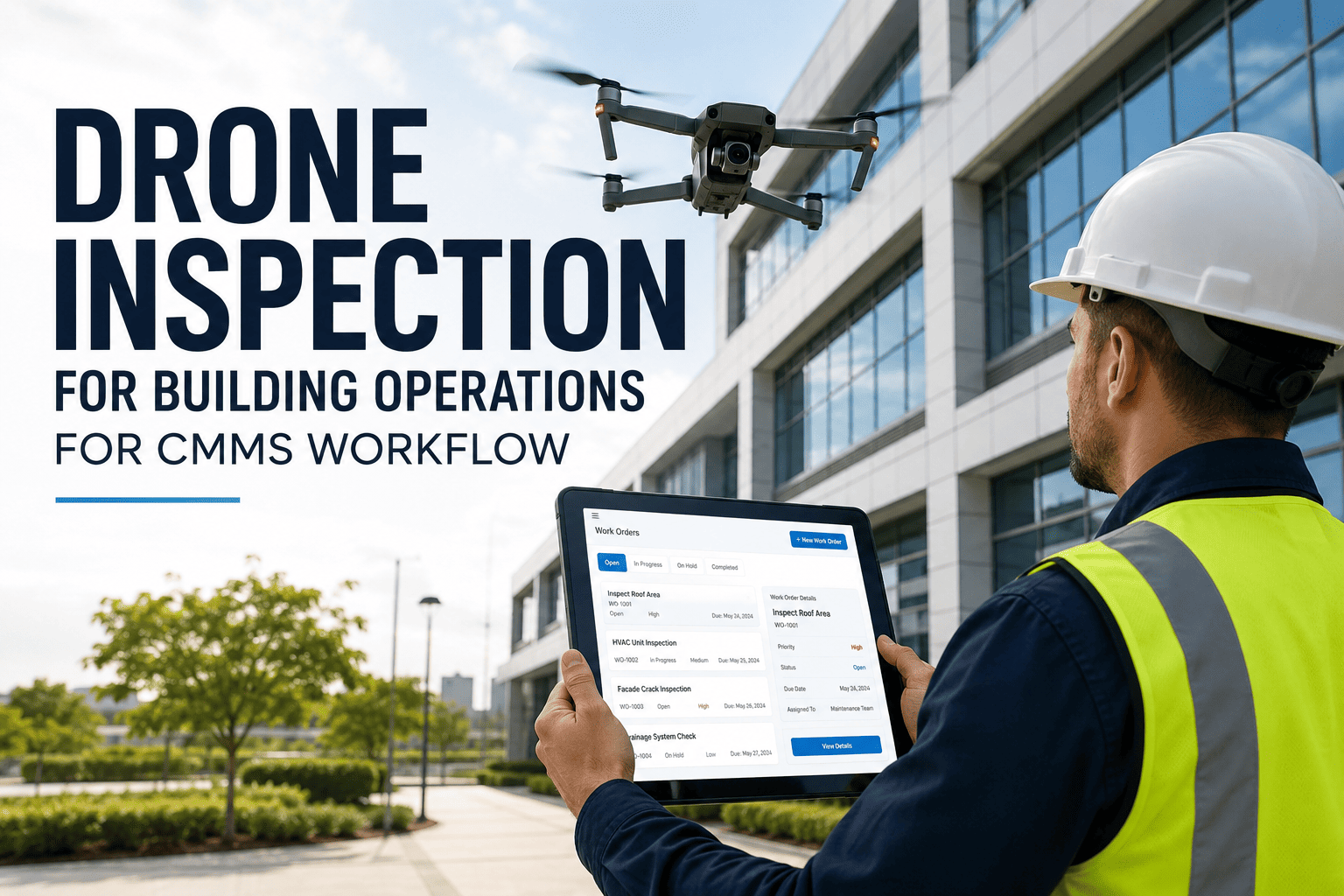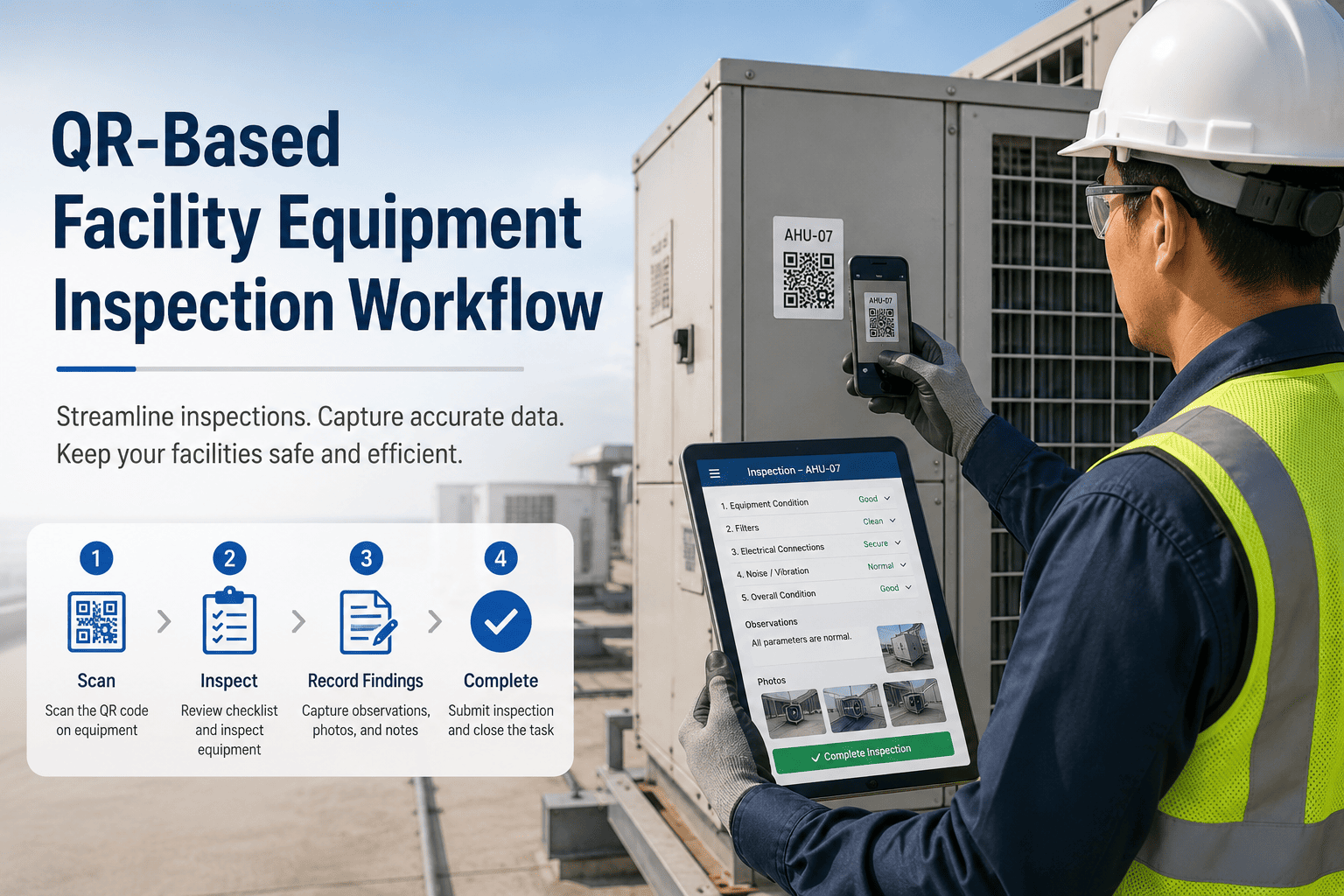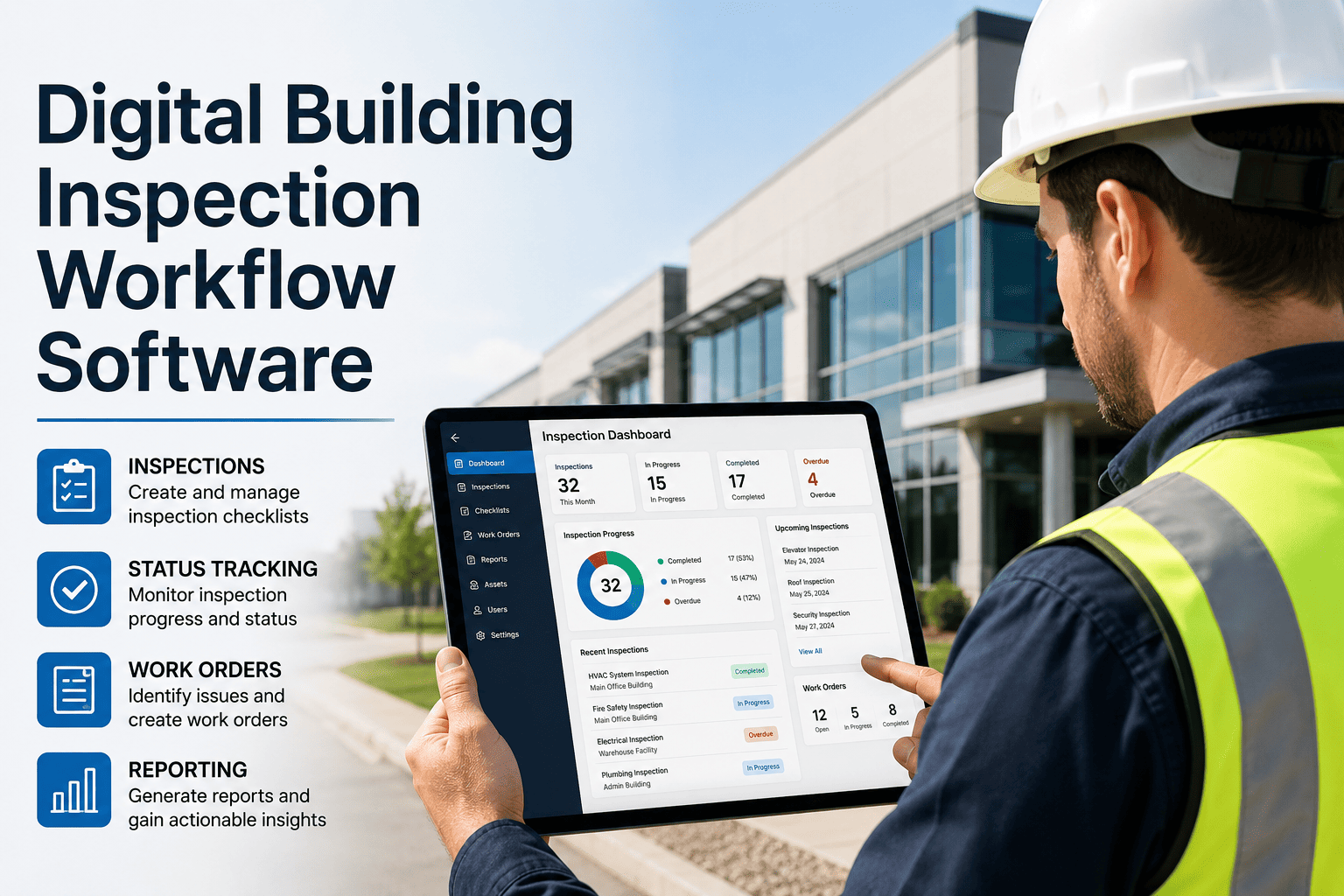
Paper inspection checklists, emailed photos, and manually created work orders are not just slow — they are compliance gaps. OxMaint digitizes the entire building inspection workflow: mobile checklists with photo capture, automatic failed-item alerts, corrective work orders generated on the spot, and audit-ready records that surveyors and regulators can review in seconds — not the hour it takes to locate the right binder.
Digital Building Inspection Workflow Software
Checklists. Photos. Failed-item alerts. Corrective work orders. Audit-ready records. The complete inspection loop — closed on a mobile device, stored permanently in the cloud.
Why Paper-Based Inspections Fail Facilities Teams
A failed checklist item written on paper produces no automatic follow-up. If the inspector doesn't personally create a work order — and track it themselves — the finding disappears. Most paper-based facilities miss corrective actions on 20–40% of inspection findings.
Paper checklists cannot attach photos to specific findings. When an auditor, insurer, or regulator asks for evidence that a deficiency was documented at the time of inspection — not reconstructed afterward — paper records cannot provide it.
Facilities that manage inspections on paper spend 2–4 days preparing for every regulatory audit — locating binders, cross-referencing dates, tracking down corrective action evidence. Digital records are searchable in seconds. That time difference is the entire value proposition.
Multi-building or multi-site facilities have no unified view of inspection status when each site manages its own paper trail. Corporate management cannot see which buildings are compliant, which have open findings, or which inspections are overdue without manually collecting reports from every location.
The Complete Digital Inspection Loop
OxMaint closes every step of the inspection cycle — from scheduling through corrective action closure — without paper, email chains, or manual work order creation.
Define inspection type, frequency, assigned inspector, and building/asset. OxMaint auto-generates recurring inspections and notifies assignees.
Inspector opens the checklist on any phone or tablet. Each item is tapped pass or fail. Photos, readings, and comments are captured at the asset — offline if needed.
Any failed item instantly triggers a configurable alert — push notification, email, or SMS — to the maintenance supervisor or responsible team. Nothing slips through.
OxMaint auto-generates a linked corrective work order from the failed item — pre-populated with the finding, asset, location, and photo evidence. No manual re-entry.
Every inspection, every finding, every corrective action — permanently stored, searchable by date, building, asset, or inspector. Exportable as a PDF audit package on demand.
Watch the Full Inspection-to-Work-Order Loop in 20 Minutes
Book a live demo and see how OxMaint handles a real inspection — from mobile checklist to corrective work order to audit export — for your building type.
Everything a Modern Inspection Workflow Needs
Build inspection checklists for any building system — fire safety, HVAC, electrical, structural, cleanliness, security — with pass/fail, numeric entry, dropdown, and photo-required field types. Templates are reusable across buildings and sites.
Inspectors work in basements, plant rooms, and rooftops without reliable connectivity. OxMaint works offline and syncs when signal returns — no inspection is blocked by dead zones.
Photos are captured directly inside the checklist item and stored against the finding — not emailed separately or filed in a shared drive where they lose context.
Failed items create corrective work orders automatically. Priority, assignee, due date, and description are pre-populated from the finding — reducing work order creation time to zero.
Every submitted inspection is locked — inspectors cannot retroactively edit a completed record. Timestamps and user signatures are permanent. This is what regulators and insurers require.
Property managers, facility directors, and compliance officers see inspection status across every building in one dashboard — overdue inspections, open findings, corrective action rates, and compliance scores — without pulling individual reports from each site.
Paper vs Spreadsheet vs OxMaint — At a Glance
| Capability | Paper Checklists | Spreadsheets | OxMaint |
|---|---|---|---|
| Mobile inspection in the field | No | Limited | Native offline app |
| Photo evidence linked to finding | No | No | Built-in |
| Auto alert on failed item | No | No | Instant push/email/SMS |
| Corrective work order auto-created | No | No | Automatic |
| Immutable audit trail | No | No | Locked & signed |
| Cross-site portfolio view | No | Manual compile | Live dashboard |
| Audit export on demand | No | Manual formatting | One-click PDF |
| Compliance score trending | No | Formula-based | Automatic analytics |
Inspection Types Managed in OxMaint
What Facilities Professionals Say About Digital Inspection Management
The single biggest compliance risk in facilities management is not a broken system — it is a broken system that nobody tracked. Paper inspections produce findings that get verbally reported, informally handled, and never documented. When an insurer or regulator asks for the corrective action record, there is nothing to show. Digital inspection workflows close that loop automatically.
We switched from paper inspection logs to OxMaint across our campus and the most immediate impact was not efficiency — it was visibility. For the first time, our facilities director could see which buildings had overdue inspections, which had open corrective actions, and which were genuinely compliant. That visibility alone changed how we prioritized maintenance budgets.
Why Facilities Are Moving to Digital Inspection Platforms Now
Digital Building Inspection Software — FAQ
How is digital inspection software different from just using a spreadsheet?
A spreadsheet can record inspection results after the fact, but it cannot capture photos linked to specific findings, automatically generate a corrective work order when a finding is recorded, send an immediate alert to the maintenance team, enforce a locked audit trail that cannot be retroactively edited, or give a portfolio-level view across multiple buildings without manual compilation. Digital inspection platforms like OxMaint automate the entire workflow from the moment the inspector taps a failed item through to corrective action closure — removing every manual handoff that causes findings to fall through the cracks in spreadsheet-based systems.
Can OxMaint be used for inspections across multiple buildings or sites?
Yes, and multi-site visibility is one of the core capabilities that differentiates OxMaint from single-building inspection tools. Your portfolio dashboard shows inspection compliance status, overdue inspections, open corrective actions, and compliance scores for every building in one view. Each building maintains its own inspection history and corrective action log, but corporate or regional management can see all sites simultaneously — without asking each building manager to pull and send their own reports. For portfolios of 5 to 500+ buildings, this consolidated visibility is what makes proactive compliance management operationally possible. Book a demo to see the portfolio dashboard live.
What happens when an inspector finds a failed item during a building inspection?
When an inspector marks an item as failed in OxMaint, three things happen automatically and simultaneously: a real-time alert is sent to the designated maintenance supervisor or team (via push notification, email, or SMS based on your configuration), a corrective work order is generated with the finding description, asset location, and any attached photos already populated, and the failed item is flagged in the inspection record with a timestamp — creating an immutable finding-to-action chain that shows exactly when the problem was identified and when corrective action was initiated. This automated chain is what auditors, insurers, and regulators look for when reviewing your building's compliance documentation. Try it free to see the full finding-to-work-order flow.
Does OxMaint work offline for inspections in areas without cellular coverage?
Yes. OxMaint's mobile inspection app works fully offline — inspectors can open checklists, record findings, take photos, and complete inspections in basement plant rooms, underground car parks, rooftops, and any area without reliable cellular or Wi-Fi connectivity. All data is stored locally on the device and syncs automatically to the OxMaint cloud when connectivity is restored. This is a non-negotiable requirement for facilities work, where some of the most important inspection areas — electrical rooms, mechanical plants, underground utilities — are precisely the areas where connectivity is worst. Offline capability is built into OxMaint by design, not added as a workaround.
Replace Paper Checklists With a Workflow That Closes Itself
Mobile checklists, photo evidence, automatic failed-item alerts, corrective work orders, and audit-ready records — the complete digital inspection workflow built for facilities teams who cannot afford a missed finding.