Facilities running on SAP Plant Maintenance face a paradox — powerful enterprise integration yet maintenance teams struggle with complex interfaces, slow adoption, and disconnected field operations. While SAP PM excels at financial tracking and master data management, facility managers increasingly discover that daily maintenance execution requires more intuitive, mobile-first solutions. The reality is stark: organizations report that technicians need weeks to master SAP PM compared to hours for dedicated CMMS platforms, creating adoption gaps that undermine the very maintenance optimization these tools promise. Book a demo with Oxmaint to see how modern CMMS transforms facility maintenance while complementing your existing SAP infrastructure.
The SAP PM Reality Check for Facility Managers
SAP Plant Maintenance sits within the broader SAP ERP ecosystem, designed to integrate maintenance activities with finance, procurement, and production planning. For large enterprises managing complex facility portfolios, this integration promises seamless data flow across departments. However, facility maintenance teams often find themselves caught between enterprise requirements and operational realities on the ground floor.
$129M
Average annual cost of downtime per facility among Fortune 500 companies
67%
Of manufacturers implementing preventive maintenance to reduce facility downtime
6-12
Months typical SAP PM implementation time versus 2-6 weeks for dedicated CMMS
Key Insight
The Integration-Usability Gap
SAP PM provides excellent enterprise-wide data consistency but requires significant IT support for configuration changes. Facility teams need maintenance-first tools that work intuitively on the floor while still connecting to enterprise systems for cost tracking and compliance.
Understanding SAP PM's core capabilities helps facility managers identify where it excels and where supplementary solutions like Oxmaint CMMS fill critical gaps. SAP PM organizes facility maintenance around technical objects, maintenance planning, and work order execution integrated with procurement and finance.
Technical Object Management
Hierarchical structuring of functional locations, equipment master records, and bills of material for comprehensive facility asset tracking.
Preventive Maintenance Planning
Time-based and usage-based maintenance strategies with scheduling packages that trigger work orders automatically.
Work Order Processing
Creation, planning, and confirmation of maintenance orders with resource allocation and cost settlement to controlling.
Module Integration
Seamless connection with SAP MM for spare parts procurement, FI-CO for cost tracking, and PP for production coordination.
The Challenge: Where SAP PM Falls Short for Facilities
Despite its enterprise strengths, SAP PM presents significant challenges for facility maintenance teams focused on operational execution. These limitations drive many organizations to seek complementary solutions that maintain SAP integration while improving daily workflows.
01
Complex User Interface
SAP PM relies on transaction codes and multi-screen workflows that require extensive training. Facility technicians report needing weeks to become proficient, compared to hours with maintenance-focused CMMS platforms. This complexity leads to workarounds and skipped updates.
02
Limited Mobile Functionality
While SAP offers mobile solutions, they often require additional licensing and configuration. Facility maintenance happens on rooftops, in mechanical rooms, and across sprawling campuses where instant mobile access determines response time.
03
Configuration Dependency
Customizing SAP PM workflows requires ABAP programming and IT involvement. Facility managers cannot adjust forms, reports, or approval processes without technical resources, creating bottlenecks for process improvements.
04
Implementation Timeline
SAP PM implementations typically span 6-12 months with significant consulting costs. Facility teams needing immediate maintenance improvements cannot wait for enterprise rollout schedules.
Bridge the SAP PM gap today. Oxmaint delivers mobile-first maintenance management that your technicians can master in hours, not weeks — while maintaining the enterprise integration your finance team requires.
The choice between SAP PM and a dedicated CMMS depends on organizational priorities. Most forward-thinking facilities find the optimal path combines both — SAP for enterprise governance and a modern CMMS for daily maintenance execution. Schedule a consultation to explore integration options for your facility.
Capability
SAP PM
Dedicated CMMS
Primary Focus
ERP-wide integration
Maintenance-first execution
User Interface
Complex, requires training
Mobile-friendly, intuitive
Setup Time
6-12 months
2-6 weeks
Technician Adoption
Moderate to low
High with mobile access
Work Order Closure
Slower due to complex flows
Faster with real-time tools
Customization
Requires IT/consultants
No-code configuration
Best For
Enterprise data governance
Daily maintenance execution
The Hybrid Approach: SAP + Modern CMMS
Many facilities discover the smartest path forward combines SAP's enterprise strengths with a dedicated CMMS for frontline execution. This hybrid model delivers immediate improvements without disrupting existing SAP investments.
SAP Handles
Asset master data governance
Cost accounting and budgets
Procurement workflows
Enterprise compliance reporting
Financial integration
API Sync
CMMS Handles
Mobile work order execution
Real-time technician updates
Photo and document capture
Preventive maintenance scheduling
Spare parts tracking
What Facilities Achieve with CMMS Integration
15-30%
Reduction in unplanned downtime through better preventive maintenance
44%
Less downtime reported with proactive scheduling and faster response
Hours
Time to train new users versus weeks for ERP-based maintenance systems
How Oxmaint Complements SAP PM for Facilities
Oxmaint provides the maintenance-first execution layer that SAP PM environments often lack. When you sign up for Oxmaint, your facility teams gain intuitive tools while maintaining the data accuracy your enterprise systems require.
Mobile-First Work Orders
Technicians create, update, and close work orders from any device without navigating complex transaction codes. Photo capture, barcode scanning, and offline functionality ensure complete data capture across facility locations.
Automated PM Scheduling
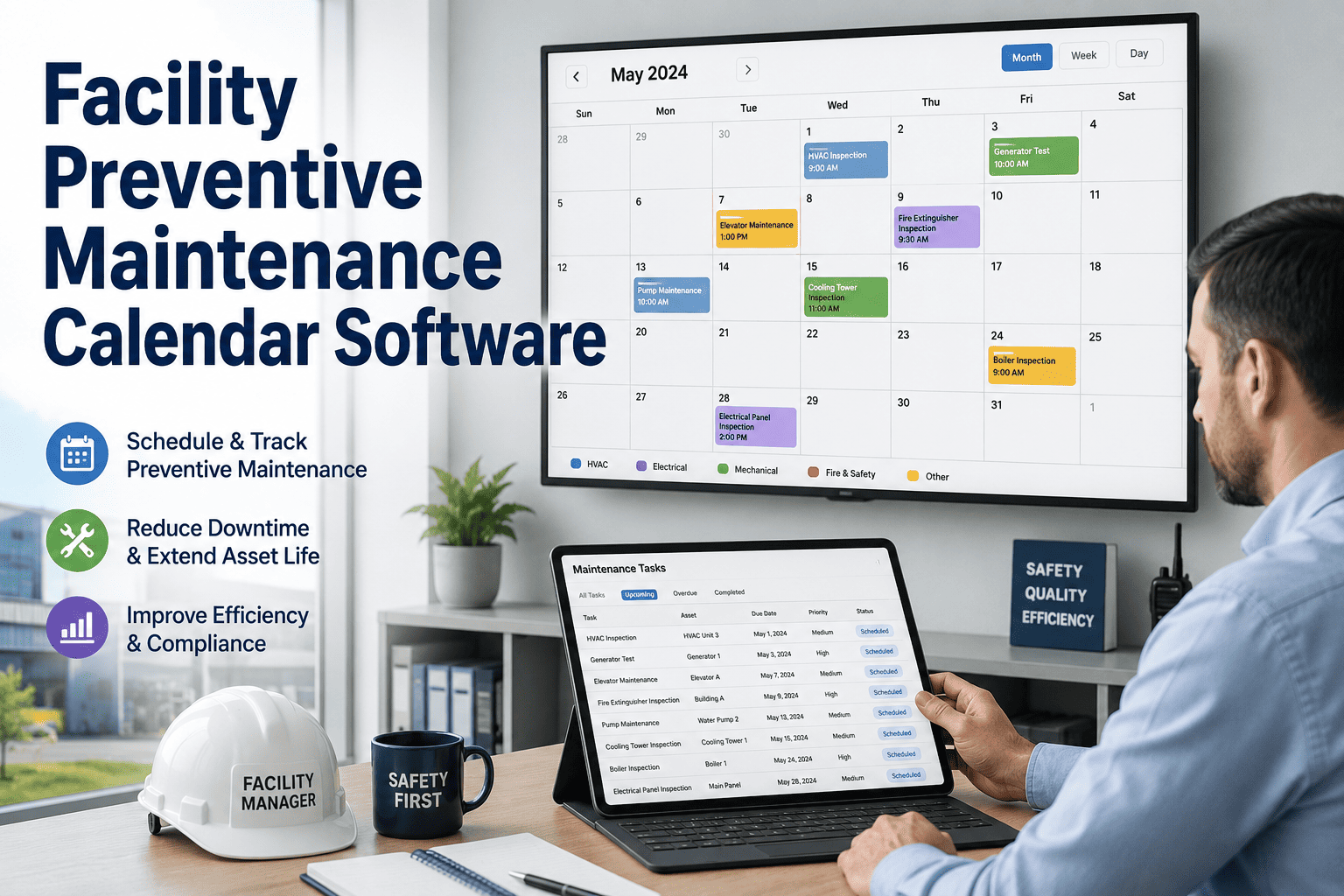
Configure time-based and meter-based preventive maintenance that generates work orders automatically. Calendar views and drag-and-drop scheduling give maintenance planners complete visibility and control.
Real-Time Asset Tracking
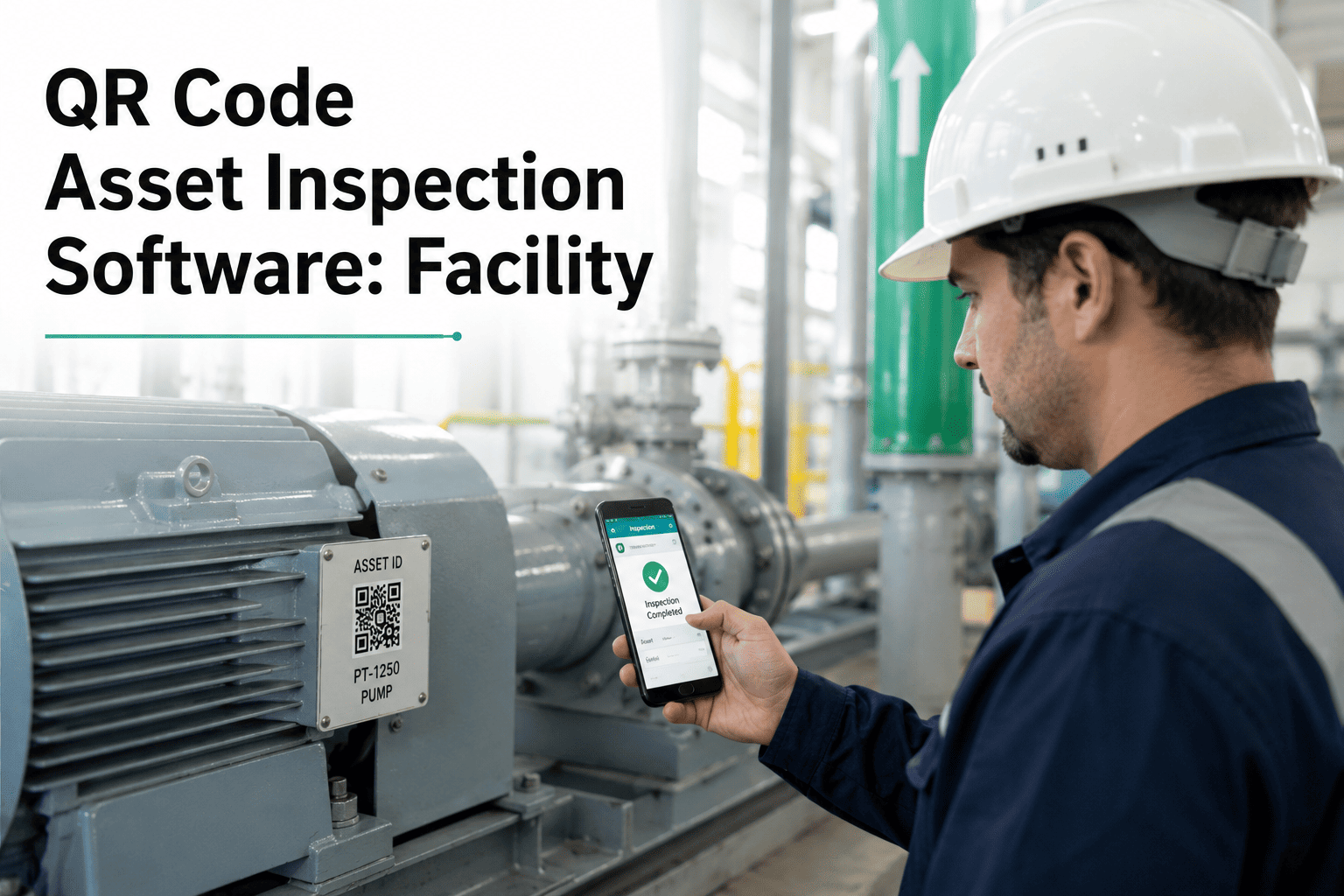
Centralized equipment records with complete maintenance history, warranty tracking, and document storage. QR code scanning enables instant access to asset information and work history in the field.
Inventory and Parts Management
Track spare parts across storerooms with automatic reorder alerts. Link parts to work orders and assets for accurate cost tracking and usage analysis without complex procurement workflows.
Implementation Best Practices for Facility Maintenance Systems
Whether you're optimizing SAP PM, implementing a dedicated CMMS, or pursuing a hybrid approach, following proven best practices dramatically improves adoption rates and ROI. Organizations that skip these foundational steps often struggle with incomplete data, low technician engagement, and failed implementations. Book a demo to learn how Oxmaint's implementation team guides facilities through each phase.
Phase 1
Define Clear Objectives and KPIs
Before selecting or configuring any system, establish measurable goals. Common facility maintenance KPIs include work order completion rate, preventive maintenance compliance, mean time to repair, and maintenance cost per square foot. These metrics guide configuration decisions and prove ROI post-implementation.
Phase 2
Build Your Asset Hierarchy First
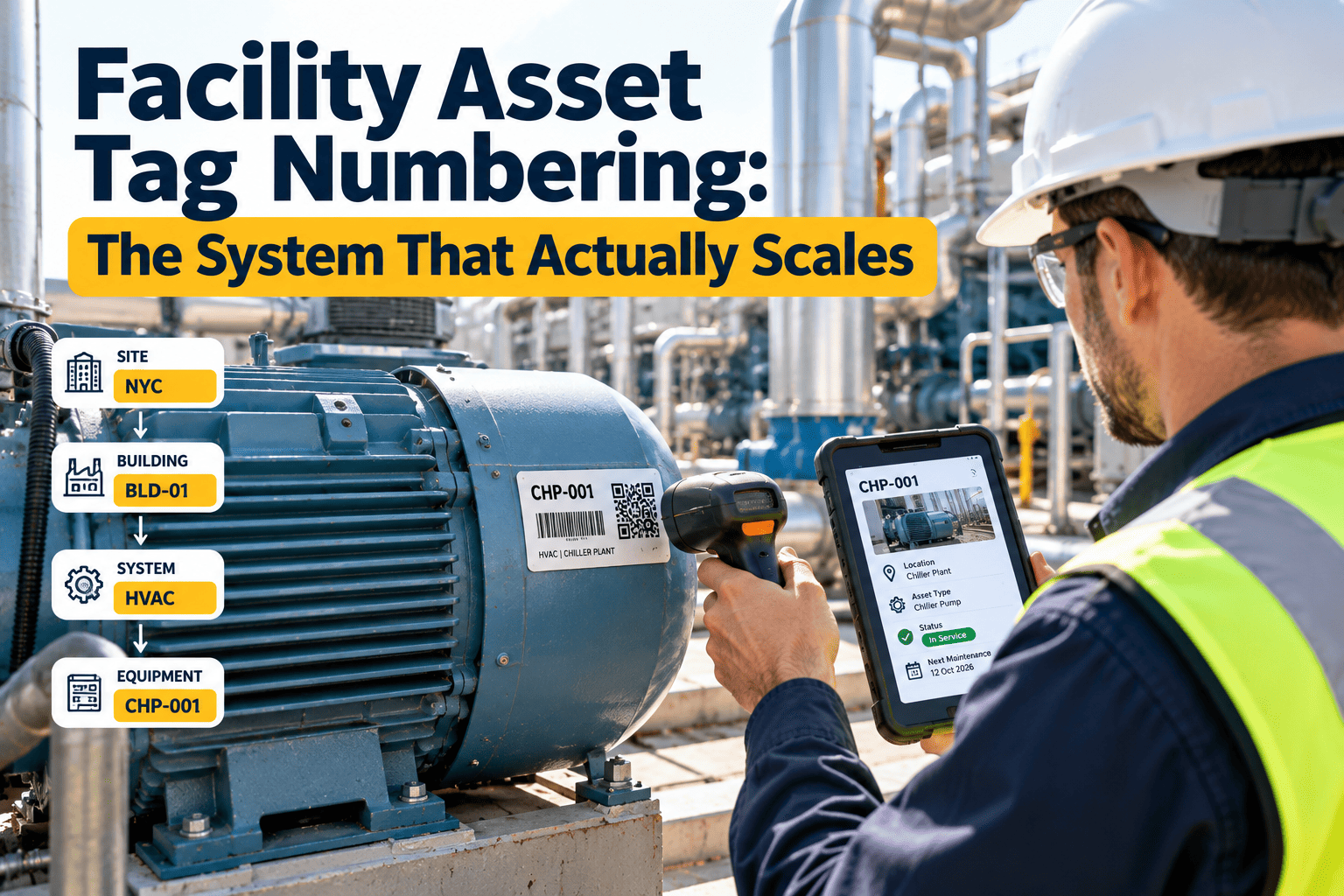
Successful implementations start with proper asset structuring. Map functional locations from building level down to individual equipment. Define naming conventions, criticality ratings, and parent-child relationships before entering data. This foundation determines reporting accuracy and maintenance planning effectiveness.
Phase 3
Start with High-Impact Assets
Rather than attempting facility-wide rollout, focus initial implementation on critical equipment where downtime carries highest cost. HVAC systems, elevators, fire safety equipment, and production-critical machinery typically offer the fastest returns. Success with priority assets builds momentum for broader adoption.
Phase 4
Invest in User Training and Change Management
Statistics show 60-80% of CMMS implementations fail due to poor user engagement. Involve maintenance technicians early in system selection. Provide role-specific training that focuses on daily workflows rather than comprehensive feature tours. Champions within each team accelerate adoption and troubleshoot resistance.
Phase 5
Standardize Work Order Processes
Document how work requests flow from identification through completion and closure. Define approval workflows, priority classifications, and required data fields. Standardization ensures consistent data quality that enables meaningful analysis and prevents the system from becoming a dumping ground for incomplete records.
Phase 6
Plan Integration Points Early
Identify which systems need to exchange data with your maintenance platform — SAP for cost tracking, BMS for equipment alarms, procurement for parts ordering. Map data flows and integration requirements before implementation rather than retrofitting connections that compromise data integrity.
Implementation Success Factor
Organizations that dedicate a project champion with dedicated time allocation see 3x higher adoption rates than those treating implementation as an add-on to existing responsibilities. Sign up for Oxmaint to access guided onboarding support that accelerates your implementation timeline.
Transform Your Facility Maintenance Today
Whether you're supplementing SAP PM or seeking a standalone solution, Oxmaint delivers the mobile-first maintenance management your facility teams need. Start with a free account and see results within your first month.
What is SAP Plant Maintenance (PM) and how does it work for facilities?
SAP PM is a module within SAP ERP that manages maintenance activities for equipment and facilities. It provides structured maintenance planning, work order processing, and integration with procurement and finance modules. While powerful for enterprise data management, many facility teams find they need supplementary tools for daily execution. Book a demo to see how Oxmaint fills these gaps.
Can a CMMS integrate with SAP PM?
Yes, modern CMMS platforms like Oxmaint offer API integrations that enable bidirectional data exchange with SAP. This hybrid approach lets technicians use intuitive mobile tools while SAP maintains authoritative records for cost accounting, procurement, and compliance reporting.
How long does SAP PM implementation take compared to CMMS?
SAP PM implementations typically require 6-12 months with significant consulting investment. Dedicated CMMS platforms can be operational within 2-6 weeks. For facilities needing immediate maintenance improvements, starting with CMMS while planning SAP integration often delivers faster results.
Is SAP PM suitable for small to medium facilities?
SAP PM is designed for large enterprises with existing SAP infrastructure. Small to medium facilities typically find dedicated CMMS solutions more cost-effective and easier to implement. Sign up for Oxmaint to access enterprise-grade maintenance management without enterprise complexity.
What are the main limitations of SAP PM for facility maintenance?
Common limitations include complex user interfaces requiring extensive training, limited native mobile functionality, dependency on IT resources for customization, and longer implementation timelines. These factors often lead to low technician adoption and incomplete maintenance data capture.

.jpeg)
