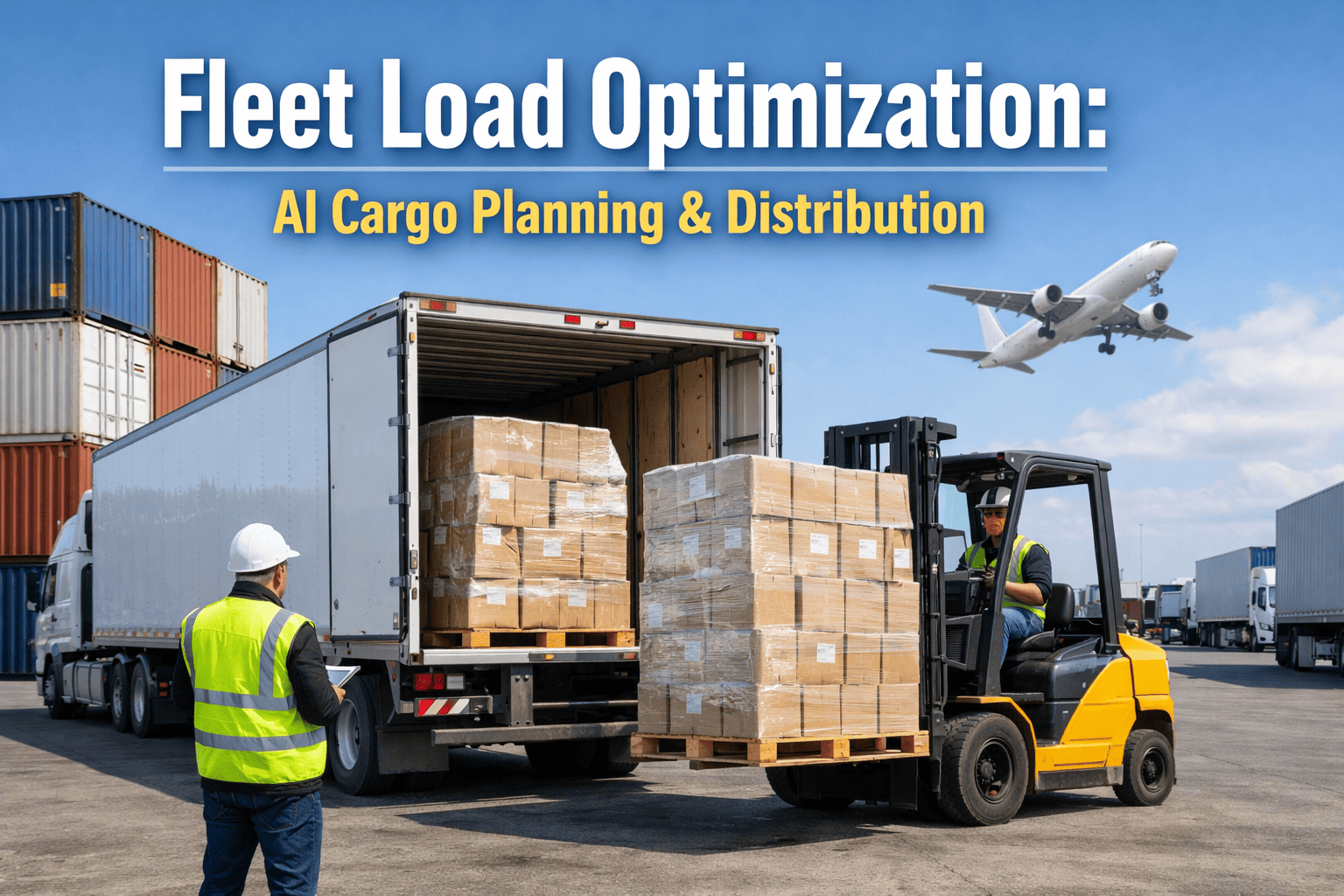
A regional food distribution company in Atlanta running 28 refrigerated box trucks was leaving an average of 18% of payload capacity empty on every outbound run — while simultaneously paying for 3 additional vehicles to handle overflow that better load planning would have absorbed into the existing fleet. Their dispatchers were building loads manually: driver A gets Route 7 stops, load the truck with Route 7's product. Nobody was calculating whether Route 7's product could be combined with Route 9's early stops onto one vehicle, or whether the sequence of loading was costing an extra 22 minutes at each destination because heavy pallets were blocking light items that needed to come off first. OxMaint's AI load optimisation engine solves the cargo planning problem that dispatchers cannot solve manually — calculating optimal vehicle assignment, pallet sequence, weight distribution, and stop-sequence delivery order simultaneously for every load, every day. The Atlanta fleet eliminated the 3 overflow vehicles in 90 days, saving $142,000 annually in lease and operating costs. Book a demo to see your fleet's load utilisation calculated from your current delivery data.
Load Optimisation · Cargo Planning AI · Fleet Capacity · OxMaint
18% Empty Payload on Every Run. 3 Unnecessary Vehicles. $142,000 a Year. The Load Planning Problem OxMaint Solves in Under 30 Seconds.
OxMaint's AI load optimisation engine calculates optimal vehicle assignment, cargo sequence, weight distribution, and axle compliance simultaneously — maximising payload utilisation, eliminating overflow vehicles, and ensuring every driver departs with a load plan that makes physical sense at every stop.
$142K
Annual savings from eliminating 3 overflow vehicles — after OxMaint load optimisation improved payload utilisation at the Atlanta fleet
18%
Average empty payload on every outbound run before AI load planning — industry benchmark for manually planned loads
22 min
Average time wasted per delivery stop when cargo is loaded in the wrong sequence for stop order
30 sec
OxMaint AI load plan calculation time — per vehicle, per day, all constraints solved simultaneously
18%
Industry benchmark: manually planned loads run at 82% of maximum payload capacity — leaving 18% of every truck's capacity unused on every outbound trip. At a typical 28-vehicle fleet running 260 operating days per year, that 18% empty space represents over 120,000 pallet positions that could have carried revenue-generating product. OxMaint load optimisation closes the gap by calculating the maximum cargo combination that fits within weight, volume, temperature, and axle constraints — then sequencing that cargo in the correct load order for the planned stop sequence.
Sign in to OxMaint to run your first AI load plan from your current delivery manifest data.
Four Load Planning Problems OxMaint Solves Simultaneously
CAP — Payload Capacity
Maximum Payload Utilisation — Fill Every Vehicle to Its Optimal Load
Manual load planning assigns stops to vehicles based on route geography — not on whether the vehicle can carry additional freight from adjacent routes before it reaches capacity. OxMaint's multi-vehicle load optimiser calculates the maximum cargo that can be combined across multiple route segments onto each vehicle — matching cubic volume, weight limits, and temperature zone requirements simultaneously. Vehicles that previously ran at 82% capacity with manual planning consistently reach 94–97% with OxMaint's optimised assignment — reducing total vehicle trips and eliminating overflow vehicles that exist only to handle freight that better planning would have absorbed into the primary fleet.
Sign in to OxMaint to calculate your fleet's current capacity utilisation rate and projected improvement from AI load optimisation.
Capacity Constraints Solved Per Vehicle
Gross vehicle weight — kg / lb limit per vehicle class and configuration
Cubic volume — pallet positions or cubic metres available per load
Temperature zones — ambient, chilled, frozen separation within one vehicle
Fragile / hazmat segregation — separation requirements per cargo class
Cost of Under-Utilised Payload
18% average empty space = 18% excess trips, fuel, driver time per km hauled
Overflow vehicles exist because load planning does not maximise primary fleet capacity
SEQ — Load Sequence
Stop-Sequence Load Order — Last Stop Loaded First, Every Time
A driver with 14 stops who needs to deliver Stop 3's product finds it at the back of the truck behind Stop 14's pallets — and spends 22 minutes unloading and reloading to access it. This is a sequencing failure, not a loading failure. OxMaint's load sequencer calculates the optimal pallet position for every SKU based on its delivery stop in the planned sequence — last-off items loaded first (deepest in the vehicle), first-off items loaded last (nearest the rear door). The sequence plan is displayed as a visual pallet diagram that warehouse staff follow during loading.
Book a demo to see OxMaint's stop-sequence load plan visualised for your vehicle types.
Load Sequence Parameters
Stop delivery order — integrated with route optimisation sequence
Pallet weight stacking — heavy items bottom-loaded regardless of stop order
Fragile item placement — light/fragile items top or separate from dense cargo
Visual load diagram — step-by-step warehouse loading instruction output
Consequences of Incorrect Load Sequence
22 min avg wasted per stop where cargo access requires load repositioning
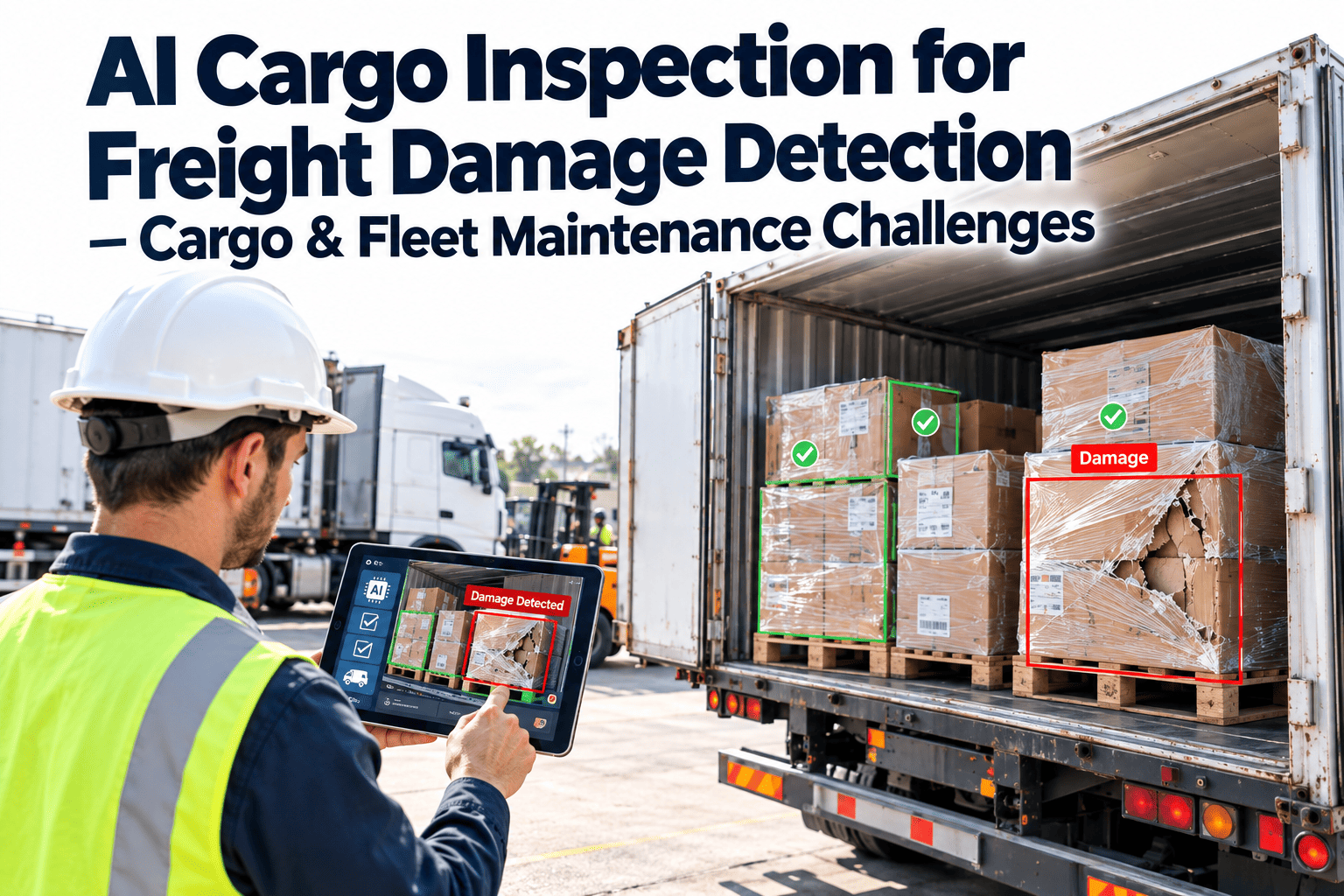
Cargo damage from improper weight stacking at access points
WGT — Weight Distribution
Axle Weight Distribution & Regulatory Compliance
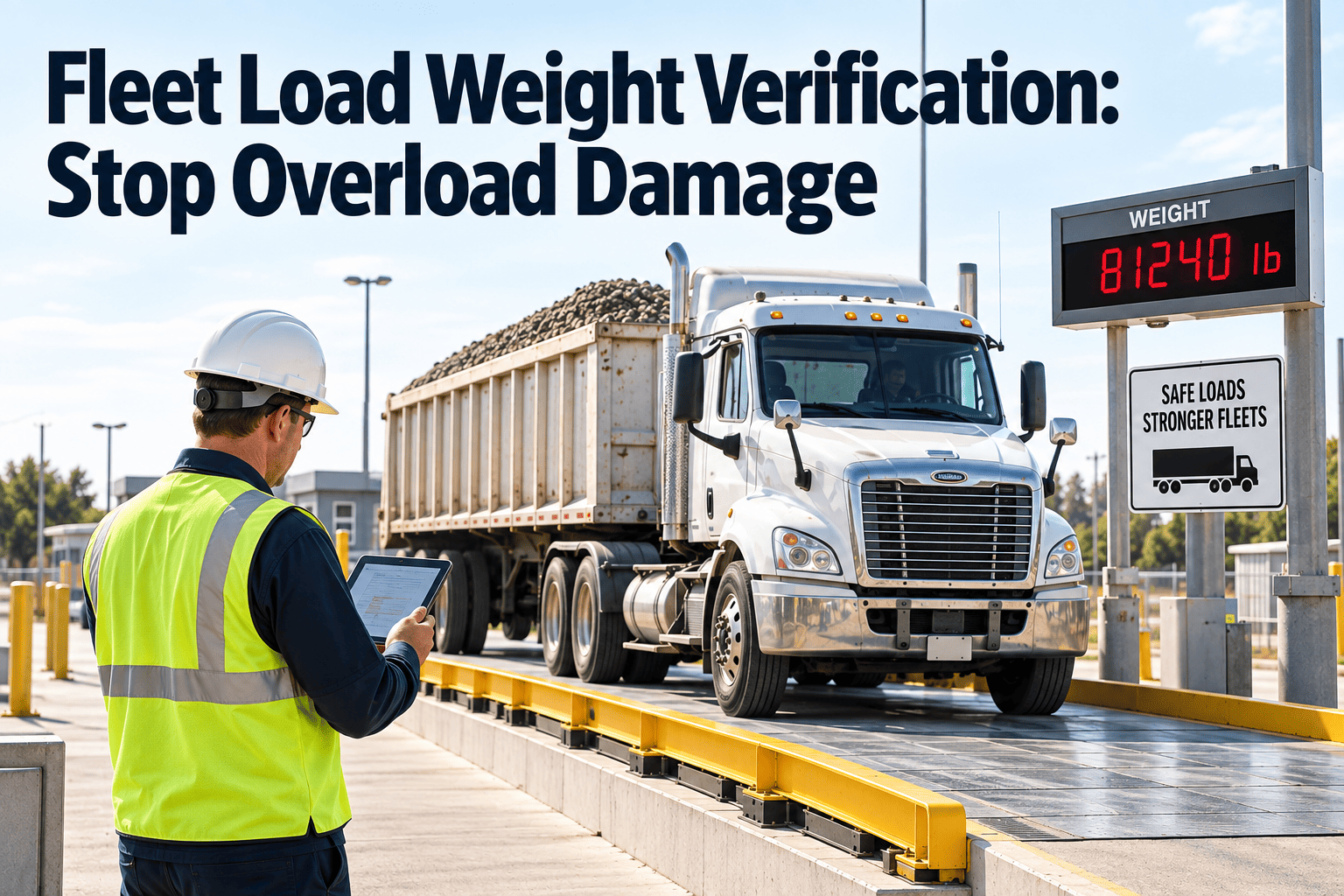
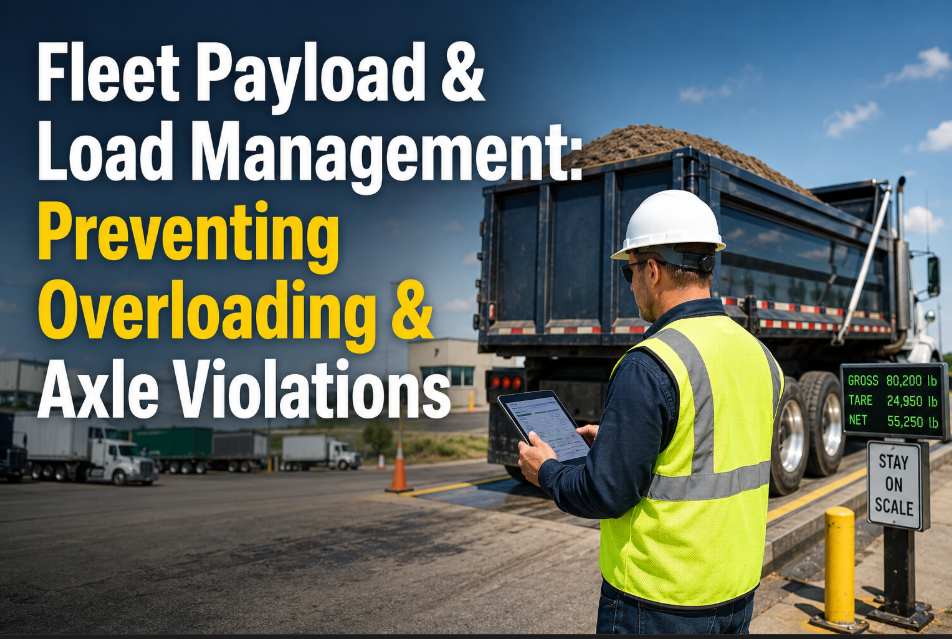
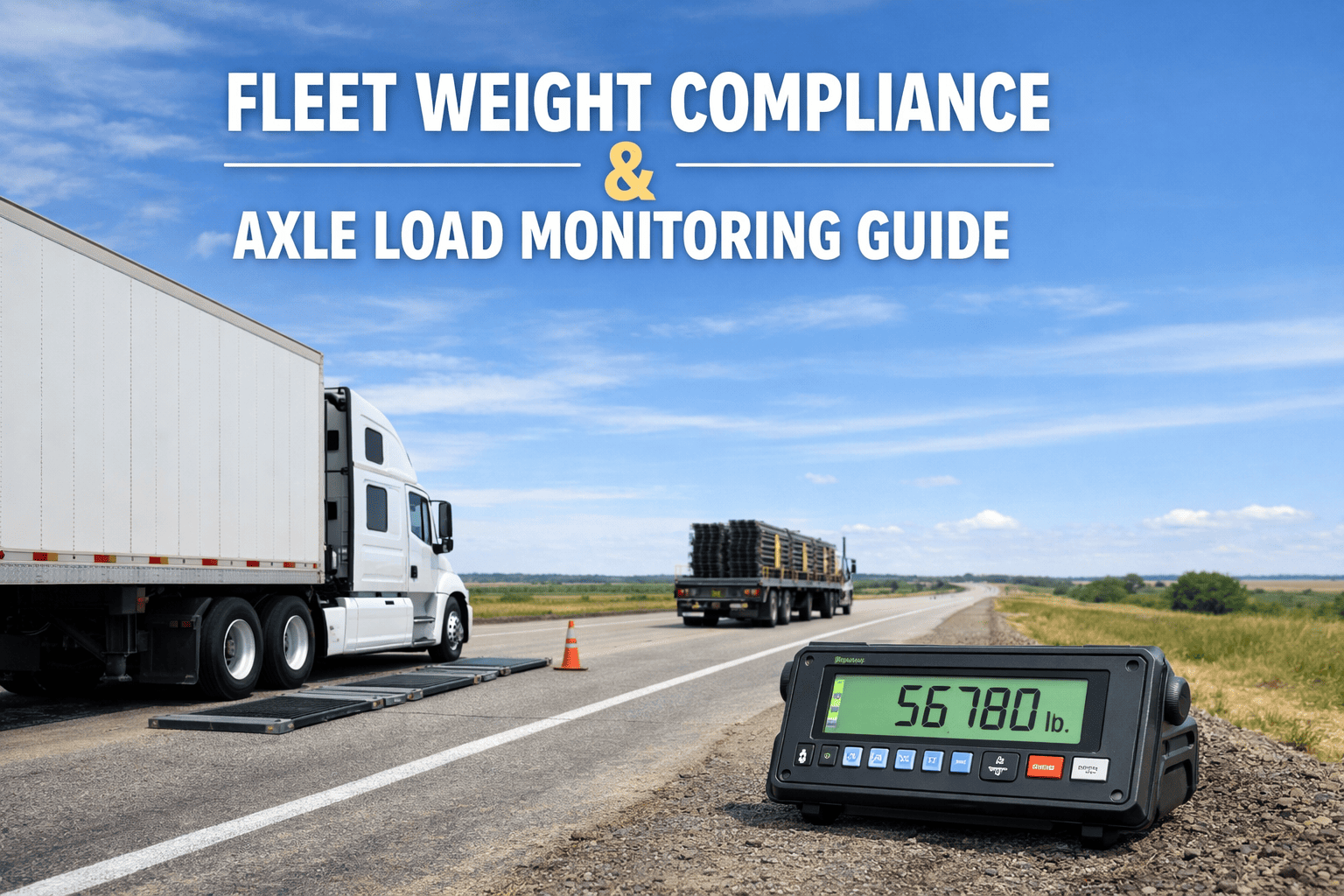
Axle weight compliance is a legal requirement in every US state — and overloaded axles attract DOT fines, out-of-service orders, and CSA score penalties that cost more than any short-term over-loading gain. Beyond compliance, uneven weight distribution increases tyre wear, reduces fuel economy, and raises handling risk — particularly for high-CG vehicles. OxMaint's weight distribution planner calculates the optimal cargo position across the vehicle's axle footprint — ensuring that heavy items are placed to balance weight across the drive and steer axles within legal limits while maximising overall payload utilisation.
Sign in to OxMaint to configure axle weight limits for your vehicle fleet for compliance-integrated load planning.
Weight Distribution Parameters
Steer axle limit — typically 12,000 lb for Class 6–8 trucks
Drive axle limit — typically 34,000 lb single axle (46,000 lb tandem)
Gross vehicle weight — state-specific bridge formula compliance
Centre of gravity position — lateral and longitudinal balance calculation
Consequences of Non-Compliant Weight Distribution
DOT overweight fine: $100–$500 per pound over limit in most states
CSA score impact — repeated violations trigger carrier review threshold
TMP — Temperature & Special Requirements
Mixed-Cargo Temperature Zone Management
Food distributors, pharmaceutical companies, and chemical carriers frequently run vehicles with multiple temperature zones — ambient, chilled, and frozen sections on the same trailer. OxMaint's load optimiser manages temperature zone segregation as a hard constraint — frozen products are never planned into the ambient zone, chilled products are allocated to the correct section, and hazardous material segregation requirements are enforced at the planning stage rather than discovered at the loading dock. Integration with SAP order management ensures that temperature requirements from the product master are automatically applied to the load plan without dispatcher data entry.
Book a demo to see multi-temperature load planning for your refrigerated fleet.
Special Cargo Parameters Managed
Temperature zone assignment — frozen, chilled, ambient per SKU from SAP
Hazmat segregation — incompatible cargo class separation enforced
Fragile item marking — visual diagram flags fragile items to warehouse staff
Chain of custody tracking — load scan confirmation per item per vehicle
Consequences of Temperature Zone Planning Failures
Frozen product placed in chilled zone = food safety non-compliance, recall risk
Manual temperature zone management fails at high SKU count — AI does not
OxMaint Load Optimisation · AI Cargo Planning · Fleet Capacity
Maximum Payload. Correct Sequence. Axle Compliance. Temperature Zones. All Solved in 30 Seconds.
OxMaint AI load planning eliminates the empty payload, the sequencing delays, and the compliance risk that manual load planning produces every single day.
How OxMaint Load Optimisation Integrates With Your Existing Systems
Three Integration Points That Make OxMaint Load Planning Automatic — Not Manual
Integration 1 · SAP / ERP
Order Data Auto-Import
OxMaint pulls today's orders from SAP — SKUs, quantities, temperatures, weights, dimensions, customer delivery windows — and runs the load plan automatically. No dispatcher data entry, no manual weight calculation, no temperature zone lookup. Orders in, optimised load plan out.
Output: Load plan generated automatically at order confirmation — no dispatcher input required
Integration 2 · Route Optimisation
Stop Sequence + Load Sequence Combined
OxMaint's load optimiser and route optimiser run together — the stop delivery sequence is fixed first by the route optimiser, then the load sequencer calculates the correct cargo loading order for that specific stop sequence. Changing the stop sequence automatically regenerates the load sequence. One AI, two outputs, no manual reconciliation.
Output: Route sequence and load diagram always in sync — no manual update when sequence changes
Integration 3 · Warehouse Operations
Visual Load Diagram for Warehouse Staff
OxMaint generates a visual load diagram — a vehicle cross-section showing pallet positions, SKU labels, and load order — that warehouse staff use as a physical instruction during loading. The diagram is accessible on mobile devices at the dock. Loaded items are scanned to confirm correct placement, generating an automated load confirmation record.
Output: Warehouse loading error rate reduced 68% vs verbal or paper load plans
Load Optimisation Performance Benchmarks — US Distribution Fleet Data
Load Optimisation Priority — Value by Vehicle and Cargo Type
Highest ROI
Multi-Temperature Refrigerated Trailers
Highest payload complexity (temperature zones + sequence + weight), highest per-trip operating cost, and strongest compliance requirements. OxMaint load optimisation for refrigerated multi-temp typically delivers 12–18% payload improvement and eliminates 1–3 overflow vehicles in fleets of 15–30 vehicles.
High ROI
Box Trucks with 10+ Stops per Run
High stop count produces the largest sequence savings — each correctly sequenced stop saves 12–22 minutes of in-vehicle cargo repositioning. At 14 stops per run and 22 minutes saved per stop, the daily time recovery per driver is over 5 hours of actual service delivery time recovered from load sequencing alone.
Standard ROI
Flatbeds and Curtainsiders (5–8 Stops)
Lower stop count reduces sequence savings but axle weight distribution benefits are significant for heavy cargo. OxMaint prevents overweight axle violations that cost $100–$500 per pound over limit — a single prevented violation at a DOT enforcement point often exceeds the monthly platform cost.
+14%
average payload utilisation improvement — same freight, same vehicles, AI load planning applied to every run
68%
reduction in warehouse loading errors when OxMaint visual load diagram replaces verbal or paper load instructions
$142K
annual saving from eliminating 3 overflow vehicles at the Atlanta food distribution fleet — achieved in 90 days of deployment
30 sec
AI load plan calculation time per vehicle including all constraints
4+
simultaneous constraints solved — weight, volume, temperature, sequence, axle compliance
18%
average empty payload on manually planned loads — recoverable with AI optimisation
90 days
typical timeline from deployment to overflow vehicle elimination at underutilised fleets
Every truck leaving your depot with 18% empty space is costing you money it does not need to spend. AI load planning pays for itself — usually in the first vehicle it keeps off your overflow lease.
OxMaint closes the payload gap, sequences the cargo correctly, and keeps your axles legal — automatically, every day.
Frequently Asked Questions — Fleet Load Optimisation
How does OxMaint handle vehicles with different payload capacities in the same fleet?
OxMaint supports mixed-fleet load optimisation — each vehicle profile contains its specific weight limit, cubic volume, axle configuration, and temperature zone layout. The optimiser assigns cargo to vehicles by matching cargo requirements to vehicle capability, not by assigning all vehicles equal loads regardless of capacity differences.
Can OxMaint generate load plans automatically from SAP or ERP order data?
Yes — OxMaint integrates with SAP S/4HANA, Oracle TMS, and most major ERP platforms via API. When orders are confirmed for same-day or next-day dispatch, OxMaint generates the load plan automatically without dispatcher manual entry. The plan includes vehicle assignment, cargo sequence, and axle compliance check in the same output.
What happens to the load plan when a stop is added or cancelled after loading begins?
OxMaint regenerates the load sequence automatically when a stop change occurs before vehicle departure. If the vehicle has already departed, the system calculates whether the remaining cargo can be accessed in the current sequence or flags a resequencing requirement at the next intermediate stop where reordering is feasible.
How does OxMaint enforce axle weight compliance during load planning?
OxMaint calculates estimated axle loading based on cargo weight and position along the vehicle's load floor. If a proposed load plan produces an axle weight projection above the legal limit for the vehicle's axle configuration, the plan is flagged and adjusted automatically — repositioning heavy items or shifting cargo to a different vehicle before the load plan is confirmed for execution.
How long does it take to deploy OxMaint load optimisation for a 30-vehicle distribution fleet?
Most fleets complete vehicle profile configuration, SAP integration, and first AI-generated load plan within 21 days. Payload utilisation improvements are measurable in the first week of AI-generated plans — the improvement curve continues for 60–90 days as the system refines vehicle and cargo profiles from completion data.
Stop Sending Trucks Out 18% Empty. AI Load Planning Takes 30 Seconds.
OxMaint maximises payload, sequences cargo correctly, and keeps axles compliant — automatically, from your existing order data, for every vehicle every day.


.png)
