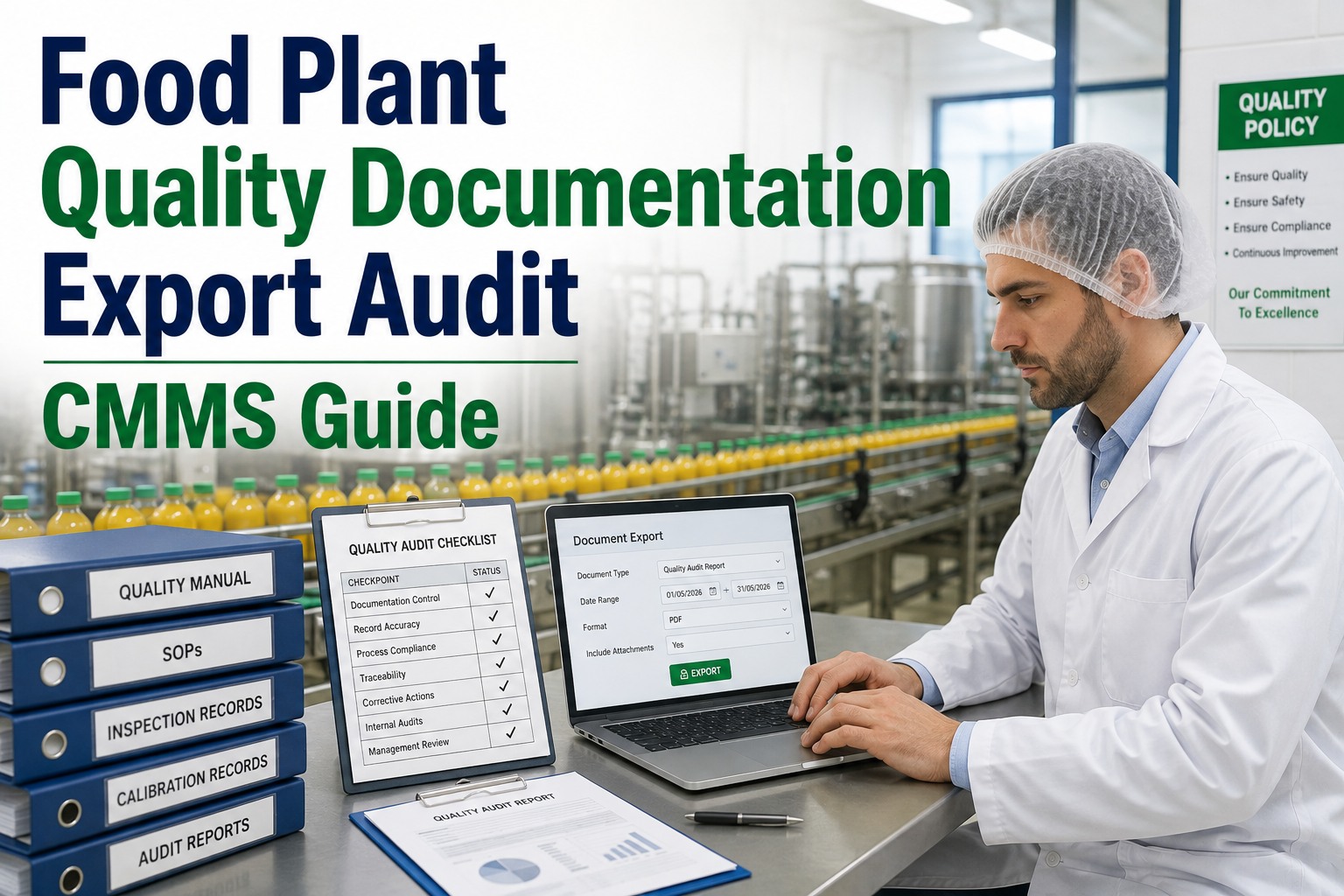
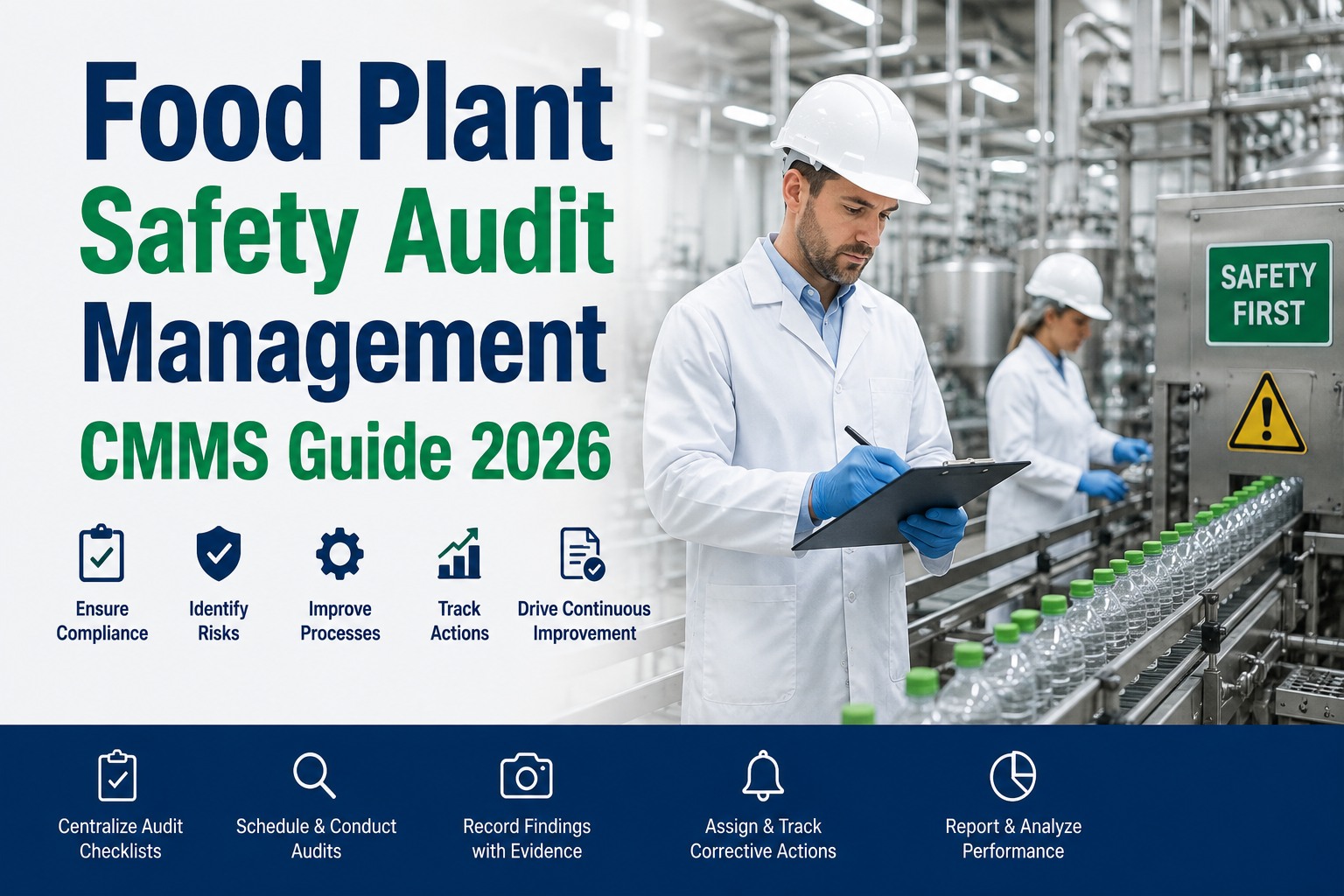
Most food plant CMMS implementations fail slowly and visibly: the system is live on paper, but technicians are still printing work orders, quality is still maintaining separate inspection binders, and the PM compliance rate reported in the CMMS is 40 points below the actual schedule because half the work is being done off-system. The problem is almost never the software — it is the absence of a structured rollout plan that sequences asset import, mobile adoption, technician training, KPI baseline setting, and audit-readiness milestones in a way that matches how food plants actually operate. A 30-60-90 day implementation plan does not mean the CMMS is fully deployed in 90 days — it means the first 90 days are structured to deliver measurable outcomes at each milestone so that adoption builds on success rather than recovering from a failed go-live — start a free trial to begin your 30-day foundation phase with Oxmaint today, or book a demo and we will map the rollout plan to your specific facility.
FOOD MANUFACTURING · CMMS IMPLEMENTATION · 30-60-90 DAY ROLLOUT
Get Your Food Plant CMMS Live — and Adopted — in 90 Days
See how Oxmaint's structured rollout plan delivers asset import, mobile adoption, technician training, KPI baselines, and audit-readiness milestones in a sequence that works for food manufacturing operations.
Structured 30-60-90 day milestones
Mobile adoption from week one
Audit-ready records by day 90
No heavy implementation required · Live in days, not months · Works across multi-site portfolios
58%
of food plant CMMS implementations report technician adoption below 60% at six months post-go-live
Source: Gartner EAM Survey
4.2mo
average delay between go-live and first usable PM compliance report in unstructured rollouts
Source: ARC Advisory Group
87%
technician adoption rate in facilities that complete mobile rollout training in weeks 1–2 of implementation
Source: Verdantix Maintenance Study
90 days
to first GFSI-ready PM compliance report with structured 30-60-90 rollout vs 6–8 months in unstructured deployments
Source: Oxmaint Customer Data
WHAT IS
Why Food Plant CMMS Implementation Needs a Structured 30-60-90 Plan
A CMMS implementation in a food manufacturing facility has a fundamentally different risk profile from a general industrial deployment. Food plants cannot pause production for system training. Technicians and sanitation teams work shifts that limit training windows. Quality directors need audit-ready records that begin accumulating from go-live, not from when the system is fully configured. And regulatory requirements mean that a partially deployed CMMS — one where some work is on-system and some is on paper — creates record fragmentation that is worse than no CMMS at all during an audit.
The 30-60-90 day plan solves this by structuring the implementation into three distinct phases, each with a clear objective and measurable milestone: foundation (Days 1–30), adoption (Days 31–60), and optimization (Days 61–90). Each phase builds on the previous one, ensuring that the CMMS delivers value at every milestone rather than requiring a 6-month investment before any returns appear.
This guide provides a practical, phase-by-phase rollout plan for food plant CMMS implementation — including asset import sequencing, mobile rollout approach, technician training structure, KPI baseline methodology, and the audit-readiness checklist that should be completed by Day 90 — start a free trial to build this plan in Oxmaint for your facility.
THE 3-PHASE ROLLOUT PLAN
Days 1–90: The Complete Food Plant CMMS Implementation Framework
Week 1
Asset Import and Hierarchy Configuration
Import critical production assets first — those with the highest breakdown cost or regulatory significance. Configure the asset hierarchy (Site, Zone, Line, Asset, Component) before importing assets so every record lands in the correct position. Use OEM asset lists and existing maintenance records as the data source; do not wait for a perfect asset audit before starting.
Week 2
PM Schedule Build and Mobile Rollout
Build PM schedules for the assets imported in Week 1 using OEM recommendations and existing maintenance history. Simultaneously, complete mobile rollout for all maintenance technicians — this is the highest-impact week-two action because every day of delayed mobile adoption creates paper records that will never be transferred to the CMMS.
Week 3
Quality and Sanitation Workflow Configuration
Configure FSMA inspection checklists, allergen changeover workflows, and sanitation master schedule work orders. Involve the quality director in this configuration — this is where generic CMMS deployments lose quality team buy-in by building inspection workflows that do not match GFSI scheme requirements. Getting this right in week three avoids re-configuration work in month three.
Week 4
KPI Baseline Establishment and Day 30 Review
Run the first PM compliance report to establish a baseline. The Day 30 baseline will be low — this is expected because not all assets and PMs are onboarded yet. Document the baseline and the percentage of assets onboarded; this creates the improvement trajectory that demonstrates CMMS ROI to leadership in the Day 60 and Day 90 reviews.
Week 5–6
Full Asset Import and Calibration Onboarding
Complete the asset import for all production and utility assets. Begin calibration instrument onboarding — attach existing calibration certificates to instrument asset records and set calibration intervals. The calibration onboarding is the single highest-value quality activity in the Day 31–60 phase; it converts the CMMS from a maintenance tool to a regulatory compliance platform for the quality director.
Week 7
Spare Parts Inventory Linkage
Link critical spare parts to asset records and set minimum stock levels. This unlocks the parts consumption reporting that connects maintenance decisions to procurement actions and starts building the data that will feed CapEx forecasting. Facilities with spare parts linked to assets by Day 60 reduce emergency procurement costs by an average of 28% in the following 6 months.
Week 8
Contractor Portal Activation and Day 60 KPI Review
Activate contractor portal access for external maintenance and calibration service providers. Run the Day 60 KPI review — PM compliance rate, open work order backlog, calibration overdue count, and mobile adoption rate by team. The Day 60 review should show measurable improvement from Day 30 baseline across all four metrics; any flat metric signals an adoption barrier that needs direct management intervention before Day 90.
Week 9–10
Audit Readiness Checklist Completion
Run the GFSI audit readiness checklist: PM schedule coverage for all CCP-adjacent assets, calibration records complete for all CCP instruments, allergen changeover work order records demonstrating correct sequence, inspection records exportable in required format, and open corrective actions visible and tracked. This checklist should be the Day 75 milestone — leaving two weeks for any gaps to be closed before the Day 90 review.
Week 11
CapEx Forecast Initialization
Use asset condition scores, age data, and maintenance history accumulated in the first 60 days to initialize the rolling CapEx forecast. Even 60 days of work order data provides enough signal to identify assets with elevated failure rates that warrant CapEx review. The CapEx forecast export is the deliverable that converts the CMMS from a maintenance tool to a strategic asset management platform in the eyes of operations directors and CFOs.
Week 12
Day 90 Performance Review and Year-One Plan
The Day 90 review covers: PM compliance rate vs Day 30 baseline, unplanned downtime reduction, calibration overdue rate, audit readiness score, mobile adoption rate, and CapEx forecast initialization status. The Year-One plan defines the next set of milestones — IoT sensor integration, ERP data linkage, multi-site rollout, or advanced OEE reporting — building on the 90-day foundation.
Facilities that complete mobile rollout in weeks 1–2 of CMMS implementation achieve 87% technician adoption — compared to 41% in facilities that delay mobile training until after full system configuration.
INDUSTRY PAIN POINTS
Why Food Plant CMMS Rollouts Stall and Fail
Implementation failure in food plant CMMS rollouts follows predictable patterns. Understanding them before go-live is the only reliable way to prevent them — start a free trial to begin your structured 30-day foundation phase today.
01
Waiting for Perfect Asset Data Before Going Live
The most common delay in food plant CMMS implementation is the asset audit that never finishes. Facilities wait for a complete, verified asset list before importing anything into the CMMS — and the asset audit stretches from 4 weeks to 6 months while the go-live date drifts. The solution is to import critical assets first and complete the asset audit while the CMMS is live, not before it.
02
Technician Training Scheduled Too Late
Most implementations schedule technician training in the final week before go-live — when production pressure is highest and training attendance is lowest. Training delivered one week before go-live is largely forgotten by week three. Effective implementation schedules hands-on mobile training in week two, when the system configuration is live enough to practice with but before production pressure peaks.
03
Quality Team Not Involved Until After Go-Live
When the CMMS implementation is led exclusively by maintenance engineering, the inspection workflow configuration and GFSI export format are set up by people who have never reviewed a GFSI audit report. The quality director first sees the CMMS-generated audit export two weeks before the next SQF audit — and finds it does not match the format the auditor expects. Quality must be co-owner from week one, not a post-implementation stakeholder.
04
No KPI Baseline Established at Go-Live
Without a documented Day 30 KPI baseline — PM compliance rate, unplanned downtime, calibration overdue count — there is no way to demonstrate CMMS ROI to leadership at Day 60 or Day 90. Leadership support for CMMS adoption drops sharply when there is no measurable improvement trajectory. Setting a baseline, even a low one, creates the improvement story that maintains organizational commitment through the adoption phase.
HOW OXMAINT SOLVES IT
Oxmaint Implementation Features That Accelerate Your 30-60-90 Rollout
Bulk Asset Import with Template
Oxmaint's structured import template allows critical production assets to be loaded into the correct hierarchy position in hours, not weeks. Import from existing spreadsheets, ERP exports, or OEM asset lists — the template handles deduplication and hierarchy assignment automatically.
Mobile-First From Day One
Oxmaint is designed mobile-first — the mobile experience is not a simplified version of the desktop. Technicians can create, progress, complete, and sign off work orders from iOS or Android with offline capability. This makes week-two mobile rollout genuinely feasible, not aspirational.
Pre-Built Food Manufacturing PM Templates
Oxmaint includes PM template libraries for common food plant equipment — HTST systems, CIP skids, packaging lines, refrigeration systems, and utility assets. Templates include OEM-recommended intervals and tasks, reducing PM build time from hours to minutes per asset class.
GFSI Audit-Ready Reporting from Day 30
PM completion records, inspection records, and work order histories are formatted for GFSI audit export from the moment they are created — not after a reporting configuration project. The first GFSI-ready report can be generated at any point from Day 30 forward.
Dedicated Implementation Support for Food Plants
Oxmaint's implementation team includes food manufacturing specialists who have configured the system for FDA-regulated, USDA-inspected, and GFSI-certified facilities. Implementation support covers asset import, PM template configuration, quality workflow setup, and the Day 30, 60, and 90 KPI review methodology.
Rollout Milestone Dashboard for Leadership
Oxmaint's implementation dashboard tracks rollout progress against the 30-60-90 milestones — assets onboarded, PM schedules active, technician adoption rate, calibration records imported, and audit readiness score. Leadership visibility into implementation progress prevents the organizational support erosion that causes implementation stalls.
BEFORE VS AFTER
Unstructured Rollout vs 30-60-90 Implementation Plan
| Implementation Area |
Unstructured Rollout |
Oxmaint 30-60-90 Structured Plan |
| Asset Import Timeline |
Delayed 3–6 months waiting for complete asset audit |
Critical assets imported in week 1; full import complete by Day 45 |
| Technician Adoption Rate |
41% mobile adoption at 6 months; paper records persist |
87% mobile adoption by Day 30; paper fallback eliminated |
| Quality Team Involvement |
Quality sees CMMS output 2 weeks before audit; parallel paper maintained |
Quality co-owns week 3 configuration; GFSI-ready exports from Day 30 |
| First PM Compliance Report |
4.2 months average to first usable report |
First PM compliance baseline established at Day 30 review |
| Audit Readiness |
6–8 months to audit-ready records with structured export |
Audit readiness checklist complete by Day 75; fully audit-ready by Day 90 |
| Leadership ROI Visibility |
No measurable improvement trajectory; leadership support erodes |
Day 30, 60, and 90 KPI reviews show clear improvement trajectory |
Food plants with a structured 30-60-90 CMMS rollout plan achieve audit-ready records 4× faster than facilities using unstructured deployments — with 2× the technician adoption rate at the 6-month mark.
ROI AND RESULTS
What a Structured 90-Day Rollout Delivers
The ROI of a structured 30-60-90 rollout is measured in three areas: faster time-to-value from the CMMS investment, higher adoption rates that produce better data quality, and the audit-readiness outcomes that convert the system from a maintenance tool to a regulatory compliance asset — start a free trial to see your first 30-day milestone within this week.
87%
Technician mobile adoption rate at Day 30
vs 41% at 6 months in unstructured rollouts — 2× faster adoption with structured mobile-first approach
4×
Faster audit-ready record accumulation
90 days vs 6–8 months to first GFSI-ready PM compliance export with structured rollout plan
28%
Reduction in emergency procurement costs
Facilities with spare parts linked to assets by Day 60 vs those completing parts linkage after 6 months
90 days
To first CapEx forecast report
Asset condition and maintenance history data sufficient for rolling CapEx model initialization at Day 90 review
FAQ
Food Plant CMMS Implementation Questions Answered
How should we prioritize which assets to import first in the 30-day foundation phase?
Prioritize assets in this sequence: first, CCP-associated assets (pasteurizers, cookers, cooling systems, metal detectors) because these carry the highest regulatory risk and their PM and calibration records need to accumulate from go-live; second, assets with the highest historical breakdown cost or downtime impact; third, assets with PM schedules due within 60 days of go-live (to prevent the CMMS showing overdue PMs on assets that were not imported in time). Utility systems, non-production assets, and reference equipment can be imported in the Day 31–60 phase without material risk.
How do you handle CMMS go-live during an active production schedule without disrupting operations?
The 30-60-90 plan is specifically designed for go-live during active production — it does not require a production shutdown or a dedicated implementation window. The key is to run parallel systems for the first two weeks: technicians use both the CMMS and existing paper methods simultaneously, with paper records imported to the CMMS at end of shift. By week three, as mobile adoption builds, the paper fallback is no longer needed for the assets that are live in the system. Never attempt a hard cutover from paper to CMMS in a single go-live day in a food plant — the disruption risk is too high and adoption failure is the predictable result.
What KPIs should be tracked in the Day 30, 60, and 90 reviews?
Day 30 review: percentage of production assets onboarded, PM schedules active vs total PMs due, mobile adoption rate by team, and open work order backlog count. Day 60 review: PM compliance rate (target 75%), calibration overdue count, allergen changeover work order completion rate, spare parts linked to assets percentage, and contractor portal active users. Day 90 review: PM compliance rate (target 90%), unplanned downtime reduction from Day 30 baseline, audit readiness score against GFSI checklist, calibration schedule coverage for all CCP instruments, and CapEx forecast initialization status. The Day 90 review package should be presented to the operations director and quality director jointly — it is the proof point that the CMMS investment is delivering returns.
Book a demo to see the Oxmaint rollout milestone dashboard.
How does Oxmaint support multi-site food manufacturing rollouts beyond the first facility?
After the first facility completes the 30-60-90 foundation, subsequent site rollouts benefit from the configuration templates, PM libraries, and inspection workflow configurations built at site one. Oxmaint's multi-site portfolio architecture allows site two to be onboarded using the proven configuration from site one as a starting template — reducing subsequent site rollout time by 40–60% compared to the first site. Portfolio-level reporting is available from the moment a second site is activated, giving operations leadership cross-site PM compliance and downtime visibility without any additional configuration work.
Start a free trial to see how multi-site rollout works in practice.
CMMS IMPLEMENTATION · OXMAINT FOOD MANUFACTURING
Get Your Food Plant CMMS Live and Adopted — Not Just Installed
Oxmaint's structured 30-60-90 rollout plan delivers asset onboarding, mobile adoption, quality workflow activation, and audit-ready records on a timeline that works for food manufacturing operations.
Real-time asset visibility from day 30
Audit-ready records by day 90
5–10 year CapEx forecasting initialized at day 90 review
Used by operations teams managing 10,000+ assets · See measurable results in the first 30 days · Limited onboarding slots available this quarter
No heavy implementation required · Live in days, not months · Works across multi-site portfolios