How Food Manufacturers Use Mobile CMMS to Improve Technician Efficiency by 30%
By Josh Turley on April 15, 2026
A food manufacturing plant in Minnesota had 14 maintenance technicians, 3,400 assets, and a paper-based work order system that averaged 37 minutes per technician per shift in administrative overhead alone. When a critical conveyor bearing failed in Zone 4 at 2 PM on a Tuesday, the closest technician had no idea the asset existed under a different code on the paper list, carried no parts information, and had to walk back to the maintenance office twice to get the job done. The line was down for 4.1 hours. The fix took 22 minutes. OxMaint's mobile CMMS app puts every work order, asset history, and spare parts record in a technician's pocket — so they arrive prepared, complete faster, and never lose time to the clipboard again. Food manufacturers using mobile CMMS report technician productivity improvements of 28 to 35 percent within the first 90 days. Book a demo to see what mobile-first maintenance looks like on the production floor.
Mobile CMMS / Food Manufacturing
How Food Manufacturers Use Mobile CMMS to Improve Technician Efficiency by 30%
Paper work orders, manual asset lookups, and clipboard-based reporting cost food plant technicians over 90 minutes per shift in wasted movement. Mobile CMMS eliminates the walk-back — and puts work where it belongs: on the equipment, not at the desk.
Average technician productivity gain within 90 days of mobile CMMS adoption
37 min
Daily administrative overhead per tech on paper-based work order systems
72%
Faster work order completion with QR scan vs. manual asset lookup
2.8x
More PMs completed per shift when technicians have mobile access to schedules
The Hidden Time Cost of Non-Mobile Maintenance in Food Plants
In food manufacturing, every minute a technician spends on non-maintenance activity — walking to the office, looking up paper records, manually transcribing work order data — is a minute not spent on equipment reliability. The aggregate cost is substantial.
Where a Food Plant Technician's Shift Time Goes Without Mobile CMMS
Direct maintenance work
52%
Travel to/from maintenance office
18%
Manual paperwork and reporting
14%
Looking up asset info and parts data
10%
Waiting for work order assignment
6%
48% of shift time is non-productive maintenance activity — recoverable with mobile CMMS deployment
6 Mobile CMMS Features That Drive Technician Productivity in Food Plants
Not all mobile CMMS apps are equal for food manufacturing. These six capabilities separate platforms that genuinely improve technician efficiency from those that simply digitise the same broken workflow.
Work Execution
Real-Time Work Order Push
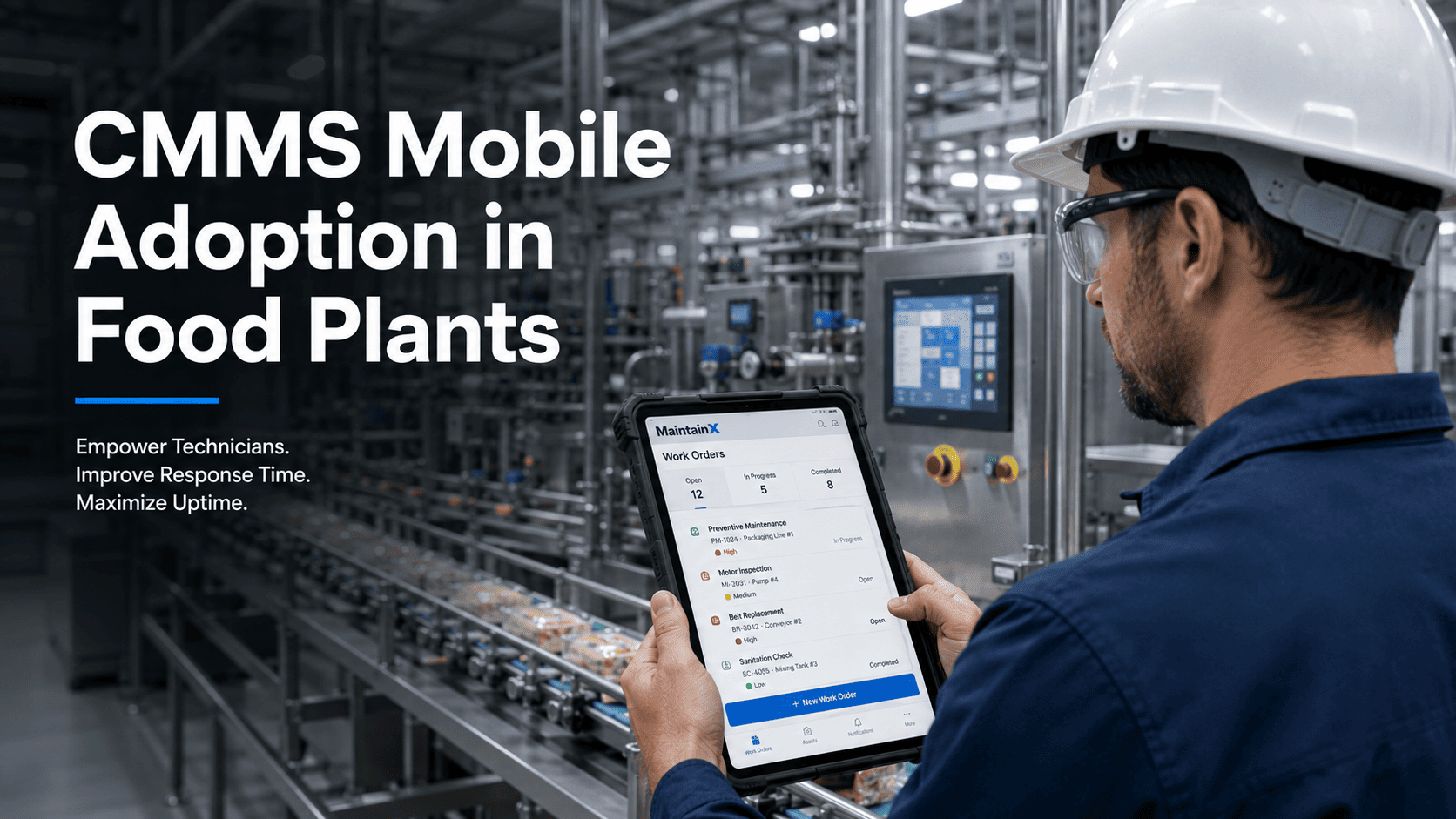
Work orders assigned in the CMMS appear instantly on the technician's mobile device — with asset location, job description, parts required, and estimated duration. No walk to the office, no radio call, no missed priority shifts.
22 min faster average response vs. radio dispatch
Asset Access
QR Code Asset Scanning
Technicians scan QR codes on any asset to instantly pull the full maintenance history, open work orders, spare parts list, manuals, and last inspection outcome. One scan replaces 10 minutes of manual lookup.
QR scan access takes under 8 seconds per asset
Cold Chain Environments
Offline Mode for Cold Storage
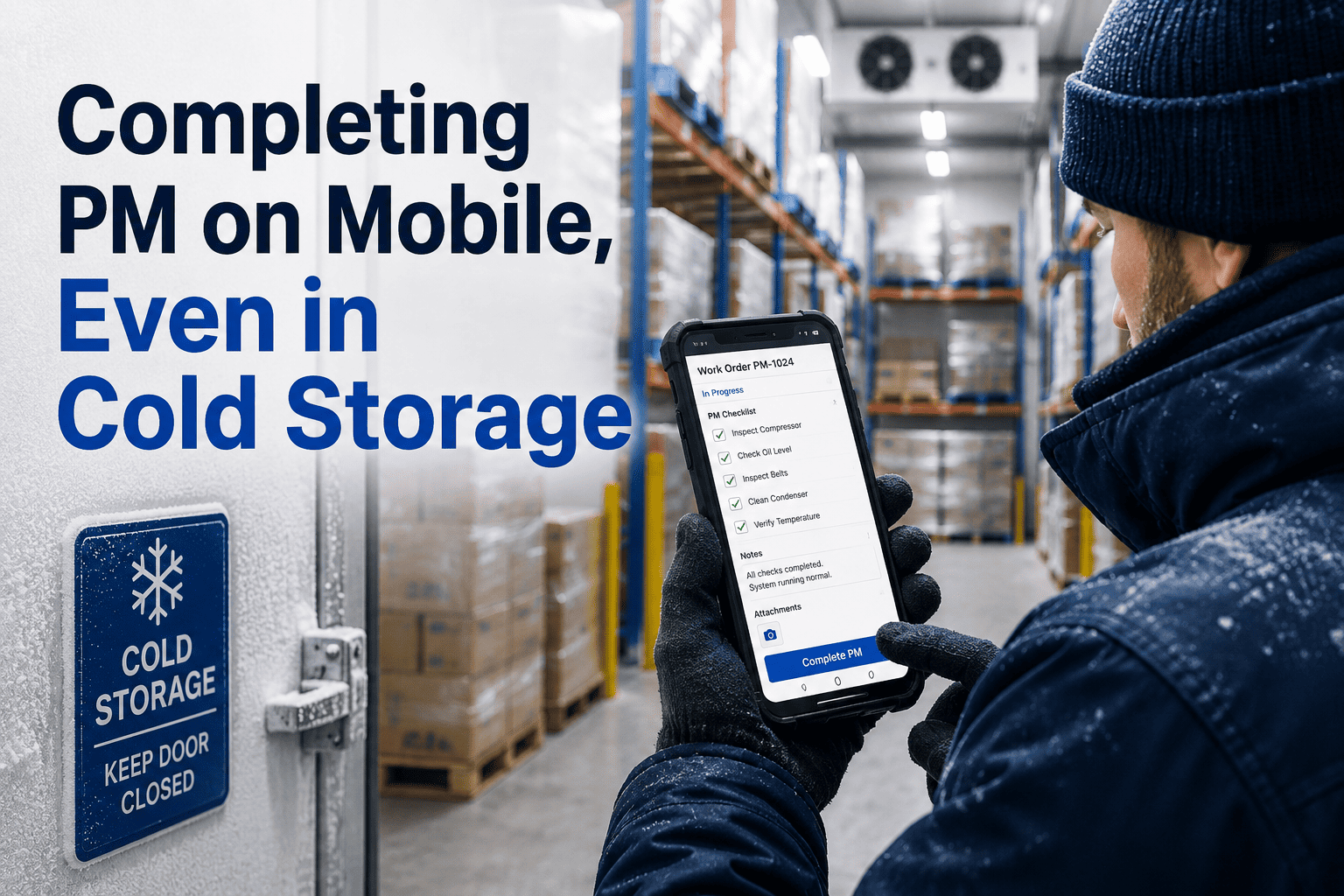
Food plant freezers and blast chill rooms have no reliable WiFi. OxMaint's offline mode lets technicians open work orders, complete checklists, and record findings without a connection — syncing automatically when back in coverage.
Freezer maintenance compliance improves 44% with offline capability
Documentation
Photo and Digital Sign-Off
Technicians capture photos of equipment condition, completed repairs, and compliance checkpoints directly in the work order. Digital signature replaces paper sign-off — meeting GMP documentation requirements without a clipboard.
95% of GMP documentation gaps eliminated with photo-enabled work orders
Parts Management
Inventory Lookup at the Asset
Technicians check spare parts availability in real time from the equipment location — confirming stock before starting the job, not discovering a parts shortage mid-repair. Parts usage is logged automatically, keeping inventory current.
Parts-related delays reduced by 38% when technicians have mobile inventory access
Reporting
Digital Inspection Checklists
HACCP equipment checks, CIP verification, allergen changeover confirmations, and sanitation inspections all run on structured digital checklists in OxMaint. Completion records are timestamped, signed, and audit-ready in seconds.
Inspection completion rate improves from 71% to 96% with mobile checklists
Mobile CMMS Impact: Before and After in Food Manufacturing
Before Mobile CMMS
Paper work orders collected at shift start — no real-time updates
Asset history requires a trip to the maintenance office
Inspection findings recorded on paper, transcribed later (or not)
Cold storage PM records often incomplete due to access constraints
Parts availability unknown until technician physically checks the storeroom
Compliance documentation assembled the day before an audit
No visibility on which technician completed which task and when
Shift handover done verbally — critical equipment status lost
After Mobile CMMS with OxMaint
Work orders pushed to technician mobile in real time with full context
Full asset history accessed by QR scan at the equipment location
Inspection checklists completed on mobile with photo and digital sign-off
Cold storage PM completed in offline mode, synced on exit
Parts availability checked from the production floor before starting the job
Audit-ready records available in three minutes, any time
Every completion timestamped and attributed to technician ID
Digital shift handover with open work order status auto-carried over
The OxMaint mobile app is designed for the operational realities of food manufacturing — not just a web app resized for a phone screen.
Works on Any Device
iOS, Android, and any browser. Glove-compatible interface for food plant environments where bare-hand mobile use is restricted.
Full Offline Mode
Complete work orders, run inspection checklists, and record findings in freezers, cold rooms, and RF-dead zones. Syncs automatically on reconnect.
QR and Barcode Scanning
Scan asset QR codes printed on equipment labels. Instantly access the asset record, open work orders, and PM schedule — no manual search required.
Technician-Assigned Queues
Each technician sees only their assigned work — prioritised by urgency, zone, and skill requirement. Supervisors reassign and escalate in real time from the dashboard.
ROI of Mobile CMMS in Food Manufacturing Operations
28–35%
Technician Efficiency Gain
Measured across food manufacturers in first 90 days of mobile CMMS deployment
44%
Reduction in Emergency Repairs
When PM completion improves from 61% to 94% with mobile scheduling
96%
Inspection Completion Rate
Up from 71% paper-based completion in food plant inspection programmes
62%
Faster Audit Preparation
Time to compile 90-day maintenance records for FSMA and SQF audits
Frequently Asked Questions
Does OxMaint mobile work in food plant freezers and cold rooms without WiFi?
OxMaint's mobile app runs in full offline mode in environments without WiFi or cellular coverage — including blast freezers, cold rooms, and areas with RF interference from processing equipment. Technicians open work orders, complete inspection checklists, record findings, and capture photos while offline. Everything syncs to the platform automatically when the device reconnects. Start a free trial to test offline mode in your environment.
How does QR code scanning work for food plant asset tracking?
Each asset in OxMaint is assigned a unique QR code that links directly to its asset record. Print QR labels at any standard label printer and attach to equipment. When a technician scans the QR with the OxMaint app, they immediately see the asset's full maintenance history, active work orders, spare parts list, attached manuals, and PM schedule — without typing an asset code or navigating a menu. Book a demo to see QR scanning in the OxMaint mobile app.
How long does it take for food plant technicians to get productive with OxMaint mobile?
Most technicians are independently using the OxMaint mobile app within 2 hours of an initial walkthrough session. The interface is designed for production floor use — large touch targets, minimal navigation depth, and QR scan access that eliminates the need to search for assets manually. Facilities typically report full team adoption within one to two weeks, with measurable efficiency gains visible within the first month.
Can mobile CMMS data be used for GMP compliance and FDA audit documentation?
Yes. OxMaint mobile generates timestamped, technician-attributed work order completion records with photo attachments and digital signatures. These records meet GMP documentation requirements under FDA 21 CFR Part 117 and are exportable as structured audit logs. Inspection checklists run on mobile create the same quality of compliance record as a paper checklist — but are instantly searchable, filterable, and retrievable without manual assembly.
Deploy Mobile CMMS in Your Food Plant
Your Technicians Are Walking When They Should Be Maintaining. Fix That in 30 Days.
OxMaint puts work orders, asset records, PM schedules, spare parts data, and inspection checklists on every technician's mobile device — with offline mode for cold rooms, QR scan access for any asset, and audit-ready GMP documentation that builds itself while the job gets done.