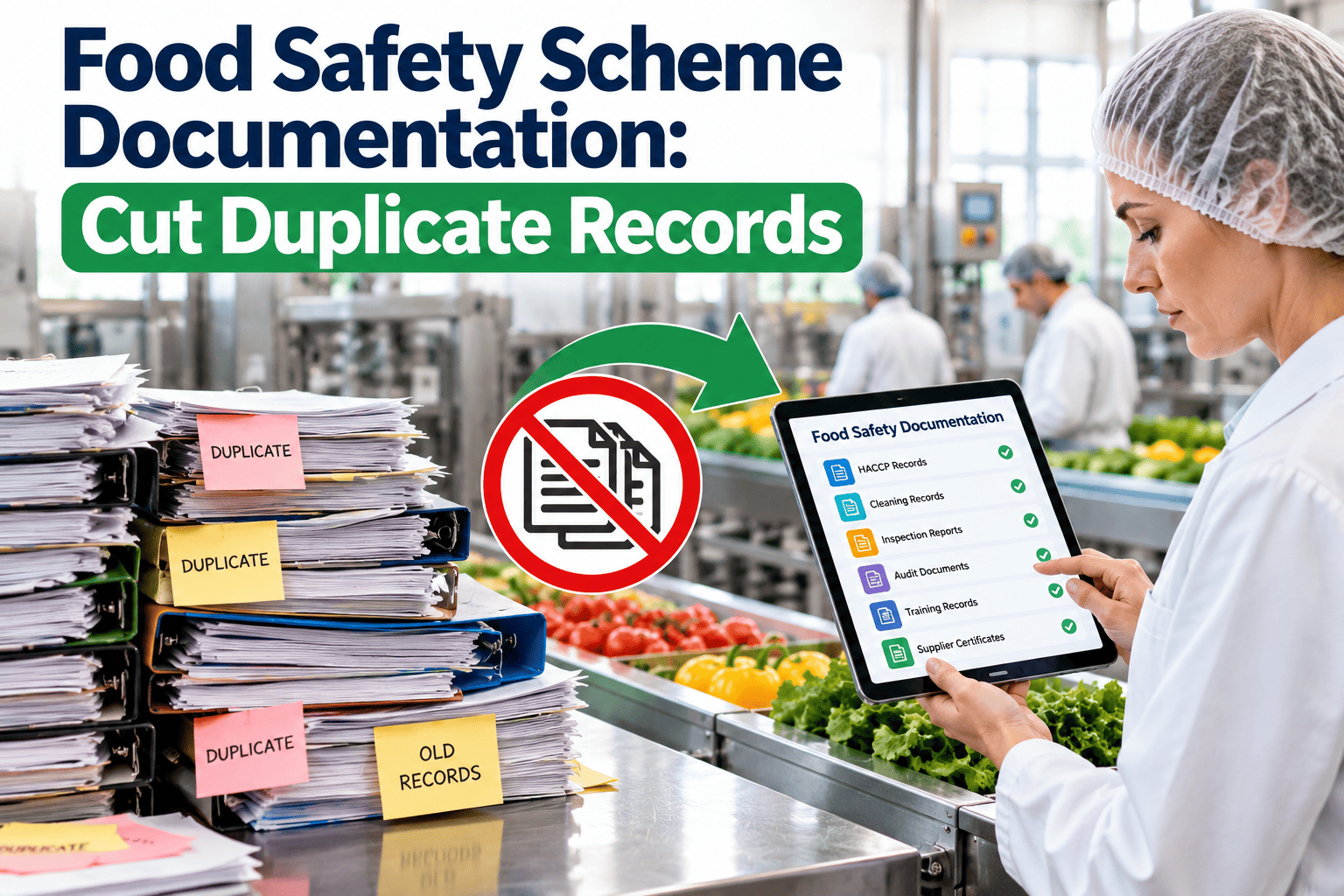
Plants that hold more than one certification, or supply customers who demand different schemes, often keep the same evidence several times: one calibration record for the BRCGS folder, a copy for SQF, another for the customer audit. Each copy can drift out of date, and each audit becomes a hunt for the right version. Food safety scheme documentation works better when shared requirements are mapped once and every record is stored once, then referenced by each audit. This article shows how to build that map, what to reuse and how a maintenance management system can hold the evidence behind it.
Food Safety Scheme Documentation: Cut Duplicate Records
Map shared requirements once and reuse the same records across SQF, BRCGS, FSSC 22000 and IFS audits instead of maintaining parallel folders.
SQF
BRCGS
FSSC 22000
IFS
Shared evidence layerHazard analysis, prerequisite programs, maintenance, calibration, training, supplier approval, corrective action, traceability and management review
Scheme-specific wording
Scheme-specific clauses
Additional requirements
Customer-specific asks
Why duplicate records multiply
One piece of evidence, four homes
- A calibration certificate is printed for each scheme folder.
- A training record is retyped to match each scheme's template.
- A supplier approval is summarized separately for each customer.
- A corrective action is logged in a scheme tracker and again in a plant system.
What that costs the team
- Hours of retyping before every audit, usually done by quality staff under time pressure.
- Versions that disagree, which an auditor will notice while sampling.
- Missed updates when one folder is corrected and the others are not.
- A fragile system that depends on the person who knows where everything is.
The map-once method
1
List the schemes and customer requirements that apply
Include certifications, regulatory requirements for your markets and any customer codes of practice. Note the version of each document your plant is audited against, because scheme owners publish new versions from time to time and the transition dates differ.
2
Break each requirement into a topic
Group requirements by what they ask the plant to do or prove: control of documents, internal audit, supplier approval, calibration, allergen control, food defense, complaint handling. Topics become the rows of your crosswalk.
3
Match topics to a single procedure and record type
Where requirements overlap, write one procedure that meets the strictest wording and keep one record type. Where a scheme asks for something extra, add a clearly labelled supplement instead of a separate document set.
4
Assign an owner and a storage location
Every record type has a named owner, a retention period and one place where it lives. Other folders may link to it but never hold a copy.
5
Tag the record with the requirements it supports
A single maintenance work order may serve several clauses. Tagging lets you pull the same record into a SQF view, a BRCGS view or an FSSC view without duplicating it.
6
Review the map whenever a scheme changes
When a new version is published, compare the changed requirements to the map, update the topic rows and record any new evidence needed. The map becomes your change log.
A starter crosswalk of shared topics
| Shared topic | Single record to keep | Where schemes may differ |
|---|---|---|
| Document and record control | Master document list with versions, owners and retention | Naming conventions, review periods and retention expectations |
| Hazard analysis and prerequisite programs | HACCP plan, PRP procedures and review records | Structure of the plan and extra program requirements |
| Equipment maintenance and calibration | PM schedule, completed work orders, calibration certificates | Wording on hygiene during repairs and return-to-service |
| Cleaning and sanitation | Procedures, task records, verification results | Emphasis on validation of cleaning effectiveness |
| Supplier approval | Approved supplier list, assessments, certificates | Risk assessment depth and raw material controls |
| Training and competence | Training matrix and signed records | Required topics such as food defense or food safety culture |
| Traceability and recall | Trace test results and recall procedure | Test frequency and timing targets |
| Corrective and preventive action | One register of actions, root cause and closure | Evidence of effectiveness and trend review |
| Internal audit and management review | Audit schedule, reports and review minutes | Mandatory agenda items and timing |
Use the crosswalk as a living document and have a second person review each row against the standard text before it is relied on in an audit. Treat this as a starting point. Clause numbers and wording change between versions, so confirm each row against the current standard text before relying on it.
Store each record once and let every audit see it
See how one work order or inspection can serve several requirements without being copied.
Records that are most often duplicated
Maintenance
PM and repair evidence
Preventive schedules, completed work orders, repair notes and return-to-service checks are requested by every scheme. Keep them on the asset record and tag them to each requirement instead of printing separate packs.
Calibration
Measuring equipment
Thermometers, scales, metal detectors, pH meters and pressure gauges share the same logic: a list of devices, a schedule, a certificate and an out-of-tolerance action. One register supports every audit.
Actions
Corrective and preventive
Findings from different audits often point to the same root causes. One action register, with a field for the source of the finding, prevents the same problem being closed three times in three trackers.
Before and after a single evidence layer
Before
- Audit preparation starts a month early to rebuild folders.
- Different versions of the same record exist in different places.
- Questions from an auditor trigger searches across departments.
- New scheme versions mean rewriting multiple document sets.
- Corrective actions are tracked in separate lists by scheme.
After
- Preparation is a review of gaps in one shared record set.
- One current record serves every scheme view.
- Requests are answered by filtering on the requirement or the asset.
- Scheme updates change the map and the tags, not the underlying records.
- One action register shows status regardless of the source audit.
How a maintenance system supports the evidence layer
Asset recordsEach machine carries its manuals, PM schedule, work orders, calibration records and inspection history in one place.
Scheduled work ordersPreventive and calibration tasks generate dated, signed records that are the same whichever audit is asking.
InspectionsChecklists for hygiene during repair, equipment condition and pre-start checks capture results and photographs.
Corrective work ordersA failed check or finding opens a task with an owner, due date and closure evidence that can be reported by source.
ReportingFilters by asset, date, area or finding type produce audit views without retyping or copying data.
Oxmaint covers preventive maintenance, work orders, asset management, inspections, scheduling, reporting and mobile completion. For other controlled documents, such as the full HACCP plan or supplier files, many plants keep a dedicated quality system and link maintenance records to it. The point is to avoid a second copy, whichever system holds the original.
One record, several requirements: a worked tagging example
RecordCompleted work order for the quarterly service of a filling line, including lubricant used, checks for loose parts, post-repair cleaning and a signed return-to-service inspection.
Tag: maintenance programShows the preventive schedule was followed and that the work was completed on time by a named technician.
Tag: hygiene in repairShows tools were controlled, food-grade lubricant was used and the line was cleaned and inspected before release.
Tag: foreign body controlShows fasteners and guards were checked, which supports the plant's physical contamination controls.
Tag: training and competenceLinks the technician to a training record for the equipment and for hygiene rules in production areas.
Tags should describe the requirement the record proves, not the folder it used to sit in, and the list of tags should be short and agreed by quality, maintenance and operations so everyone applies it the same way. The same record answers four different auditor questions. Without tags, the team prints it four times or hopes the auditor asks for the right one. With tags, a quality manager filters by requirement and the evidence appears in seconds.
Deciding where each type of record should live
| Record family | Best home | Why |
|---|---|---|
| Maintenance, repair and PM | Maintenance system, linked to the asset | Work is performed and signed where the evidence is created |
| Calibration | Maintenance or quality system with one register | Certificates and schedules belong with the device record |
| Controlled procedures and policies | Document control system | Approval workflow and version history matter most |
| Supplier files and certificates | Supplier management or quality system | Expiry tracking and risk assessment are central |
| Corrective and preventive actions | One register, linked to source records | Avoids duplicate trackers per audit |
| Training records | HR or training system, linked by role | Competence evidence needs a single authoritative list |
Internal audits that feed every scheme
Plan once
- Build the internal audit schedule from the topics in the crosswalk, not from each scheme separately.
- Assign auditors who are independent of the area being checked.
- Use checklists that cite every requirement the question supports.
- Include maintenance and sanitation records in the sample.
Report once
- Record findings in the shared action register with a source tag.
- Assign an owner, a due date and a verification step for each finding.
- Review open items in management review, regardless of which scheme raised them.
- Check effectiveness before closing, not only completion of the task.
Metrics that show duplication is shrinking
Copies per recordHow many places hold the same evidence.
Preparation hoursTime quality staff spend assembling audit packs.
Retrieval timeTime to answer a random request in a mock audit.
Open actions by ageFindings that remain unresolved across schemes.
Repeat findingsSame issue raised again by a different audit.
Handling scheme changes without starting over
CompareIdentify new or changed requirements against your map.
Assess gapsDecide whether existing records already prove the new point.
Update proceduresChange the single procedure and add supplements if needed.
Train and recordBrief affected staff and capture the training evidence.
Tag and verifyTag records to the new requirements and sample them.
Getting started without disrupting the next audit
Do not try to consolidate everything at once. Pick the next audit date, choose three topics that every scheme asks about, such as maintenance, calibration and corrective action, and build the map for those first. Move the records into their single home, tag them, and run a mock audit using requests from two different schemes. Anything that cannot be answered from the shared records shows you what to fix next.
Month one focus
Agree the list of schemes and versions, build the first three rows of the crosswalk and assign owners. Stop creating new copies of those records as soon as the owners are named.
Following months
Add topics in order of audit pain, retire duplicate folders as each topic is finished and review the map with quality, maintenance and operations leaders at a fixed monthly meeting.
Pitfalls when consolidating documentation
Writing to the weakest standard
If one procedure satisfies only the least demanding scheme, the others will find gaps. Write to the strictest wording and show how it covers the rest.
Hiding scheme-specific items
A shared record set does not remove unique requirements. Keep a visible list of items that apply to only one scheme or customer.
Losing history on migration
When moving records into a new system, preserve original dates and signatures. A re-keyed record without its history weakens its value as evidence.
No owner for the map
A crosswalk that nobody maintains turns into another outdated document. Give it an owner and a review date.
Checklist for a consolidated documentation system
Applicable schemes, versions and customer codes are listed with their audit dates.
A crosswalk maps shared topics to one procedure and one record type.
Every record type has an owner, a storage location and a retention period.
Records are tagged to the requirements they support, not copied.
A single corrective action register records the source of each finding.
Unique scheme or customer requirements are listed and assigned.
Scheme updates trigger a gap review against the map.
A sample audit trail is tested internally before each external audit.
Food safety scheme documentation FAQs
Can one set of records satisfy SQF, BRCGS, FSSC 22000 and IFS?
Many records can be shared, but each scheme has its own wording and extra requirements. Map the overlap, keep one record, and list what is unique to each.
What is a requirements crosswalk?
It is a table linking each topic to the clauses of each scheme and to the single procedure and record that satisfy them. It also shows where a scheme asks for more.
Where should maintenance and calibration evidence live?
On the asset record, linked to each requirement. You can get started to see how asset history and work orders can serve several audits.
How do we handle a new scheme version?
Compare the changes to your crosswalk, update the affected procedure and tags, train staff and sample the records. Your certification body can confirm transition dates.
Does this replace a document control system?
No, it works alongside one. A maintenance system holds operational records, and you can book a demo to discuss how it links to your controlled documents.
Stop rebuilding the same evidence for every audit
Keep one set of maintenance, inspection and corrective action records that every scheme can use.