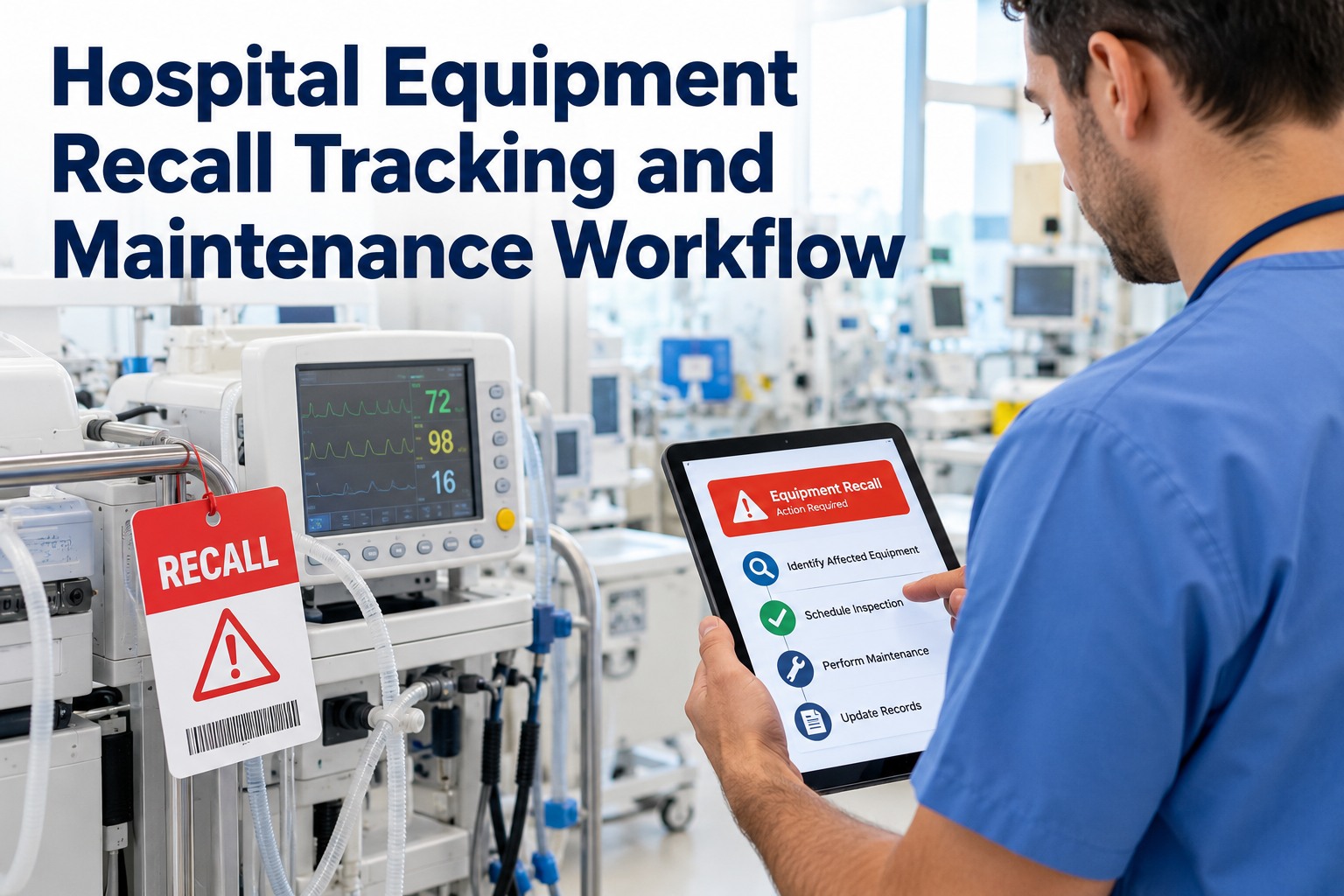
When a manufacturer or the FDA issues a recall, the clock starts — and the hard question is not whether you received the notice, but whether you can say, today, exactly which of your devices it affects, where each one is, and whether it is still on a patient. A recall that cannot be matched to your asset register is just an email. The OXMAINT AI — the AI-powered maintenance management software — turns a recall notice into matched assets, quarantine actions and a documented trail you can produce on demand.
Healthcare · Biomedical Engineering · Equipment Recall · Maintenance Workflow · 2026
Hospital Equipment Recall Tracking and Maintenance Workflow
A recall is only as safe as how fast you find every affected device and take it out of service. OXMAINT AI matches each notice to your asset register, raises the work orders, drives the quarantine or correction, and keeps the evidence a survey will ask for.
1Notice in
→
2Match assets
→
3Quarantine / act
→
4Close & record
Match or miss
A recall only acts if it maps to your actual devices
Class I–III
FDA recall classes set the urgency of the response
Find fast
Locate every unit by model, lot and location
Documented
An audit trail from notice to closure
Why Recall Response Breaks Down
The recall notice is rarely the problem — the breakdown is on the hospital's side, where devices are scattered, records are thin and the response lives in someone's inbox. Each gap is a place a recalled device keeps being used; start free and close the recall-response gaps in OXMAINT AI.
Which units are affected?
Without model, lot and serial on record, matching a recall to your fleet is guesswork.
Where is each one?
Mobile devices move between units and floors — a notice is useless if you cannot find them.
Is it still in use?
A recalled unit left on a patient while the paperwork catches up is the real risk.
Can you prove you acted?
An email thread is not evidence — a surveyor wants to see the device found, removed and resolved.
FDA Recall Classes Set the Pace
Not every recall carries the same urgency. The FDA classifies recalls by the severity of the hazard, and the class decides how fast and how hard a hospital has to respond — the workflow should escalate accordingly; book a demo to see class-based escalation in OXMAINT AI.
Class I
Serious harm or death
A reasonable chance the device will cause serious injury or death — the fastest, hardest response, remove from use immediately.
Class II
Temporary or reversible
May cause temporary or medically reversible harm, with a remote chance of serious harm — act promptly and verify correction.
Class III
Unlikely to harm
Unlikely to cause harm but still violates FDA rules — track, correct and document on the stated timeline.
The Recall Maintenance Workflow
A recall is a process, not a single act — from the moment the notice arrives to the moment the last device is cleared and the record is closed. Each step hands off to the next, and a break anywhere leaves a device unaccounted for; start free and run the full recall workflow in OXMAINT AI.
1
Capture the notice
Log the recall with its class, manufacturer, model, affected lots and the required action.
2
Match to the asset register
Cross-check model, lot and serial against your devices to find every affected unit.
3
Locate and flag
Pinpoint each unit by department and location, and flag its status in the system.
4
Quarantine or correct
Remove from service, tag it, and either hold, repair, upgrade or replace per the notice — the decisive step.
5
Verify the action
Confirm the correction is done or the unit is out, device by device, with nothing assumed.
6
Close and document
Record the outcome for every unit and keep the full recall file for audit and survey.
What the Recall Record Holds
The record is the proof the recall was handled — every field there to answer a question an investigation or a surveyor will put to you. This is what a defensible recall file captures per device; book a demo to see the recall record built in OXMAINT AI.
Record field
What it captures
Why it matters
Recall reference
Notice ID, class, manufacturer
Ties devices to the source recall
Affected identifiers
Model, lot, serial range
Defines exactly what is in scope
Matched units
Each device in your fleet
Shows the whole exposure
Location & department
Where each unit sits
Makes the device findable fast
Status
In use, quarantined, corrected
Tracks progress to clear
Action taken
Hold, repair, upgrade, replace
Records the response per unit
Dates & owner
When, and who did it
Accountability and timeline
Verification
Sign-off the unit is cleared
Makes the closure defensible
A Recall You Cannot Match Is a Recall You Cannot Close.
If devices live on spreadsheets and recall notices live in an inbox, matching one to the other is slow, manual and never quite complete. The OXMAINT AI maintenance management software holds your biomedical asset register, matches each notice to it, and drives every affected unit to a documented close — so a recall ends in a record, not an open question.
How OXMAINT AI Runs Recall Tracking
A recall workflow holds up only when the asset register, the matching and the record all live in one place — and that is the job the software does. Here is what the OXMAINT AI maintenance management software brings to equipment recall management; start free and run your recall program in OXMAINT AI.
Biomedical asset register
Every device held with model, lot, serial and location, so a recall has something to match against.
Notice-to-asset matching
A recall's identifiers cross-checked against the fleet to surface every affected unit at once.
Class-based escalation
The recall class sets the urgency, so a Class I notice drives an immediate, prioritized response.
Quarantine work orders
Each affected unit gets a work order to remove, tag, correct or replace, tracked to completion.
Live status tracking
Every device seen as in use, quarantined or cleared, so the recall's progress is visible at a glance.
Audit-ready recall file
The whole response — notice, matches, actions, sign-offs — kept and exportable for survey.
Frequently Asked Questions
What is hospital equipment recall tracking?
It is the process of taking a manufacturer or FDA recall notice, matching it to the affected devices in a hospital's fleet, removing or correcting each one, and documenting the whole response for compliance.
What are the FDA recall classes?
Class I is the most serious, where a device may cause serious injury or death; Class II may cause temporary or reversible harm; Class III is unlikely to cause harm but still breaches FDA requirements. The class sets the urgency.
Who manages recalls in a hospital?
Biomedical or clinical engineering usually owns the response, often with supply chain, risk and safety. A shared workflow and a single record keep the handoffs from dropping a device.
Why is matching recalls to assets so hard?
Because it needs model, lot, serial and location on record for every device — and when that data is incomplete or spread across spreadsheets, finding every affected unit becomes slow and error-prone.
How does a CMMS help with recalls?
Turn a Recall Notice Into a Closed, Documented Response.
Run equipment recall tracking inside the OXMAINT AI maintenance management software — a biomedical asset register, notice-to-asset matching, class-based escalation, quarantine work orders, live status tracking and an audit-ready recall file — so every affected device is found, removed or corrected, and the whole response is provable.