It is 02:10 and a nurse smells smoke near a patient room. Someone has to shut off oxygen to that zone, fast, without cutting supply to the room next door. That one decision depends on a small, easy-to-ignore box in the corridor: the zone valve. If it is mislabelled, blocked, stuck, or missing from the records, minutes are lost when minutes matter most. This guide covers how to identify medical gas zone valves, how to maintain them, and how to keep proof of it all using OXMAINT AI, the AI-native CMMS that turns every valve into a QR-tagged asset with its own inspections, work orders and audit trail.
Hospital Maintenance · Medical Gas Systems · Patient Safety
Medical Gas Zone Valve Maintenance and Identification Guide
OXMAINT AI, the AI-native CMMS and maintenance management software, gives every medical gas valve a QR tag, a PM schedule, a digital inspection checklist and a full history. Scan a valve, see what it controls, log the check, and keep audit-ready proof without paperwork.
QR Valve Tags
Digital Inspections
Shutdown Management
4 Tiers
source · main · riser · zone valves protect a hospital's gas network
7 Gases
oxygen, air, N₂O, vacuum, WAGD, nitrogen, CO₂ all need clear labels
1 Rule
every valve must be findable, labelled and operable in an emergency
0 Guesswork
records show what each valve controls before anyone turns it
What a Zone Valve Actually Does
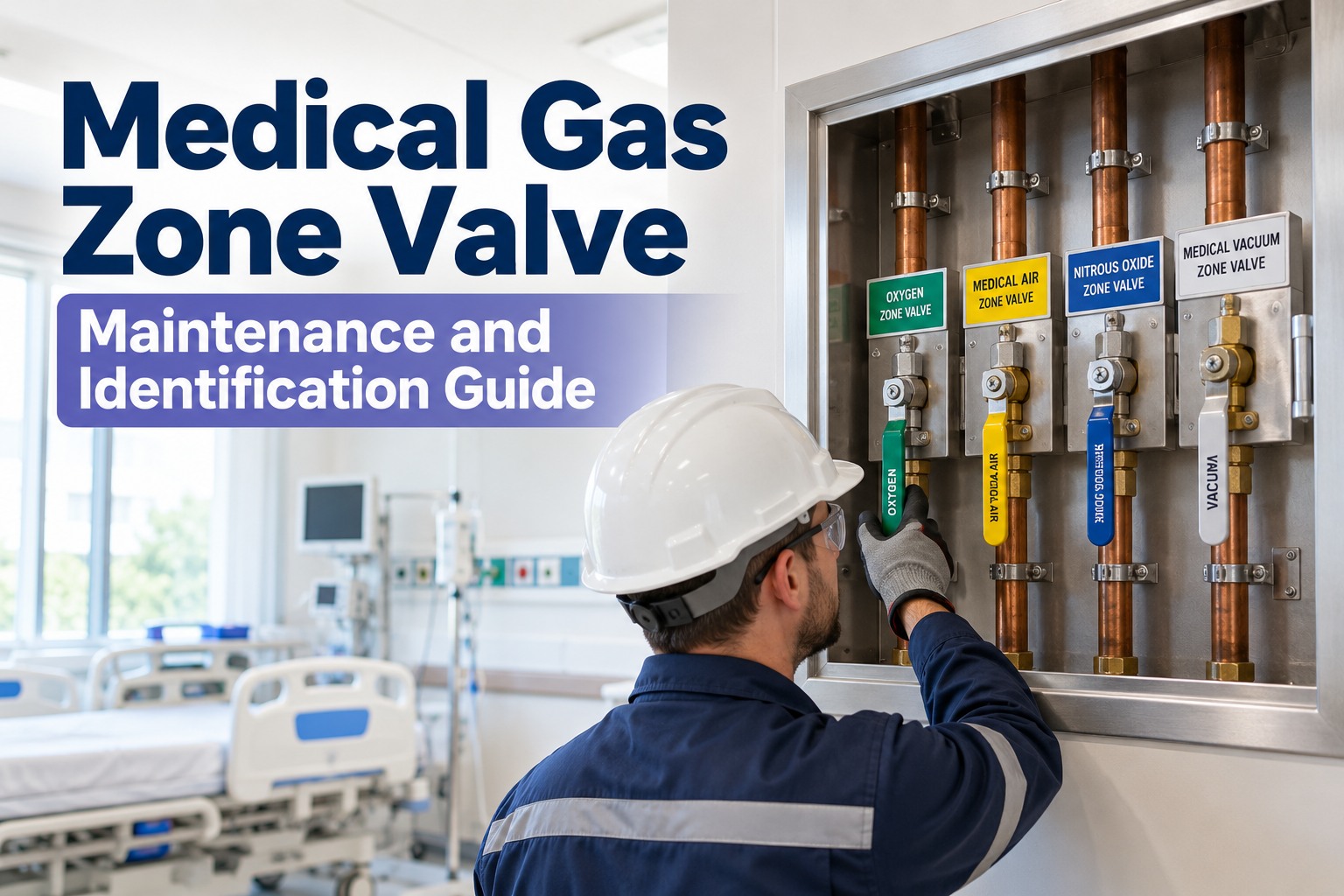
A zone valve (also called a service or area shutoff valve) lets staff isolate one section of a medical gas pipeline, such as a ward, an ICU bay or an operating theatre suite, without shutting down the whole hospital. It is used during fires, leaks, construction work and maintenance. It sits in a wall-mounted valve box, normally in the corridor outside the area it serves, behind a window that can be broken or removed quickly. Because it controls gas to patients on life support, the rules are simple: it must be easy to find, clearly labelled, and ready to work. Sign up free and register your valves in OXMAINT AI.
Where Zone Valves Sit in the Gas Network
Source Valve
At the supply (manifold, bulk tank, compressor). Shuts the entire source.
▼
Main Line Valve
Where the main enters the building. Isolates all gas to the facility.
▼
Riser Valve
At the base of each vertical riser. Isolates one floor stack.
▼
Zone / Service Valve
Per floor or department. Isolates one patient care area, the valve this guide is about.
Identification: What a Compliant Valve Box Shows
Most valve problems start with identification. A valve box that does not say what it controls forces someone to guess under pressure. Check every box against the anatomy below. Requirements vary by country and code edition (NFPA 99 in the US, HTM 02-01 in the UK, local standards elsewhere), so confirm details with your authority having jurisdiction. Book a demo to see label audits in OXMAINT AI.
Valve Box Identification Checklist
1
Gas Name & Colour
Gas name on the box and each valve, with the correct colour coding for your region.
2
Area Served
Room numbers or department the valve isolates, matching the current floor plan.
3
Emergency Wording
Clear caution that the valve is for emergency or authorised use only.
4
Open / Closed Position
Handle position is visible and the valve is confirmed OPEN after any work.
5
Unobstructed Access
No carts, cabinets or storage in front. Window intact and removable.
6
Asset Tag / QR
Unique ID that links to the valve's record, history and photos.
Gas Colour Coding at a Glance
Colour is the fastest visual cue, but it differs by region. The chips below list the commonly used US (NFPA) colour names; the shades shown are for layout only, so match real labels to your local standard. UK and many other countries use different colours, so always follow your local standard and never rely on colour alone. Read the label.
The Maintenance Rhythm That Keeps Valves Ready
Valves that are never touched tend to seize, and valves that are touched without a plan tend to be left in the wrong position. A fixed rhythm solves both. Intervals below are typical starting points; set final frequencies with your safety committee and applicable code. Start free and automate these PMs in OXMAINT AI.
Zone Valve Maintenance Calendar
Monthly
Visual Walk-Round
Box accessible, window intact, labels legible, handle position open, no signs of damage or leaks.
Quarterly
Label & Floor Plan Match
Compare room labels with current layout, especially after renovations or department moves.
Annual
Valve Exercise & Leak Check
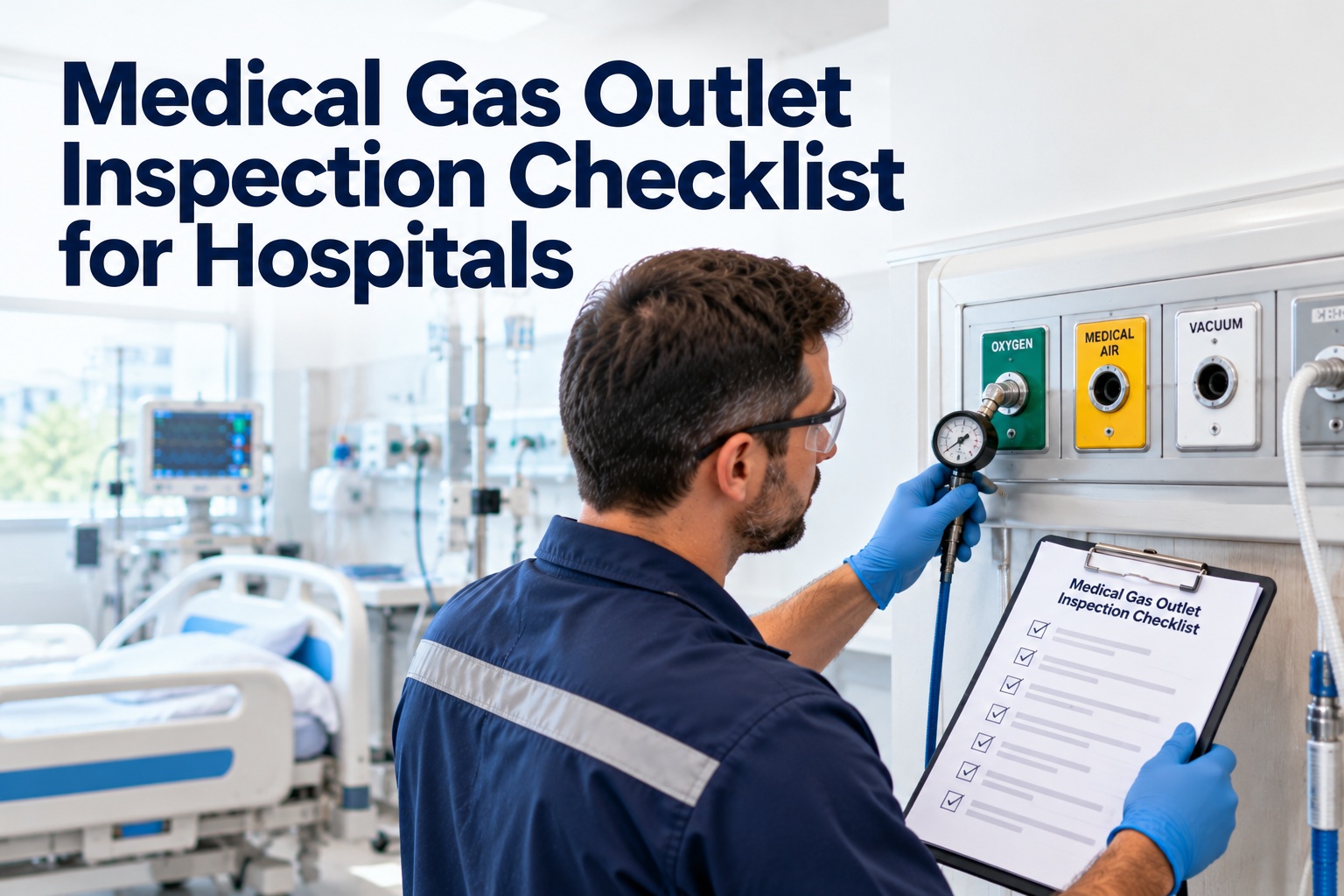
Under an approved shutdown permit with clinical sign-off: operate the valve, confirm the correct zone isolates, check for leaks, return to OPEN and verify.
After Any Work
Re-verify & Document
After construction or repairs, confirm valves, labels and zone coverage by qualified, certified personnel and update the record.
Safety first: closing a zone valve cuts gas to patients. Never operate one without notifying clinical staff, following your facility's shutdown procedure, and using qualified personnel. Every closure should be logged and every valve confirmed open afterward.
5 Valve Problems That Show Up in Audits and Emergencies
!
Valve Left Closed
After maintenance, a valve stays shut. Fix: closure permit with mandatory open-position sign-off.
!
Wrong or Outdated Label
Rooms renamed, label unchanged. Fix: quarterly label-to-plan check.
!
Blocked Access
Stored equipment hides the box. Fix: photo walk-round and corridor rules.
!
Seized or Leaking Valve
Never exercised, fails when needed. Fix: annual exercise with logged results.
!
Missing Records
Work done, proof lost. Fix: every task, photo and sign-off stored against the valve.
Scan. Identify. Act. How OXMAINT AI Handles a Zone Valve
Every valve gets a printable QR label from OXMAINT AI. A technician, nurse or security officer scans it with a phone and sees the valve's details, location, open work orders and past checks straight away. Problems found during an inspection become work orders automatically, so nothing is left in a notebook. Sign up free and generate your first QR labels.
01 · Scan
Scan the QR Tag
Instantly see the valve record: gas, area served, floor, photos and history.
02 · Inspect
Complete the Checklist
Check access, label, window and handle position on a digital checklist with photo proof.
03 · Fix
Failed Item Raises a WO
A blocked box or wrong label creates a corrective work order with a technician and due date.
04 · Prove
Export Audit Records
Pull the complete trail per valve, floor or building when an inspector asks.
Paper & Spreadsheets vs OXMAINT AI
Find what a valve controls
Ask around, check old drawings
Scan the QR tag, see the record
Inspection reminders
Calendar, easily missed
Scheduled PMs create work orders automatically
Reporting a blocked or damaged box
Phone call or hallway note
QR maintenance request from any phone
Planned shutdowns
Verbal or paper note
Planned, assigned and tracked to completion
Audit evidence
Days of searching
Filtered history with photos and sign-offs
When the Alarm Sounds, Nobody Should Be Guessing.
OXMAINT AI keeps every zone valve, label check, work order and planned shutdown in one searchable record, with QR access on any phone, so your team acts fast and your audit file is always ready.
What OXMAINT AI Gives Your Medical Gas Team
Built for hospital facilities and biomedical teams who need clear records without extra paperwork. Everything works from the mobile app, so checks happen where the valve is. Start free and load your valves today.
QR Codes for Every Valve
Bulk-generate and print QR labels. Scan to see the asset, its history and open jobs.
Monthly, quarterly and annual valve checks scheduled and assigned automatically.
Digital Inspection Checklists
Photo capture, AI-generated templates and failed items that trigger corrective work orders.
QR Maintenance Requests
Staff scan a tag to report a blocked, damaged or mislabelled valve in seconds.
Plan, sequence and track planned isolations and shutdown tasks with clear ownership.
Audit Trails & AI Reports
Complete histories and auto-generated reports, plus an AI assistant you can ask in plain English.
"
Illustrative scenario: an inspector asks for last year's checks on every zone valve on the third floor. With paper logs, the team spends days piecing it together. With one registry, they filter by floor and year, and the full history appears on screen.
Example use case · Hospital facilities team
Frequently Asked Questions
How do QR codes help with medical gas zone valves?
A QR label on each valve box links to its record in OXMAINT AI. Anyone with the app can scan it to see the gas, area served, location, past inspections and open work orders, then log a check or report a problem on the spot.
Sign up free and print your first labels.
Can we schedule the monthly, quarterly and annual valve checks?
Yes. Set the frequencies your safety committee and local code require, and OXMAINT AI creates and assigns the work orders on time. Overdue checks are visible on the dashboard.
Book a demo to see PM scheduling.
What happens when an inspection finds a problem?
A failed checklist item, such as a blocked box or an unreadable label, can trigger a corrective work order linked to that valve, with photos attached and the fix recorded in its history.
Start free and build your valve checklist.
Can OXMAINT AI help us plan valve shutdowns during renovation or repair?
Yes. Use shutdown management to plan tasks, assign owners and track completion, and attach the related work orders and documents. Clinical sign-off and your facility's shutdown procedure still apply.
Book a demo to see the workflow.
Does it work on mobile and how fast can we start?
OXMAINT AI has iOS and Android apps, so technicians can scan, inspect and close jobs from the corridor. Most teams start by uploading a valve list and tagging one building, then expand floor by floor.
Sign up free and register your first valves.
Every Valve Identified. Every Check Logged. Every Patient Protected.
Move your medical gas valve programme onto OXMAINT AI: QR-tagged assets, scheduled PMs, digital inspections, shutdown management and audit-ready records in one mobile-first platform.