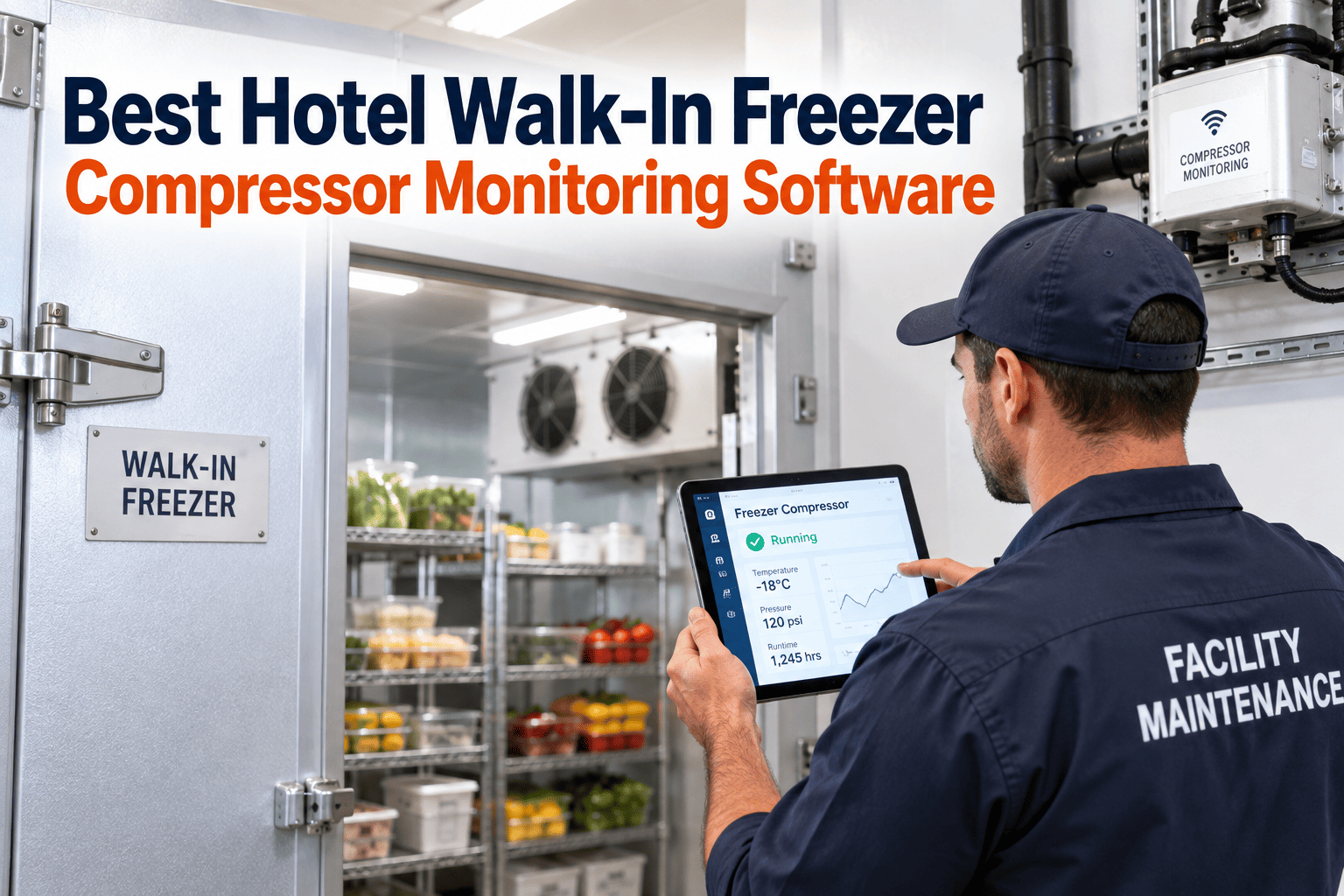
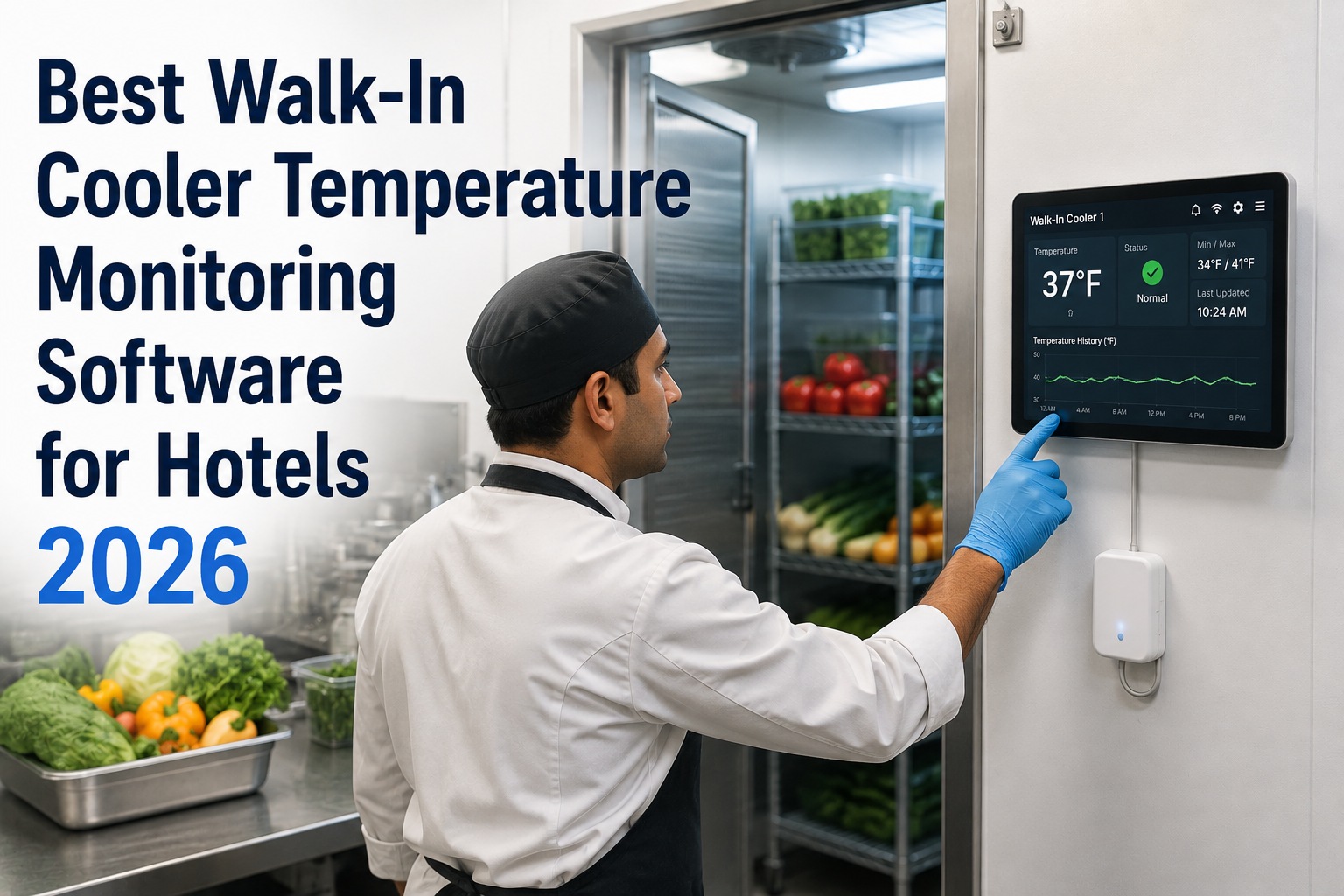
A walk-in freezer rarely dies at a convenient hour. The compressor labors a little longer each night, the box creeps a degree warmer, and nobody notices until a banquet cook opens the door on a Saturday to a case of thawed protein and a service that's suddenly in trouble. The failure felt sudden. It wasn't — the compressor had been signaling for weeks. This guide breaks down the early warning signs of compressor decline and what to look for in freezer monitoring software for a hotel, and shows why hospitality engineering teams choose OXMAINT AI, the AI-powered CMMS, to catch that decline before it becomes a spoilage event.
Hospitality · Walk-In Refrigeration · Compressor Monitoring
Best Hotel Walk-In Freezer Compressor Monitoring Software
A failed compressor doesn't just cost a repair — it can write off a freezer full of banquet inventory and a night of service. The compressor almost always warns you first: longer run times, a warmer box, more frequent defrost recovery. OXMAINT AI puts freezer checks, temperature logs, and PM on one system, so a declining compressor surfaces as a work order while there's still time to act — not after the product is lost.
Monitor & log
→
Decline flagged
→
Work order raised
→
Fixed before spoilage
Temperature & run-time on one record
Compressor decline flagged early
Audit-ready logs for inspections
A Compressor Fails Slowly, Then All at Once
The reason freezer failures feel like ambushes is that the box holds temperature right up until it can't. A compressor losing efficiency compensates by running longer and harder — the food stays frozen, so nothing looks wrong, while the unit quietly wears toward the moment it can no longer keep up. Catch the signals in that window and it's a scheduled repair. Miss them and it's a 2 a.m. call and a spoiled inventory. Start free and watch the box before it warms.
Longer Run Times
The compressor runs more of the hour to hold the same temperature — the earliest, quietest sign efficiency is slipping.
Creeping Box Temperature
Small upward drift in the freezer's holding temp, or slower recovery after the door opens — the box is losing its margin.
Frequent Defrost Recovery
Coils icing faster and defrost cycles struggling to keep up point to airflow, seal, or refrigerant trouble upstream of failure.
Heat, Noise & Short-Cycling
A hotter compressor, new rattles, or rapid on-off cycling are mechanical stress showing itself — often the last warning before a hard stop.
What Freezer Monitoring Software Should Do
"Best" isn't about the longest feature list — it's about whether the software actually catches decline and drives a fix. For a hotel cold chain, five capabilities carry the weight. Book a demo to see these on your freezers.
01
Continuous temperature logging
Digital, timestamped freezer temps — not a clipboard someone fills in twice a shift — so drift is visible as a trend and the record is always complete.
02
Early-warning alerts
Notify managers when temperature drifts or a reading crosses a threshold — while there's still a window to act, not once the product is already at risk.
03
Preventive maintenance scheduling
Recurring coil cleaning, seal checks, and compressor service that generate and assign themselves — the upkeep that keeps a compressor from being overworked in the first place.
04
Per-asset history
Every reading, repair, and PM on each freezer's record, so a unit that's trending down is obvious and repair-or-replace calls rest on data, not memory.
05
Audit-ready reporting
Complete temperature and maintenance logs on demand for health-department, HACCP, and brand-standard inspections — no scramble to reconstruct records.
The Cheapest Compressor Repair Is the One You Schedule.
An emergency failure means overtime, a spoiled box, and a service in crisis. The same repair caught early is a planned job on a quiet morning. OXMAINT AI surfaces the decline as a work order while the box is still cold — so the fix happens on your terms.
How OXMAINT AI Protects the Cold Chain
OXMAINT AI ties monitoring, maintenance, and records together on one platform — so a freezer's decline never falls through the gap between a temperature log and a repair. Start free and put your freezers on one system.
Logs temperature to the asset
Freezer readings — manual or from connected sensors — land on each unit's record, so drift shows as a trend instead of a number nobody compared to yesterday's.
Alerts before the box warms
A reading crossing its threshold notifies the manager in real time, turning a slow drift into an action item while the product is still safe.
Schedules the PM that prevents it
Coil cleaning, seal and gasket checks, and compressor service run on an automatic cadence — the upkeep that keeps the compressor from overworking toward failure.
Keeps inspection records ready
Temperature and maintenance history sit on the record, audit-ready for HACCP, health-department, and brand-standard checks without a paper scramble.
Paper Logs vs. OXMAINT AI
Frequently Asked Questions
How can software catch a compressor failing if the freezer's still cold?
By watching behavior, not just the final temperature. A compressor losing efficiency runs longer and recovers slower well before the box warms — trending those readings surfaces the decline while the product is still safe.
Start free and trend your freezer readings.
Do we need IoT sensors, or can we log manually?
Either works. OXMAINT AI records manual temperature checks and can take readings from connected sensors — the value is in trending and alerting on the data, however it's captured, so you can start with what you have.
Book a demo to see both options.
What makes a freezer platform "best" for a hotel specifically?
Hotels run banquet volumes and face HACCP, health-department, and brand-standard inspections, so the right platform pairs early compressor warning with audit-ready logging and mobile use for engineering teams — not just a temperature readout.
Start free and see the fit for hospitality.
Can our technicians use it on the floor?
Yes — checks, readings, and work orders are handled from a mobile app at the freezer, so logs are captured where the work happens instead of written on paper and keyed in later.
Book a demo to see mobile logging.
How does this help at inspection time?
Every temperature reading and maintenance action lives on the freezer's record, so a complete, timestamped history is available on demand for HACCP, health-department, and brand-standard audits — no reconstructing logs the night before.
Start free and keep audit-ready records.
Catch the Decline Before the Door Opens on a Warm Box.
Put freezer temperatures, alerts, preventive maintenance, and inspection records on one platform — so a failing compressor becomes a scheduled repair instead of a spoiled inventory and a service in crisis.