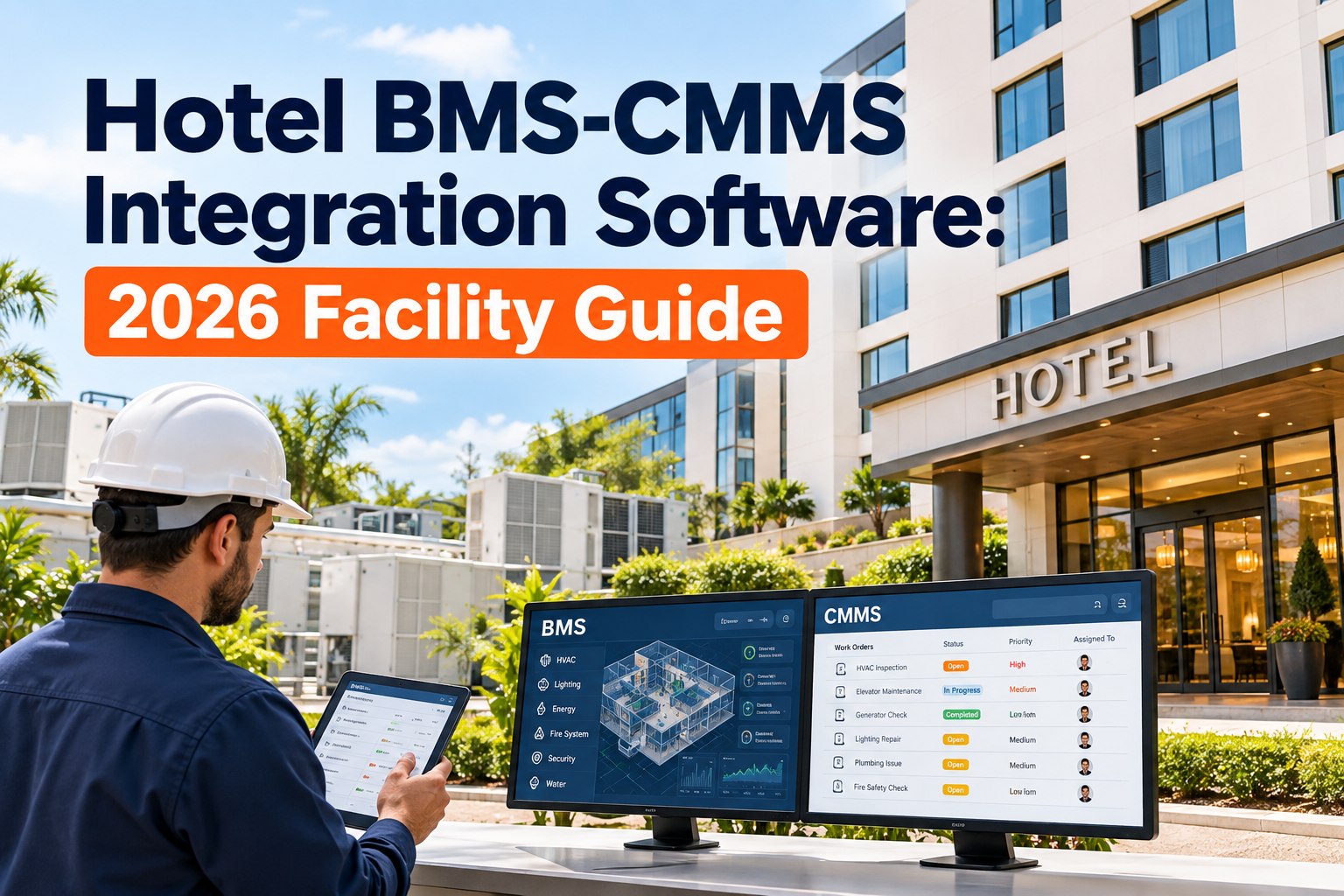
Your building management system knows the chiller is losing efficiency weeks before your engineering team does — it flags the drift, logs the alarm, and then does nothing about it. Three weeks later the unit fails on a sold-out Saturday. The BMS is brilliant at watching and useless at acting: it can't raise a work order, dispatch a tech, or track the fix. That's the loop it can't close. OXMAINT AI is AI-powered maintenance management software (CMMS) that subscribes to your BMS alarm stream and turns a threshold breach into a prioritized, routed work order — with the noise filtered out. Book a demo to see alarms become action.
Your BMS Sees the Fault. Only a CMMS Acts on It.
- 1BMS flags a fault
- 2Filter the noise
- 3Auto work order
- 4Dispatch & track
The Blind Spot Between Monitoring and Maintenance
The BMS lives in the controls world; the CMMS lives in asset management. Without a bridge, degradation the sensors already see never becomes a fix — until it's a failure. Start a free trial to bridge them.
The gap is structural: a BMS detects but can't dispatch. Integration is what turns a visible degradation signal into a scheduled repair instead of an emergency. Source: OxMaint hospitality BMS-CMMS integration guide.
What Turns a BMS Alarm Into a Work Order
Not every data point matters — but four kinds of BMS signal should always become action. These are the trigger points integration listens for. Book a demo to configure your triggers.
Turn the Alarm Firehose Into an Action Queue
The Other Risk: Drowning in Alarms
Connect a BMS to a CMMS without filtering and you swap one problem for another — a flood of alerts no one can action. Suppression rules are what make integration usable. Start a free trial to tune the filters.
- Drop transient faults that clear within minutes
- Skip duplicates where a work order already exists
- Ignore equipment in a maintenance / service state
- Filter non-maintenance operational data
In unintegrated buildings a large share of BMS alerts go unacknowledged for over a day; tuned suppression typically cuts actionable work-order volume substantially, turning noise into a queue. Figures per OxMaint's integration guidance; results vary by property. Source: OxMaint BMS-CMMS guide.
Which Protocol Connects Your BMS
Most hotels run two or three protocols depending on equipment age and vendor. Integration meets them where they are. Book a demo to map your protocols.
| Protocol | Where it's used | Best for |
|---|---|---|
| BACnet/IP & MS/TP | HVAC controls — Siemens, Honeywell, JCI, Schneider | Contextual equipment data as objects |
| Modbus TCP & RTU | Energy meters, boilers, VFDs, legacy controllers | Broad, simple device coverage (RTU needs a gateway) |
| OPC-UA | Multi-vendor, multi-site aggregation | Encrypted OT-to-IT transport and mixed BMS estates |
Protocol roles per BMS-integration practice: BACnet is the HVAC standard, Modbus the industrial workhorse, OPC-UA the secure multi-vendor aggregator. Most properties use a mix. Source: OxMaint BMS-CMMS integration guide.
How OXMAINT AI Connects BMS to Maintenance
OXMAINT AI is maintenance management software that subscribes to your BMS, filters and scores its alarms, and turns the real faults into tracked work orders — the command centre a BMS alone can't be. Start a free trial to connect your building.
-
1
Subscribe
Listen to the BMS alarm stream over BACnet, Modbus or OPC-UA — whatever the building runs. -
2
Filter
Apply suppression rules so transient and duplicate alarms don't become work orders. -
3
Create
Open a prioritized work order with sensor context and history, routed to the right tech. -
4
Track
Follow the fix to closeout and trend recurring faults for condition-based PM.