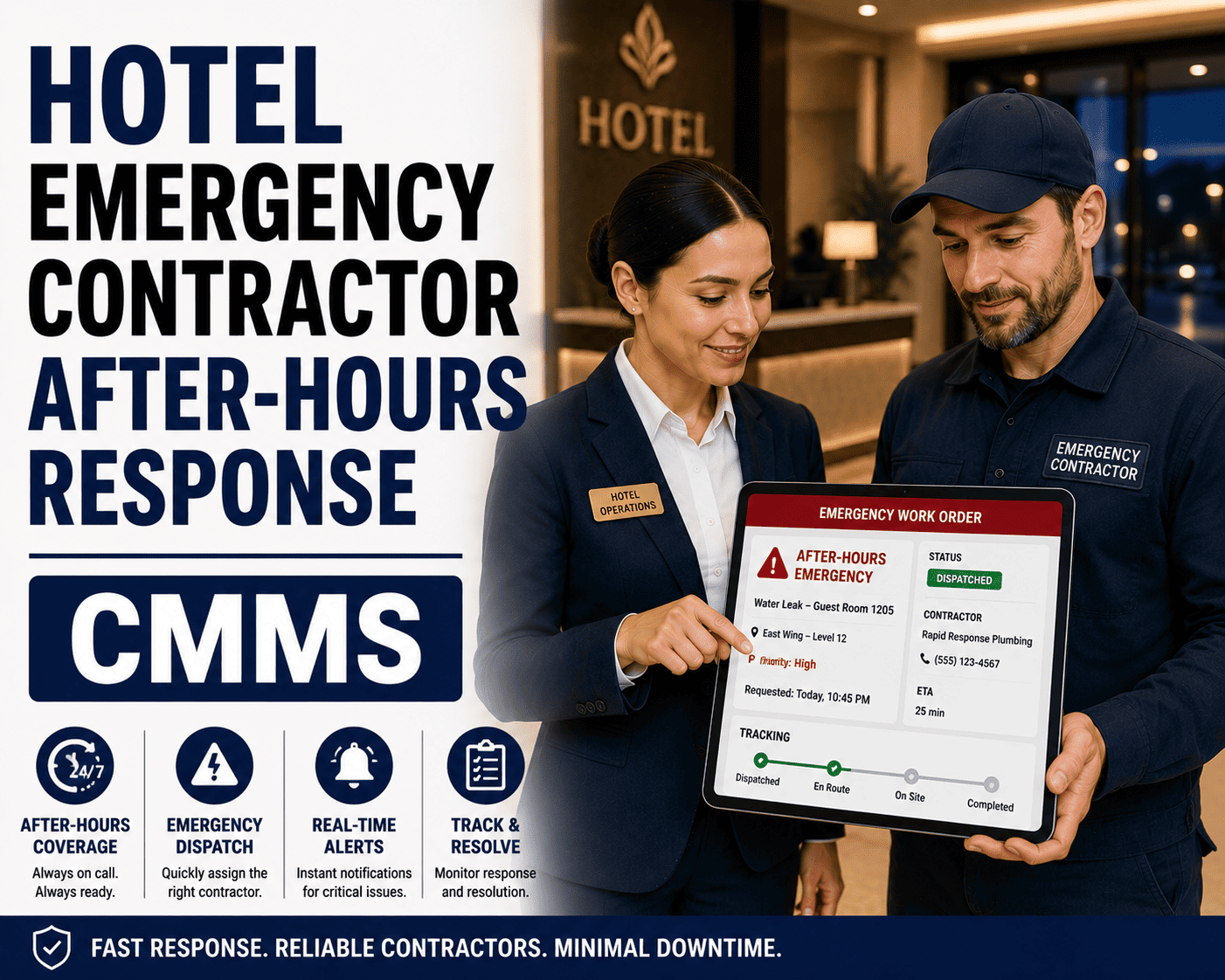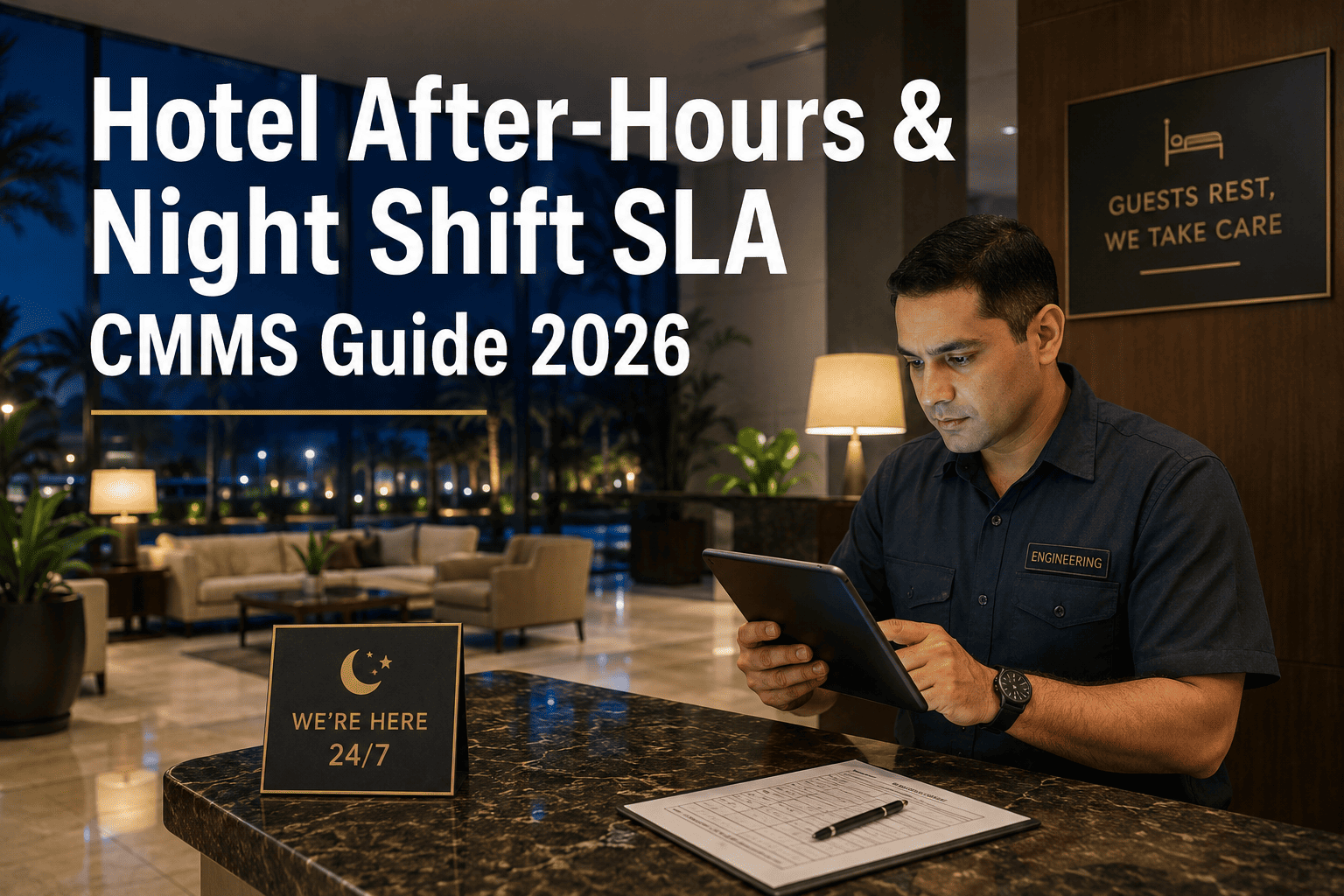
Hotel after-hours SLA performance is where 24/7 service promises are either kept or quietly broken — most properties lose visibility into night shift maintenance the moment the day engineering team clocks out. This 2026 CMMS hotel after hours guide breaks down overnight staffing models, on-call protocols, realistic response time expectations, and the CMMS configuration that keeps night shift SLA performance fully visible, accountable, and audit-ready. A properly configured night shift CMMS for hotels routes urgent guest complaints in seconds, captures every after-hours work order with a timestamp, and flags SLA breaches before they reach morning handover. If your property is still running overnight maintenance on paper logs or a shared text thread, Start Free Trial to see how OxMaint brings full SLA accountability to your quietest hours.
Is your hotel's night shift SLA protecting guest experience — or quietly eroding it?
A 250-room property averages 4–7 maintenance requests between 11 PM and 6 AM — HVAC, plumbing, lock failures, elevator entrapments. Without a night shift CMMS routing and tracking every ticket, 40% of after-hours issues go unlogged, unresolved, or surface as next-morning guest complaints. OxMaint closes that gap.
What hotel after-hours SLA actually means on a reduced night shift
A hotel after hours SLA defines the maximum response and resolution times a property commits to for maintenance issues arising outside normal engineering hours — typically 11 PM to 6 AM — when staffing is reduced to 1–2 on-site engineers or a single on-call technician covering multiple properties.
Scenario — 280-room downtown business hotel: The property runs one night engineer from 11 PM to 7 AM. On a typical Tuesday night, three guest calls arrive: a jammed thermostat (11:40 PM), a running toilet (1:15 AM), and a key-card lock failure (3:50 AM). Without a night shift CMMS, the engineer resolves what they can and logs nothing until the morning shift arrives — if they remember. The front desk has no real-time status. The GM never sees that the lock failure took 52 minutes to resolve, breaching the property's own 30-minute SLA. With OxMaint, each request is auto-routed the second the front desk enters it, the engineer updates status from a mobile device, and the GM receives a 6 AM SLA compliance summary — before the morning briefing, not after a guest complaint.
How to configure a CMMS for hotel after-hours SLA and reduced overnight staffing
Configuring night shift SLA in a hotel CMMS means defining priority tiers, response windows, escalation paths, and on-call routing that reflect what your overnight team can actually deliver — not what the day shift promises.
Define after-hours priority tiers
Map every overnight issue into 3–4 priority levels. Tier 1 (life-safety, elevator entrapment, gas leak): 5-minute dispatch, 15-minute on-site response. Tier 2 (HVAC loss in occupied room, active water leak): 15-minute dispatch, 30-minute response. Tier 3 (noise, minor plumbing, TV issues): 60-minute response. Tier 4 (cosmetic, non-guest-facing): defer to morning shift with guest notification.
Set SLA clocks and auto-escalation rules
Each priority tier gets a response clock that starts the moment a ticket is created — automatically, from the front desk PMS integration or a guest-services portal. If the night engineer doesn't acknowledge a Tier 1 ticket within 5 minutes, the CMMS auto-escalates via SMS and push notification to the on-call supervisor. If unresolved within 15 minutes, it escalates to the Director of Engineering and Duty Manager. Every escalation is timestamped.
Configure on-call and multi-property routing
For properties sharing a roving technician or relying on on-call contractors, the CMMS must rotate assignments automatically based on a published schedule. A 3-property cluster sharing one overnight technician needs the system to route the closest qualified responder, display current workload, and prevent double-booking — while keeping each property's SLA clock independent.
Build the morning SLA compliance report
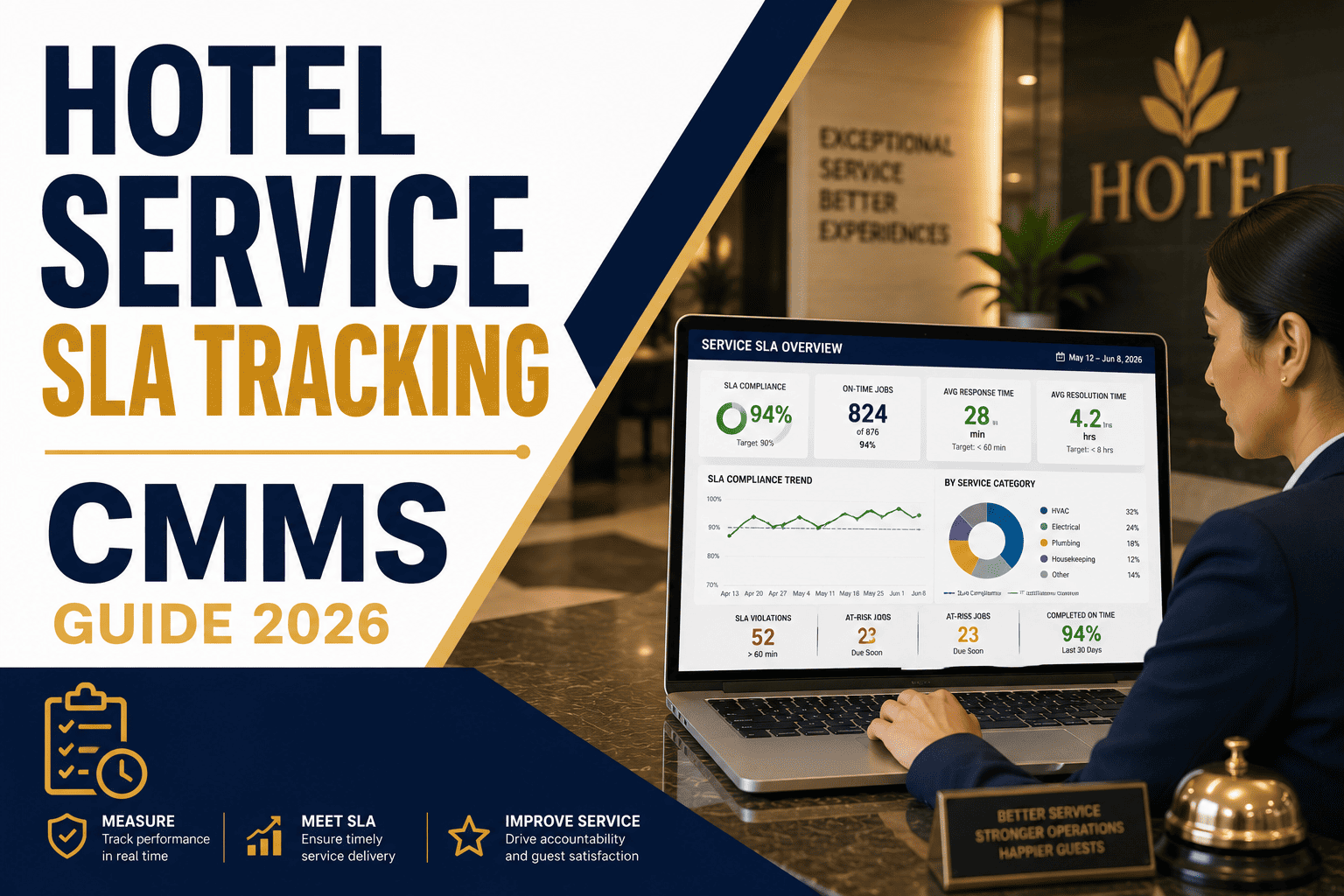
The single most valuable night shift CMMS output is the automated 6 AM SLA summary — delivered to the GM, Director of Engineering, and Front Office Manager. It lists every overnight ticket, priority level, response time, resolution time, SLA status (met/breached), and any open items requiring morning handover. This replaces the unreliable verbal handover and creates an auditable record.
Capture after-hours labor and cost accounting
Night shift work often carries premium labor rates — 1.25x to 1.5x base pay, on-call stipends, and contractor call-out fees of $150–$400 per visit. The CMMS should tag every after-hours work order with shift differential, contractor cost, and asset code so finance can see the true cost of overnight maintenance by asset, issue type, and property — not just a lumped payroll line.
Hotel night shift SLA response-time benchmarks by issue type
These benchmarks reflect full-service hotel industry expectations for 2026. Budget and extended-stay properties may extend Tier 3–4 windows; luxury and resort properties typically tighten Tier 1–2 windows by 25–40%.
| Issue Type | Priority Tier | Dispatch Time | On-Site Response | Resolution Target | Escalation Trigger |
|---|---|---|---|---|---|
| Elevator entrapment / life safety | Tier 1 | 2 min | 10 min | 30 min (or guest relocation) | 5 min unacknowledged → Duty Manager + GM |
| HVAC loss in occupied guest room | Tier 2 | 5 min | 20 min | 45 min (or room move) | 10 min unacknowledged → Supervisor |
| Active water leak / flood | Tier 2 | 5 min | 15 min | 60 min (containment) | 10 min unacknowledged → Supervisor |
| Key-card lock failure | Tier 3 | 10 min | 30 min | Same shift | 20 min unacknowledged → Supervisor |
| Running toilet / minor plumbing | Tier 3 | 10 min | 45 min | Same shift or AM | 30 min unacknowledged → Log only |
| TV / internet / phone issue | Tier 4 | 15 min | 60 min | AM shift acceptable | No escalation — guest notified |
| Cosmetic / non-guest-facing | Tier 4 | Next shift | AM shift | 24 hours | No escalation — queued |
Hotel after-hours SLA checklist: what your CMMS must track overnight
If your night shift CMMS can't answer all of these questions by 6 AM, your after-hours SLA is operating blind. Print this checklist, audit your current system, and identify the gaps.
Ticket capture & routing
- Every after-hours request auto-logged with timestamp, room number, guest name, and issue category
- Priority tier auto-assigned based on issue type and room occupancy status
- Auto-dispatch to on-shift engineer via mobile push notification within 60 seconds
- Front desk sees real-time status without calling engineering on radio
SLA clock & escalation
- Response clock starts at ticket creation — not when engineer opens it
- Auto-escalation at 50%, 75%, and 100% of SLA window per priority tier
- Escalation path includes named individuals, not a group inbox
- Breached tickets flagged red on morning report with root-cause field
On-call & contractor management
- Rotating on-call schedule published in system — no manual lookup
- Contractor call-out tracked with cost, response time, and outcome
- Multi-property technician workload visible before dispatch
- Call-out cost auto-tagged to asset and property code for accounting
Morning handover & reporting
- Automated 6 AM SLA compliance summary to GM, DO, and Front Office
- Open items list with priority and estimated resolution time
- Trend dashboard: after-hours issue frequency by asset, floor, and type
- Recurring issue alerts — same room, same problem, 3+ times in 30 days
What untracked after-hours SLA breaches actually cost a hotel
The cost of not having a night shift CMMS isn't theoretical — it shows up in comp rooms, online reviews, and preventable equipment failure. Here's the math for a typical 250-room full-service property.
How OxMaint solves hotel after-hours SLA and night shift accountability
OxMaint is built to close the overnight visibility gap that costs hotels $200K+ per year. These are the specific capabilities that make after-hours SLA manageable — not aspirational.
AI-powered after-hours work order routing
OxMaint's AI engine auto-classifies incoming after-hours requests by priority tier the moment they're entered — whether from front desk, guest portal, or IoT sensor — and routes to the on-shift engineer's mobile device in under 60 seconds. No manual triage, no radio calls, no missed tickets.
Configurable SLA clocks with auto-escalation
Set response and resolution targets per priority tier, per property, per shift. OxMaint starts the SLA clock at ticket creation, sends escalation alerts at configurable thresholds, and logs every action with a tamper-proof timestamp. Breaches are flagged instantly — not discovered at the morning meeting.
Overnight labor and contractor cost tracking
Every after-hours work order is tagged with shift differential, on-call stipend, and contractor call-out cost — allocated to the correct asset, room, and property code. Finance gets a real-time view of true overnight maintenance spend instead of a lumped payroll line.
Automated morning SLA compliance report
At 6 AM — or any time you choose — OxMaint delivers a formatted SLA compliance summary to GM, Director of Engineering, and Front Office Manager. It includes every overnight ticket, response/resolution times, breach root causes, open items, and 30-day trend data — replacing verbal handovers with an auditable record.
See OxMaint configure your after-hours SLA in a 30-minute demo
We'll map your property's priority tiers, overnight staffing model, and escalation paths live in the platform — and show you exactly what your 6 AM compliance report will look like.
Hotel after-hours and night shift SLA — your questions answered
What is a hotel after-hours SLA and why does it matter?
A hotel after-hours SLA is the documented commitment to response and resolution times for maintenance issues that occur outside normal engineering hours — typically 11 PM to 6 AM. It matters because 40% of overnight maintenance tickets go unlogged or miss target windows without a tracking system, leading to guest complaints, comp rooms, and negative reviews. A CMMS with night-shift-specific SLA configuration ensures every after-hours issue is captured, routed, tracked, and reported — protecting both guest experience and the property's reputation.
How does a CMMS handle night shift staffing with reduced crews?
A night shift CMMS for hotels accounts for reduced staffing by auto-prioritizing tickets, routing only urgent issues to the on-site engineer, and deferring non-urgent items to the morning shift with guest notification. It also manages on-call schedules, contractor dispatch, and multi-property technician routing — so a single overnight engineer isn't overwhelmed and SLA clocks stay accurate. You can book a demo to see how OxMaint configures this for your specific staffing model.
What are realistic response time expectations for hotel night shift maintenance?
Realistic hotel night shift SLA response times depend on priority tier: Tier 1 life-safety issues (elevator entrapment, gas leak) require 10-minute on-site response; Tier 2 urgent guest-facing issues (HVAC loss, active leak) require 15–20 minutes; Tier 3 issues (lock failure, plumbing) allow 30–45 minutes; Tier 4 non-urgent items can be deferred to morning with guest notification. These benchmarks assume 1–2 on-site engineers for a 200–400 room property.
How do you configure SLA escalation for after-hours maintenance?
SLA escalation for after-hours maintenance is configured in the CMMS by setting trigger thresholds — typically at 50%, 75%, and 100% of the response window — that automatically notify the next person in the chain via SMS and push notification. For example, if a Tier 1 ticket isn't acknowledged in 5 minutes, the system escalates to the on-call supervisor; at 10 minutes, to the Duty Manager and GM. Every escalation is logged with a timestamp for audit purposes.
Can a CMMS track after-hours labor costs and contractor call-outs?
Yes — a CMMS configured for hotel after-hours operations tags every overnight work order with shift differential rates, on-call stipends, and contractor call-out fees, then allocates those costs to the correct asset, room, and property code. This gives finance a granular view of true overnight maintenance spend by issue type and asset, instead of a lumped payroll line — typically revealing 20–30% in reducible contractor call-outs. You can explore this in a free trial or demo.
Stop guessing about your night shift SLA performance
Every night without a configured after-hours CMMS is another night of untracked tickets, unreported breaches, and preventable guest complaints. OxMaint gives you full visibility from 11 PM to 6 AM — and the audit trail to prove it.
Free 14-day trial · No credit card