Every vendor will sell you a thousand sensors for the hotel. You don't need a thousand you need the right forty to eighty, placed where a failure hurts most, feeding a system that actually does something with the data. Wire up everything and you get an expensive dashboard nobody reads; wire up the critical assets first and you catch the chiller before it dies on a full house. Deployment is a sequencing problem, not a shopping list. OXMAINT AI is AI-powered maintenance management software (CMMS) that turns each sensor's anomaly into a prioritized work order with the evidence attached. Book a demo to plan a deployment that pays off.
Hospitality · IoT Sensor Deployment
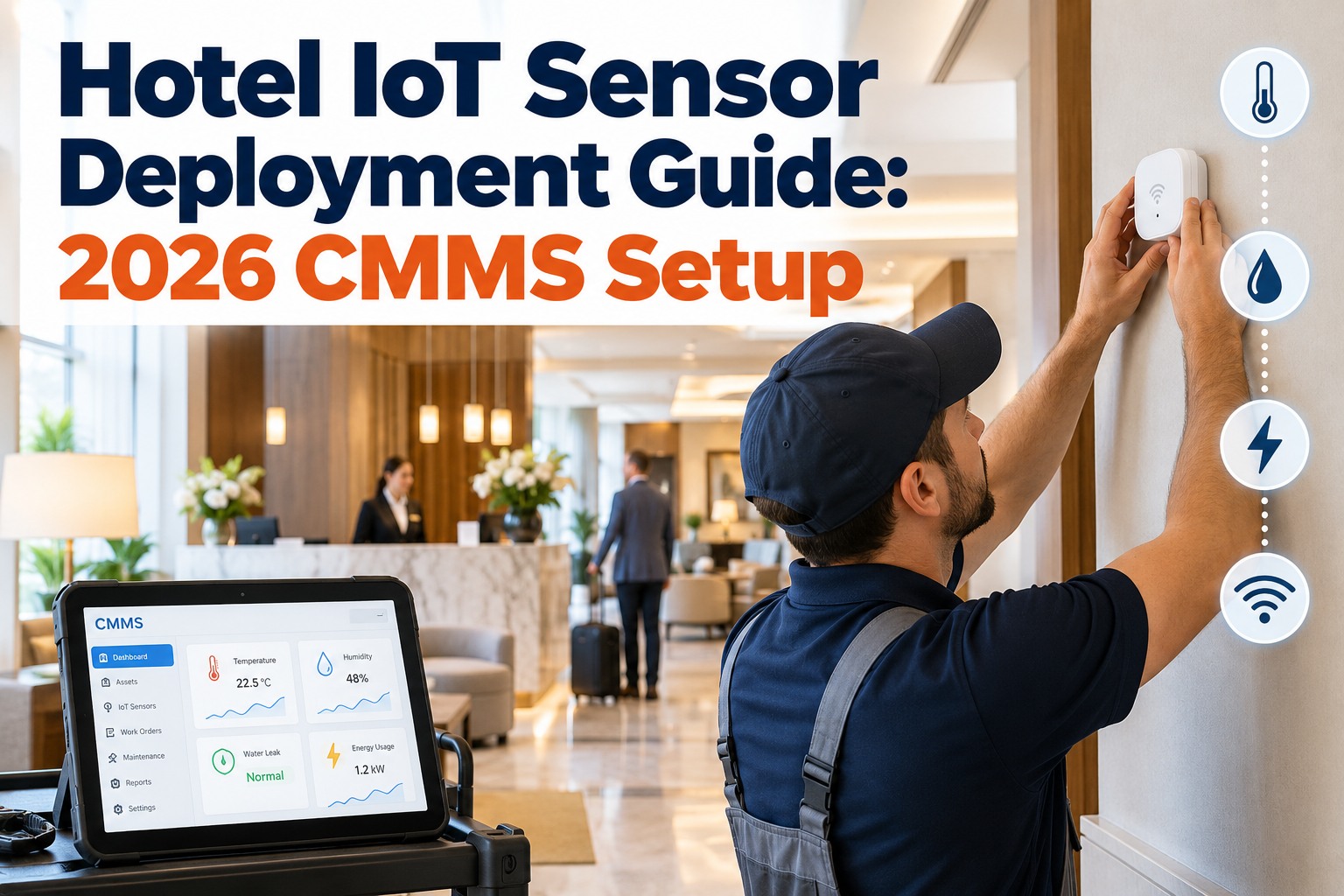
Hotel IoT Sensor Deployment Guide: 2026 CMMS Setup
A full-service hotel gets meaningful predictive coverage from 40–80 sensors, not a blanket install — and the first 20, on your highest-criticality assets, deliver most of the value. OXMAINT AI turns those readings into ranked work orders with fault evidence, so the sensor spend becomes prevented downtime, not another screen.
- 1Assess criticality
- 2Deploy the first 20
- 3Connect to CMMS
- 4Automate the response
Right-size the rollout
40–80
sensors for a typical 150–300 room full-service hotel
First 20most of the value
Full deployment~5 weeks to predictive
Prioritise by failure consequence, not by coverage. Source: OxMaint hotel IoT setup guide.
Where the Sensors Go — and What They Catch
Placement is priority. Put sensors where a failure is most costly and most predictable, and each one earns its keep. Here's the map by area, with how much warning each gives. Start a free trial to map your assets.
HVAC & chiller plantCritical
Vibration on compressors and fan bearings; temperature on condenser, boiler and FCU; pressure on refrigerant and filter banks.
Warning: 2–8 weeks
Water systemsCritical
Leak sensors on plant-room floors, FCU drip trays, under-sink cabinets and roof areas — before water reaches a guest room.
Warning: minutes to hours
Electrical & powerHigh
Current and power sensors on the chiller main panel, pump feeds and lift motor rooms — catching overload and phase imbalance.
Warning: 3–6 weeks
Air quality & humidityMedium
Guest-room return air, function spaces, server rooms and pool/spa plant — comfort and equipment protection.
Warning: hours to days
Sensor types, placement and detection lead times per hotel IoT deployment guidance — critical HVAC and water first, electrical and air quality next. Source: OxMaint hotel IoT sensor setup guide.
The First 20 Sensors Do the Heavy Lifting
You don't deploy all at once — you deploy by consequence. The first wave, on your highest-risk assets, captures the majority of the predictive value before you spend on the rest. Book a demo to pick your first 20.
First 20
Highest-criticality assets
Chiller plant, boilers, main water and power — where an outage costs the most and warning matters most.
Next 20–60
Broaden the coverage
Secondary HVAC, distributed leak points and air quality — added once the critical layer is proven.
Turn a Sensor Anomaly Into a Ranked Work Order
See how OXMAINT AI attaches the trend chart, anomaly score and probable fault to a prioritized work order — so an alert becomes an inspection, not a notification.
The Five-Phase Deployment Roadmap
A predictive program isn't installed in a day — it's rolled out in a sequence that reaches real coverage in about five weeks. This is the path. Start a free trial to run the rollout.
1
Assess criticality
Map placement by failure consequence — what hurts most if it goes down — not by cost or convenience.
2
Install the priority 20
Fit sensors on the highest-risk assets first, where the predictive payoff is largest.
3
Integrate
Connect via BACnet, Modbus or REST — and use existing BMS data where it's already there, no new hardware.
4
Let the AI learn
The system learns each asset's normal operating envelope so it flags real drift, not noise.
5
Automate the action
An anomaly opens a prioritized work order with fault evidence and a recommended checklist.
Choosing How the Sensors Connect
The right connectivity depends on property size, layout and whether you already run a BMS. Match the network to the site, not the other way round. Book a demo to choose your network.
Hotel IoT connectivity options
| Option | Range & battery | Best for |
| LoRaWAN |
~5 km · 5–10 yr battery |
Large properties and outdoor areas |
| Zigbee |
10–100 m mesh · 2–5 yr |
Multi-floor hotels |
| Wi-Fi |
30–50 m · mains / high data |
Continuous monitoring of critical assets |
| BACnet / Modbus |
Building-wide wired |
Reusing existing BMS data — no new hardware |
Connectivity ranges and battery life per hotel IoT deployment guidance; most properties mix options by area. Source: OxMaint hotel IoT setup guide.
How OXMAINT AI Runs the Deployment
OXMAINT AI is maintenance management software that ingests the sensor data, learns each asset, and turns anomalies into work orders — so the deployment becomes a working predictive program, not a pile of hardware. Start a free trial to connect your first sensors.
-
1
Prioritize
Rank assets by criticality so the first sensors land where the payoff is biggest.
-
2
Ingest
Take sensor and BMS data over BACnet, Modbus, REST or LoRaWAN into one platform.
-
3
Learn
Baseline each asset's normal range so real anomalies stand out from ordinary variation.
-
4
Act
Open a ranked work order with the trend chart, anomaly score and checklist attached.
Frequently Asked Questions
How many IoT sensors does a hotel need?
A typical 150–300 room full-service hotel gets meaningful coverage from 40–80 sensors — and the first 20, on the highest-criticality assets, deliver most of the value.
Start a free trial to size yours.
Where should the first sensors go?
On the assets whose failure costs the most and gives usable warning — chiller plant, boilers, main water and power — before you broaden to secondary systems.
Book a demo to prioritize.
Do I need to rip out my existing BMS?
Which connectivity should I use?
It depends on the site — LoRaWAN for large or outdoor areas, Zigbee for multi-floor, Wi-Fi for critical continuous monitoring, and wired BACnet where a BMS already exists.
Book a demo to choose.
How long until it's actually predicting failures?
A full deployment typically reaches predictive maintenance in about five weeks, once sensors are installed and the AI has learned each asset's normal envelope.
Start a free trial to begin.
Deploy the Right Sensors, in the Right Order
Prioritize by criticality, start with the first 20, and turn every anomaly into a ranked work order — a predictive program that pays off, on one platform.