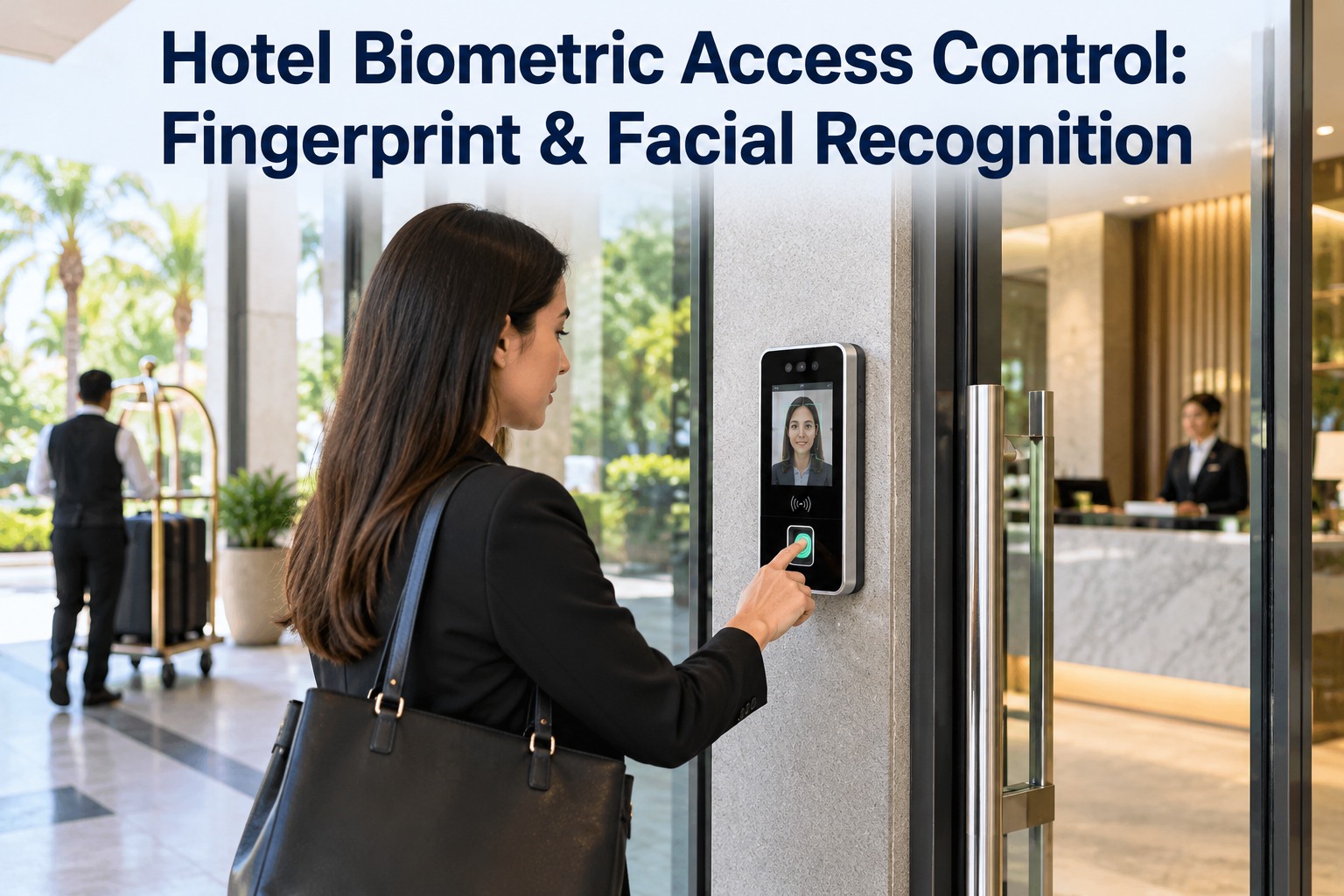
Hotel Biometric Access Control: Fingerprint & Facial Recognition

By Willam Jerry on October 23, 2026

hotel-biometric-access-control-system-management

A housekeeper's fingerprint fails after a wet shift. The cash-office reader goes quiet and nobody notices for a week. A former employee's face is still enrolled. Biometric access only protects a hotel while every reader stays clean, patched and current — and that is a maintenance job. OXMAINT AI is the AI-powered maintenance management software that puts every reader and door on a schedule.

Hotel Security · Biometric Access · Staff-Only Areas · 2026

Hotel Biometric Access Control: Fingerprint & Facial Recognition

A wet-handed housekeeper locked out. A cash-office reader gone quiet. A resigned employee still enrolled. OXMAINT AI, the AI-powered maintenance management software, registers every reader and door by zone, schedules cleaning and firmware checks, and turns each failed-read spike into a ranked work order — alongside the access system you already run.

1Reader Alert → 2Issue → 3Work Order → 4PM Schedule
HOTEL ACCESS ZONES · LEVEL OF PROOF
L4Executive Floor · Private LiftFace + time window
L3Cash Office · IT Room · SecurityBiometric + PIN
L2Kitchen · Laundry · EngineeringTouchless face
L1Staff Entrances · CorridorsFace or fingerprint
Every reader on every level is a maintained asset
$15.8B
projected access control market by 2030, up from $10.6B in 2025 (MarketsandMarkets)
16.45%
projected yearly growth for biometrics in hospitality through 2032 (analyst estimate)
#1
most common hotel biometric use: face recognition on staff back-of-house doors
1 in 4,000
false rejections at one vendor's top security setting, versus 1 in 10,000 at its lowest

Face or Fingerprint? It Depends on Whose Hands and Which Door

There is no single winner. Kitchen and laundry teams work with wet, gloved or greasy hands, which punishes fingerprint readers. Dry back-office doors suit either method. Most hotels end up mixing both by zone — and both then need upkeep. OXMAINT AI tracks face and fingerprint readers side by side as assets, each with its own zone, model and service history. Start free and register every reader by zone in OXMAINT AI.

What matters
Facial recognition
Fingerprint
Wet or gloved hands
Strong Touchless, works through steam and gloves
Watch Moisture, grease and wear hurt reads
Shared-touch hygiene
Strong Nothing to touch
Watch One surface, many fingers
Dry air and humidity
Fair Glare and fogged lenses matter
Watch Skin condition changes read quality
Cost per door
Watch Usually higher today
Strong Mature, usually lower
Sensor upkeep
Fair Lens cleaning, lighting checks
Fair Sensor-window cleaning, wear checks

Legal duties are identical: both a face template and a fingerprint template are sensitive biometric data.

The Security Dial: Every Notch Costs Honest Staff a Retry

Readers let you trade strictness against convenience. A stricter setting blocks more impostors but also rejects more genuine employees — and a reader that keeps rejecting people gets propped open or bypassed. That makes the failed-read rate a maintenance number, not just a security one. The OXMAINT AI software watches it per door and flags any reader whose rate climbs past a threshold you set. Book a demo to see failed reads tracked per door in OXMAINT AI.

ONE READER LINE'S PUBLISHED SETTINGS · HONEST-USER REJECTIONS
Level 1
1 in 10,000
Impostor accepted: 1 in 200,000
Level 2
1 in 6,000
Impostor accepted: 1 in 1,000,000
Level 3
1 in 4,000
Impostor accepted: 1 in 10,000,000
Figures from one fingerprint reader datasheet — your model will differ, but the trade-off is universal.

Four Quiet Ways a Reader Fails

Readers rarely die loudly. They degrade — and the first sign is staff complaining about retries. Each failure below is avoidable with a routine, not a repair. Start free and schedule these checks automatically in OXMAINT AI.

Dirty or Fogged Sensor
Kitchen steam, grease, smudges and lobby glare turn good credentials into rejections.
Aged Enrollments
Hands wear, faces change. Old templates match worse and trigger retry loops.
Missed Firmware Patches
An unpatched reader is both an instability risk and an open door for attackers.
Door Hardware and Power
Strikes, closers and power supplies fail even when the reader is fine.
STARTING CADENCE · ADJUST TO MANUFACTURER GUIDANCE AND LOCAL CODE
Weekly
Wipe sensors, check glare and lens
Monthly
Review failed-read rate per door
Quarterly
Firmware and access-log check
Yearly
Fail-safe and fire-alarm release test

A Secure Door Nobody Maintains Is Just an Expensive Door.

Security picks the reader. Facilities inherits it. OXMAINT AI closes the gap  every reader, controller and strike on a PM schedule, every failed-read spike turned into a tracked work order.

What OXMAINT AI Does for Your Biometric Doors

OXMAINT AI is the AI-powered maintenance management software that sits beside your access control system — no rip and replace, no interruption to any secured zone. It gives security and facilities one shared record of every reader, so nothing falls between the two teams. Book a demo to see your doors mapped in OXMAINT AI.

REGISTRY
Every Reader, Mapped by Zone
Log each face and fingerprint reader, controller and strike with its location, model and security level.
PM SCHEDULE
Cleaning and Firmware, Automated
Recurring sensor cleaning, firmware checks and fail-safe tests assigned and tracked without reminders.
EARLY WARNING
Failed-Read Flags
Readers whose failed-read rate passes your threshold are flagged before they become a security gap.
WORK ORDERS
Ranked by the Zone Protected
Cash office and executive-floor doors move ahead of a storeroom, with history attached.
AUDIT TRAIL
Enrollment and Incident Records
Enrollment, purge and repair actions logged with who did what and when.
CONTROL
Role-Based Access
Technicians, supervisors and security directors each see only what their role needs.

Read the Symptom, Open the Right Work Order

The pattern of rejections tells you where to look. One person failing is an enrollment problem; everyone failing at one door is a hardware problem. Sorting this correctly saves a technician trip. Start free and open symptom-based work orders in OXMAINT AI.

Symptom
Likely cause
Work order action
One person rejected again and again
Aged or worn enrollment
Re-enroll; offer a backup credential meanwhile
Many people rejected at one door
Dirty, fogged or glared sensor
Clean sensor, check lighting, book reader service
Slow response at every door
Network, controller or server load
Check controller link and firmware
Door lags, sticks or stays unlocked
Strike, closer or power supply
Hardware work order; test fail-safe release
Departed employee still gets in
Template never purged
Purge now; review the audit trail

From Reader Alert to Closed Work Order

A reader alert only helps if someone acts on it. OXMAINT AI runs the whole chain and ranks it by the zone the door protects — the cash office goes before the storeroom. Book a demo to watch a reader alert become a work order.

1
Alert or Report
A reader alert or a staff report opens an issue
→
2
Issue Logged
Door, zone and reader model attached
→
3
Work Order Drafted
Service history travels with it
→
4
Ranked by Zone
L3 and L4 doors jump the queue
→
5
Verified and Recorded
Closed with evidence, ready for audit

Privacy Is a Maintenance Record Too

Biometric data cannot be reissued like a keycard, so regulators treat it as sensitive. Illinois' BIPA requires written notice and consent, and Chicago hotels have faced class actions over how employee biometrics were handled. The GDPR requires an impact assessment first, and the UK ICO ordered one leisure operator to stop using face and fingerprint scans on staff, saying it had not shown they were necessary or proportionate. OXMAINT AI keeps the maintenance side of this on record: purge tasks, access roles and audit logs. Start free and track purge tasks in OXMAINT AI.

01
Written Notice and Consent
Tell staff what is collected, why and for how long — before enrolling.
02
Impact Assessment
Document the risk and lawful basis before the first reader goes live.
03
Necessary and Proportionate
Use biometrics where the risk justifies it, not on every door.
04
A Fallback Option
Offer a PIN or card for staff who cannot or will not enroll.
05
Retention and Purge
Remove templates at exit and on schedule, with a record of it.
06
Encrypted and Patched
Keep templates encrypted, access limited and firmware current.

General information, not legal advice — confirm requirements for your jurisdiction with counsel.

EXPERT REVIEW · FACILITIES AND SECURITY LENS

Most hotel biometric programs are specified by security and then handed to nobody. The reader sits outside every PM schedule, so the first maintenance event is a complaint. Put each reader, controller and strike in the asset register on day one, and review failed reads monthly — that single habit catches most problems before staff start propping doors.

Frequently Asked Questions

Is facial recognition or fingerprint better for hotel staff doors?
Face suits wet or gloved zones like kitchens and laundry; fingerprint works on dry office doors. Most hotels mix both by zone. Start free and track both reader types.
Do we need staff consent before enrolling biometrics?
Usually yes — laws such as GDPR and Illinois' BIPA expect notice, consent and a documented purpose. Confirm local rules with counsel. Book a demo to see records kept.
What if a reader keeps rejecting the right people?
Clean and check the sensor first, then re-enroll affected staff and offer a backup credential. Log it so the pattern is visible. Start free and log failed reads as issues.
Does this replace our access control system?
No. Your access system still grants entry; OXMAINT AI tracks the readers, doors and their maintenance around it. Book a demo to review your setup.
Which doors should go on a schedule first?
Start with the highest-consequence doors — cash office, IT room, security control and the executive floor — then kitchens and laundry. Start free with your Level 3 and 4 doors.

Every Door Is Only as Secure as Its Reader.

Put every fingerprint and facial recognition reader, controller and strike on one maintained register with OXMAINT AI — scheduled cleaning and firmware checks, failed-read alerts that become ranked work orders, and a clean record for every audit. Catch the problem before a guest or a regulator does.

Share This Story, Choose Your Platform!