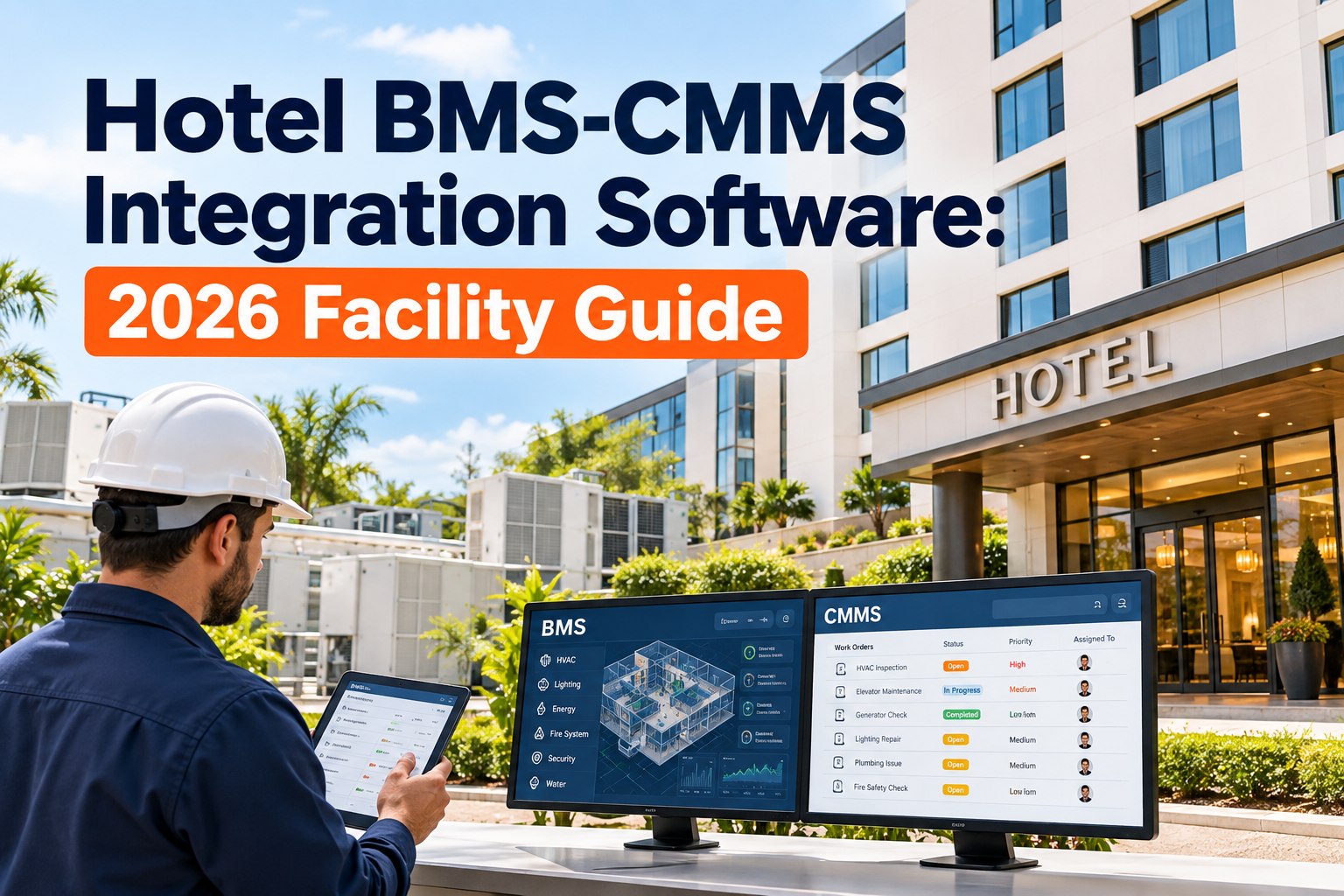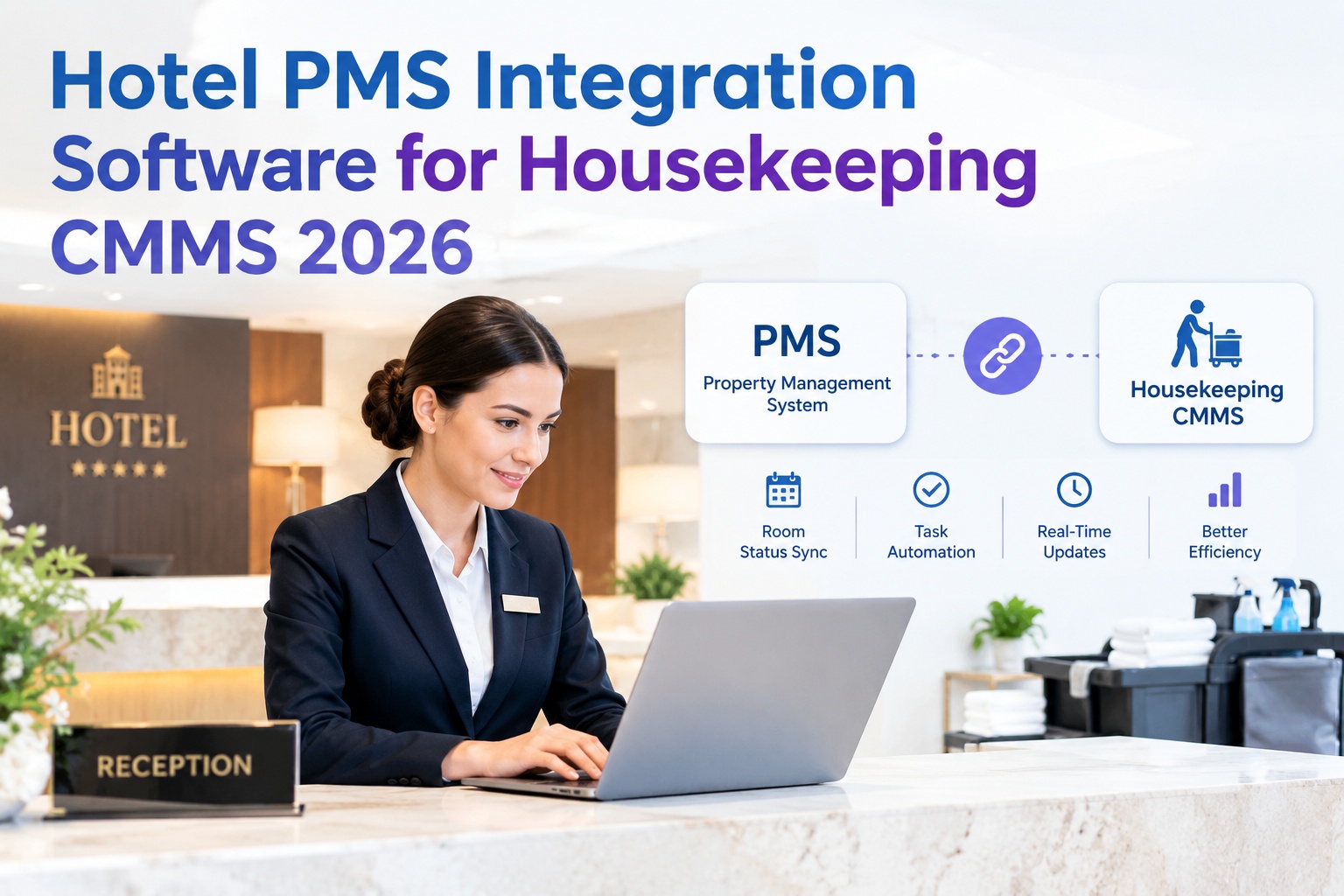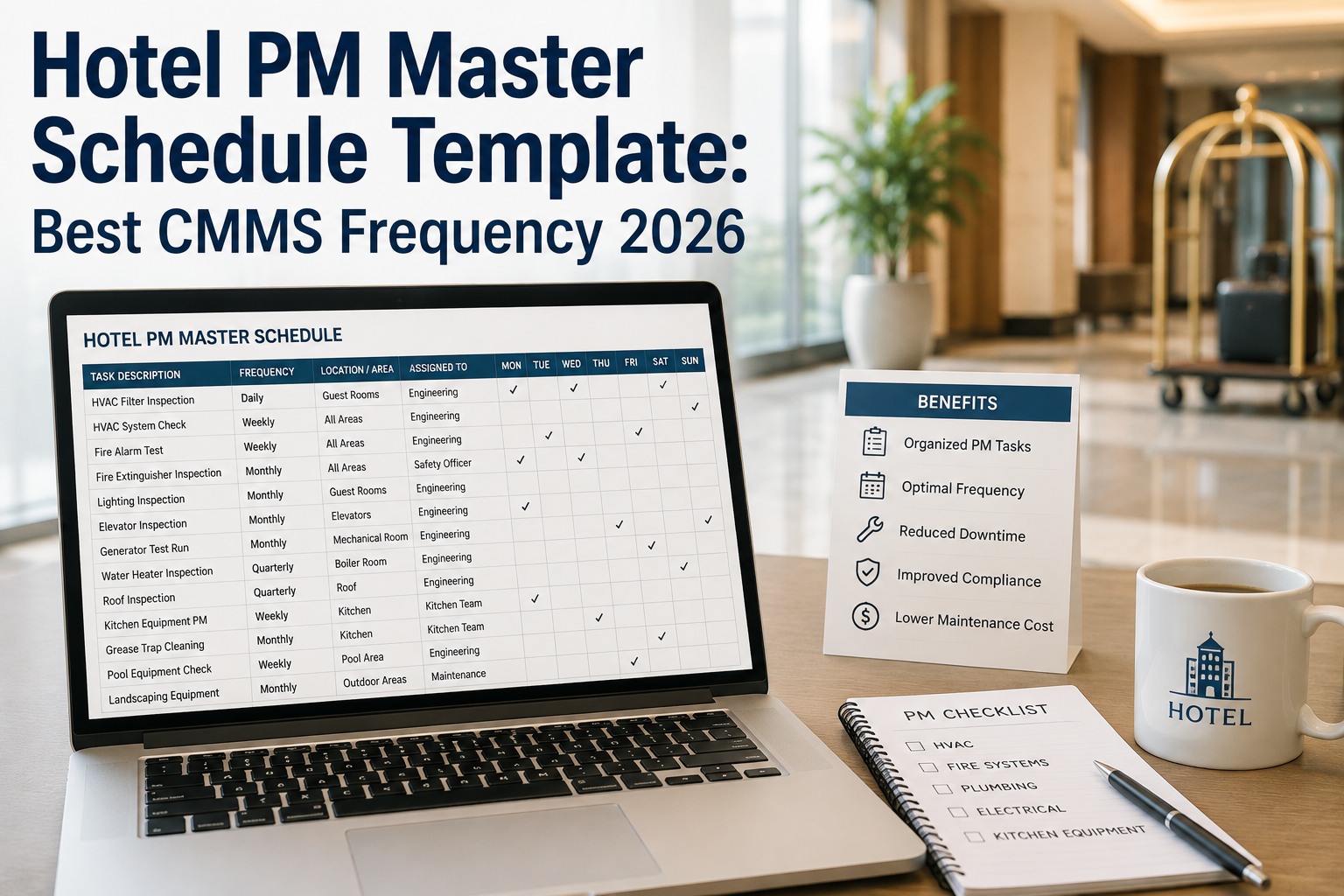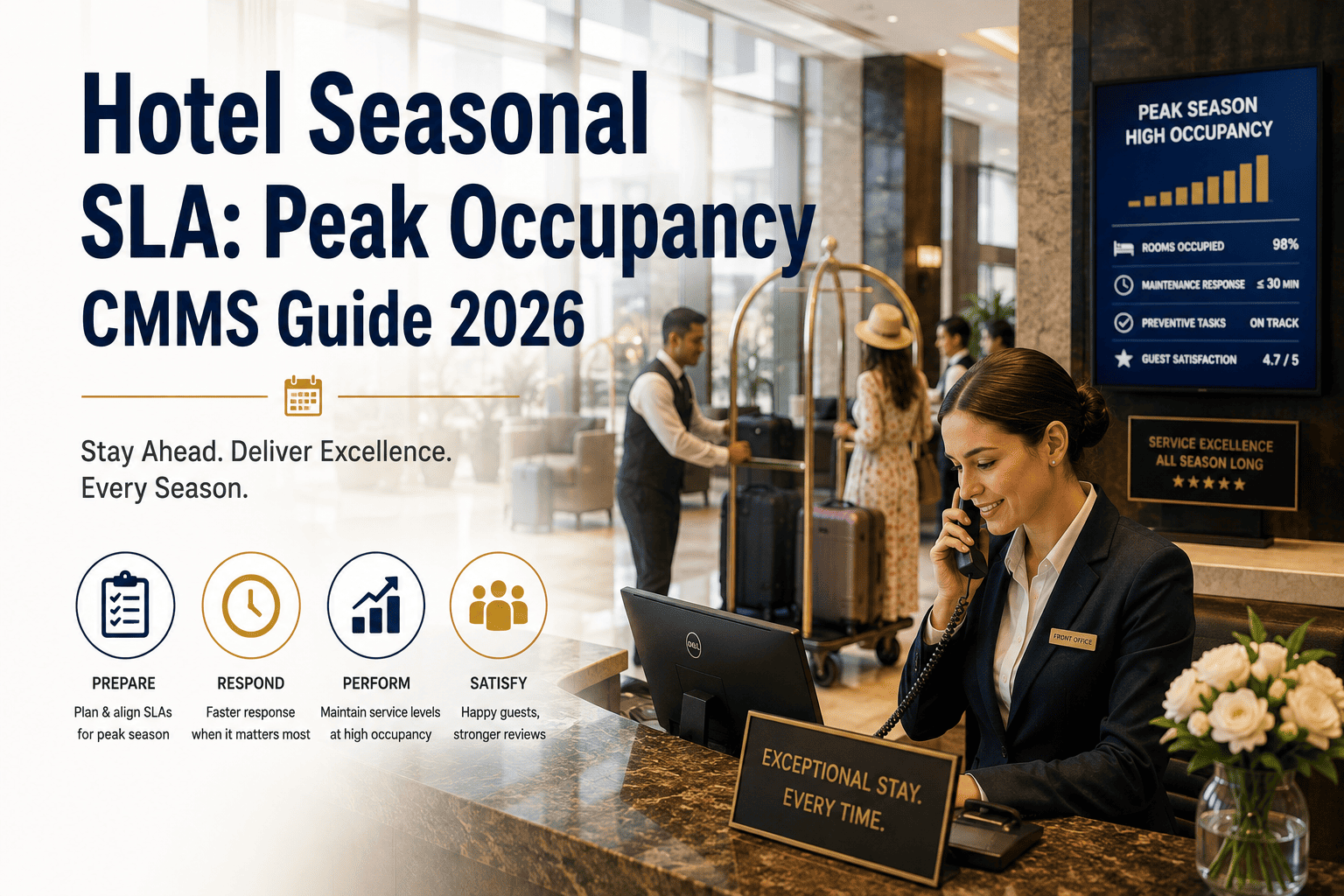
For a 250-room property running Opera PMS, a single bathroom leak can quietly cost 6–8 hours of lost inventory and one negative review if the front desk keeps selling the room while maintenance is still fixing the trap. CMMS-PMS integration is the connective tissue that prevents this — it turns your maintenance system from a reactive silo into a room-status-aware operational layer where an OOO flag automatically syncs to reservations, housekeeping boards, and revenue management in near real time. Hotels that wire their CMMS directly into Opera report 30–45% faster room turnarounds and a measurable drop in guest-reported issues during check-in. This guide breaks down the architecture, the room-status data flow, OOO/OOS handling, and the operational value unlocked across every department that touches a room. Start Free Trial to connect your Opera instance in under 48 hours.
What happens when a room goes OOO — and nobody tells the front desk?
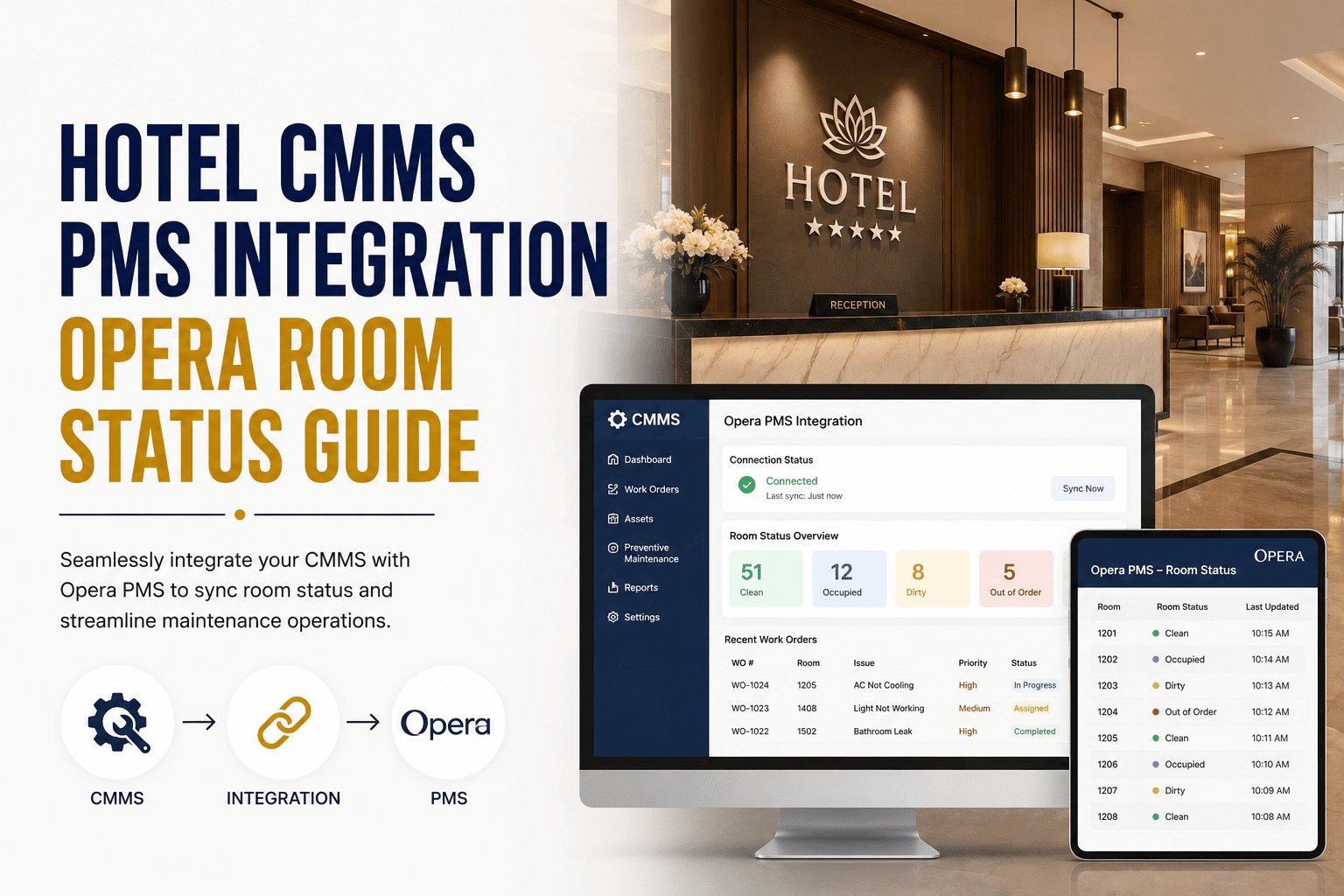
Opera PMS integration turns that question into a non-event. A work order opens in your CMMS, the room status flows back to Opera in seconds, and reservations, housekeeping, and revenue management all adjust automatically — no phone calls, no sticky notes, no double-booked leaky bathrooms.
How CMMS and Opera PMS actually talk to each other
A robust hotel CMMS-PMS integration uses a certified Opera API layer (OHI — Oracle Hospitality Integration) or the older OHIP/OLS endpoints to push and pull room-status records in near real time. The CMMS owns maintenance state; Opera owns commercial state; a bidirectional sync keeps both truthful.
PMS → CMMS (Inbound)
Opera pushes occupancy changes, arrivals, departures, and guest-reported issues to the CMMS. A check-in event can auto-trigger an in-room inspection if the room was OOS within the last 24 hours.
Events: check-in · check-out · move · room-moveMiddleware / API Layer
An OHI-certified connector translates Opera's room-status codes (Clean, Dirty, Inspected, OOO, OOS) into CMMS work-order states. Typical sync interval: 15–60 seconds; webhook push for priority events.
Protocol: REST · OAuth 2.0 · JSONCMMS → PMS (Outbound)
When a technician closes a work order, the CMMS pushes the new room status back to Opera. An OOO room flipped to Clean updates the housekeeping board and makes the room sellable — no manual desk call required.
Events: status-change · WO-close · priority-flagThe five-state room lifecycle every integration must handle
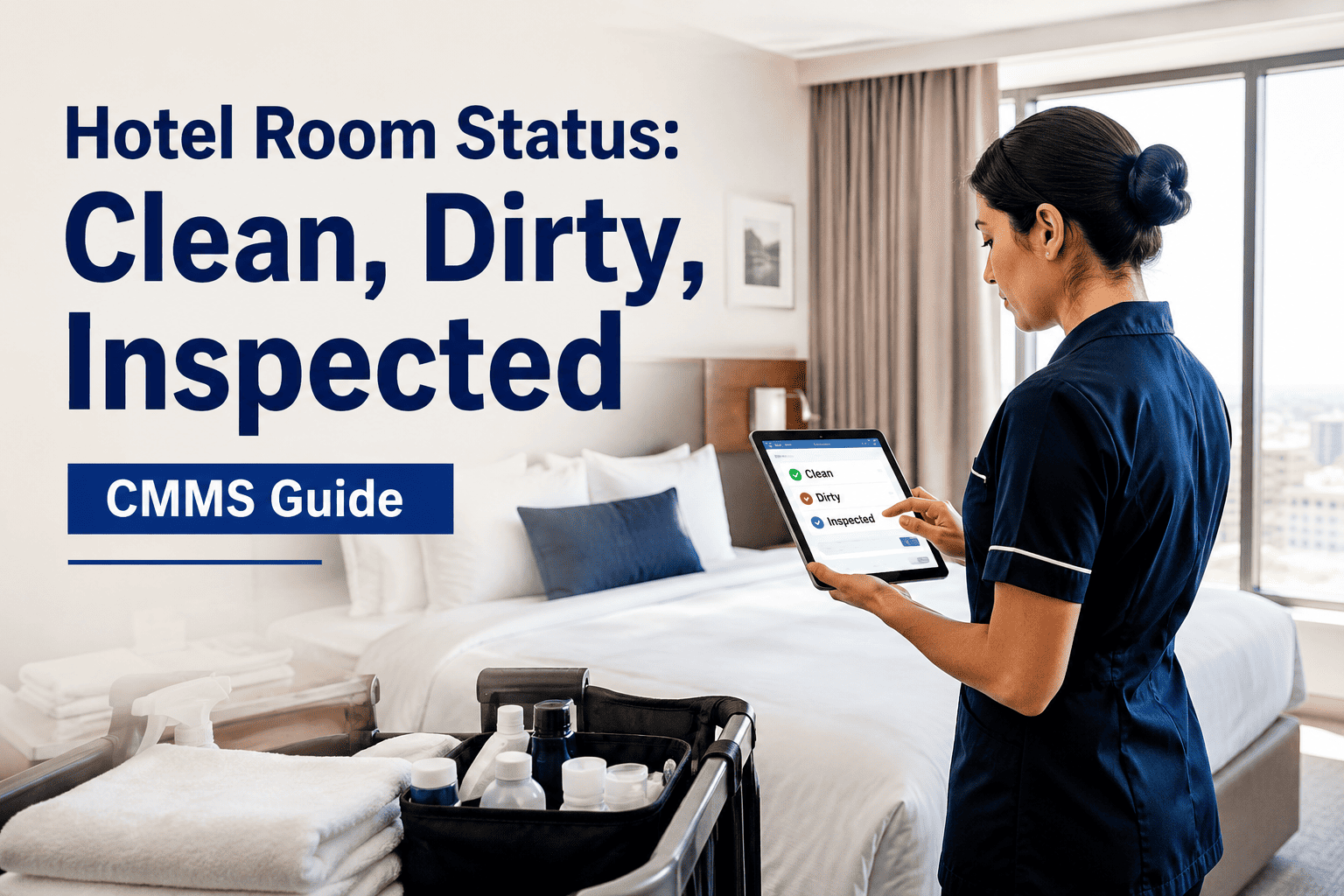
Opera recognizes a fixed set of room-status codes. Your CMMS must map each one to a maintenance state so a housekeeper tapping "Dirty" on her tablet and a technician closing a work order produce the same source of truth.
| Opera Status | Meaning | CMMS Trigger | Auto-Action |
|---|---|---|---|
| Clean | Ready to sell, inspected | WO closed + QA pass | Push to Opera; update housekeeping board |
| Dirty | Needs turnover service | Check-out event from PMS | Auto-create turnover task; assign by zone |
| Inspected | Supervisor-approved | Housekeeping QA checklist submitted | Flag room sellable in reservations |
| OOO | Out of Order — uninhabitable | Technician flags safety/repair issue | Block from inventory; relocate guests; alert DOSM |
| OOS | Out of Service — sellable but minor defect | Minor defect logged (e.g., lamp out) | Keep sellable; schedule repair before next arrival |
A 250-room full-service hotel in Phoenix integrated its CMMS with Opera and dropped average room-turnaround time from 47 minutes to 29 minutes. The biggest win: OOO rooms now block inventory in under 10 seconds, eliminating the 2–3 overbooked-arrival incidents per month that previously cost roughly $480 in relocation and goodwill comp per event.
Out-of-Order vs Out-of-Service: the distinction that protects revenue
Misclassifying an OOO room as OOS — or vice versa — is the most expensive integration error a hotel can make. OOO pulls the room from sellable inventory entirely; OOS keeps it sellable with a known minor defect. Your CMMS must enforce this distinction at the work-order level.
- Inventory impact: Removed from sellable count immediately
- Trigger: Safety hazard, flood, HVAC failure, pest treatment
- Revenue effect: Full ADR loss until repaired and re-inspected
- Required approvals: Chief Engineer + Rooms Manager
- Opera action: Block dates, relocate booked guests, alert Revenue
- Inventory impact: Remains sellable with disclosed defect
- Trigger: Minor defect — lamp out, slow drain, cosmetic
- Revenue effect: Minimal; often sold at slight discount
- Required approvals: Chief Engineer or shift supervisor
- Opera action: Attach note to reservation; schedule repair window
Auto-classify at the work-order source
Force the technician to select a failure category before the work order can be saved. Plumbing, electrical-safety, and HVAC-no-cooling categories auto-route to OOO; cosmetic and convenience categories default to OOS.
Enforce dual approval for OOO
No room should go OOO without a second pair of eyes. The integration should route the OOO request to the Rooms Manager for one-tap approval before it hits Opera inventory.
Auto-reopen on close with QA gate
When the technician closes the WO, the room does not automatically return to Clean. A housekeeping inspection checklist must be submitted first — only then does the CMMS push "Inspected" to Opera.
What the integration unlocks across every department
A properly wired CMMS-PMS integration is not an IT project — it is a margin project. Here is what each department gains when room status flows bidirectionally in near real time.
Front Desk
Eliminates overbooking on OOO rooms. Agents see real-time room readiness at check-in instead of calling housekeeping — average check-in interaction drops by 90 seconds.
90 sec saved per check-inHousekeeping
Turnover tasks auto-generate on check-out events. Inspectors submit QA checklists that flow straight to Opera — no paper, no re-entry, no status mismatch at 4 PM.
35% faster turnoverRevenue Management
Live OOO counts feed the RMS so rate and availability adjustments happen in the same cycle, not the next morning. A burst pipe at 2 PM recalibrates tonight's pricing by 2:05 PM.
$1,200/mo recovered ADREngineering
Guest-reported issues from Opera automatically become prioritized work orders with room number, guest name, and stay details attached — no dispatch call needed.
2.1 hr faster responseGeneral Manager
A single dashboard shows room-readiness, open WOs, OOO revenue impact, and guest-issue trends — the operational picture that usually takes four spreadsheets and a meeting to assemble.
1 pane of glassGuest Experience
Fewer "let me check and call you back" moments. Guest-reported issues close faster, and arrivals never walk into a room with a known defect still open.
+18 NPS pointsStop scheduling preventive maintenance on sold-out nights
The single biggest scheduling waste in hotels is sending a technician to service a guestroom HVAC filter at 10 AM when the room is occupied until noon. Occupancy-based scheduling reads the Opera forecast and slots PM tasks into natural vacancy windows.
Technicians knock on occupied doors, get turned away, reschedule, and repeat. An average 200-room property wastes 22 technician-hours per week on failed PM attempts.
The CMMS reads the 14-day Opera forecast and auto-schedules PM into checkout-to-arrival gaps. Failed attempts drop to near zero; technician utilization climbs above 80%.
If PM Window ≥ Task Duration, auto-schedule. If not, roll to next vacancy window within 72 hours. If overdue beyond 72 hours, escalate to Chief Engineer for OOS conversion.
Ready to make every room status flow automatically?
Connect your Opera PMS to a CMMS that thinks like a hotel operator — not a factory manager. Go live in under 48 hours with a certified OHI integration.
Hotel CMMS-PMS integration: what teams ask before going live
Which Opera versions does the CMMS integrate with?
The integration supports Opera Cloud via Oracle Hospitality Integration Platform (OHIP) and Opera 5 on-premise via the Opera Integration SDK. Most properties are live within 24–48 hours of providing API credentials. For on-premise Opera 5, a lightweight agent installed on the PMS server handles the sync without opening inbound firewall ports.
Do guest-reported maintenance issues automatically create work orders?
Yes. When a front desk agent or guest-app channel logs a maintenance request in Opera, the integration creates a prioritized work order in the CMMS within 60 seconds — complete with room number, guest name, stay dates, and issue category. The technician sees all context without a phone call. You can Start Free Trial and test this flow on a sandbox property before connecting production.
How does the integration handle OOO rooms during a sold-out night?
When a technician flags a room OOO, the CMMS immediately pushes the status to Opera, which removes the room from sellable inventory and triggers a relocation workflow for any existing reservations on that room. The Rooms Manager receives a mobile approval request, and Revenue Management is notified so tonight's rate strategy can adjust. Average end-to-end time from WO creation to inventory block: under 10 seconds.
Can preventive maintenance be scheduled around occupancy forecasts?
Absolutely — this is where the integration pays for itself. The CMMS reads the 14-day Opera occupancy forecast and auto-schedules guestroom PM tasks into checkout-to-arrival vacancy windows. If no suitable window exists within 72 hours, the task escalates. Properties report a 40% reduction in failed PM attempts and a 22-hour-per-week recovery in technician utilization.
What happens if the PMS or CMMS goes offline temporarily?
The integration layer queues status changes locally and replays them when connectivity resumes, with conflict-resolution rules that prioritize the most recent state. A daily reconciliation report flags any mismatches between CMMS and Opera room status so the engineering team can investigate before it affects a guest. Typical recovery time after a reconnect: under 3 minutes for a full sync.
Turn room status into a competitive advantage
Join the hotels that stopped losing revenue to status mismatches and started turning rooms faster, scheduling smarter, and responding to guests in seconds — not hours.
Free 14-day trial · No credit card