
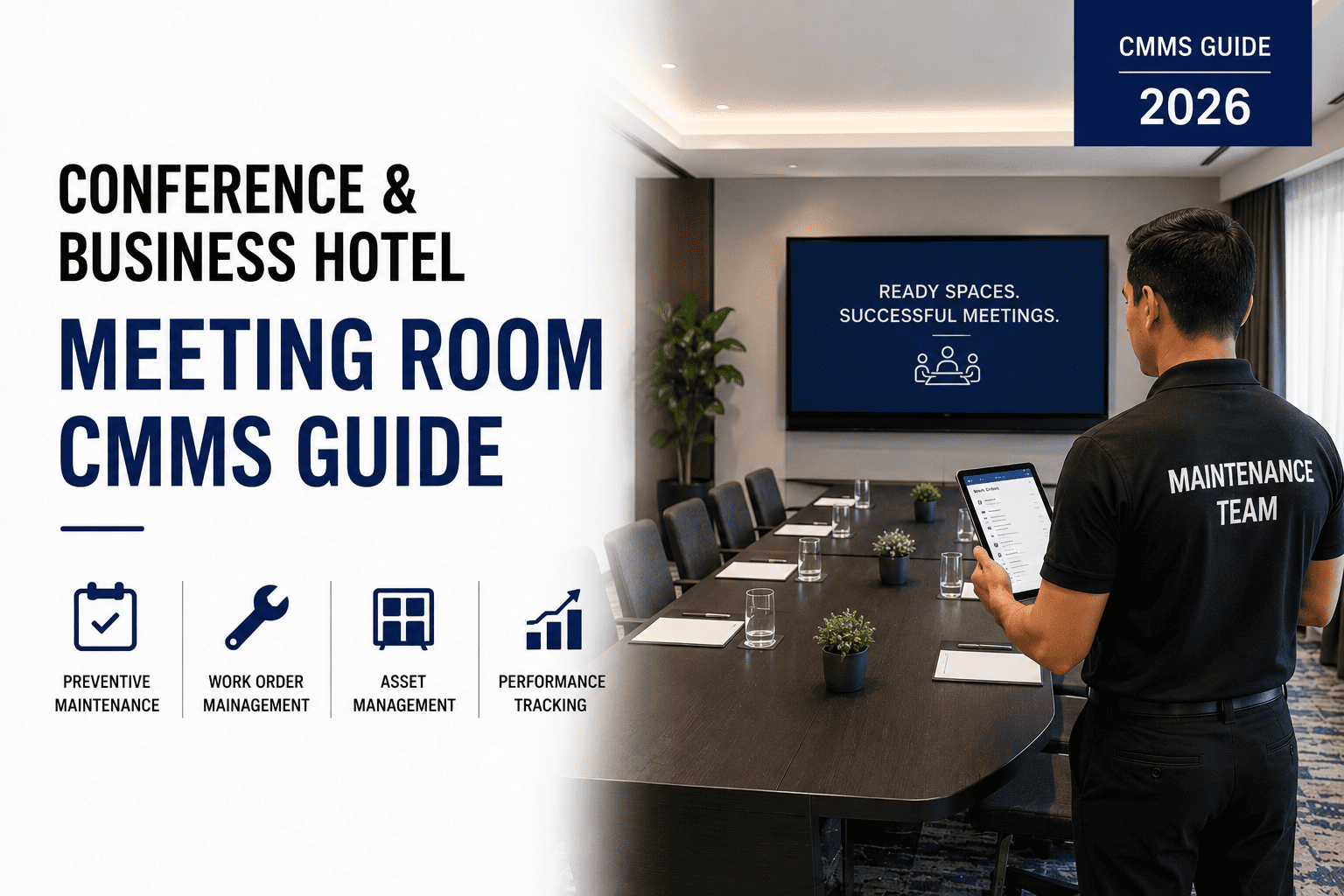
Every hotel conference room tells the same story at the worst possible moment. A Fortune 500 client arrives for an $85,000 three-day corporate retreat. The projector in Ballroom B flickers and dies 12 minutes before the opening keynote. The wireless microphone system produces ear-splitting feedback during the CEO's quarterly address. The video conferencing bridge fails to connect with London, Tokyo, and Sydney—while 47 remote participants stare at frozen screens. The AV technician scrambles between rooms carrying the wrong replacement cables. The hotel comps $4,200 in meeting room charges. The client never rebooks. This scenario plays out in hotels worldwide—not because the equipment is unrepairable, but because no one maintained it before it failed. Proactive AV equipment maintenance transforms conference rooms from liability centers into revenue-generating assets that corporate clients trust and rebook. OxMaint's AV maintenance module schedules every inspection, tracks lamp hours, logs battery cycles, and triggers pre-event checklists—keeping every meeting room event-ready.
Hotel Conference Room AV Equipment Preventive Maintenance
AV failures ruin events and cost revenue. Follow this monthly checklist for projectors, speakers, sound systems, video conferencing equipment, and control panels—ensuring every meeting room is event-ready.
What Conference Room AV Maintenance Actually Delivers in 2026
The term "AV maintenance" undersells what a structured inspection program actually provides. Projector lamp hour tracking replaces bulbs at 80% of rated life—before they fail during a client presentation, not after. Wireless microphone battery cycle logging ensures fresh batteries are installed before every event cycle, eliminating the mid-session dropout that ruins recorded proceedings. Video conferencing dry-run testing verifies connections with remote participants before the meeting starts—not when the CEO is waiting to speak. And pre-event checklists triggered automatically from the booking calendar ensure every room is tested 24 hours before client arrival, catching issues when there's still time to fix them. Structured AV maintenance converts conference room technology from an unpredictable risk into a competitive advantage. OxMaint's AV maintenance platform automates every inspection, logs every component, and triggers pre-event verification—ensuring every meeting room is event-ready before any client walks through the door.
Projector & Display Maintenance: Lamp Hours, Lens, and Color Calibration
Projector failure is the most common AV emergency in hotel conference rooms—and the most preventable. Lamp life varies by manufacturer and usage pattern, but most projectors fail between 2,500 and 5,000 hours of operation. The problem is that lamps dim gradually, losing 30-50% of brightness before complete failure. Hotel engineering teams often don't notice the gradual dimming until a client complains mid-presentation. Lamp hour tracking replaces bulbs at 80% of rated life—before dimming becomes noticeable and before catastrophic failure occurs. Lens cleaning weekly removes dust that diffuses light output. Air filter replacement monthly prevents overheating that shortens lamp life. And color calibration quarterly ensures accurate color reproduction for brand-critical presentations. OxMaint's projector maintenance module tracks lamp hours automatically, generates replacement work orders at threshold, and logs every cleaning and calibration.
Audio & Microphone Systems: Battery Cycles, Frequency Scans, and Feedback Suppression
Wireless microphone failure is the second most common AV emergency—and the most embarrassing for clients. Dead batteries, interference from other wireless devices, and feedback from incorrect gain staging all cause mid-event audio failures that ruin recorded proceedings and live audiences. Structured audio maintenance replaces mic batteries before every event cycle regardless of remaining charge—because a battery that tests fine at 7 AM can fail at 2 PM. Frequency scans weekly identify new interference sources from nearby hotels or convention centers. Speaker driver testing monthly catches distortion before a client hears it. Mixer calibration quarterly ensures consistent audio levels across all microphones and inputs. And feedback suppression tuning after room configuration changes prevents the screech that makes presenters look unprofessional. Book a demo to see how OxMaint tracks audio equipment maintenance across multiple conference rooms.
Pre-Event Verification: The 24-Hour Checklist That Prevents Failures
The most critical maintenance activity in AV management is not the monthly PM—it is the pre-event verification performed 24 hours before every booking. A projector that passed its monthly lamp test can still fail due to a loose cable or a firmware update that changed settings. A sound system that worked for Tuesday's meeting can develop interference from new wireless devices installed nearby. The pre-event checklist tests every component that will be used during the event—projector output and focus, audio levels on all inputs, video conferencing connection to remote participants, control panel function, and all cable connections. When a failed test occurs, there is still time to repair before client arrival.OxMaint's pre-event verification module triggers automatically from the booking calendar, assigns the checklist to the AV technician, and escalates failed checks to management.
CMMS Integration: Tracking AV Components, Lamp Hours, and Pre-Event Checklists
OxMaint AV Maintenance Integration — Data Flow
AV Inspection DataProjector lamp hours (auto from usage log)Battery replacement datesFrequency scan resultsPre-event checklist pass/failFirmware version tracking
Sync after each inspection
OxMaint CMMS ActionsLamp replacement work order at 80% lifeBattery reorder at low inventoryFailed pre-event check → dispatch technicianFirmware update scheduledRoom status updated to "not event-ready"
Integration eliminates manual lamp hour tracking—the source of 72% of projector failures—and converts pre-event inspections into documented readiness verification
89%Fewer mid-event AV failures with scheduled maintenance and pre-event checksPreventive maintenance catches issues when there's still time to fix them—not during client presentations.
$38KAnnual revenue loss prevented per hotel from AV disruptionsEliminated comp charges, preserved rebooking revenue, and avoided emergency repair premiums add up quickly.
4.6xCost multiplier for emergency AV repair vs. scheduled maintenanceEmergency repairs require after-hours labor, expedited parts, and often multiple technician visits.
45 daysTypical payback period for AV maintenance programAvoiding one major projector failure and one lost corporate account covers annual program cost.
Frequently Asked Questions — Hotel Conference Room AV Maintenance
Keep Every Conference Room Event-Ready
OxMaint automates AV equipment maintenance scheduling, pre-event checklists, lamp hour tracking, battery cycle logging, and repair dispatch across every conference room—so your hotel never loses a client to a preventable AV failure again. Free to start. Protect your event revenue with systematic AV maintenance.
.png)


