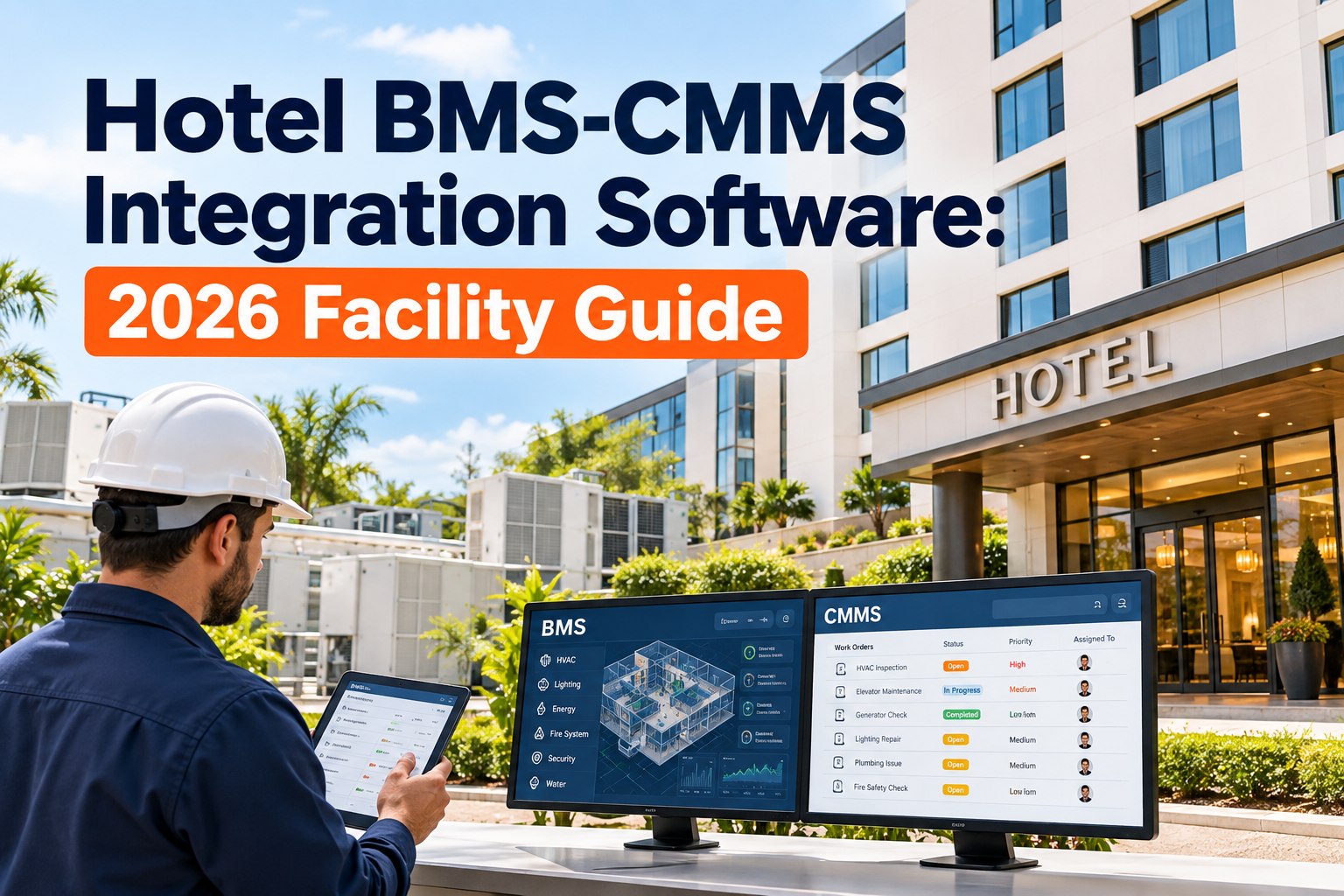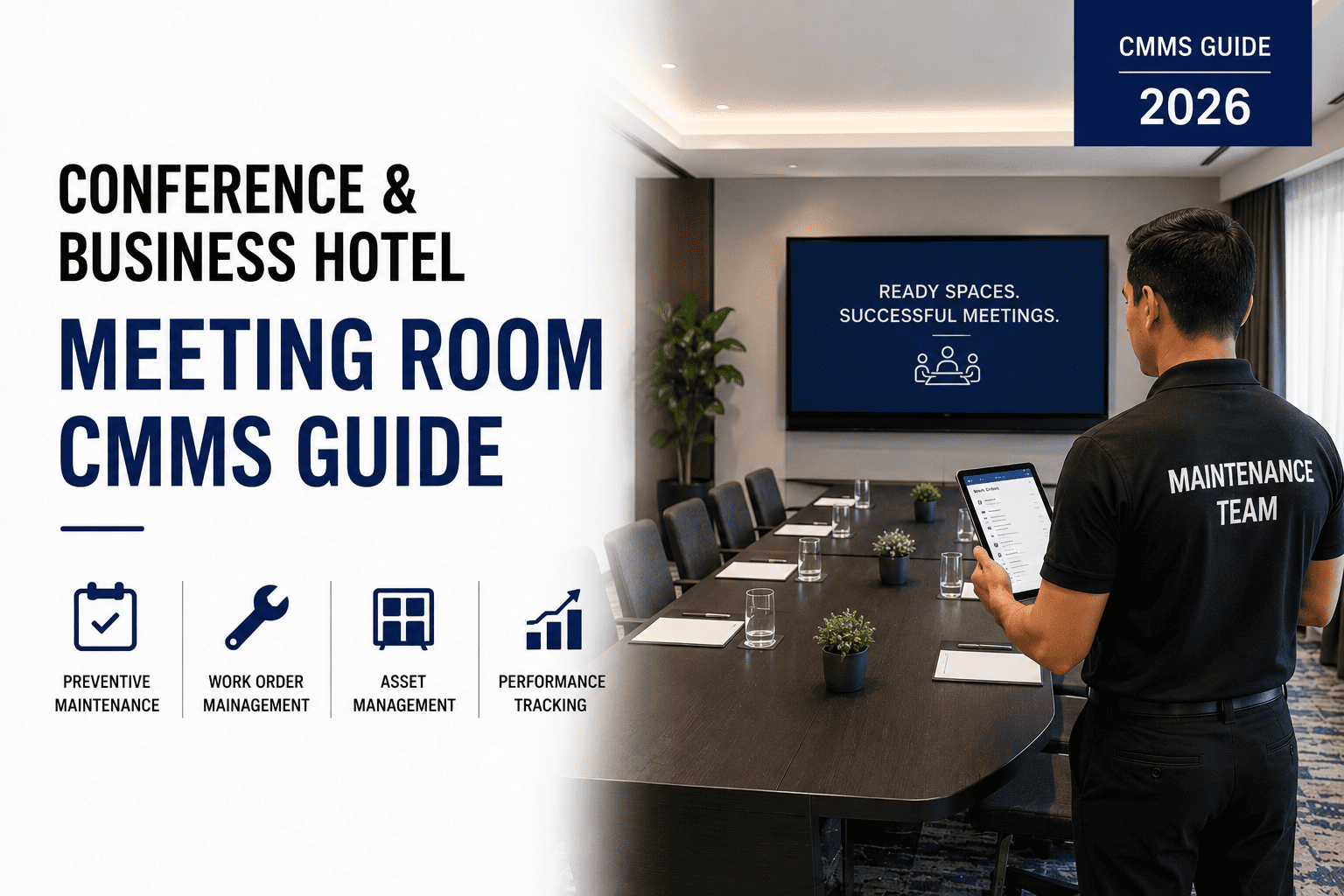
Conference and business hotels face a relentless challenge: every meeting room must be event-ready the moment a group walks in, from flawless AV and climate control to spotless seating and functioning business-center equipment. A CMMS for conference and business hotel operations transforms that daily scramble into a predictable, inspection-driven workflow — slashing last-minute breakdowns, protecting guest experience and preserving revenue. This guide covers meeting-room-specific preventive maintenance, AV asset management, event-day readiness inspections and the CMMS-driven program that keeps conference facilities consistently show-ready. Ready to eliminate surprise failures and delight event planners? Start Free Trial and see how OxMaint makes it happen.
Is Every Meeting Room Show-Ready When the Group Arrives?
A single AV failure during a high-stakes client presentation can cost a hotel $15K–$50K in lost banquet revenue and future bookings. OxMaint's conference facility CMMS ensures meeting rooms are inspected, maintained and certified event-ready — every day.
How a Meeting Room CMMS Guide Transforms Conference Maintenance
A 300-room business hotel typically manages 80–120 distinct meeting-room assets — projectors, displays, microphones, speakers, HVAC zones, lighting controllers and video-conference codecs. Without a structured CMMS, 60% of these assets are maintained reactively, meaning failures are discovered during live events when the cost of downtime is highest. A meeting room CMMS guide shifts the paradigm from emergency repair to preventive, inspection-driven readiness.
Asset-Level AV Tracking
Every projector, microphone array and display is tagged with model, serial, install date, warranty end and linked PM schedule — so you know exactly which codec needs a firmware check before the quarterly board meeting.
Event-Day Readiness Inspections
Digital checklists fire automatically 2 hours before each booking — AV test, climate setpoint, seating layout, whiteboard supplies — with photo proof and sign-off captured in the system.
Predictive Failure Alerts
OxMaint AI analyzes lamp hours, usage cycles and temperature logs to flag a projector likely to fail within 30 days — letting you swap it during a low-occupancy window, not mid-presentation.
Maintenance Analytics & KPIs
Track MTBF by asset class, mean time to repair, inspection pass rates and downtime cost per meeting room — giving the GM a clear ROI picture and the engineering team actionable improvement targets.
Conference Facility CMMS Guide: The Event-Ready Inspection Checklist
For a business hotel, meeting room readiness is not optional — it is the product. Below is the core checklist that OxMaint digitizes and auto-triggers before every event, ensuring zero gaps between what was promised in the BEO and what the room actually delivers.
- Power on all displays and projectors; verify signal from primary and backup sources
- Test all wired and wireless microphones for signal, battery level and feedback suppression
- Verify video-conference codec, camera angle and speakerphone for hybrid meetings
- Confirm HDMI/USB-C cables, adapters and spare batteries are stocked at the lectern
- Set HVAC to 68–70°F one hour before event start; verify airflow and humidity control
- Test dimmable lighting zones, stage spots and lectern reading lights
- Inspect chairs for damage, cleanliness and correct layout per BEO diagram
- Check acoustics — doors sealed, partitions closed, background noise below 35 dB
- Test all multifunction printers/copiers; verify paper, toner and staple supplies
- Confirm guest workstation PCs boot, internet kiosk is live and VPN terminal works
- Check shredder, laminator and binding machine for safe operation
- Validate video-conference booth camera, mic and screen share functionality
What Does a Meeting Room CMMS Cost — and What Does It Save?
A mid-sized business hotel with 12 meeting rooms and a 6-station business center typically loses $28K–$65K annually to AV failures, emergency repair call-outs, guest compensation and churned event bookings. A CMMS conference facility program pays for itself in 3–5 months. Here is the breakdown.
| Cost Category | Reactive (No CMMS) | With OxMaint CMMS | Annual Savings |
|---|---|---|---|
| AV emergency repair call-outs | $14,800 | $3,200 | $11,600 |
| Guest compensation & service recovery | $9,500 | $1,100 | $8,400 |
| Lost event rebookings (AV-related) | $12,200 | $2,000 | $10,200 |
| Overtime for last-minute fixes | $5,500 | $800 | $4,700 |
| Total Annual Impact | $42,000 | $7,100 | $34,900 |
A 180-room business hotel in Chicago deployed OxMaint across 14 meeting rooms and cut mid-event AV failures by 82% in the first six months — saving an estimated $31K in service recovery and protecting three major annual accounts that had threatened to move to a competitor.
How to Roll Out a Conference CMMS in 4 Weeks
Switching from spreadsheets and clipboards to a CMMS conference facility program is faster than most engineering directors expect. Here is the proven 4-week rollout that gets meeting rooms inspection-ready without disrupting the events calendar.
Asset Audit & Import
Walk every meeting room and business center station. Tag each asset (projector, codec, HVAC zone, printer) with a QR code. Bulk-import existing asset lists, warranties and service contracts into OxMaint. Typical time investment: 8–12 hours for a 15-room property.
PM Schedules & Checklists
Build preventive maintenance tasks for each asset class — monthly projector filter cleans, quarterly mic-battery replacements, semi-annual HVAC coil inspections. Digitize event-day readiness checklists and link them to the property-management or event-booking system via API.
Team Training & Go-Live
Train engineering and AV technicians on the OxMaint mobile app — scan QR, complete checklist, log issue, close work order. Run parallel (paper + digital) for 5 days, then cut over fully. Most teams reach 90% adoption within the first week.
Analytics & Optimization
Review the first full cycle of inspection data. Identify assets with repeat failures, adjust PM frequencies, set MTBF targets and begin predictive alerts. Export the first executive readiness dashboard for the GM and Director of Engineering.
Why OxMaint Is the Best CMMS for Conference & Business Hotels
OxMaint was built for the realities of hospitality maintenance — where guest experience, event revenue and tight labor budgets collide. These are the four capabilities that directly solve the conference facility maintenance problem and deliver measurable ROI within the first quarter.
AI-Powered Predictive Maintenance
OxMaint analyzes usage patterns, lamp hours and environmental data to predict AV and HVAC failures 14–30 days before they happen — cutting unplanned meeting-room downtime by 30–50% and shifting repairs to low-occupancy windows.
Event-Triggered Work Orders
When a meeting is booked, OxMaint auto-generates a readiness inspection work order 2 hours before start time — assigned to the right technician with the BEO, room layout and special requests attached. No more missed setups.
Mobile-First Inspections
Technicians scan a QR code on the lectern, complete a 12-point digital checklist on their phone, upload photos and close the work order in under 4 minutes — creating a permanent audit trail for every event.
Spare-Parts & Inventory Control
Track projector lamps, mic batteries, HDMI cables and toner cartridges by storeroom and minimum-reorder level. OxMaint auto-creates purchase requests when stock hits threshold — eliminating the "no spare on hand" emergency.
See OxMaint on Your Meeting Rooms — Book a 30-Min Demo
Walk through a live conference-facility CMMS setup: asset tracking, event-day checklists, predictive alerts and the executive dashboard your GM will love. No slides — just the product on real scenarios.
Conference & Business Hotel Meeting Room CMMS — Frequently Asked Questions
What is a CMMS for conference and business hotels?
A CMMS for conference and business hotels is a maintenance management platform that tracks meeting-room AV equipment, business-center assets and HVAC systems, schedules preventive maintenance, triggers event-day readiness inspections and provides analytics on asset performance — ensuring every room is show-ready before the group arrives. You can explore the full platform with a Start Free Trial.
How does a meeting room CMMS improve AV reliability?
A meeting room CMMS improves AV reliability by logging every asset (projector, microphone, codec) with its service history, automatically scheduling lamp replacements and firmware updates, and running pre-event test inspections that catch signal or hardware issues 2 hours before the booking — reducing mid-event failures by up to 82%.
How much does a conference facility CMMS cost for a hotel?
A conference facility CMMS for a mid-sized business hotel typically costs $8,000–$14,000 per year including software licenses, training and initial setup. With average annual downtime and repair savings of $30K–$45K, most properties achieve full payback within 3–5 months of go-live.
Can OxMaint integrate with our hotel property-management or event-booking system?
Yes. OxMaint offers REST API integration with major property-management and event-booking platforms, so when a meeting is scheduled the system automatically generates a readiness work order with the BEO details, room configuration and special AV requests attached — no manual data entry required. Book a Demo to see the integration in action.
How long does it take to implement a CMMS for a business hotel meeting room program?
A typical business hotel with 10–20 meeting rooms can fully implement OxMaint in 3–4 weeks: Week 1 for asset audit and QR tagging, Week 2 for PM schedules and checklist build, Week 3 for team training and go-live, and Week 4 for analytics review and optimization. Most teams reach 90% mobile adoption within the first week of go-live.
Make Every Meeting Room Event-Ready — Starting Today
Join the conference and business hotels using OxMaint to cut AV failures, eliminate paper work orders and protect their event revenue. Set up your property in minutes — or let us walk you through it.
Free 14-day trial · No credit card