
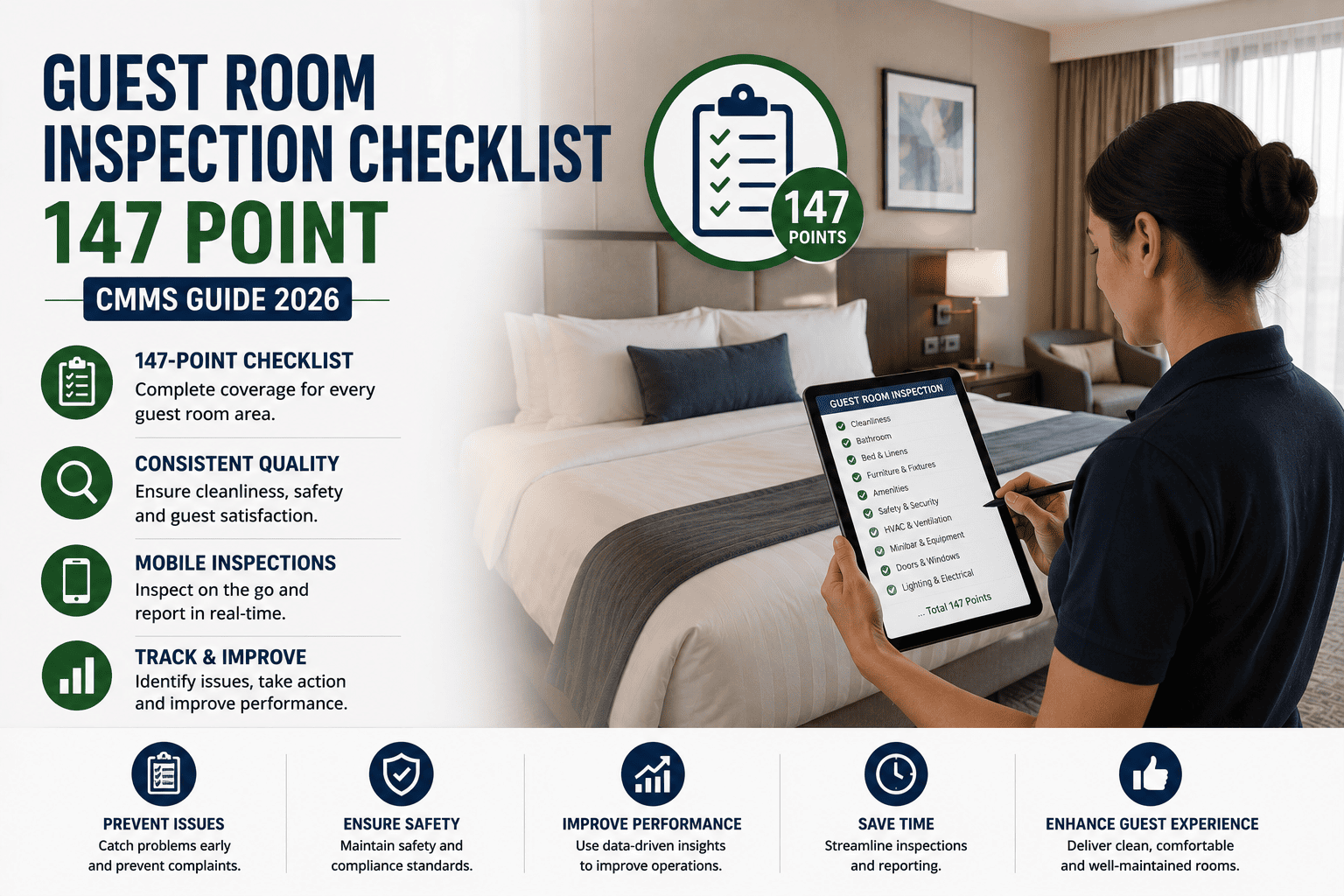
61% of guest-reported defects were present at the prior room inspection and not escalated before check-in. This 72-item zone checklist gives hotel maintenance teams a structured daily inspection protocol — deployable as live digital work orders via OxMaint. Book a demo to see it configured on your property.
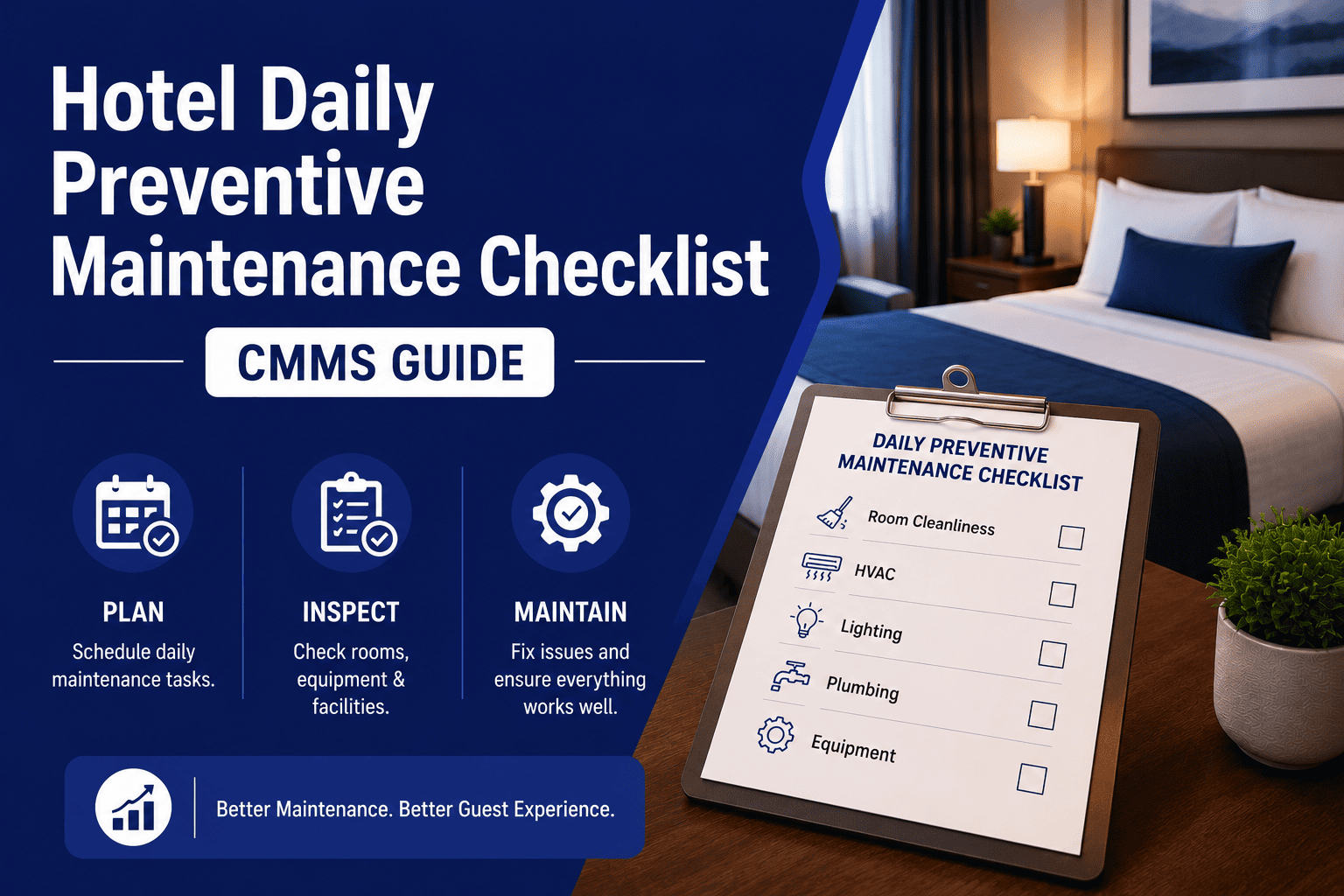
Six zones per room: bathroom, bedroom, HVAC, electrical, furniture, and safety. Critical items block room release. Monitor items generate a work order before next guest arrival. All FLAG findings require a photo before submission in OxMaint.
Zone 1 — Bathroom: Fixtures, Plumbing, and Presentation
Bathroom defects generate a negative review mention in 74% of cases. Every plumbing and presentation item must be physically tested — not visually assumed — at each turnaround.
Zone 2 — Bedroom: Sleeping Environment and Linen Standards
Linen condition and mattress quality are the two most cited factors in upper-tier property reviews. A structured inspection at every turnaround is the only reliable method of maintaining consistent standards.
One Platform. Every Room. Zero Missed Defects.
OxMaint's mobile inspection app routes every FLAG finding to the right technician instantly — with photo evidence, room location, and priority auto-assigned. No radio calls, no paper logs, no missed handovers.
Zone 3 — HVAC and Climate Control
HVAC is the second most common maintenance complaint on hotel review platforms. All items must be tested under load — not merely switched on — at every inspection.
Zone 4 — Electrical Systems and Lighting
A single dead outlet or non-functional USB port is enough to generate a maintenance mention in a guest review. Every electrical item must be individually tested at every room inspection.
Zone 5 — Furniture, Soft Furnishings, and Fixtures
Furniture condition is the most visible signal of a property's maintenance culture. Worn upholstery or non-functioning drawers communicate neglect before the room has been occupied.
From Inspection to Resolution in Minutes — Not Hours
OxMaint connects your housekeeping inspection directly to the engineering team's mobile work queue. Photo captured at the room, work order raised automatically, technician notified before the housekeeper leaves the floor.
Zone 6 — Safety and Compliance
Safety items are non-negotiable at every turnaround regardless of occupancy pressure. A non-functional smoke detector or failed door closer creates both a guest safety risk and a direct regulatory liability.
Inspection Zone Summary
| Inspection Zone | Frequency | Critical | Monitor | Routine | Total |
|---|---|---|---|---|---|
| Zone 1 — Bathroom | Every turnaround | 4 | 5 | 2 | 11 |
| Zone 2 — Bedroom | Every turnaround | 2 | 5 | 2 | 9 |
| Zone 3 — HVAC & Climate | Every turnaround | 2 | 4 | 1 | 7 |
| Zone 4 — Electrical & Lighting | Every turnaround | 3 | 4 | 2 | 9 |
| Zone 5 — Furniture & Furnishings | Every turnaround | 2 | 5 | 1 | 8 |
| Zone 6 — Safety & Compliance | Every turnaround | 3 | 4 | 1 | 8 |
| Total Checklist Items | Every turnaround | 16 | 27 | 9 | 72 |
How OxMaint Digitises This Checklist Into Live Work Orders
Housekeeper opens OxMaint and receives their room queue for the shift — each room pre-loaded with the correct zone checklist for room type and floor.
Each item is completed on-device at the inspection location. FLAG items require mandatory photo capture before the item can be submitted.
Every FLAG finding is instantly converted into a corrective work order, assigned to the right technician by trade type, and escalated by priority — no manual step required.
Rooms with open Critical findings are blocked from front-desk release until the work order is closed by the technician — defective rooms cannot be assigned to arriving guests.
Property management sees real-time room status and recurring defect trends across the full inventory — enabling planned replacement cycles rather than reactive fixes.
Every inspection is timestamped, geotagged to the room number, and stored with photo evidence — exportable for brand audit, insurance, or regulatory review at any time.
Your Engineering Team Deserves Better Than a Radio Call
OxMaint replaces the radio, the paper defect log, and the spreadsheet follow-up with a single mobile platform — from inspection to closed work order, fully documented and searchable.
Regional Compliance Coverage: How OxMaint Satisfies Every Framework
OxMaint structures room inspection records to satisfy audit requirements across all major hospitality regulatory frameworks — without manual assembly after each inspection event.
| Region | Applicable Frameworks | OxMaint Inspection Record Output |
|---|---|---|
| USA / Canada | NFPA 101 Life Safety Code, OSHA 29 CFR 1910, ADA Title III guest room accessibility, State Hotel and Motel Acts, local fire marshal inspection requirements | Timestamped zone inspection records with photo evidence, corrective action work order linkage per room, exportable compliance documentation for fire marshal and brand audit, ADA defect classification by room type |
| UK | Regulatory Reform (Fire Safety) Order 2005, HHSRS Housing Health and Safety, Health and Safety at Work Act 1974, PUWER 1998 for maintenance equipment | Fire safety inspection record per room with timestamped evidence, HHSRS hazard classification support, PUWER equipment inspection interval tracking, exportable audit trail for EHO and fire authority inspection |
| Australia | Building Code of Australia (NCC), AS 1851 fire protection maintenance, Work Health and Safety Act 2011, State accommodation licensing requirements | NCC-aligned inspection documentation, AS 1851 fire system maintenance record linkage, WHS incident and near-miss logging per room asset, accommodation licence condition evidence archive |
| Germany | BetrSichV (TRBS 1201 inspection intervals), ASR A1.5 workplace safety, LBO state building ordinances, DIN 18040 accessibility standards | BetrSichV-compatible inspection records with measurement values, TRBS-compliant inspection interval documentation, DIN 18040 accessibility defect classification, exportable records for TÜV or Gewerbeaufsicht review |
| Saudi Arabia / UAE | Saudi Civil Defence hotel inspection requirements, UAE Federal Law No. 24 environmental and safety, ADNOC-aligned facility standards, Tourism Authority hotel classification criteria | Civil Defence inspection permit documentation, hotel classification audit evidence by room zone, asset condition scoring for Tourism Authority compliance, inspection certificate expiry tracking by room category |
OxMaint vs. Competitors: Hotel Maintenance Management
Not all CMMS platforms are built for hotel operations. This comparison covers the features that matter most to hospitality maintenance teams.
| Feature | OxMaint | MaintainX | UpKeep | Fiix | Limble CMMS | IBM Maximo | Hippo/Eptura |
|---|---|---|---|---|---|---|---|
| Hospitality room hierarchy | ✓ Built-in | Partial | Partial | Generic | Partial | Generic | Partial |
| Mobile photo capture at inspection | ✓ Native | ✓ Yes | ✓ Yes | Limited | ✓ Yes | Add-on | Limited |
| Auto work order from inspection flag | ✓ Instant | Manual step | Manual step | Manual | Semi-auto | Manual | Semi-auto |
| Front desk room release block | ✓ Native | Not available | Not available | Not available | Not available | Not available | PMS integration |
| Offline mobile inspection | ✓ Full offline | ✓ Yes | ✓ Yes | Limited | ✓ Yes | Online only | Limited |
| Compliance audit export | ✓ One-click | Manual export | Manual export | ✓ Yes | ✓ Yes | ✓ Enterprise | Manual export |
| Deployment time (mid-size hotel) | 2–3 weeks | 3–5 weeks | 3–5 weeks | 6–10 weeks | 3–5 weeks | 3–6 months | 4–6 weeks |
| Pricing model | Per property | Per user | Per user | Per user | Per user | Enterprise licence | Per user |
Implementation Roadmap: From Paper Checklist to Live Digital Inspections
OxMaint deploys in four structured phases on hotel properties. Each phase delivers standalone operational value — you are not waiting until the end of the programme to see results.
We build your full room inventory into the platform asset hierarchy and import existing paper inspection data to establish baselines before go-live.
Zone checklists are configured to your brand standards. Housekeeping and maintenance leads complete on-site mobile training — typically a half-day — and go live before phase end.
Work order routing is configured by trade, floor zone, and priority. Critical item escalation rules and front desk release blocks are activated. PMS integration deployed where applicable.
GM and property manager dashboards go live. Preventive maintenance schedules activate across the full room inventory and compliance export templates are finalised for your region.
Results OxMaint Hotel Properties Report
Data Security You Can Guarantee Your Brand Partners
OxMaint runs on SOC 2 Type II-aligned infrastructure with end-to-end encryption, role-based access, and GDPR-compliant data residency. Your property data stays secure, auditable, and under your control.
Frequently Asked Questions
Deploy This Checklist as Live Digital Room Inspections in OxMaint
Every zone and item in this checklist is available as a structured digital inspection in OxMaint — completed on mobile, auto-routed to your engineering team, and fully documented for compliance.
.png)


