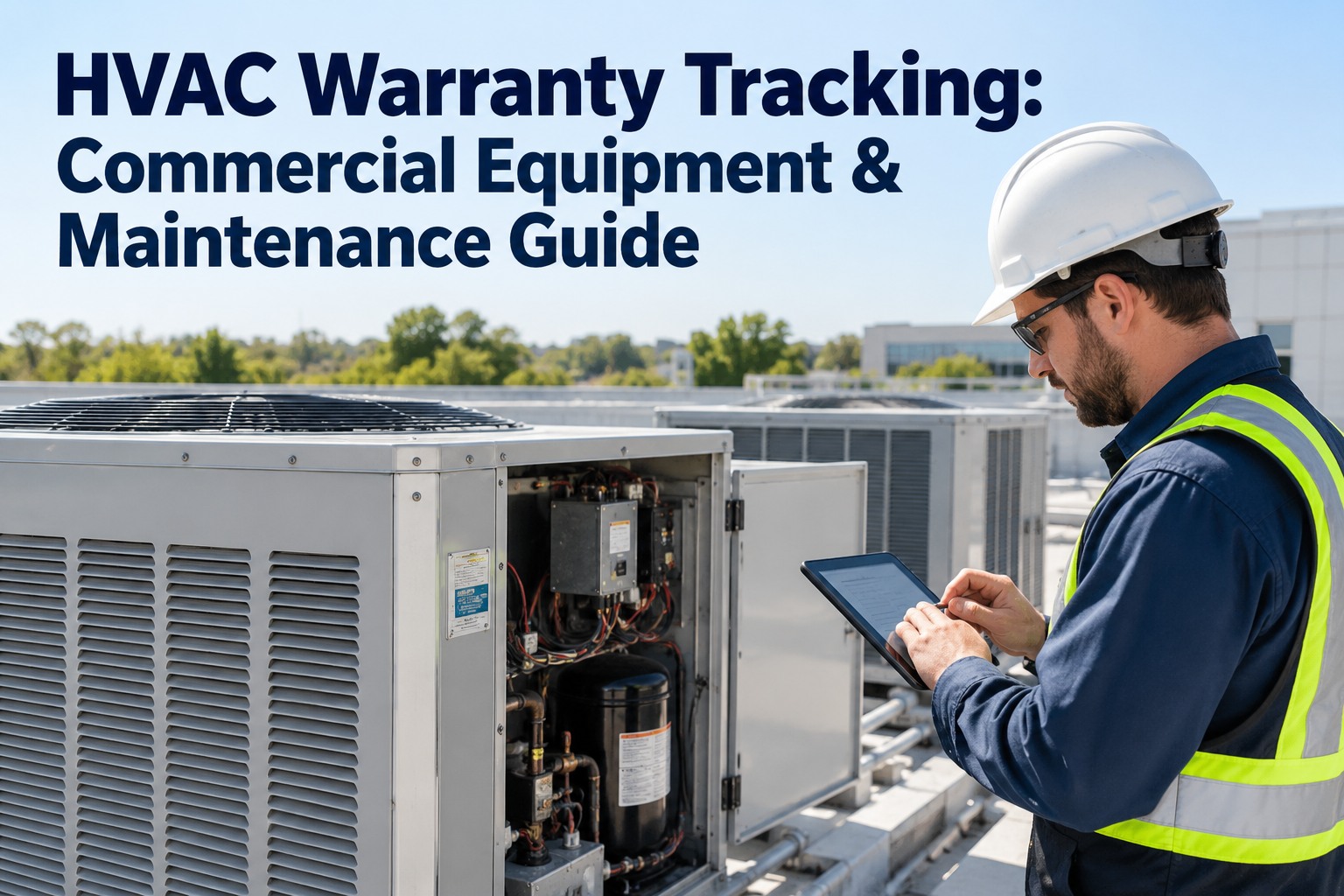
HVAC warranty management is the process of tracking equipment warranty start dates, expiration windows, claim documentation, and manufacturer compliance requirements across every chiller, air handler, RTU, and boiler in your portfolio — and doing it manually on spreadsheets is why 60% of facilities forfeit recoverable costs before a warranty ever expires. A purpose-built equipment warranty CMMS eliminates that leakage by automatically flagging assets under active coverage, attaching serial numbers and install records to each work order, and generating audit-ready claim packets in seconds. This HVAC warranty guide breaks down expiration tracking, claim documentation, and manufacturer compliance into concrete steps, then shows how OxMaint's AI-powered CMMS turns warranty status tracking into a measurable cost-recovery engine. Ready to stop leaving money on the table? Start Free Trial and see your warranty dashboard on day one.
Are You Forfeiting 40% of Your HVAC Warranty Claims to Expired Deadlines?
Most maintenance teams discover a failed compressor is still under warranty only after the replacement part has already been ordered and paid for. A CMMS with HVAC warranty tracking changes that — automatically surfacing active coverage on every work order before a single dollar is spent, so you capture every claimable dollar before the expiration window slams shut.
Why HVAC Warranty Tracking Fails on Spreadsheets
A 180-asset facility running chillers, RTUs, and air handlers typically carries $42,000–$85,000 in active manufacturer warranty value at any given time. Yet maintenance teams relying on Excel or paper files recover less than half of eligible claims — not because the claims are invalid, but because the documentation deadline passes before anyone checks the coverage status. Equipment warranty CMMS software closes that gap by linking warranty data directly to the asset record and the work-order workflow, so coverage is visible at the exact moment a technician diagnoses a failure.
How to Build an HVAC Warranty Management Process That Recovers Costs
Warranty status tracking only works when it is embedded in the daily maintenance workflow — not stored in a spreadsheet someone opens once a quarter. The five-step timeline below maps the exact path from asset onboarding through claim filing, each step building the audit trail manufacturers require before they approve a replacement part or labor reimbursement.
Capture Asset & Warranty Data at Commissioning
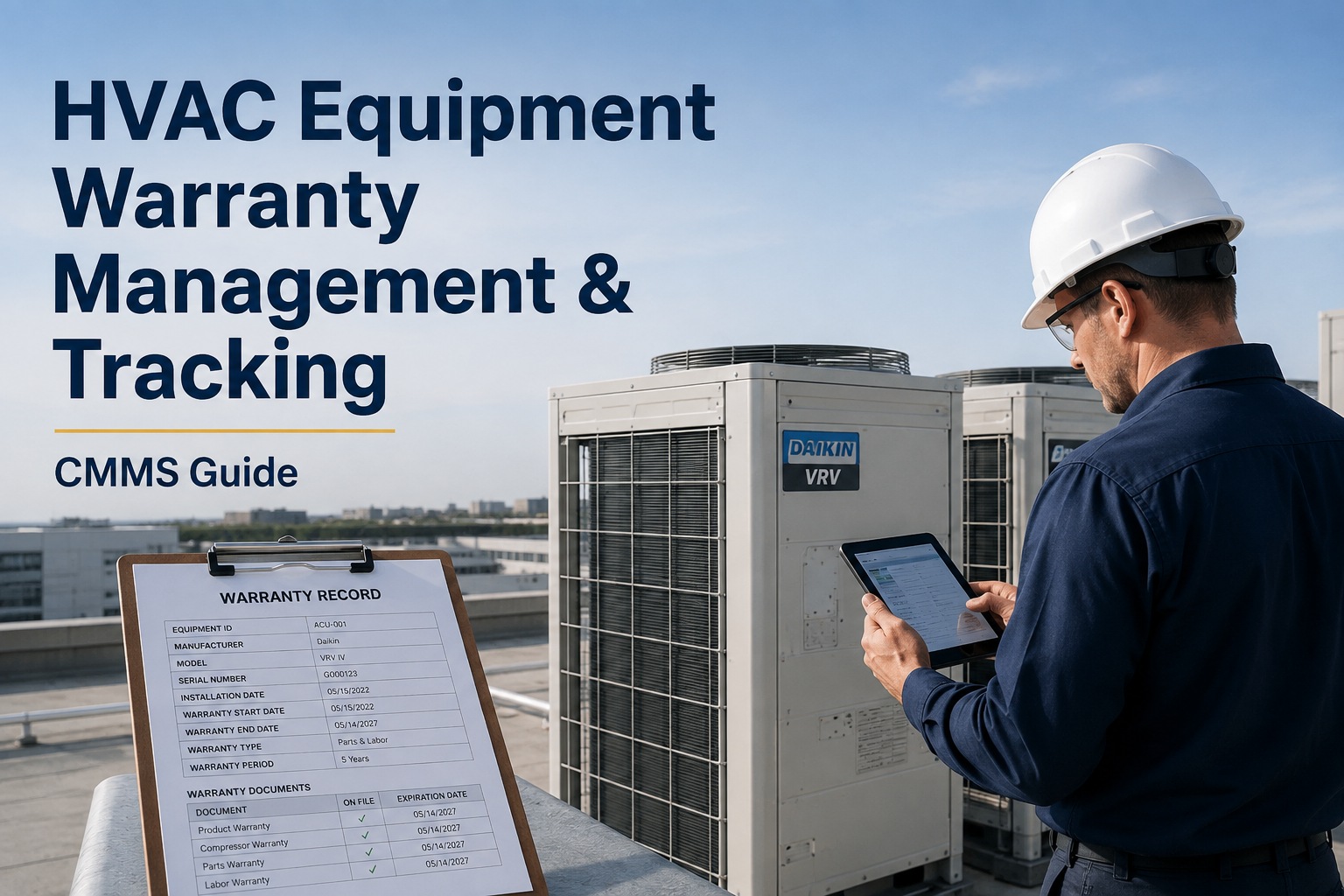
Record manufacturer, model, serial number, install date, warranty start date, expiration date, and coverage type (parts-only, parts+labor, extended) inside the CMMS asset record the day the unit is commissioned. Missing install dates are the #1 reason claims get denied — manufacturers will not back-date coverage without proof of purchase and startup logs.
Link Warranty Records to Preventive Maintenance Schedules
Most HVAC manufacturers require documented preventive maintenance — filter changes, coil cleaning, refrigerant-level checks — as a condition of warranty validity. A CMMS ties the PM schedule to the asset record so every completed PM auto-generates a timestamped log entry that doubles as compliance proof.
Surface Warranty Status on Every Work Order
When a technician opens a repair work order, the CMMS should instantly display whether the asset is under active warranty, what type of coverage applies, and whether manufacturer-authorized service is required. This prevents the common error of a technician ordering a third-party replacement part that voids the remaining coverage.
Auto-Generate Claim Documentation Packets
Compile photos, diagnostic notes, PM history, serial number, and install date into a single claim packet the manufacturer can approve without follow-up questions. Manual claim packets take 45–90 minutes to assemble; a CMMS generates them in under 60 seconds from the closed work-order record.
Track Expiration Windows & File Before Deadline
Set automated alerts 90, 60, and 30 days before each asset's warranty expires so the team can prioritize end-of-warranty inspections and address latent defects while coverage is still active. This single practice can recover $15K–$30K annually on a mid-size portfolio.
HVAC Warranty Compliance Checklist: What Manufacturers Require Before Approving a Claim
Manufacturer warranty compliance is not optional — every major HVAC OEM (Carrier, Trane, Daikin, Lennox, York) publishes specific documentation and maintenance requirements that must be met before a claim is approved. Use this checklist to audit your current process against what manufacturers actually demand.
Documentation Requirements
- Original purchase invoice with model and serial number
- Installer startup log with refrigerant and electrical readings
- Installed-location and install-date confirmation
- Failed-part photo with serial number visible
- Technician diagnostic notes describing failure mode
Maintenance Proof Required
- Quarterly filter change logs with dates and technician initials
- Annual coil cleaning records with before/after photos
- Refrigerant charge and leak-inspection records per EPA Section 608
- Seasonal startup and shutdown checklist completions
- Oil analysis or bearing-temperature logs for centrifugal chillers
Claim Filing Requirements
- Claim filed within 30 days of failure discovery
- Manufacturer-authorized service provider used (if contract requires)
- OEM replacement parts only — no aftermarket substitutions
- Returned defective part shipped to manufacturer within 60 days
- Claim form includes original installation date and warranty registration number
Warranty Recovery ROI: How Much a CMMS Saves on HVAC Claims
The financial case for warranty tracking CMMS is straightforward: the software cost is a fraction of the warranty value it recovers. The formula below estimates annual recoverable value for a typical HVAC portfolio.
| Portfolio Size (HVAC Assets) | Active Warranty Value at Risk | Avg Annual Recoverable (Spreadsheet) | Avg Annual Recoverable (CMMS) | Net Recovery Uplift |
|---|---|---|---|---|
| 50 assets | $12,000 | $2,400 | $8,400 | +$6,000 |
| 200 assets | $48,000 | $9,600 | $33,600 | +$24,000 |
| 500 assets | $120,000 | $24,000 | $84,000 | +$60,000 |
| 1,000+ assets | $240,000+ | $48,000 | $168,000+ | +$120,000+ |
OxMaint HVAC Warranty Dashboard: From Coverage Visibility to Claim Filing in One Platform
OxMaint was built for maintenance and reliability teams who need warranty data woven into every work order, PM schedule, and asset record — not siloed in a spreadsheet nobody opens. These are the four capabilities that directly drive warranty cost recovery.
Automated Warranty Expiration Tracking
OxMaint flags every HVAC asset 90, 60, and 30 days before its manufacturer warranty expires — surfacing end-of-warranty inspections directly in the PM queue so latent defects are addressed while coverage is still active. Teams typically recover 25–40% more claims in the first year alone.
One-Click Claim Documentation Packets
When a work order closes on a warranted asset, OxMaint auto-assembles the claim packet — serial number, install date, PM history, failure photos, diagnostic notes, and technician signature — into a manufacturer-ready PDF. What takes 45–90 minutes manually is generated in under 60 seconds.
PM-to-Warranty Compliance Linkage
OxMaint ties every preventive maintenance task to the manufacturer's warranty requirements, so completed filter changes, coil cleanings, and refrigerant checks auto-generate the compliance trail OEMs demand before approving a claim. No more denied claims due to missing maintenance proof.
Real-Time HVAC Warranty Dashboard
A live dashboard shows warranty status across the entire portfolio — active, expiring within 90 days, and expired — alongside claim filing rates and recovered dollars. Maintenance managers get a single screen that proves warranty value to leadership and flags at-risk coverage before it lapses.
See OxMaint Recover Warranty Dollars on Your HVAC Assets
Book a 30-minute demo and we'll load your top 20 HVAC assets into the platform, map their warranty data, and show you exactly how much recoverable value is sitting in your portfolio today.
HVAC Warranty Management & CMMS Tracking: Top Questions Answered
What is HVAC warranty management and why does it matter for maintenance teams?
HVAC warranty management is the systematic tracking of equipment warranty start dates, expiration windows, coverage types, and claim documentation across every asset in a facility. It matters because 50–60% of eligible warranty claims are never filed — usually because the maintenance team didn't know the asset was still covered when the failure occurred. A CMMS with warranty tracking surfaces coverage status on every work order, ensuring recoverable costs are captured before the expiration deadline passes. You can Start Free Trial to see this in action on your own assets.
How does a CMMS track HVAC warranty expiration dates automatically?
An equipment warranty CMMS stores the warranty start date and expiration date on the asset record at commissioning, then runs automated date-based alerts that notify the maintenance team 90, 60, and 30 days before coverage lapses. The system also displays active warranty status directly on any work order opened for that asset, so technicians know before ordering parts whether the failure is claimable. This eliminates the manual spreadsheet check that most teams skip under time pressure.
What documentation do HVAC manufacturers require for warranty claims?
Most major HVAC OEMs require the original purchase invoice, installer startup log, serial number, install date, failed-part photo, technician diagnostic notes, and a complete preventive maintenance history proving the unit was serviced per the manufacturer's published schedule. Claims without documented PM compliance are the most commonly denied. A CMMS auto-generates this packet from the closed work order and linked PM records — Book a Demo to see the one-click claim packet generator.
Can I migrate existing HVAC warranty data from spreadsheets into OxMaint?
Yes. OxMaint supports CSV import for asset records including warranty fields — manufacturer, model, serial number, install date, warranty start, warranty expiration, and coverage type. Most teams with 100–500 assets complete the full migration in under two hours, and OxMaint's onboarding team assists with data validation and field mapping at no additional cost during the trial period.
How much does HVAC warranty tracking software cost compared to the money it recovers?
For a 200-asset HVAC portfolio carrying roughly $48,000 in active warranty value, a CMMS typically recovers $20,000–$30,000 in previously lost claims annually — far exceeding the software subscription cost, which usually ranges from $75–$200 per month for that asset count. The payback period is generally under 90 days once warranty expiration alerts and one-click claim documentation are active. The larger the portfolio, the faster the ROI compounds.
Stop Forfeiting HVAC Warranty Claims to Missed Deadlines
OxMaint's AI-powered CMMS tracks every warranty expiration, surfaces coverage on every work order, and generates manufacturer-ready claim packets in seconds. Book a demo today and see how much recoverable warranty value is hiding in your asset portfolio.
Free 14-day trial · No credit card required