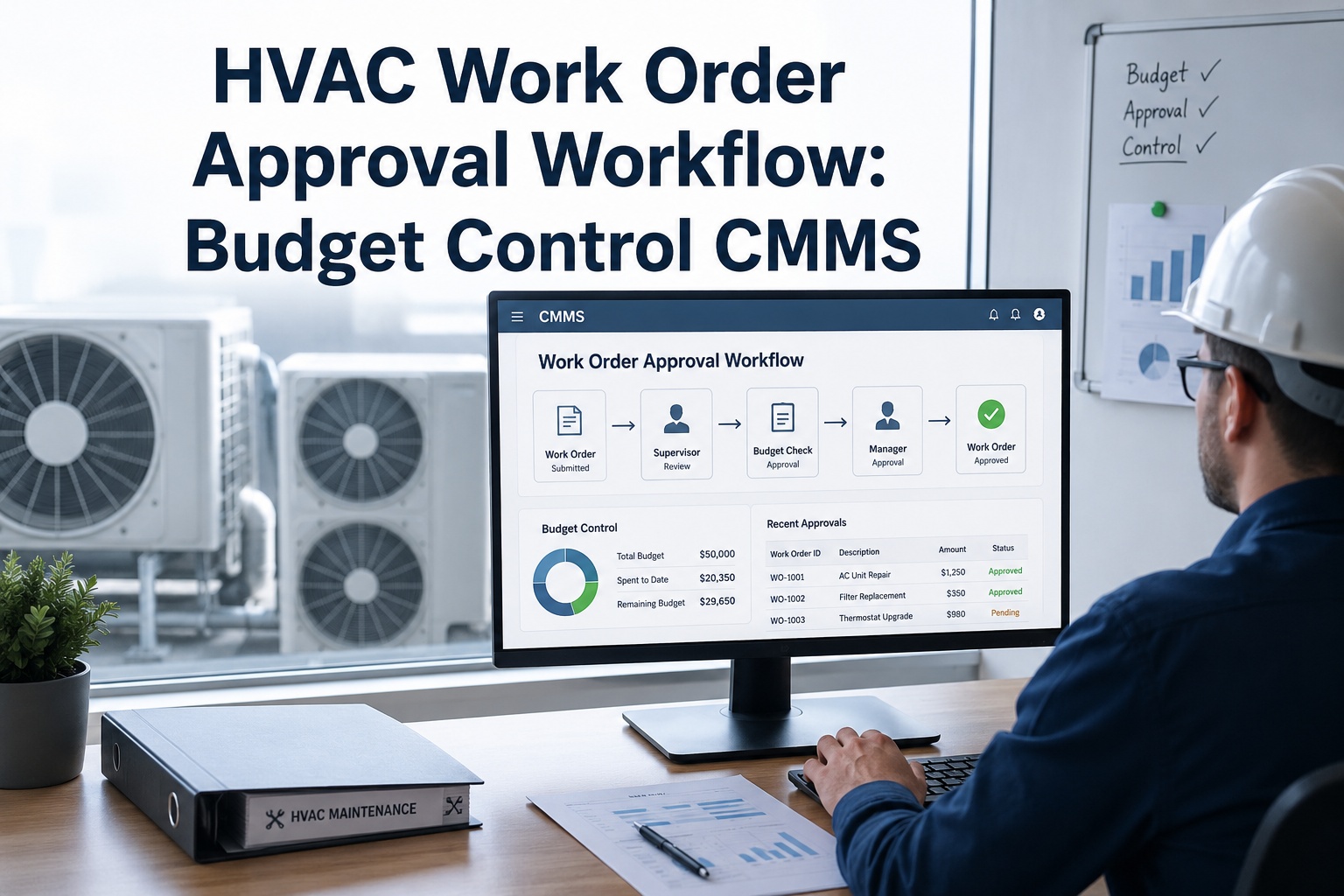
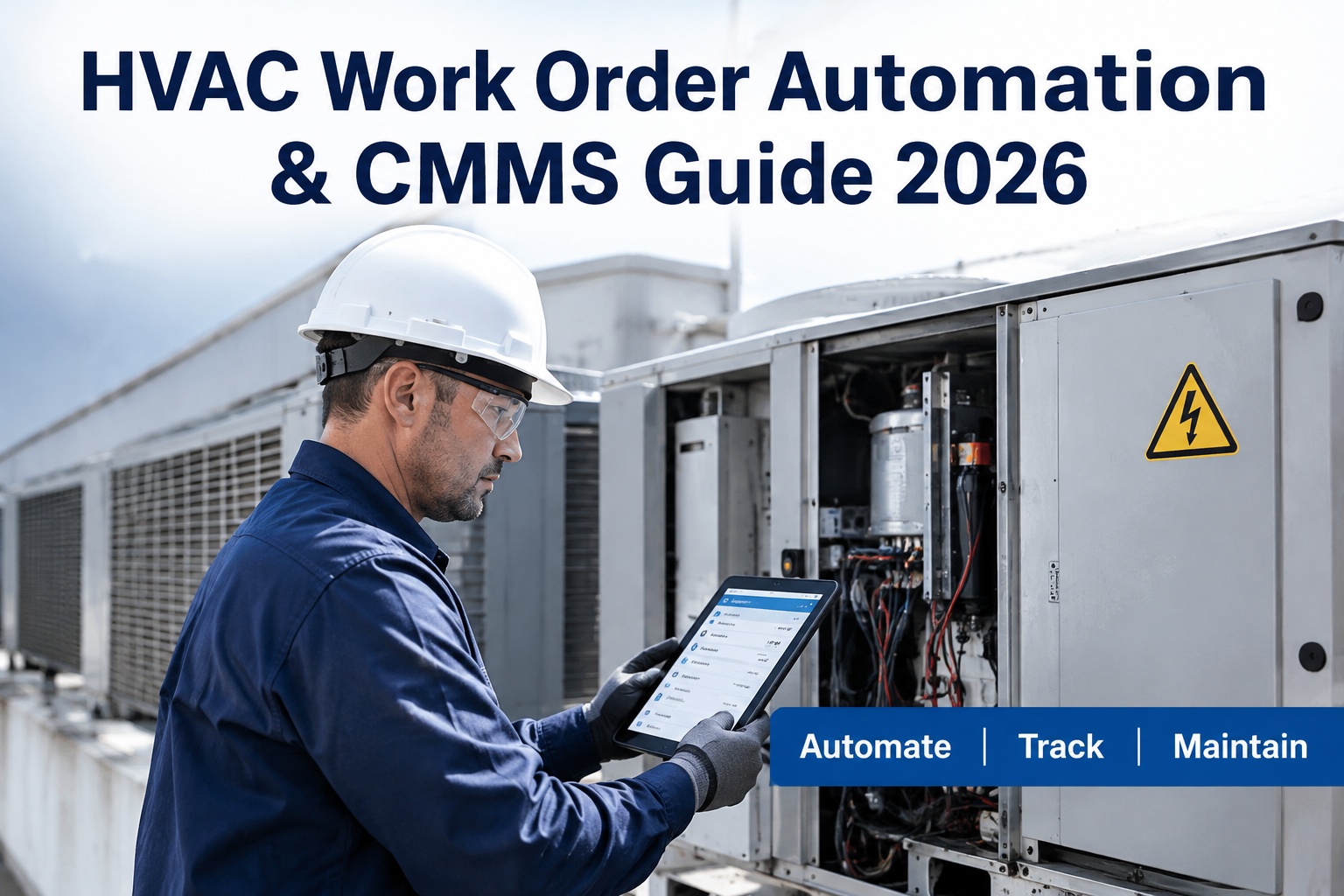
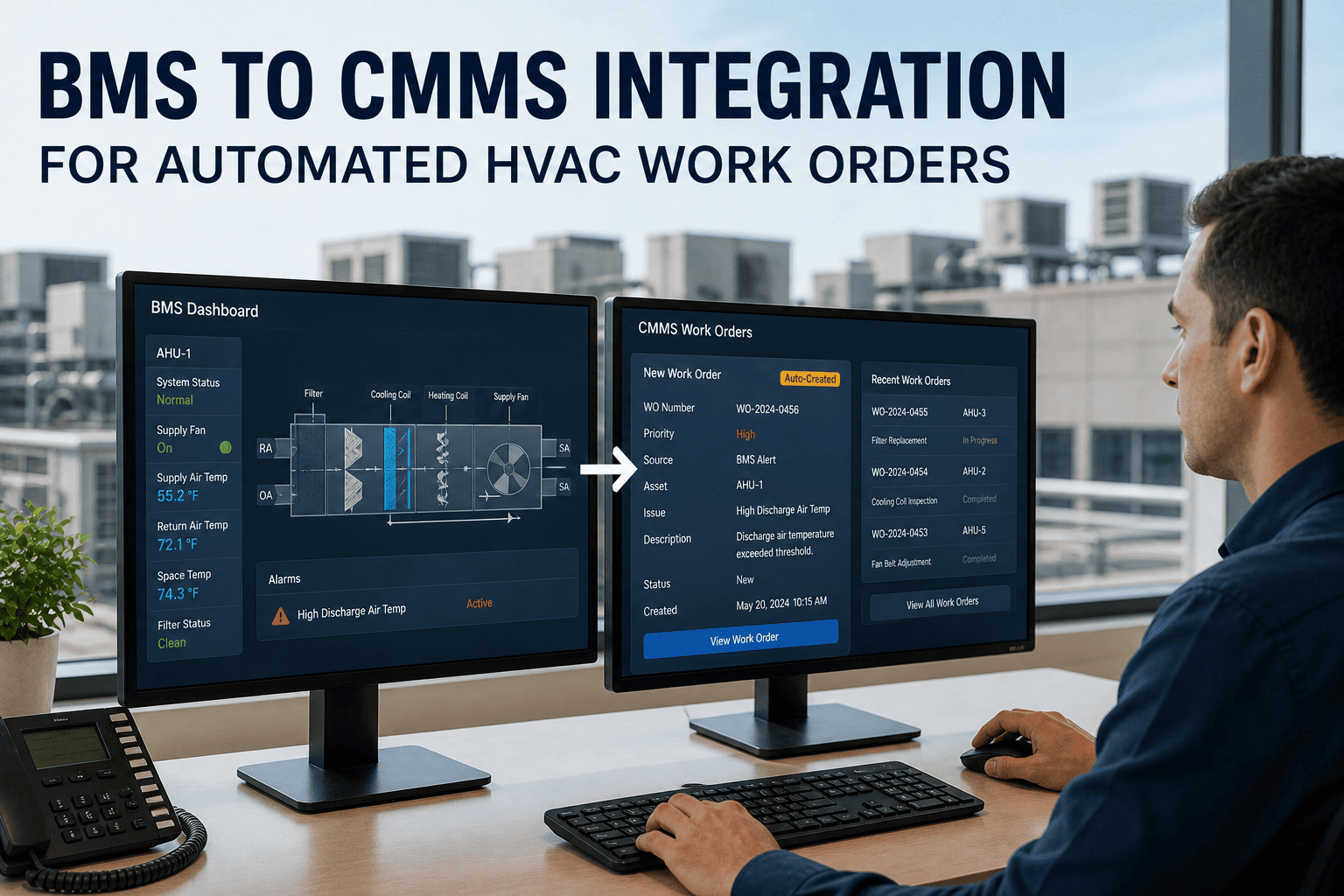
Most HVAC teams do not have a maintenance problem; they have a hand-off problem. A filter task lives in a spreadsheet, a fault lives on the building system screen, and a work order lives in someone's inbox. OXMAINT AI is HVAC maintenance management software that links these steps, so schedules raise work orders, work orders reach the right technician and every job closes into the asset record.
HVAC WORKFLOW AUTOMATION · PM SCHEDULING · WORK ORDERS · 2027
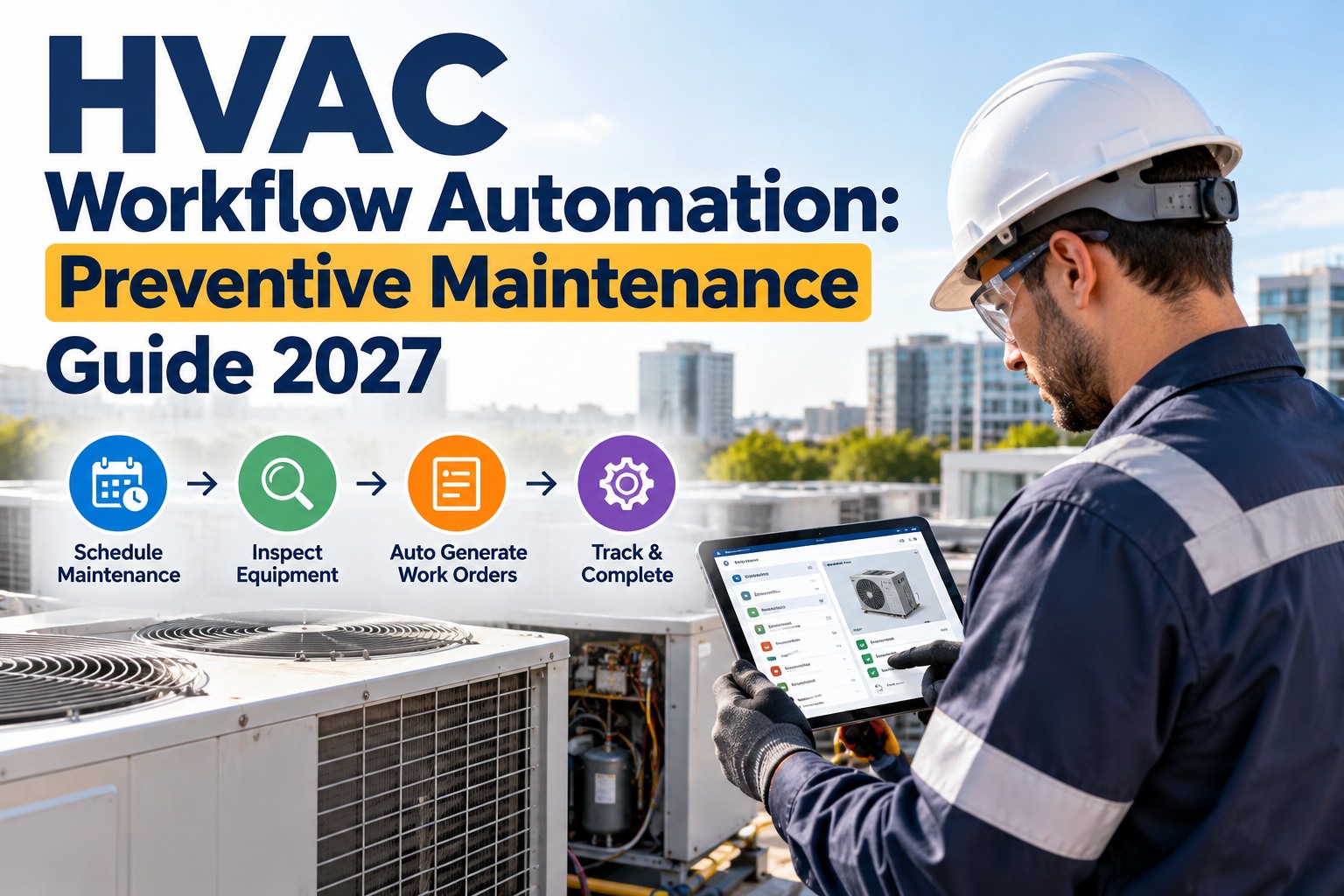
HVAC Workflow Automation: Preventive Maintenance Guide 2027
Map your manual workflow, find the hand-offs that leak time, and automate them one rule at a time. A practical guide for commercial HVAC teams.
Auto work orders
Smart scheduling
Asset tracking
Rollout plan
6
hand-offs in a typical manual HVAC job
5
rule types worth automating first
4
maturity levels from paper to predictive
90
day rollout plan in this guide
THE IDEA
Automation does not replace the technician. It removes the typing, chasing and remembering around the technician, so the skilled work happens on time.
One Job, Two Ways: Manual vs Automated
Take a simple quarterly air handler inspection. Every step that needs a person to remember or retype is a place where jobs go late. Sign up free and automate your first PM.
MANUAL
1Supervisor checks the calendar
2Writes or emails a work order
3Phones or messages the technician
4Technician finds the manual and last report
5Paper checklist filled in, filed later
6Someone remembers the next due date
AUTOMATED
1Schedule raises the job on the due date
2Work order opens with the checklist attached
3Assigned and notified on the technician's phone
4Asset history and manuals open from the job
5Checklist completed on site, saved to the asset
6Next job scheduled the moment this one closes
Same inspection, same technician. The automated version removes four of six hand-offs.
Five Rules Worth Automating First
Start with rules that fire often and are easy to get right. Each card shows the event, what the system does and the benefit. Book a demo to see these rules built live.
RULE 1
WHEN a PM falls due
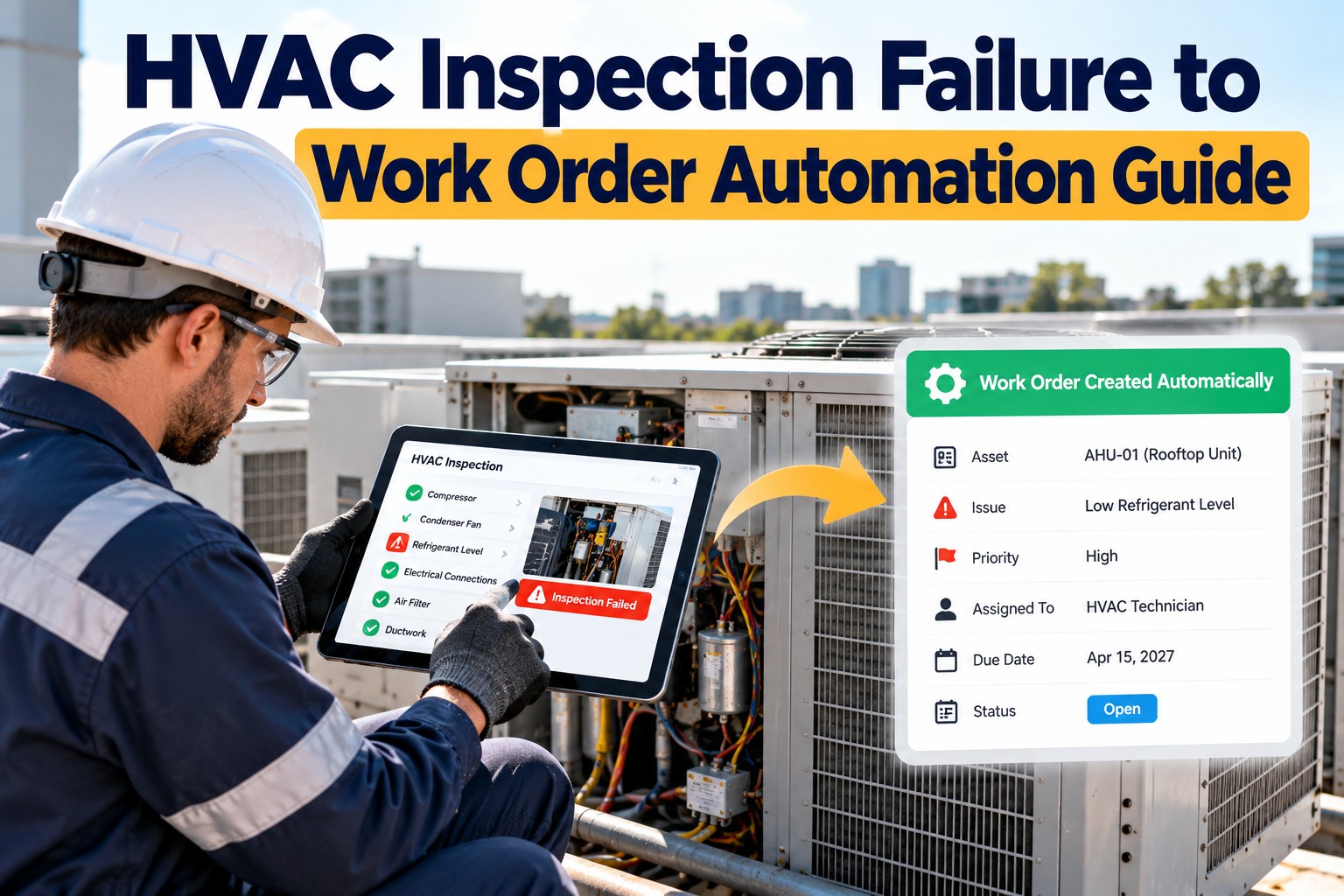
Raise a work order with the checklist, assign the usual technician and notify them.
No missed filters or belts
RULE 2
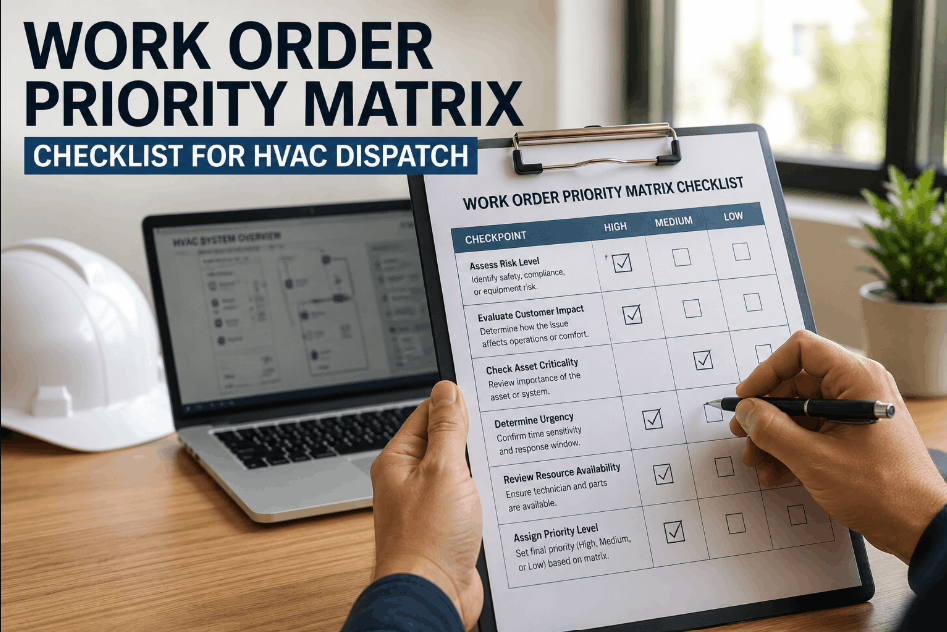
WHEN a request is submitted
Set priority by asset criticality and send it to the right team.
Faster triage
RULE 3
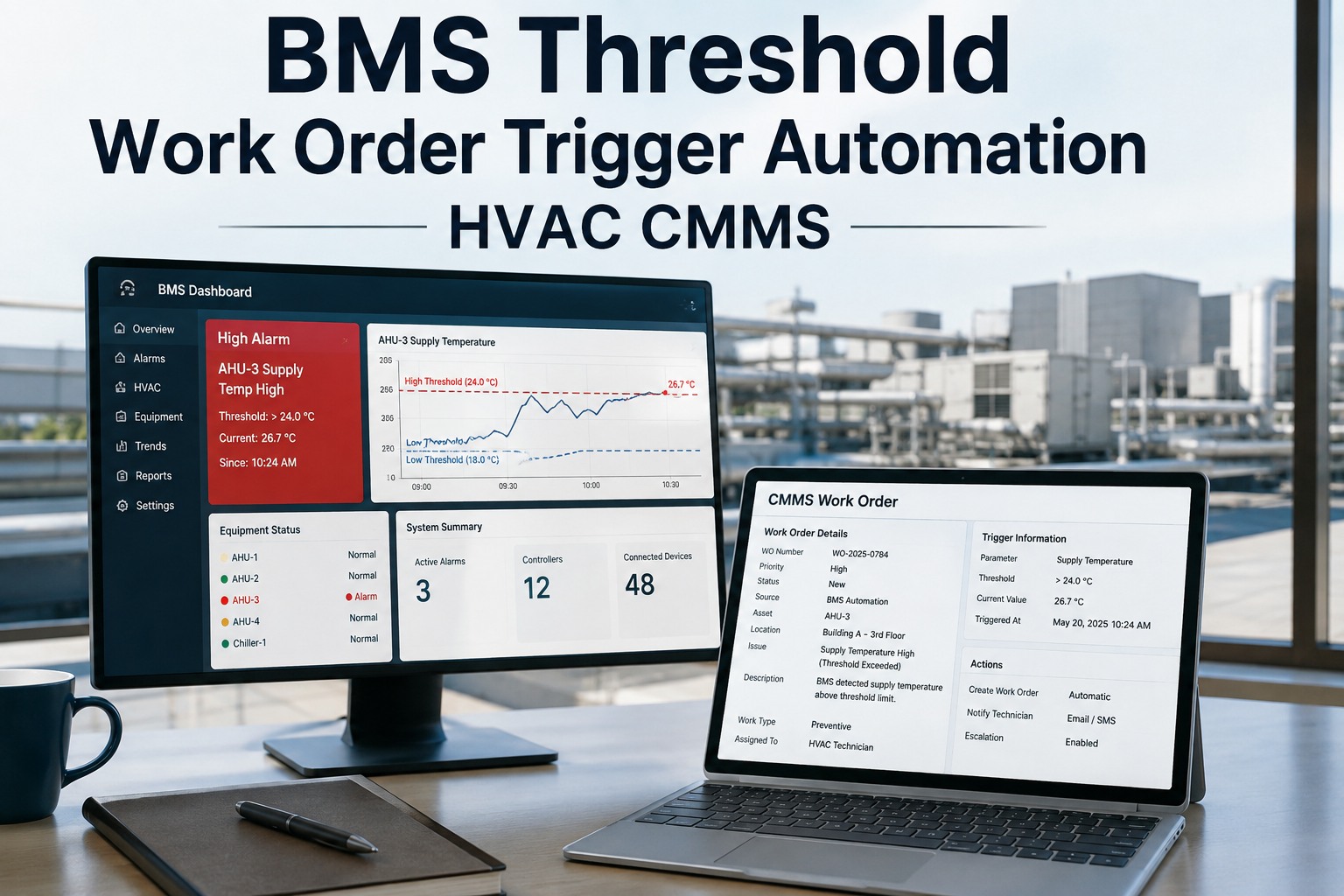
WHEN a reading passes its limit
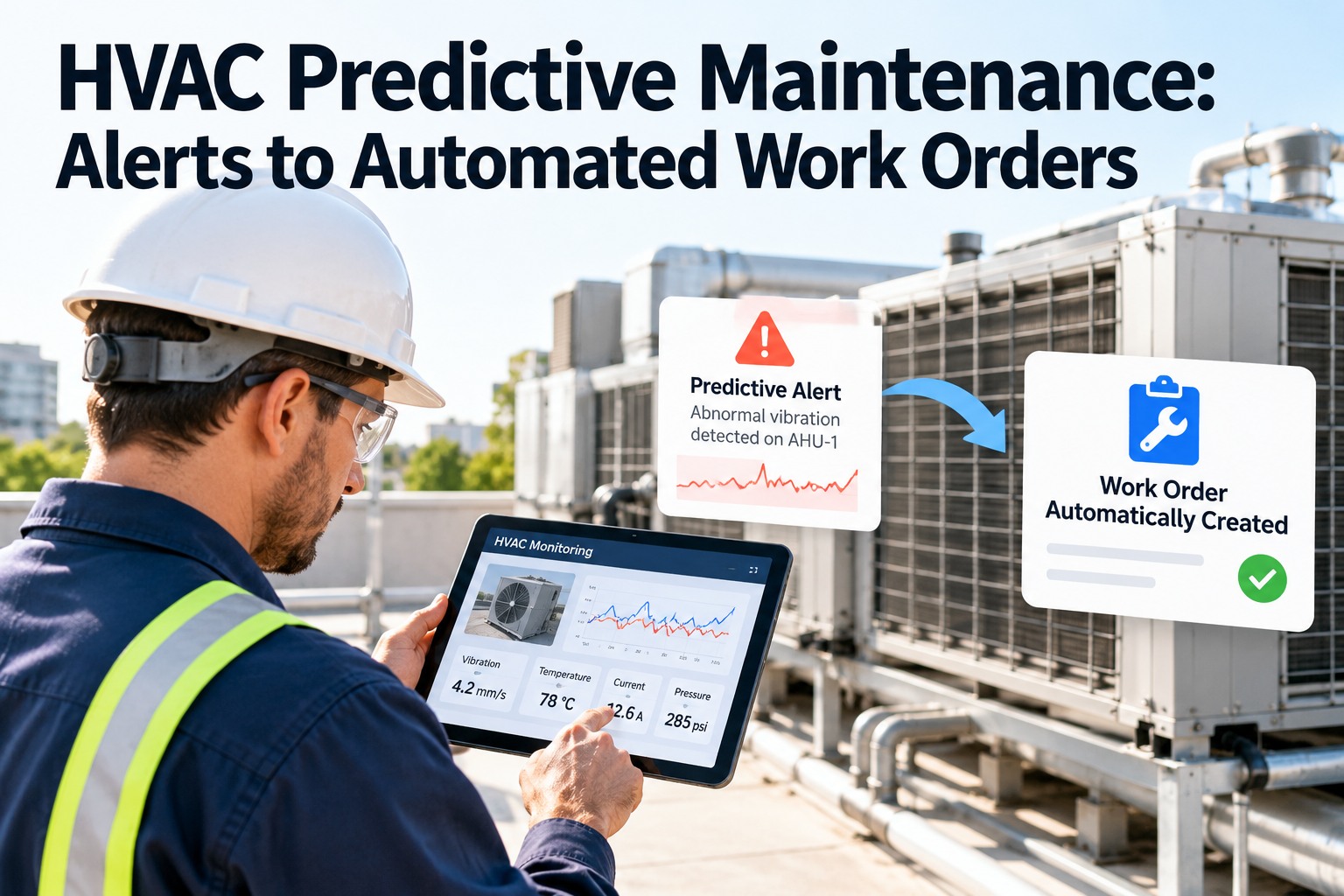
Flag the asset and open an inspection job with the reading attached.
Faults caught early
RULE 4
WHEN a job is overdue
Escalate to the supervisor and show it on the overdue list.
Nothing quietly slips
RULE 5
WHEN a job is closed
Log time and parts, store the checklist and set the next due date.
Clean records, no re-keying
Rules are only as good as the data behind them. A complete asset register and realistic frequencies come first.
Where Is Your Team on the Ladder?
LEVEL 4PredictiveReadings and condition data drive the jobs
LEVEL 3AutomatedRules raise, assign and escalate work
LEVEL 2DigitalWork orders and assets in software
LEVEL 1ManualPaper, spreadsheets and memory
Most teams gain the most moving from level 1 to 3. Level 4 builds on the same records, so nothing is wasted.
Automate the Chasing, Keep the Craft.
Load your HVAC assets into OXMAINT AI and turn on your first PM rule today. Free to start.
A Smarter PM Calendar: What Gets Scheduled
Automation works best when frequencies match the equipment and the season. Use time-based, usage-based and seasonal schedules together. Start free and build your calendar.
Equipment
Typical PM
Schedule type
Air handlers and fan coils
Filters, belts, coils, drains
Time-based, monthly or quarterly
Chillers and rooftop units
Refrigerant, controls, tube or coil cleaning
Seasonal, before cooling season
Boilers
Burner, safeties, water treatment
Seasonal, before heating season
Pumps and fans
Vibration, alignment, lubrication
Run-hours based
Controls and sensors
Calibration and sequence tests
Annual
Frequencies are starting points. Follow manufacturer manuals and local requirements, and adjust from your own failure history.
Your 90-Day Automation Rollout
Small steps beat a big-bang switch-on. Add rules in this order and check each one works before the next. Book a demo and we will plan it with you.
DAYS 1–30
Build the base
Register HVAC assets and locations
Attach manuals and checklists
Rank assets by criticality
DAYS 31–60
Turn on core rules
PM scheduling for key equipment
Auto assignment and phone alerts
Request intake with priorities
DAYS 61–90
Tighten and grow
Overdue escalation rules
Readings with limit alerts
Review completion and backlog
Keep one person responsible for rule changes, so the setup stays clean as the team grows.
What to Measure
PM compliance
Share of scheduled PMs finished on time
Backlog age
How long open jobs wait
Planned vs reactive
Mix of scheduled and emergency work
Repeat failures
Same asset, same fault, again
Take a baseline before turning rules on, so you can show the change honestly.
EXPERT REVIEWMaintenance planning view
The most common failure of automation is automating a bad schedule. If the frequencies are wrong, you simply generate the wrong work faster. Review the schedule against the equipment history first, then automate it, and revisit it every season.
How OXMAINT AI Automates HVAC Maintenance
Everything above runs in one platform. Book a demo to see it with your equipment.
ASSETS
HVAC asset register
Equipment, location, manuals and full history in one place.
PM
Preventive maintenance scheduling
Time, usage and seasonal schedules that raise work orders.
ORDERS
Work order management
Assign, track and close jobs with parts and labour logged.
MOBILE
Mobile checklists
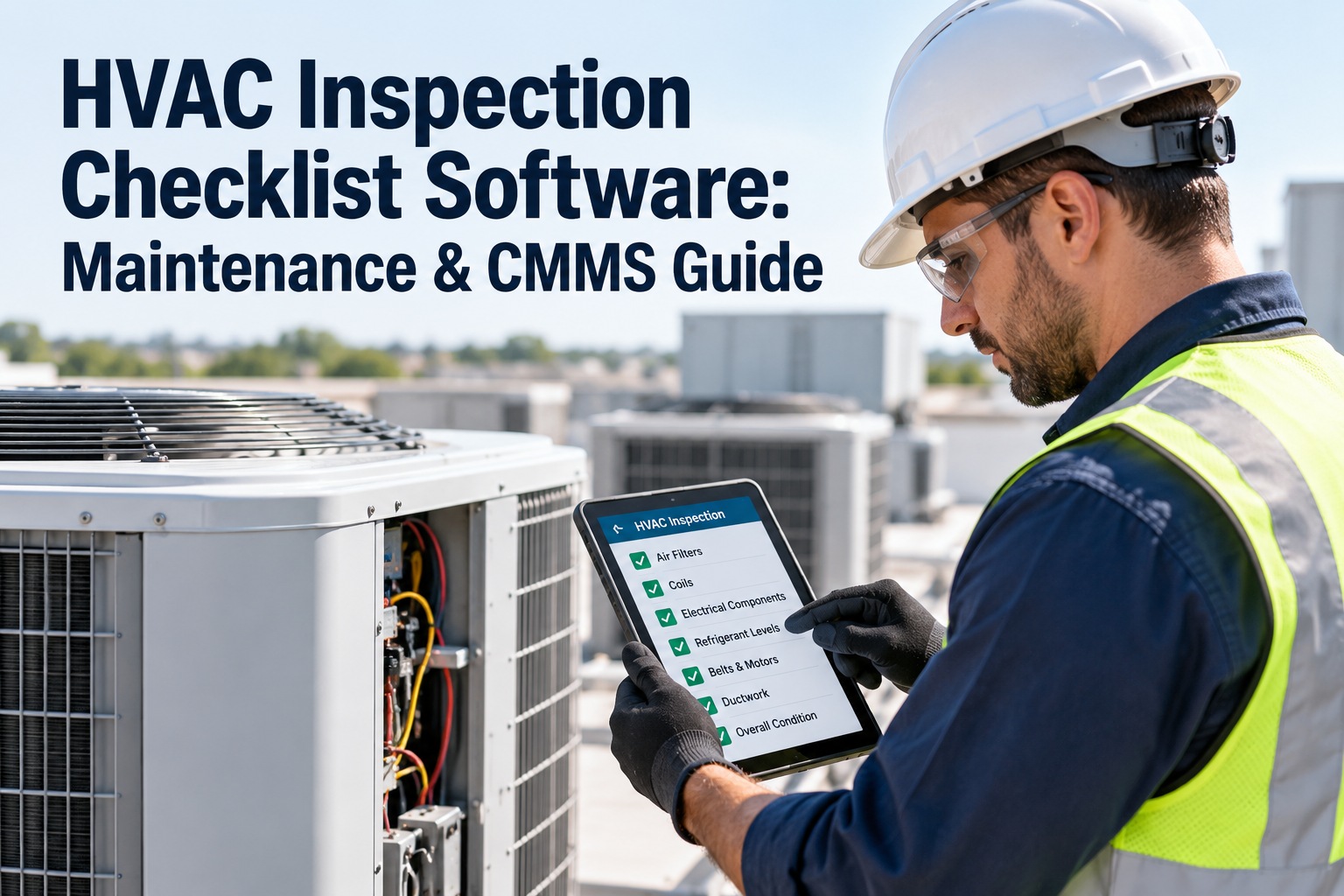
Technicians complete inspections on the phone with photos.
ALERTS
Notifications and escalation
Alerts for new, due and overdue jobs.
REPORTS
Dashboards and reports
PM compliance, backlog and cost trends at a glance.
Questions HVAC Teams Ask
What is HVAC workflow automation?
It means using software rules to raise, assign, track and close HVAC maintenance jobs without manual hand-offs. A due PM opens a work order, the right technician is notified, the checklist is completed on a phone and the next job is scheduled automatically.
Start free and try it.
Which HVAC tasks should I automate first?
Start with recurring PMs such as filter changes, belt checks and seasonal start-ups, because they are frequent, easy to define and easy to measure. Once those run smoothly, add request intake, overdue alerts and reading limits.
See a PM rule built in a demo.
Will automation replace my technicians?
No. Automation removes the paperwork, phone calls and remembering around the job, so technicians spend more of their day on the actual work. Skilled diagnosis, repair and judgment still need people on site.
Try the mobile app free.
How long does it take to set up?
Many teams start with a small group of key assets and a few rules within weeks, then expand. A realistic plan is to build the asset base in the first month, switch on core rules in the second and refine in the third.
Book a demo to plan yours.
Do I need sensors to automate maintenance?
No. Time-based and seasonal schedules work without any sensors and cover most routine HVAC maintenance. Sensor readings and limit alerts can be added later where they help most, such as on critical air handlers or chillers.
Start with schedules today.
Put Your HVAC Maintenance on Autopilot — With OXMAINT AI.
Schedules, work orders and records connected. Start with one building and one rule.