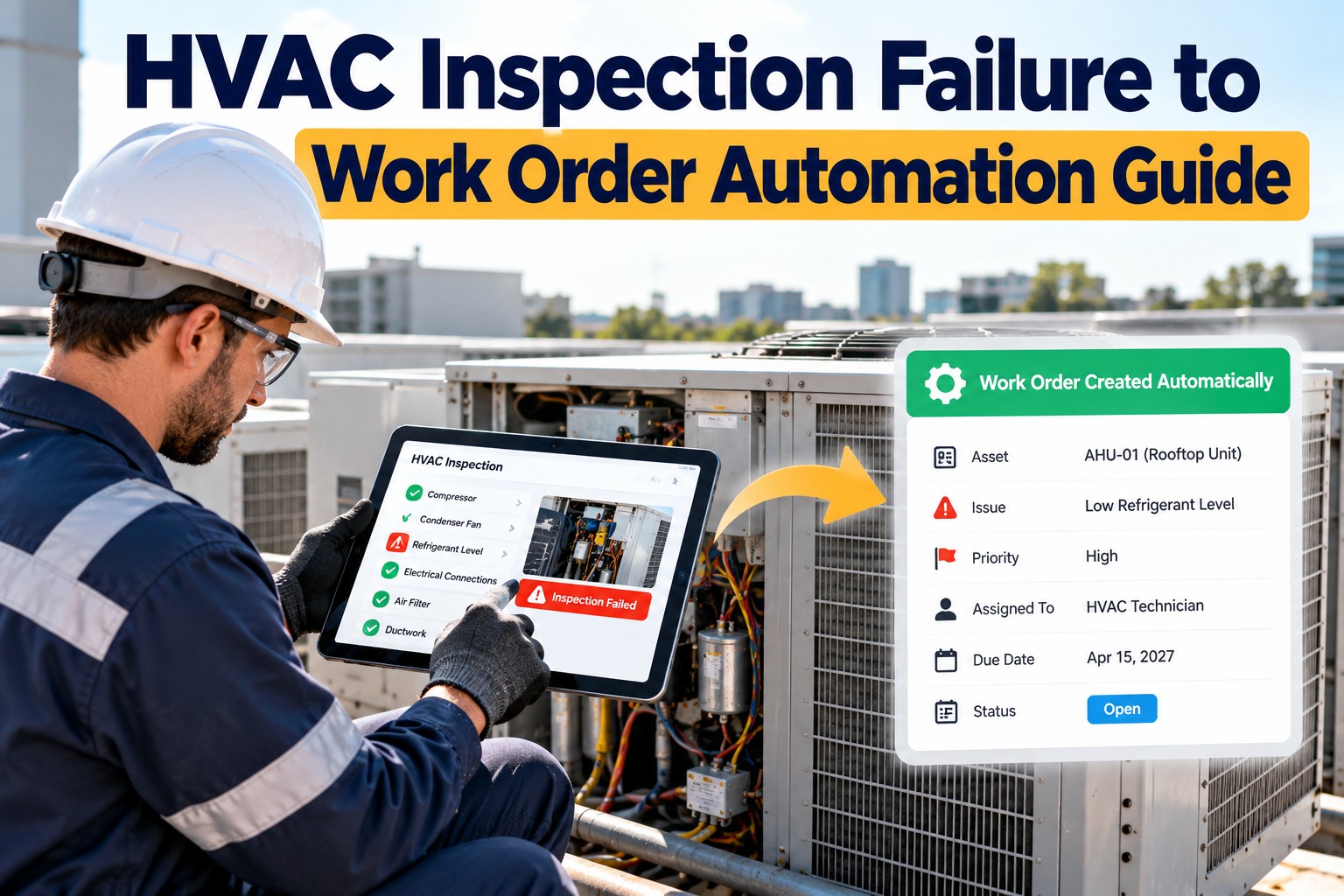
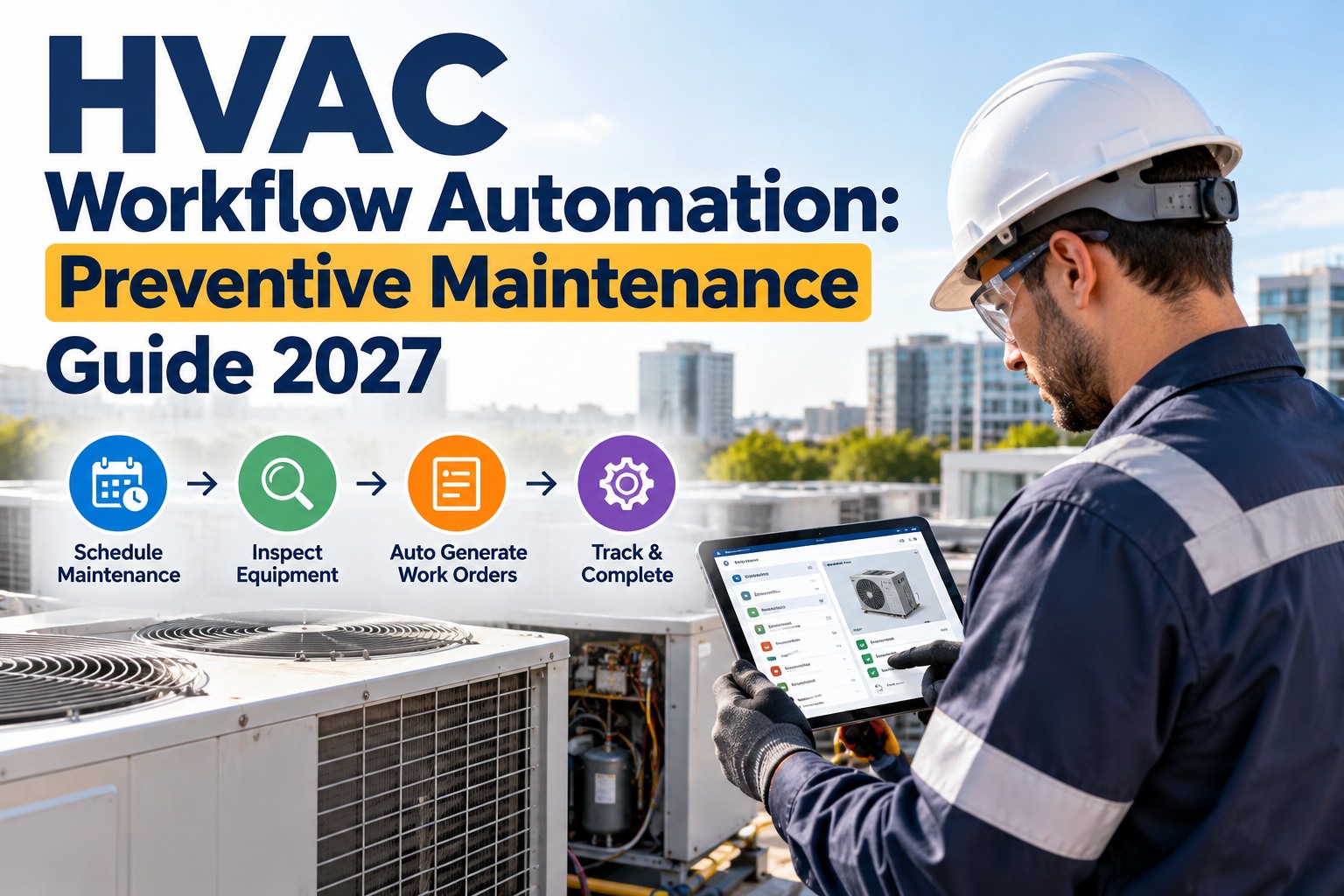
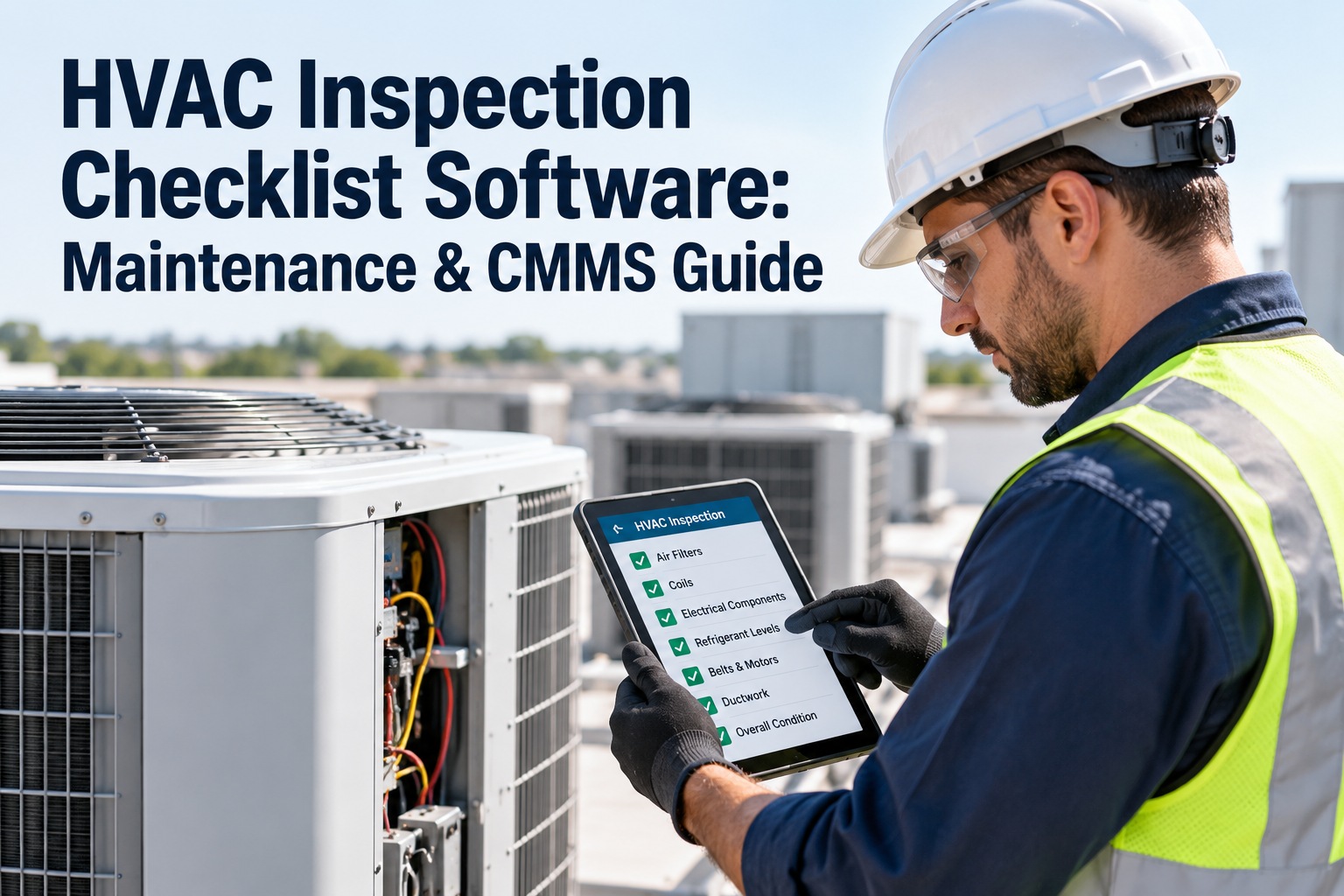
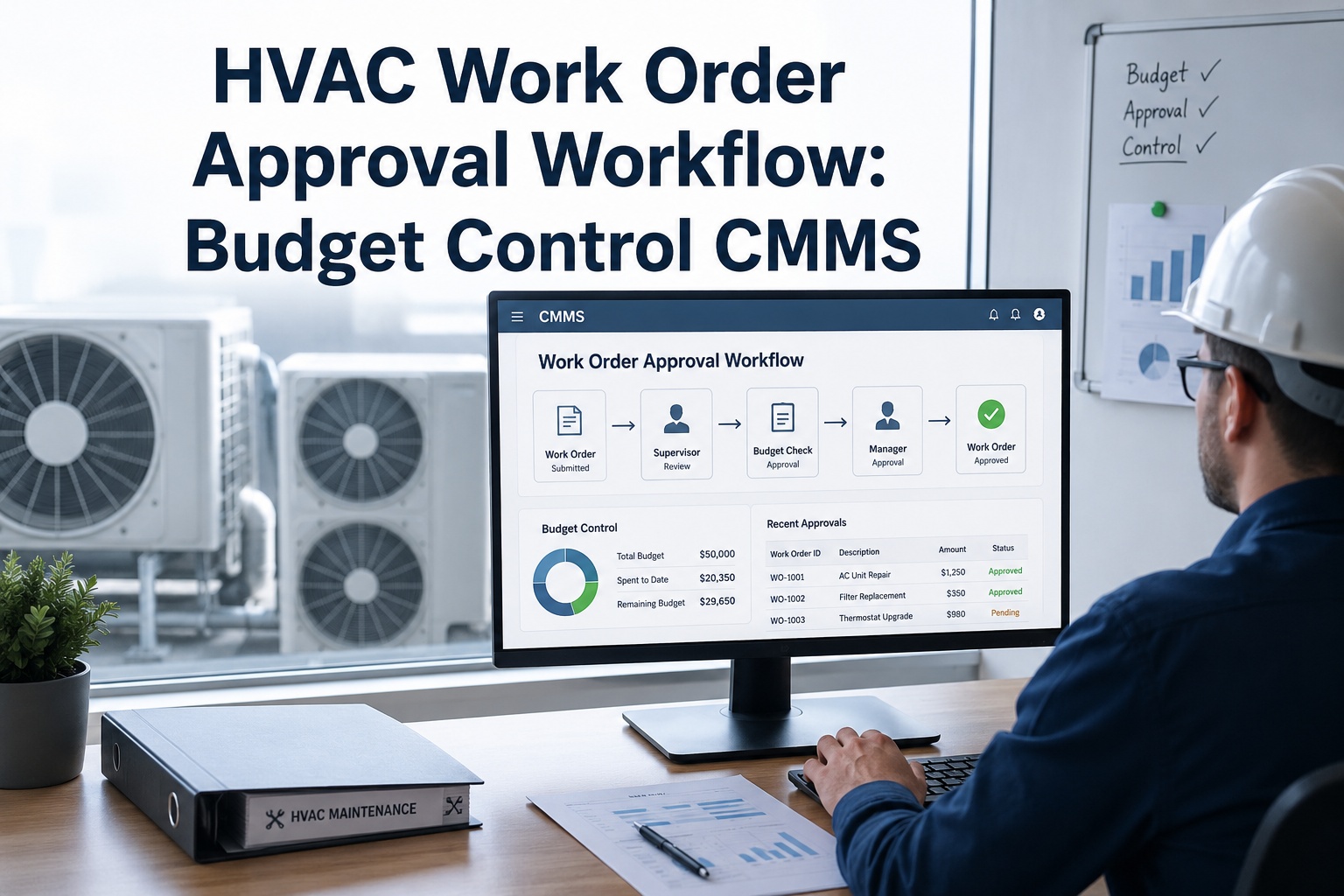
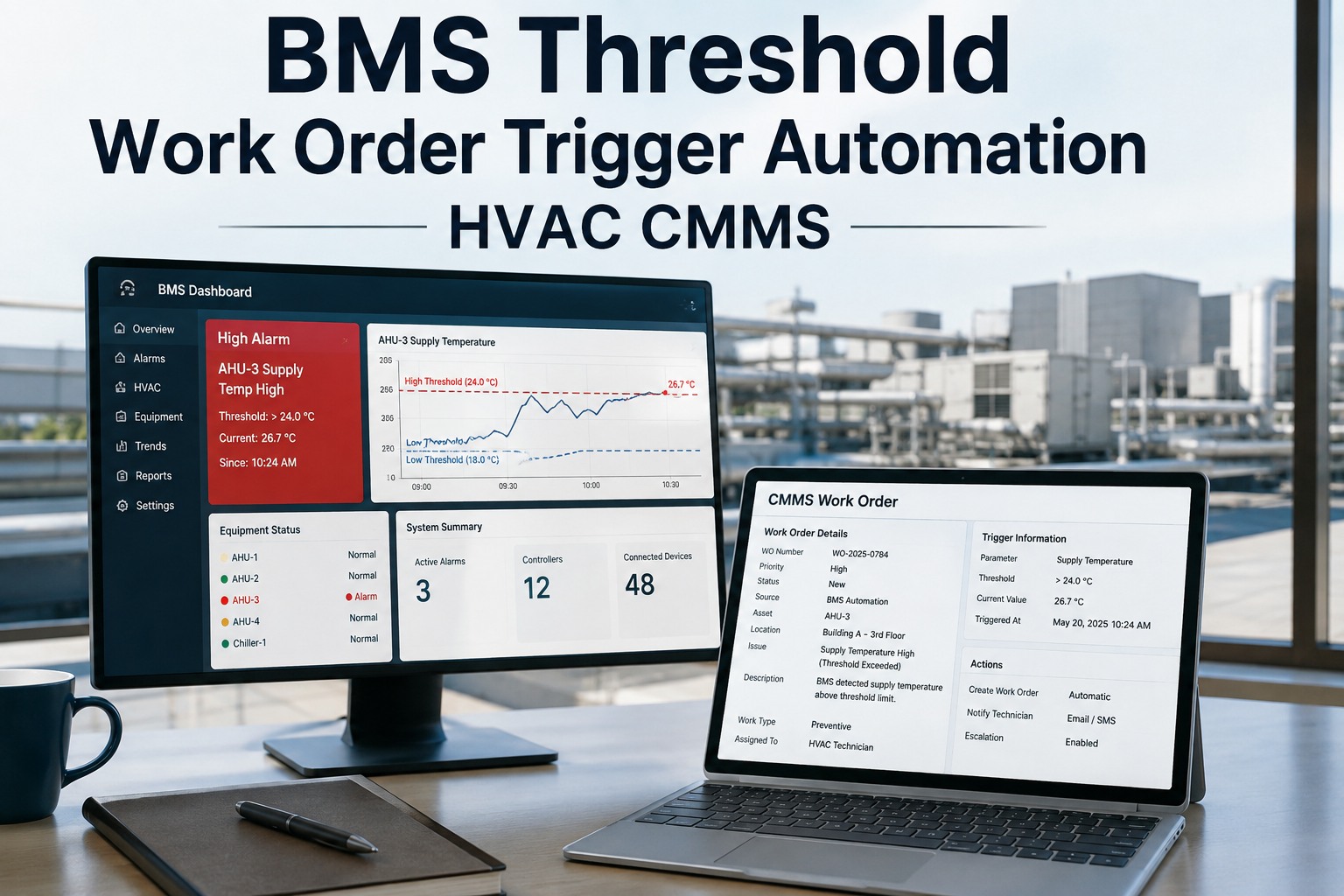
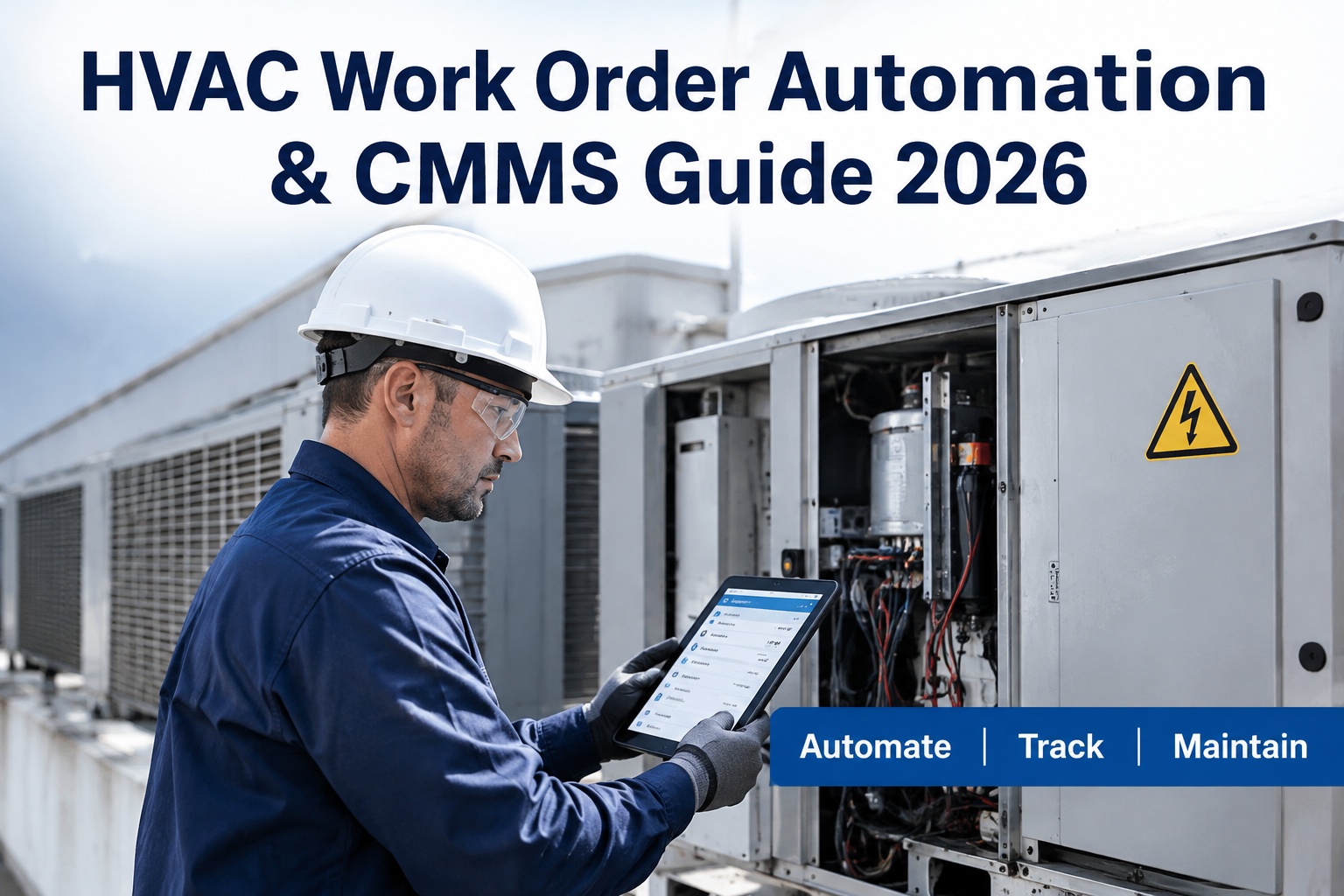
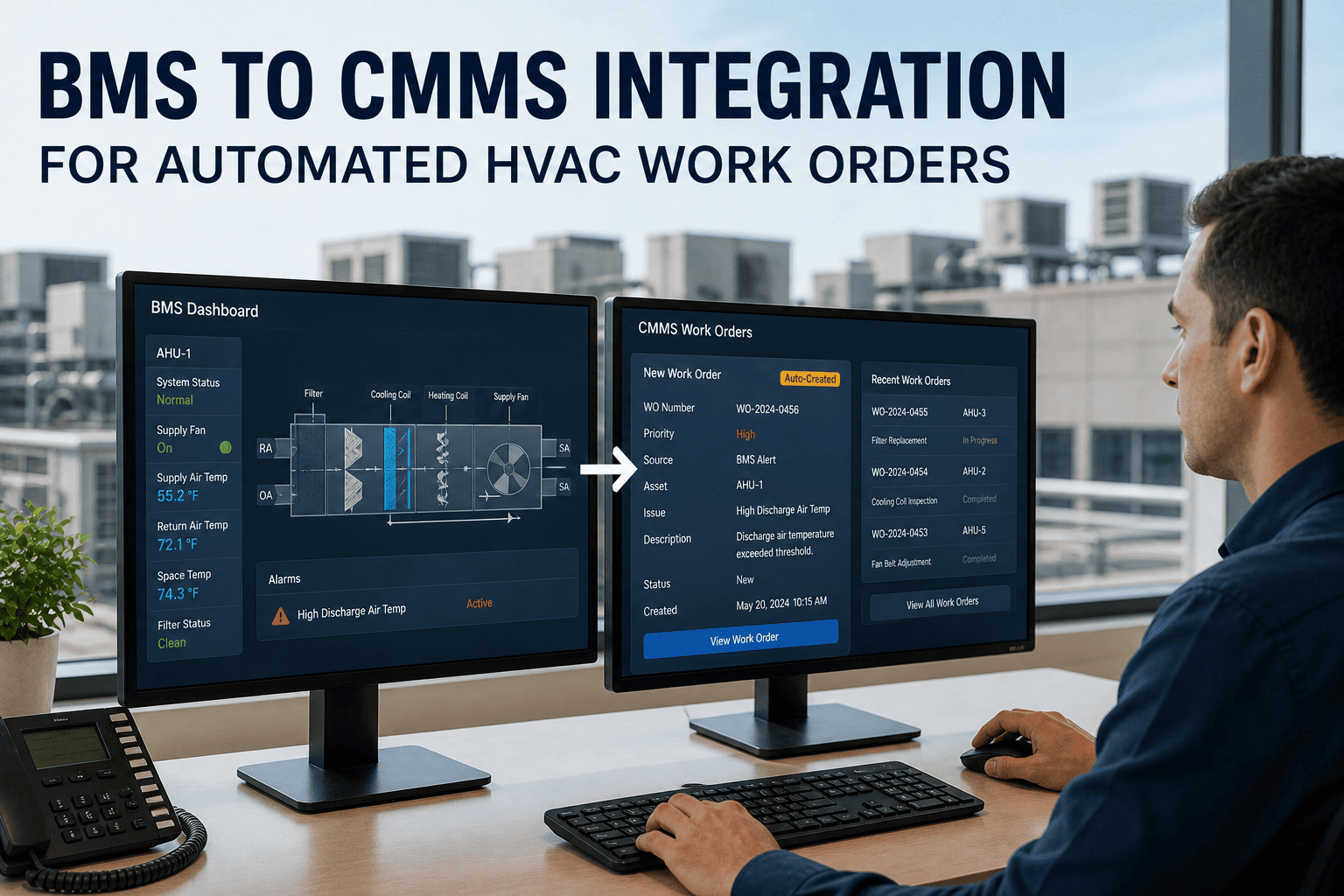
A technician marks a condensate drain "fail" on a rooftop unit and moves on. Whether that becomes a repair this week or a surprise next month depends on what happens in the next ten minutes: a message, a note, a phone call, or nothing. Automating the step from failed inspection item to work order removes the guesswork. OXMAINT AI is the AI-powered maintenance management software that turns each failed check into an assigned, tracked job.
Workflow Automation · HVAC Inspections · Work Orders
HVAC Inspection Failure to Work Order Automation Guide
The inspection finds the defect; the rules decide what happens next. Write those rules once, and every failed item is routed by severity, matched against open jobs, assigned and verified. OXMAINT AI, the AI-powered maintenance management software, runs the workflow so nothing waits on someone's memory.
ONE FAILED CHECK, ROUTED BY RULES (ILLUSTRATIVE)
INSPECTEDRTU-4 · Condensate drain · FAIL
Open job on this unit already?Yes: attach, don't duplicate
Safety or water damage risk?Yes: raise high priority
OtherwiseRoutine job, owner and due date
WORK ORDER ISSUED · ASSIGNED · TRACKED TO CLOSURE
3 checks
before a job is raised: is it new, how severe, who owns it
6 fields
can fill themselves: deficiency, location, photos, code, deadline, fix
4 levels
of priority, from immediate to routine, in one university example
1 loop
finding, job, repair, re-inspection, record
Where Failed Checks Leak Out
Most HVAC inspection programs fail after the inspection, not during it. A defect is found but not logged, logged but not assigned, assigned but not finished, or finished but never checked. Automation closes each of those gaps. Start free and see where your failed checks go today.
LEAK 1
Not logged
The note lives on paper or in a text.
→
LEAK 2
Not assigned
Everyone saw it, nobody owns it.
→
LEAK 3
Not finished
It sits behind louder jobs.
→
LEAK 4
Not verified
Nobody confirms it's really fixed.
The Six-Rule Rulebook
Good automation is a short list of plain rules, not a clever black box. Write these down with your team, then set them once in your system. Every rule is something a supervisor would do by hand if they had the time. Book a demo to set your rulebook in OXMAINT AI.
RULE 1
If an item is marked fail then raise a work order on that unit.
RULE 2
If the same defect already has an open job then attach the new finding to it.
RULE 3
If the failure is safety-critical then set top priority and notify the lead.
RULE 4
If a photo or reading is required then block the pass until it is attached.
RULE 5
If a job passes its due date then escalate to the supervisor.
RULE 6
If a job is closed then schedule a re-check of that item.
Map Severity to Priority and Response Time
Priority decides who moves first. As one example, a university facilities department sets four levels: emergency (immediate), urgent (within 48 hours), scheduled (within 5 days) and routine (within 10 days). Your times will differ, but writing them down is what lets a system assign due dates automatically. Start free and set your own response times.
P1 · EMERGENCY
Immediate
Threat to people, safety or serious equipment damage.
P2 · URGENT
Within 48 hours
Possible injury, damage or major disruption, including safety deficiencies.
P3 · SCHEDULED
Within 5 days
Date-sensitive work that needs planning or parts.
P4 · ROUTINE
Within 10 days
No threat to life, property or operations.
Times shown are one university's example, not a standard. Set yours with your own service agreements.
The Inspector Shouldn't Have to Remember to Report It.
OXMAINT AI raises the job the moment a check fails, with the context a technician needs to fix it.
What a Good Automatic Work Order Contains
A job is only as useful as its details. Automated generation should carry the finding straight through, so the technician arrives knowing what, where and why, with no phone call back to the inspector. Book a demo to see a generated work order.
AUTO-GENERATED WORK ORDER · REPRESENTATIVE EXAMPLE
DeficiencyCondensate drain blocked
LocationRoof, RTU-4
Photos2 attached from inspection
Code referenceYour PM or compliance item
DeadlineSet by priority rule
Recommended fixClear line, check trap and slope
Guardrails So Automation Doesn't Add Noise
The risk of automation is flooding the team. Keep these guardrails in place from day one. Start free and test the rules on one building first.
Match duplicates
One open job per defect and unit, with new findings added to it.
Group by trip
Bundle low-priority fails on one unit into a single visit.
Review high priority
Let a lead confirm top-priority jobs before they dispatch.
Close with proof
Require notes or a photo before a job can be closed.
Close the Loop With a Re-Check
A closed job is a claim, not proof. Schedule a quick re-inspection of the same item, and if it fails again treat it as a repeat problem and look for the root cause. That final step is what turns automation from faster paperwork into fewer breakdowns. Book a demo to build the closed loop.
1Inspect
→
2Fail
→
3Work order
→
4Repair
→
5Re-check
What OXMAINT AI Does in the Workflow
OXMAINT AI links the checklist, the asset and the work order. A failed item raises a job on the right unit, due dates follow your priority rules, and every action sits in the unit's history for the next audit or review. Start free and register your HVAC units.
CHECK
Digital checklists
Pass and fail results captured on site with photos.
ROUTE
Work orders by rule
Priority, owner and due date set from your rulebook.
PROVE
Unit history
Findings, repairs and re-checks stay on the asset.
EXPERT REVIEW · MAINTENANCE WORKFLOW LENS
Start with three rules, not thirty: fail raises a job, duplicates attach and safety-critical items escalate. Tune after a month of real results, and let supervisors override priorities when they know better. Automation should remove forgetting, not remove judgment.
Frequently Asked Questions
What is HVAC inspection to work order automation?
It is a workflow where a failed checklist item automatically generates a tracked repair job, instead of relying on someone to remember, call or type it in later. The job arrives on the right unit with the finding, photos and a due date already attached, so the technician knows what to fix and the manager can see it is moving.
Start free and set it up.
Should every failed item become a work order?
Mostly yes, because a failed item is a defect someone has decided is worth recording. The key is to match duplicates, so a repeat finding joins the open job, and to group minor items on the same unit into one visit. That keeps the team focused on repairs instead of drowning in near-identical tickets.
Book a demo to tune your rules.
How do I set work order priorities?
Define a small number of levels based on risk to people, equipment and operations, and give each level a response time. One university uses four: emergency, urgent, scheduled and routine. Once those definitions are written down, a system can set due dates and escalate overdue jobs on its own.
Start free and define yours.
How do I know the repair worked?
A closed work order is only a claim until someone checks. Schedule a quick re-inspection of the same item after closure, and if it fails again, treat it as a repeat problem and look for the root cause rather than repeating the same repair. Over time, the re-check results show which fixes actually last.
Book a demo to see re-checks.
Do I need a CMMS to automate this?
A CMMS makes it practical, because the checklist, the asset record, the work order and the history all live in one place and can trigger each other. Spreadsheets and email can start the process for a handful of units, but the links between them break as soon as the fleet or the team grows.
Start free with a few units.
Find It Once. Fix It. Prove It Stayed Fixed.
Let OXMAINT AI turn every failed HVAC inspection item into a prioritized, assigned and verified work order, so defects stop slipping between the inspection and the repair.