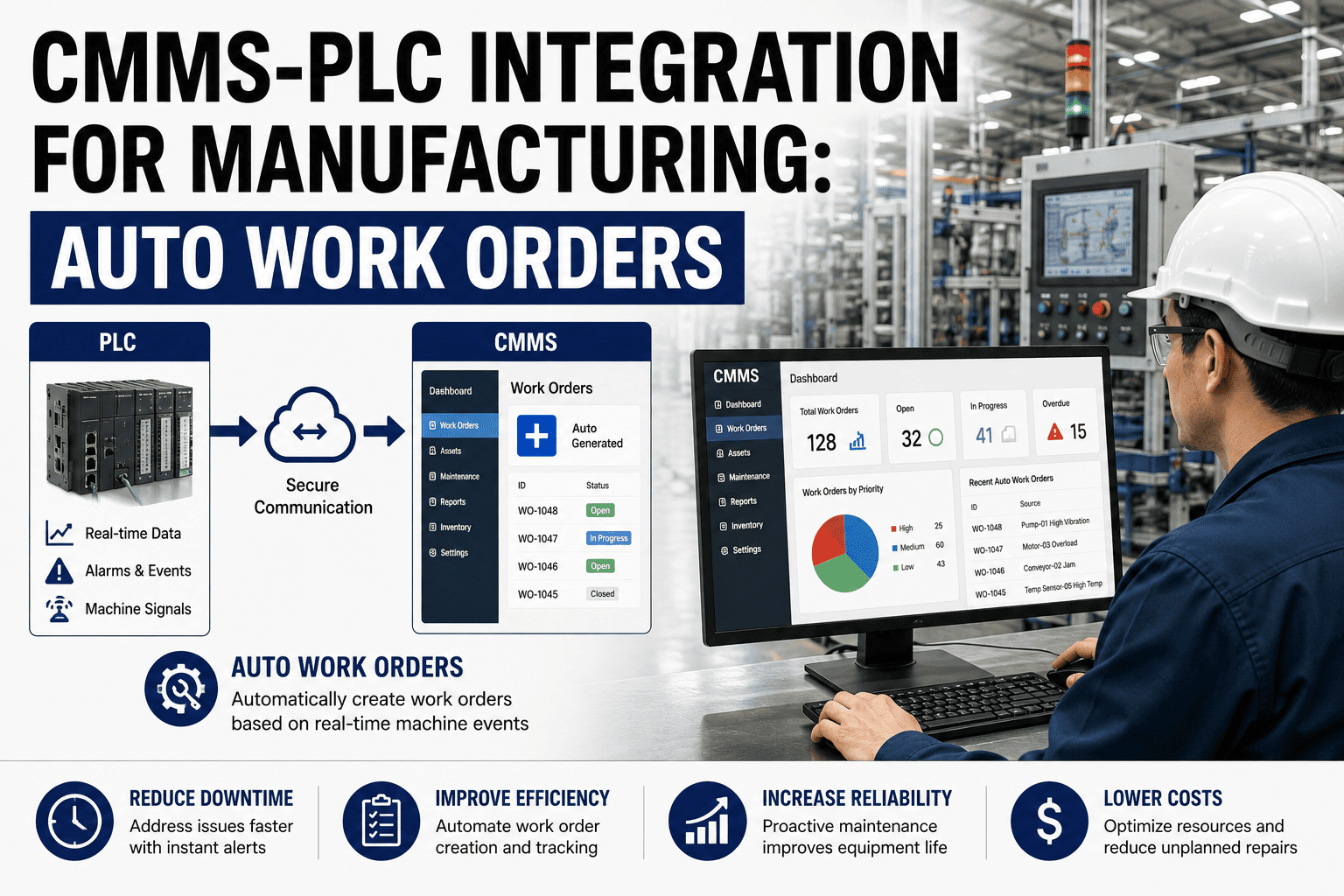
A work order is where a plant's maintenance either gets organised or gets lost. In Oxmaint each job carries its asset, the type of work, the priority, who it is assigned to, the parts it needs and the labor, parts and other costs booked against it. It moves from Open to Closed, and every move asks for what that stage needs. The same job shows on the Kanban board, the calendar, My Tasks and Parts Readiness, so everyone reads one record. Sign up to try the micro app with 140 sample work orders ready to open.
Work Order Management Software for Plants
Raise, assign, cost and close every job in one record, from the first report to the supervisor's check. Sign up and open the sample register.
The Sample Plant's Work Order Register
Sample plant records from the Oxmaint portal, captured 26 Nov 2026. High priority counts critical and high jobs together. Your numbers will differ.
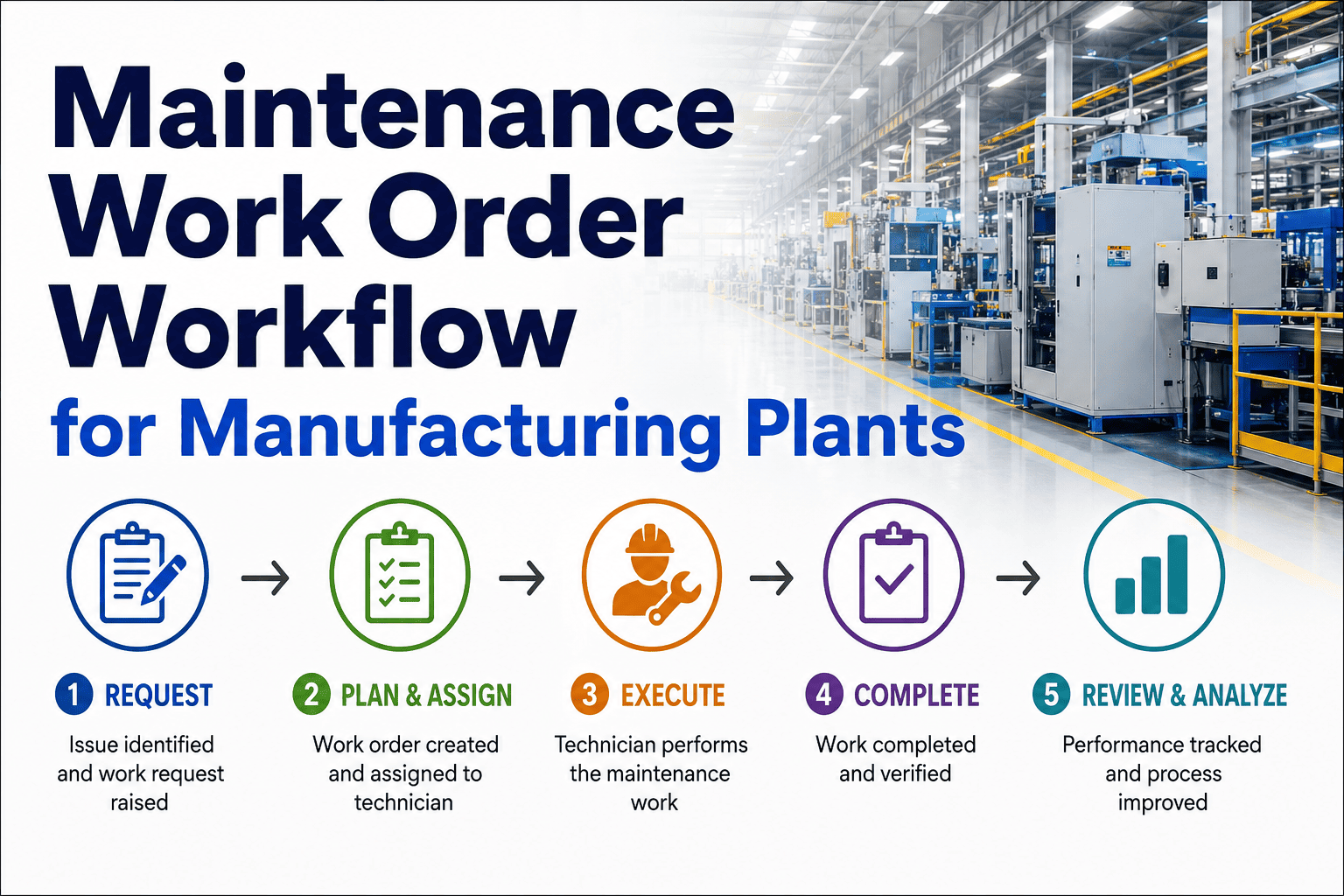
One Lifecycle, Seven Stages
A job only moves forward with the information the next stage needs. The board, the job page, the list actions and the records behind them all apply the same rules.
The job exists, against an asset, with a type and a priority. It may have come from a request, a PM schedule, a failed check or someone at a desk.
Who is doing it is required. Instructions can be added, and the due date is filled in from the priority: 1 day for critical, 3 for high, 7 for medium, 14 for low.
The start time is set by the server. If the job or its asset has a permit, a lockout or a safety checklist, the technician confirms the safety steps are done.
A reason is required: parts, a production stop window, another trade, approval, or your own words. An expected date and the awaited part or order can be added.
A summary of the work done is required. Time, downtime, parts used, the cause, photos and whether a follow-up job is needed are captured here.
An optional check note and who checked it, so a supervisor can sign the job off.
Only with a reason, so nothing disappears quietly.

Inside One Job
This is a real job from the sample plant. The service light came on at 9 hours past the 2,000-hour mark, so the job was raised as preventive and given high priority. Sign up to open WO-2601.
Sample plant records, captured 26 Nov 2026. Tabs on the job: Overview, Asset Info, Tasks, Comments, Attachments, Time, Materials, Costs, Children and History.
Open a Job and Move It Along
Assign it, start it, put it on hold and see what the portal asks at each step. Sign up to the micro app and try it on the sample plant.
What a Job Costs, in Three Lines
| Cost line | Where it comes from | Example of use |
|---|---|---|
| Labor | Hours booked by in-house technicians and contractors, at their rate or the company's default labor rate | Comparing estimate with actual on a repeat job |
| Parts | Parts issued to the job from stock | Seeing which machine eats the most spares |
| Other | Outside costs such as a service visit or hire | Keeping outside costs on the job they belong to |
Money is shown by role. A technician sees the job; managers see the costs and the totals across the register.
Why It Broke, Recorded the Same Way Every Time
When a job is completed, the cause is picked from a fixed list. That keeps the reliability reports readable months later, instead of a hundred different spellings of the same failure.
The everyday causes on rotating and moving equipment.
Failures in the services that drive the machine.
Causes that point to training or engineering, not spares.
Because sometimes the machine was fine, and that is worth knowing too.

Paper When You Need It
Any job downloads as a PDF job sheet, and the register exports to CSV or PDF. A Quick WO button raises a simple job in seconds when a full form would slow things down. Sign up to download a sample job sheet.
Make the completion summary the habit you protect. A job closed with a clear line of what was done, the cause from the list and the parts used is what makes MTBF, repeat-failure and cost reports trustworthy later. Use On Hold honestly, with a real reason and date, so the backlog tells the truth. Editorial guidance, not a quote from a named person.
Frequently Asked Questions
Every Job, From First Report to Final Check
One record per job, the same rules on every screen, and the cost booked where it belongs. Sign up and open the sample register.