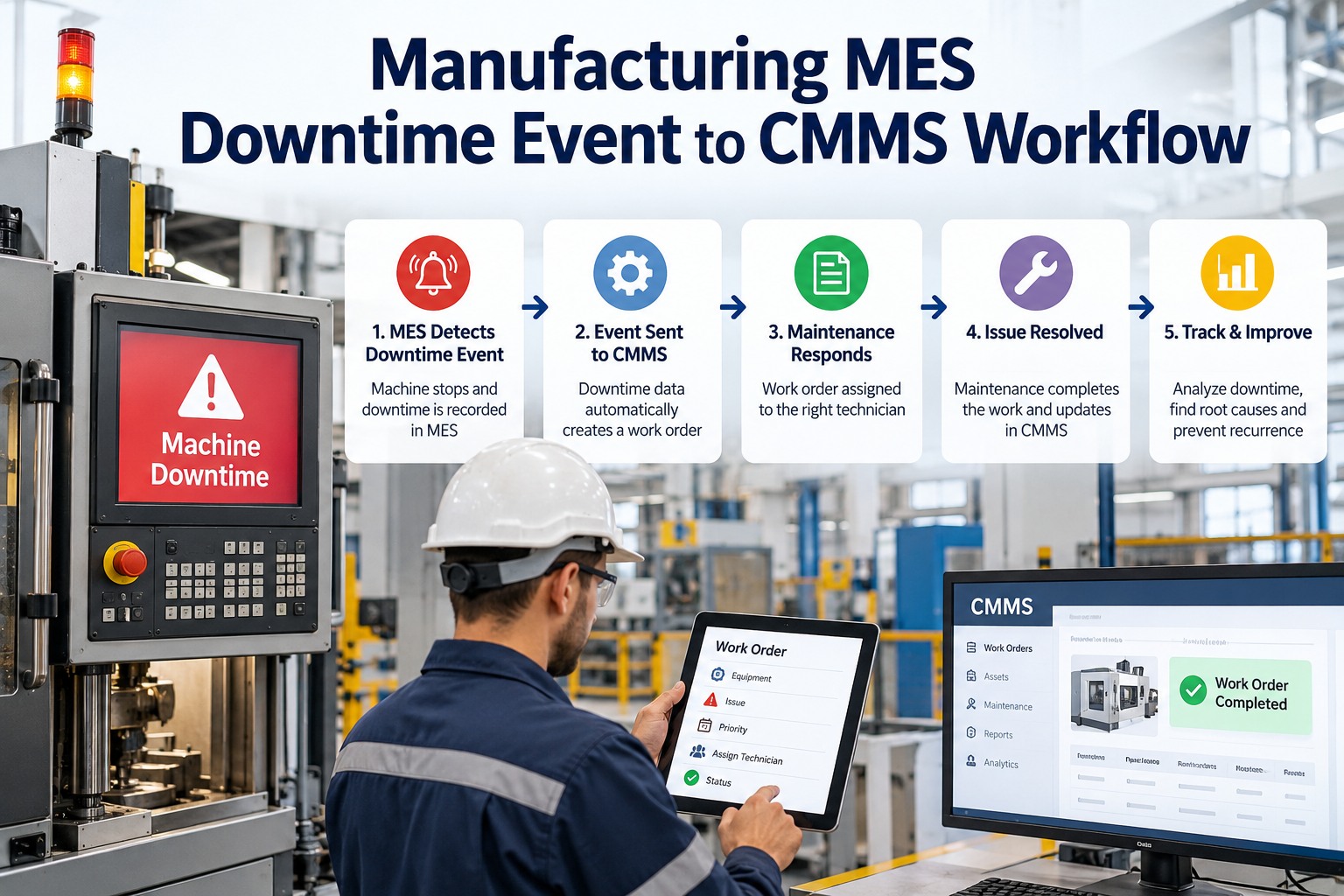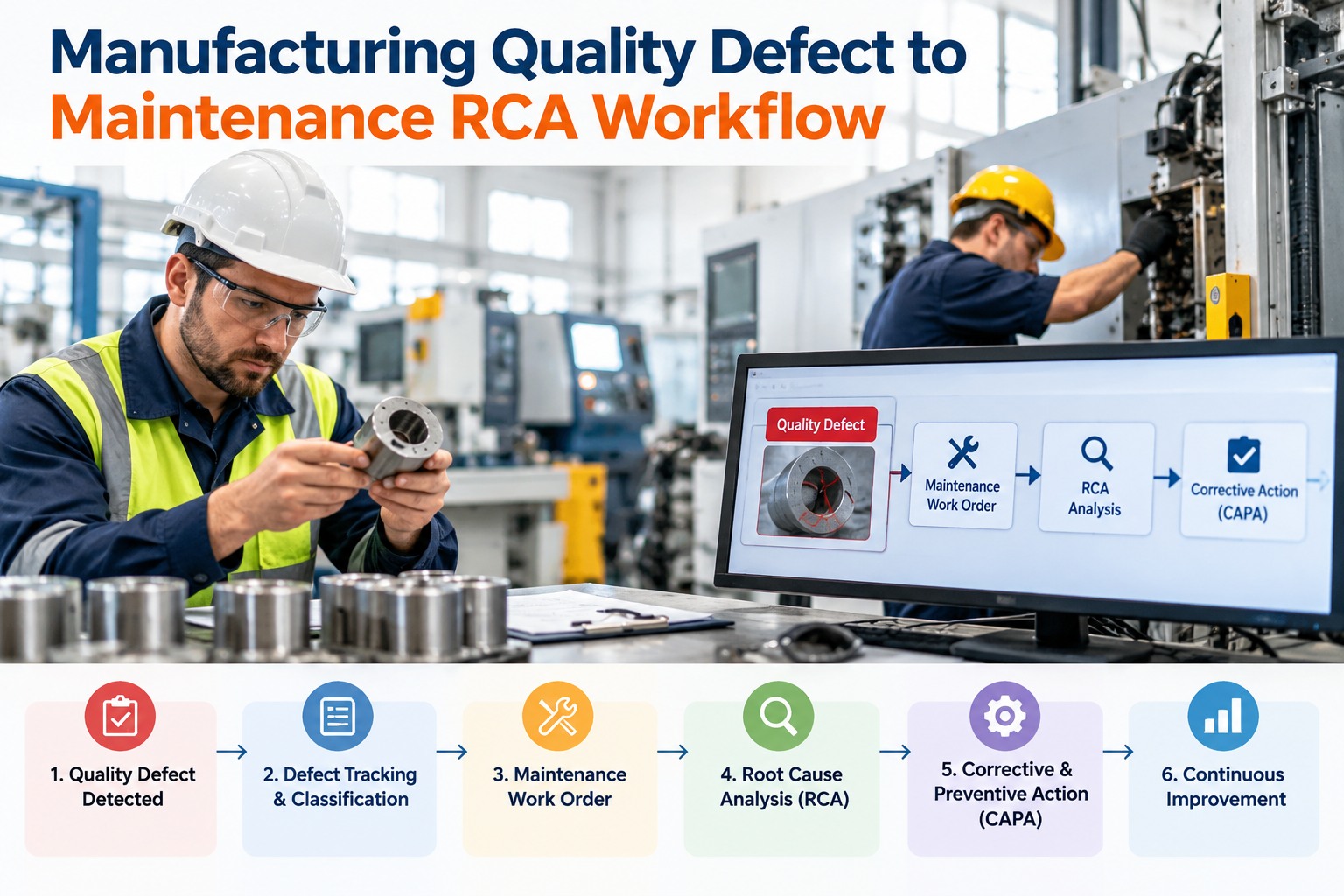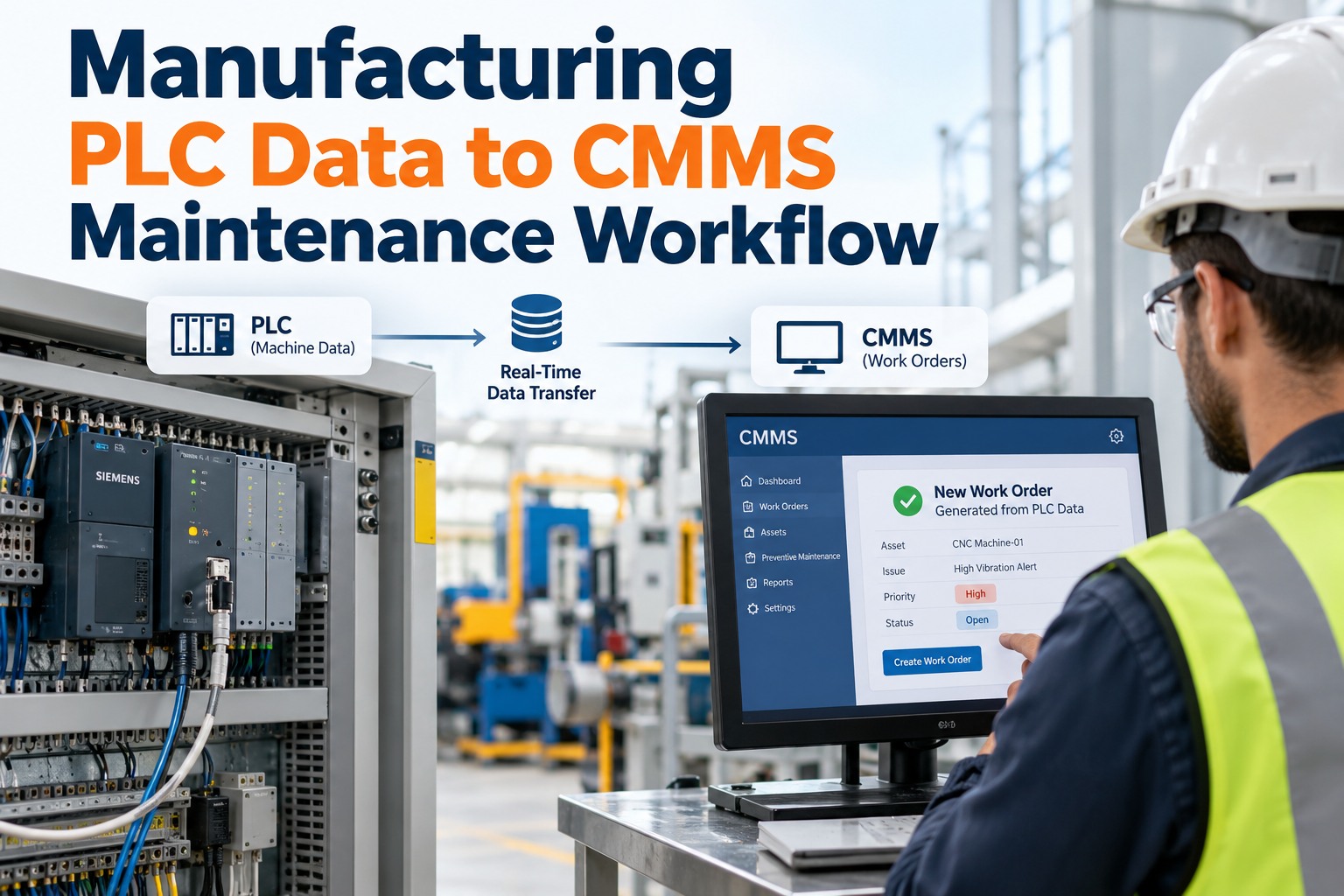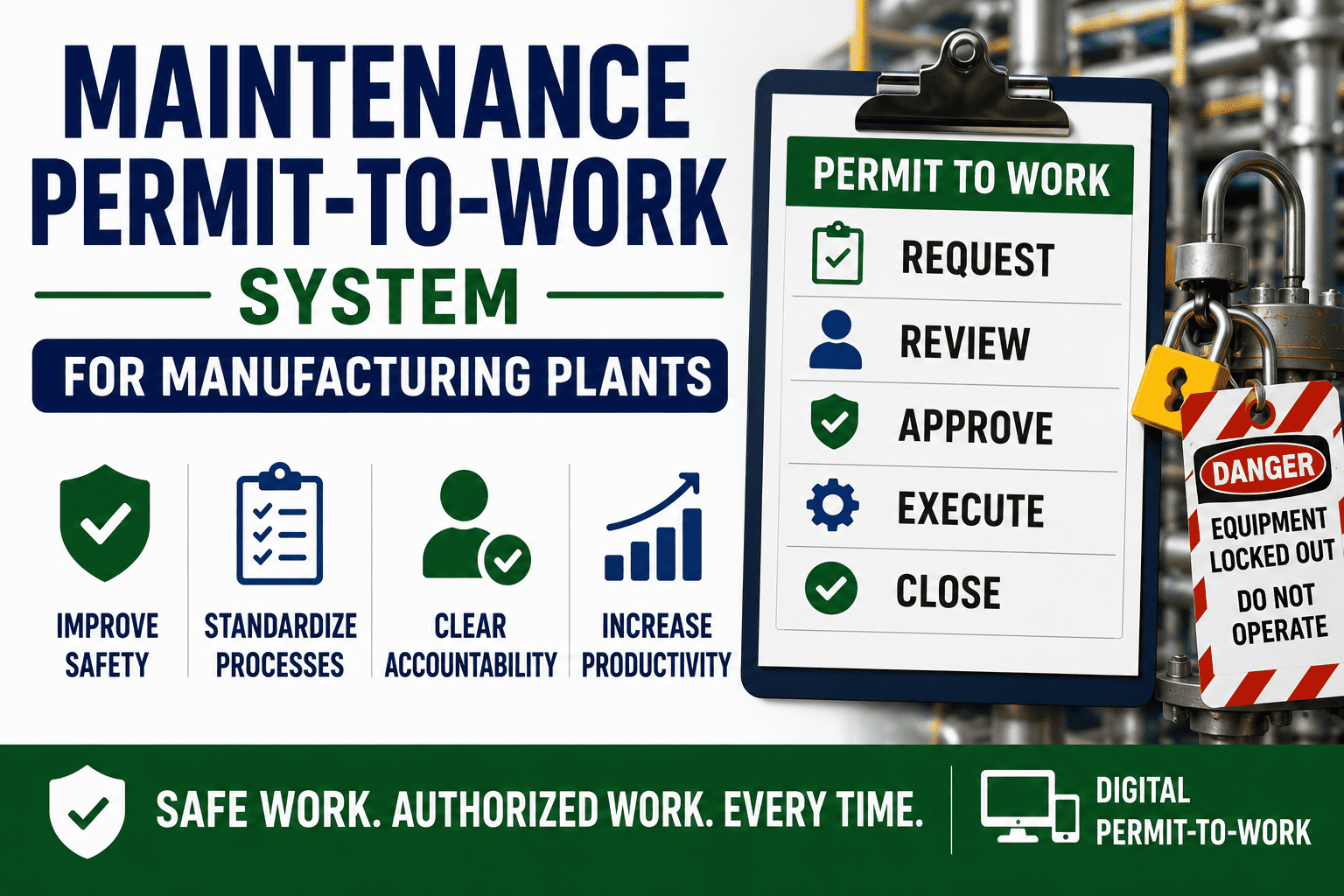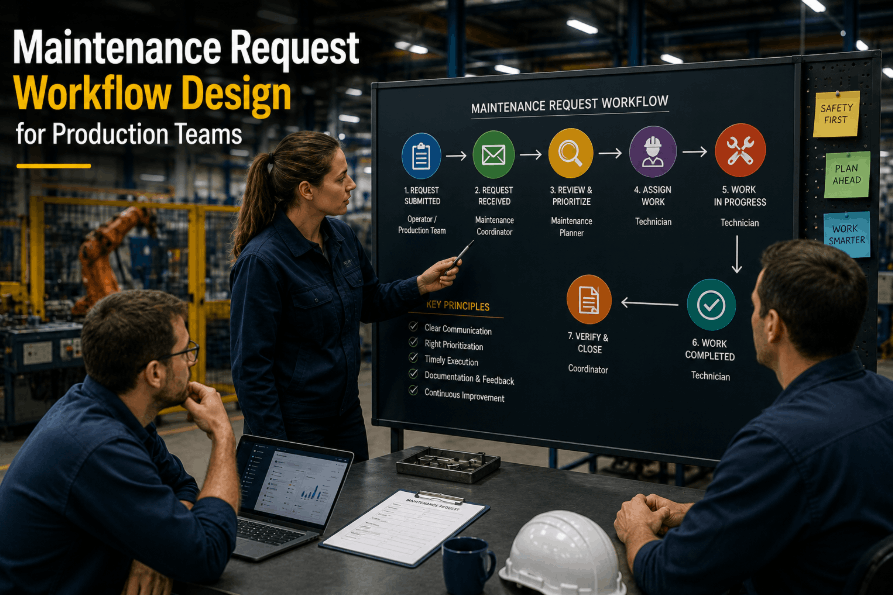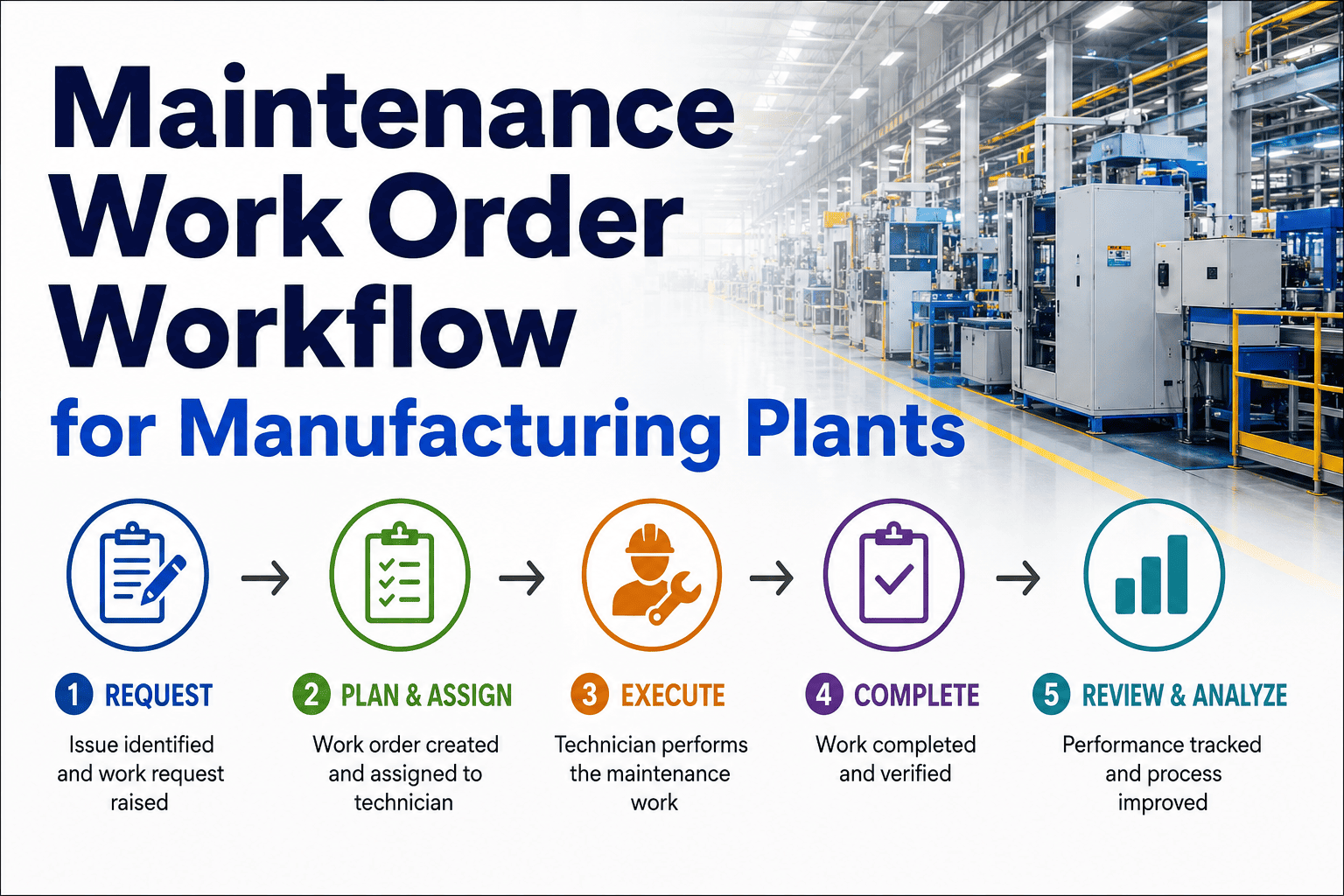
A weak work order workflow is one of the fastest ways for a manufacturing plant to lose control of maintenance operations — requests get lost, priorities get confused, and technicians arrive at jobs without the parts or information they need. Designing an effective maintenance work order workflow means mapping every stage from request to completion, coding priority correctly, routing across crafts, and staging parts before the job starts. Sign Up Free and run your entire work order workflow inside Oxmaint AI.
From Request to Completion, Fully Connected
Oxmaint AI automates work order creation, prioritization, technician assignment, and parts staging in one workflow.
What Is a Maintenance Work Order Workflow?
A maintenance work order workflow is the defined path a job takes from the moment it's requested to the moment it's closed — request intake, priority coding, approval, scheduling, technician assignment, parts staging, execution, and documentation. A clear workflow removes ambiguity about who owns each stage and prevents jobs from stalling in an undefined middle ground. Book a Demo to see how Oxmaint AI automates every stage of this workflow.
Why Work Order Workflow Design Matters
Faster Response Times
A clear intake and routing process gets urgent requests to the right technician without delay.
Accurate Prioritization
Consistent priority coding prevents low-impact requests from displacing safety-critical work.
Fewer Repeat Trips
Parts staging before scheduling means technicians complete jobs in a single visit more often.
Multi-Craft Coordination
Defined routing rules ensure jobs needing electrical, mechanical, or instrumentation skills reach the right crew.
Complete Cost Traceability
Labor, parts, and downtime linked to each work order give accurate cost data for every job.
Stronger Compliance Trail
A documented workflow provides the auditable history regulators expect for safety-related work.
Work Order Priority Coding Framework
Priority coding is the backbone of a functioning workflow — it determines what gets scheduled first. Sign Up Free to apply this priority framework automatically to every incoming request.
| Priority Level | Definition | Response Target | Example |
|---|---|---|---|
| Emergency | Immediate safety risk or full production stoppage | Respond within minutes | Line-stopping equipment failure |
| Urgent | Significant production or safety impact, not yet stopped | Same shift | Abnormal vibration on a critical motor |
| High | Notable impact if deferred beyond a few days | Within 48–72 hours | Leaking hydraulic line on a backup unit |
| Routine | Standard corrective or preventive work | Within the current schedule cycle | Scheduled PM lubrication task |
| Low | Cosmetic or non-critical requests | Next available capacity window | Painting or minor facility touch-up |
The 8 Stages of a Manufacturing Work Order Workflow
These stages reflect how high-performing manufacturing plants structure their work order lifecycle. Book a Demo to see each stage automated inside Oxmaint AI.
Request Intake
Requests enter through a QR scan, mobile app, or AI vision detection — capturing asset, location, and issue description at the source.
Triage and Priority Coding
Each request is scored against the priority framework so emergency and urgent jobs surface immediately.
Approval
Non-routine or high-cost work orders route through supervisor approval before entering the schedule.
Parts Staging
Storeroom confirms and reserves required parts before the job is committed to a technician's schedule.
Craft and Technician Assignment
Jobs route to the correct craft — electrical, mechanical, instrumentation — and the nearest certified technician.
Scheduling
The work order is placed into the weekly schedule against real available technician capacity.
Execution and Documentation
Technicians complete the job, logging labor, parts used, photos, and notes directly from the mobile app.
Closure and Review
Completed work orders close with full cost and history attached, feeding KPI dashboards automatically.
How AI Automates the Work Order Workflow
AI cameras detect cracks, leaks, and PPE violations and generate prioritized work orders automatically.
Jobs are auto-assigned to the nearest certified technician based on craft, location, and availability.
Required parts reserve automatically from inventory the moment a work order is created.
Supervisors see live status updates as technicians progress through each job on their mobile device.
Supervisors can create and assign work orders through natural-language chat instead of navigating menus.
Work orders sync bidirectionally with SAP PM, so cost and labor data flow into financial systems automatically.
Common Work Order Workflow Mistakes
These recurring gaps quietly erode workflow performance in many plants. Book a Demo to see how automation closes each of these gaps.
Without consistent priority coding, urgency is decided ad hoc, and critical jobs can get buried behind convenient ones.
Jobs scheduled without confirmed parts availability routinely return to the queue, wasting technician time.
Manual intake channels lose requests and create delays that a mobile or QR-based system eliminates.
Work orders closed without labor, parts, and notes recorded leave gaps in KPI and cost reporting.
Work Order Workflow Best Practices
Standardize Priority Definitions
Publish and train every requester and technician on the same priority coding framework.
Enable Mobile and QR Intake
Let anyone scan an asset QR code to log a request instantly, capturing accurate asset and location data.
Confirm Parts Before Scheduling
Build a parts-staging checkpoint into the workflow before any job enters the weekly schedule.
Route by Craft and Skill
Match work orders to technician certifications and skill sets rather than general availability alone.
Require Closure Documentation
Make labor hours, parts used, and completion notes mandatory fields before a work order can close.
Review Workflow Metrics Weekly
Track schedule compliance and response times weekly to catch workflow bottlenecks early.
Automate Your Work Order Workflow End to End
Request intake, priority coding, parts staging, and technician routing — all automated in Oxmaint AI.
Frequently Asked Questions
Request intake, triage, approval, parts staging, technician assignment, scheduling, execution, and closure make up the core stages.
Use a defined framework — emergency, urgent, high, routine, low — based on safety and production impact rather than request order.
Yes — a CMMS can route jobs automatically by craft, certification, and technician location. Sign Up Free to set this up for your team.
This usually means parts availability isn't confirmed before scheduling — adding a parts-staging checkpoint resolves it.
Track schedule compliance, response time by priority, and closure documentation completeness on a weekly dashboard. Book a Demo to see this reporting live.
Ready to Fix Your Work Order Workflow?
Start free with Oxmaint AI and connect request intake, scheduling, and execution in one workflow.