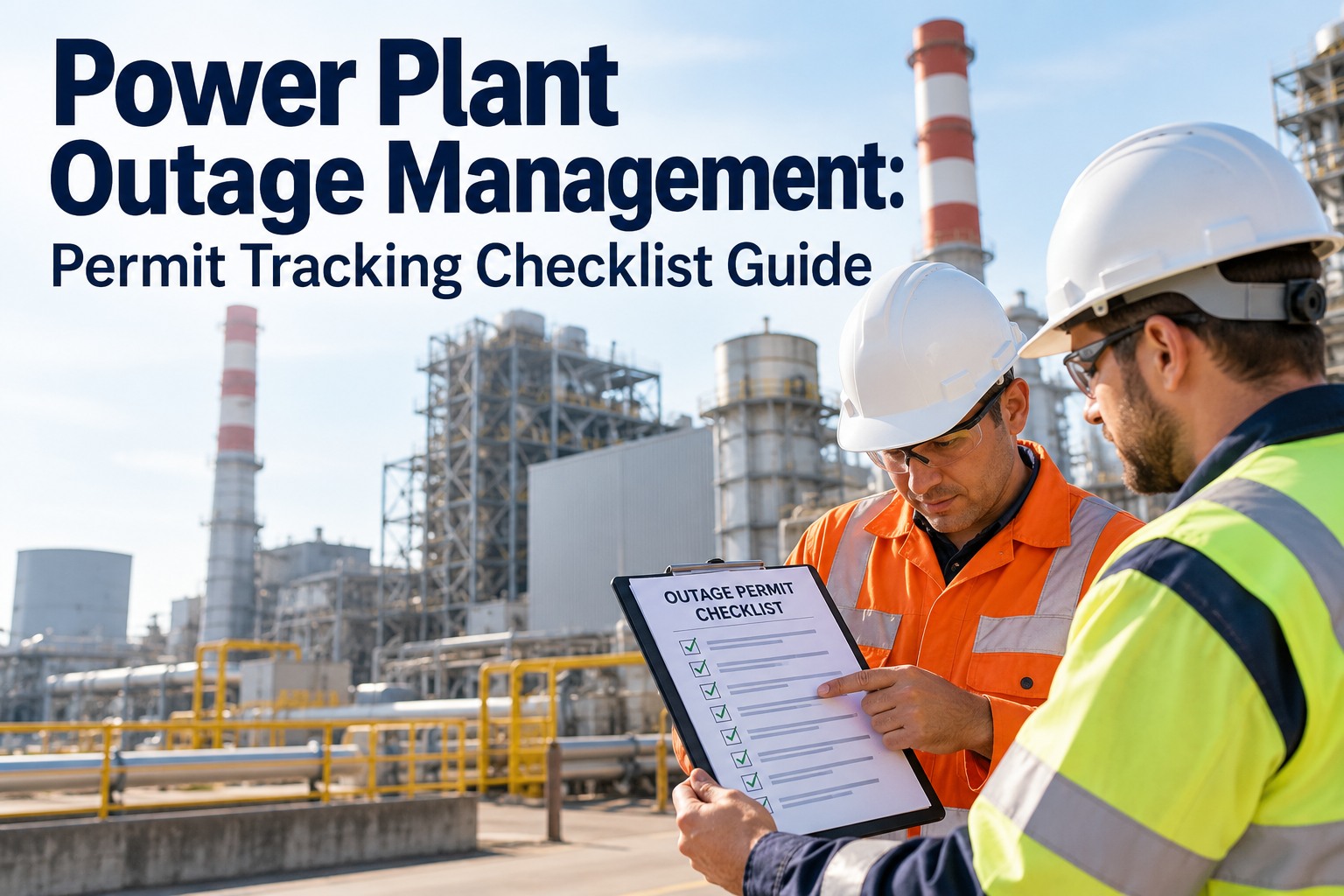
Power Plant Outage Management: Permit Tracking Checklist Guide
By Willam Jerry on October 13, 2026
A planned power plant outage lives or dies on one piece of paper — the permit. When permit tracking runs on clipboards and spreadsheets, isolations get missed and a 12-day outage silently stretches to 15. OXMAINT AI is the AI-powered CMMS and maintenance management software built to run that register for power plants — every permit, every isolation, every approval on one live board, so your next turnaround finishes on schedule, not on explanations.
POWER PLANT OUTAGE · PERMIT TRACKING · 2026 CHECKLIST
Power Plant Outage Management: The Permit Tracking Checklist
A missed isolation. A permit signed by the wrong supervisor. A hot-work ticket cleared before fire-watch finished. Every planned outage overrun traces back to a permit that was late, lost or wrong. The OXMAINT AI maintenance management software runs the full permit lifecycle — request, review, isolation, issue, close — so every permit has an owner, a status and a timestamp from the pre-outage freeze through the final clearance.
of planned outage delays trace back to permit, isolation or scope-change issues — not the mechanical work itself
12-18 mo
pre-outage planning horizon for a major turbine or boiler overhaul before scope freeze
1
missed isolation or expired permit is enough to stop work on an entire outage front
100%
of hot work, confined space and energized electrical tasks require a documented permit under OSHA/NFPA
The Permit-to-Work Lifecycle, End to End
A permit is not a form — it is a chain of control that keeps work and energy apart. Every stage transfers responsibility to the next named person, and every stage must be recorded. The OXMAINT AI maintenance management software runs the whole chain as six auditable states on one register, so your outage supervisor can see at any moment where every task actually sits — schedule a walkthrough of the live permit lifecycle in OXMAINT AI.
01
Request Raised
A work order needs a permit. The applicant files it against the asset, scope and planned duration — and the OXMAINT AI software auto-attaches the asset drawings, prior permits on that equipment and its known hazards.
↓
02
Hazard Review & Approvals
Operations, maintenance, safety and (for live electrical, NFPA 70E) the authorized qualified person sign the hazard assessment. The OXMAINT AI software blocks the next stage automatically until every required signature lands.
↓
03
Isolation Executed
Energy sources are isolated per the LOTO plan (OSHA 1910.147). Each isolation point gets a tag, a lock and a verified zero-energy check — OXMAINT AI holds the plan per asset and refuses to issue the permit until every point is confirmed.
↓
04
Permit Issued to Crew
The issuing authority hands the permit to the performing crew with a defined validity window, scope boundary and required precautions. OXMAINT AI makes it live and timestamped on the shared board the moment it's issued.
↓
05
Work Executed Under Permit
Crew works inside the scope and time window. Any scope change, extension or additional hazard triggers a reissue in OXMAINT AI — never a quiet edit on a paper copy.
↓
06
Clearance & Close-Out
Crew hands back the permit. Isolations are reversed in order, locks removed by the named owner only, the asset returned to service — and OXMAINT AI retains the full timestamped record for audit.
Six Permit Types That Need Separate Tracking
A single outage typically runs several hundred permits across six families — and each family has its own hazard set, its own approver and its own compliance reference. Mixing them on one generic form is how expired hot-work permits sit on scaffolds past dark. The OXMAINT AI software gives each permit type its own form, fields and routing — so every request lands with the right approver automatically — start free and set up your typed permit register in OXMAINT AI.
HOT WORK
Welding, cutting, grinding, torch work on or near combustibles. Fire watch and post-work monitoring required (NFPA 51B).
Issuing authority + fire watch sign-on
CONFINED SPACE
Entry to boilers, condensers, tanks, flues, bunkers. Atmosphere testing, attendant and rescue plan mandatory (OSHA 1910.146).
Entry supervisor + attendant signoff
LOCKOUT / TAGOUT
Energy isolation on mechanical, electrical, hydraulic, pneumatic, chemical and thermal sources (OSHA 1910.147).
Authorized employee locks per source
HOT TAP / LINE BREAK
Opening pressurized or process lines (steam, fuel, demineralized water, chemicals). Depressurize, drain, flush, verify.
Ops approval + process engineer
ENERGIZED ELECTRICAL
Live work above 50 V under NFPA 70E: energized work permit, arc-flash PPE category, qualified person, boundary control.
Authorized qualified person + manager
WORKING AT HEIGHT
Scaffold, rope access, boom lift on boilers, stacks, cooling-tower cells. Fall arrest, rescue plan, surface weather limits.
Scaffold tag inspector + supervisor
The Pre-Outage Readiness Checklist
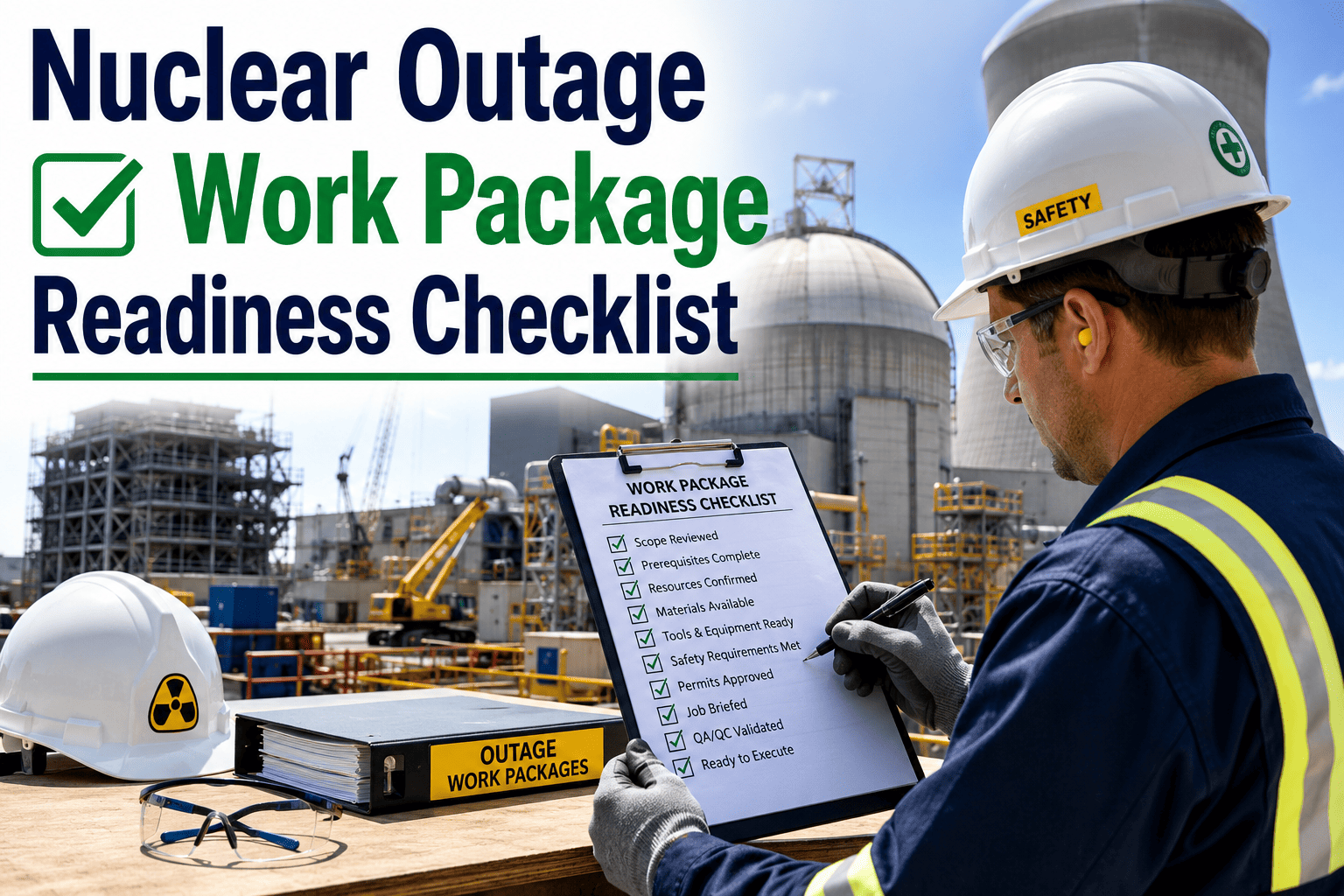
Everything that goes wrong on day three of an outage was decided — or not decided — six weeks earlier. Scope must freeze. Materials must land. Isolations must be modelled before the first lock turns. Walk this checklist in OXMAINT AI 30-45 days before the outage window and resolve every unchecked item before the unit comes offline — the software holds each item against the scope list, the asset and the owner, so nothing slips between planning and execution.
BLOCK A · Scope & Work Package Freeze
BLOCK B · Permit & Isolation Pre-Build
BLOCK C · Readiness, Materials & Compliance
A Permit on a Clipboard Is a Permit You Cannot Find at 2 AM.
Paper permits scale badly — and an outage is where they fail first. The OXMAINT AI maintenance management software is purpose-built to run every permit, isolation, lock and signoff on one live register your supervisor can pull up from a phone on the deck — so the status of 300 open permits is one glance, not one clipboard-hunt per shift.
The outage control room needs one view that says, at any moment, how many permits are open, how many are blocked, which ones are about to expire, and whether any crew is working outside a cleared window. The OXMAINT AI software generates that board directly from the live permit register — no manual rebuild, no stale whiteboard, no shift handover gap — get a walkthrough of the live permit board in OXMAINT AI.
4 permits need action this hour — coordinator notified automatically
Role Matrix: Who Signs What, and When
A permit is only safe if the right role signs each stage — and auditable only if those signatures are traceable. The matrix below reflects the common split under OSHA 1910.147 (LOTO), 1910.146 (confined space), NFPA 51B (hot work) and NFPA 70E (energized electrical). OXMAINT AI is configured once with these routes and then enforces them on every permit automatically — a permit cannot advance until the required role has signed off, and the signature stays bound to the record.
Permit stage
Who requests
Who approves
Who executes
Who clears
Scope & work order
Planner / maintenance
Outage manager
—
—
Hazard assessment
Applicant
Safety + ops shift lead
—
—
Energy isolation (LOTO)
Issuing authority
Ops shift lead
Authorized employee
Same authorized employee
Confined space entry
Entry supervisor
Safety
Entrants + attendant
Entry supervisor
Hot work
Performing crew
Fire-safety officer
Crew + fire watch
Fire watch (post-work)
Energized electrical
Qualified person
Plant manager + safety
Qualified person(s)
Qualified person
How the OXMAINT AI Software Helps You Run All of This
Everything on this page — the lifecycle, the typed permits, the isolation plans, the live board, the role matrix — is a feature the OXMAINT AI maintenance management software was built to run for power plants. No bolt-on. No second system. One register for every outage, one lifecycle for every permit, one audit trail at the end — spin up a free account and run your next outage on OXMAINT AI.
Typed Permit Register
The software gives hot work, confined space, LOTO, hot tap, energized electrical and height permits their own hazard fields, approvers and validity rules out of the box.
Isolation Point Library
OXMAINT AI stores each asset's isolation plan — energy sources, device IDs, lock owners, verification method — and reuses it on every permit raised against that asset.
Enforced Approval Routing
The software holds each permit at its current stage until the correct role has signed. Missing signatures block advancement automatically — no quiet workarounds, no verbal approvals.
Validity Window & Expiry Alerts
Each permit carries a hard expiry in OXMAINT AI. The software alerts the issuer, crew and coordinator before expiry — no permit silently runs past its window.
SIMOPS Conflict Detection
OXMAINT AI flags two permits on conflicting work in the same zone before issue — the coordinator sees the clash on the live board, not in hindsight.
Audit-Ready Record
Every permit, signature, isolation and clearance is timestamped and retained inside OXMAINT AI — audits, incident reviews and insurance queries become a search, not a scramble.
Frequently Asked Questions
What is permit tracking in a power plant outage, in one line?
It's keeping a live, auditable record of every permit raised, approved, issued, worked under and cleared across the outage — so no permit expires unnoticed, no isolation is skipped, and every signature is traceable. The OXMAINT AI maintenance management software was built to run exactly this register for power plants. Start free and set up your permit register in OXMAINT AI.
Does this replace our LOTO procedure?
No — the OXMAINT AI software enforces it. It holds the isolation plan per asset (energy sources, device IDs, lock owners, verification method) and refuses to issue a permit until every planned isolation point is confirmed by the authorized employee under OSHA 1910.147.
How does it stop two permits clashing in the same work zone?
Each permit in OXMAINT AI carries a zone/asset tag. When a second permit is raised against the same zone or an interlocked system, the software flags the SIMOPS conflict before issue and holds it on the board for the coordinator to resolve.
Can we run this during a short maintenance window, not just a major turnaround?
Yes. The same OXMAINT AI lifecycle runs on a four-hour forced outage or a two-week major, with the same six states. Short outages actually benefit most — there's no time to rebuild a paper board from scratch.
How quickly can we have the register running for an upcoming outage?
Most plants have their permit types, approval routing and asset isolations configured in OXMAINT AI within a week once the scope list is loaded. Set up a walkthrough and the OXMAINT AI team will scope your window with you.
End Your Next Outage On Schedule — Not On Explanations.
Run every permit, isolation, approval and clearance on the OXMAINT AI maintenance management software — one live register, one lifecycle, one audit trail. See the status of 300 permits at a glance, catch SIMOPS clashes before they stop work, and hand regulators a clean record the day the unit comes back online.