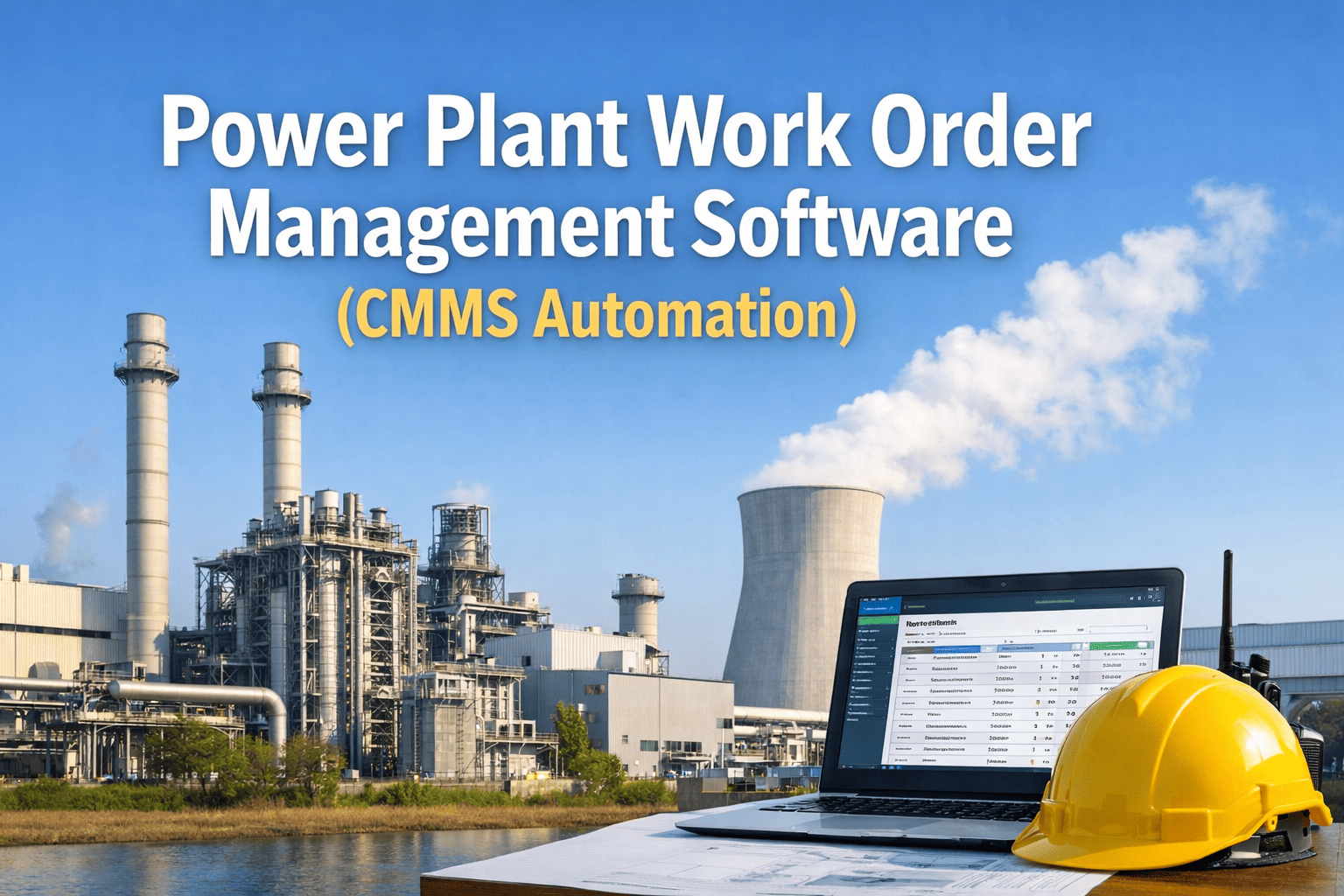
A paper work order issued at shift change in a power plant is already outdated before the technician reads it — the fault has worsened, the right parts are not staged, and nobody knows if the job was completed until the next morning's handover. That one workflow failure multiplied across every shift, every asset, and every site is exactly what costs power plants millions in preventable downtime every year. Start your free OxMaint trial and replace paper job cards with automated, mobile-first work orders — or book a demo to see digital work order automation running on real power generation assets.
The Paper Work Order Problem — By the Numbers
01
Fault reported verbally or on paper — no timestamp, no asset link
→
02
Work order written manually — routed by radio or whiteboard
→
03
Technician arrives — wrong parts, no asset history, no SOP
→
04
Job closed verbally — no repair time logged, no failure code captured
27%
reduction in unplanned downtime with automated work order management
82%
of CMMS users report improved scheduling efficiency after deployment
12%
increase in technician wrench time replacing admin tasks with mobile workflows
Why Work Order Management Breaks Down in Power Plants
Power plants operate 24/7 across multiple shifts, multiple asset classes, and strict regulatory requirements. Manual work order systems fail not because teams are careless — they fail because paper and radio-based workflows cannot scale to the complexity of a live generation facility.
01
No Real-Time Visibility
Plant managers cannot see which work orders are open, overdue, or assigned to whom without walking the floor or calling technicians directly. Critical repairs fall through the cracks between shifts.
02
Missing Asset History at Point of Repair
Technicians arriving at a failed turbine bearing have no access to the last five repairs, the OEM SOP, or the parts that worked previously. Diagnosis takes 3× longer than it should.
03
No Failure Code Capture
Without structured failure codes on every closed work order, MTBF calculations are unreliable and root cause analysis becomes guesswork. The same failure repeats because its cause was never recorded.
04
PM Work Orders Never Auto-Generated
Preventive maintenance depends on someone remembering to issue the work order. When that memory fails — due to staff turnover, shift handover gaps, or workload peaks — PMs slip and MTBF drops within 60 days.
05
Compliance Documentation Is Manual
NERC, OSHA, and EPA inspections require timestamped, complete maintenance records. Assembling audit documentation from paper job cards typically takes days — and still contains gaps that trigger findings.
06
Parts Not Linked to Work Orders
Technicians order parts independently or raid storeroom inventory without logging usage. Inventory counts drift from reality, stockouts occur during critical repairs, and emergency procurement costs spike.
The Automated Work Order Lifecycle in a CMMS
A modern CMMS does not just digitize paper work orders — it automates the entire lifecycle from fault detection through repair completion and parts reconciliation. Here is how each stage works in a power plant environment.
Stage 1
Trigger
Work orders are created automatically — from IoT sensor threshold breaches, SCADA alarms, operator fault reports, or PM schedule triggers based on run hours or calendar intervals. No manual work order creation required for routine and condition-based maintenance.
Triggers: IoT sensor alert · SCADA alarm · Operator mobile report · PM schedule (hours / calendar / meter)
Stage 2
Route
The CMMS assigns the work order to the correct technician based on skill set, current workload, shift availability, and asset location. Priority is set automatically — critical assets during peak generation get immediate escalation; routine PM gets scheduled during the next maintenance window.
Routing rules: Technician skill match · Shift schedule · Asset criticality · Location proximity
Stage 3
Execute
Technician receives the work order on mobile — with full asset history, OEM SOP, required parts list, safety checklist, and estimated completion time. Repair timestamps are captured automatically when work starts and closes. Parts consumed are logged against the work order in real time.
Mobile data captured: Start / complete timestamps · Parts used · Failure code · Photos · Technician signature
Stage 4
Close and Analyze
On closure, the CMMS automatically updates MTTR and MTBF for the asset, triggers inventory reorder if parts fell below minimum levels, flags any repeat failures for root cause review, and logs the completed record in compliance-ready format for audits.
Auto-updates on close: MTTR / MTBF · Inventory reorder · Repeat failure flag · Compliance log · Next PM schedule
OxMaint Work Order Automation
From Fault Detected to Work Order Closed — Automated at Every Step
OxMaint automates the complete work order lifecycle for power generation assets — from IoT-triggered creation through mobile execution to compliance-ready closure — without a single paper form or radio call.
Work Order Types in a Power Plant CMMS
Not all work orders are the same — and treating them identically is a primary source of scheduling inefficiency. A well-configured CMMS handles four distinct work order types, each with different triggers, priorities, and documentation requirements.
TriggerEquipment failure or fault detection
PriorityHigh — immediate response required
TargetKeep below 15% of total work order volume
CMMS RoleAuto-create from SCADA/IoT alarm, escalate if unacknowledged within 30 min
TriggerCalendar interval, runtime hours, or meter reading
PriorityScheduled — planned maintenance window
TargetDrive this to 85–90% of total work order volume
CMMS RoleAuto-generate on schedule, assign technician, stage required parts in advance
TriggerSensor anomaly — vibration, temperature, current deviation
PriorityCondition-based — repair during next planned window
TargetIncrease this ratio as IoT sensor coverage expands
CMMS RoleAuto-create from integrated IoT/SCADA threshold breach, link to asset health trend
TriggerRegulatory schedule — NERC, OSHA, EPA, ASME
PriorityNon-negotiable — must complete before certificate expiry
Target100% completion rate — zero compliance gaps
CMMS RoleAuto-generate with 90/60/30-day alerts, capture e-signature, produce audit-ready record
Before vs. After: Work Order Management Transformation
The difference between a manual work order system and a CMMS-automated workflow is not incremental — it is structural. Every step of the process changes, and the impact compounds across every shift, every asset, and every technician on the team.
| Workflow Step |
Manual / Paper System |
With OxMaint CMMS |
| Fault detection to WO creation |
15–60 min (verbal report → manual write-up) |
Under 2 min (auto-created from sensor or mobile report) |
| Technician assignment |
Supervisor judgment based on who is available |
Skill-matched, shift-aware auto-assignment |
| Parts availability at repair |
43% first-call availability (industry average) |
87% first-call availability with linked inventory |
| Asset history access |
Paper binders — often unavailable in field |
Full history on mobile, on the plant floor |
| Work order closure |
Verbal confirmation or end-of-shift log |
Mobile closure with timestamps, failure codes, photos |
| PM schedule generation |
Manual calendar — misses happen on staff turnover |
Auto-generated by runtime, meter, or calendar trigger |
| Compliance audit prep |
2–5 days gathering records — still has gaps |
Exported in minutes — complete and timestamped |
| Repeat failure detection |
Not systematically tracked |
Auto-flagged after two failures on same asset in 90 days |
Frequently Asked Questions
How does a CMMS automatically generate work orders in a power plant?
CMMS work order automation works through four trigger types: IoT sensor thresholds (vibration, temperature, pressure breaches), SCADA alarm integration, operator mobile fault reports, and time-based or runtime PM schedules. When any trigger fires, the system creates and routes the work order without manual input.
OxMaint integrates with SCADA and IoT systems to provide automatic work order creation across all four trigger types for power plant assets.
What is the difference between a service request and a work order in a power plant CMMS?
A service request is a fault report submitted by any plant employee — operators, control room staff, engineers — flagging a problem that needs maintenance attention. A work order is the authorized, assigned maintenance task created from that request, with a technician, priority level, parts list, and deadline attached. A CMMS manages both: service requests are triaged and converted to work orders by the maintenance planner, with full audit trail preserved.
Book a demo to see how OxMaint handles the full request-to-closure workflow.
Can mobile work orders work in areas with limited connectivity inside a power plant?
Modern CMMS mobile applications — including OxMaint — support offline work order access, allowing technicians to view asset history, SOPs, and checklists in areas with no signal, then sync data automatically when connectivity resumes. This is essential for substations, underground cable runs, and reinforced turbine halls where cellular coverage is unreliable.
Start a trial to verify offline capability against your specific plant layout before committing to any platform.
How does work order data in a CMMS support NERC and OSHA compliance audits?
Every closed work order in a CMMS carries mandatory fields — timestamps, technician identity, asset ID, failure code, parts used, and e-signature — that satisfy NERC CIP, OSHA, and EPA documentation requirements. During an audit, the compliance officer exports the relevant records by asset, date range, or work order type in minutes rather than days.
Book a demo to see OxMaint's audit-ready export format and how it maps to specific regulatory requirements in power generation.
How long does it take to deploy work order automation in an existing power plant?
A structured CMMS deployment for work order automation — covering asset data import, PM schedule configuration, technician onboarding, and mobile app setup — typically takes 4 to 8 weeks for a single-site plant with 10 to 30 technicians. The fastest path is starting with work order and PM automation only, then adding IoT integration and predictive triggers in a second phase.
OxMaint's onboarding includes guided asset setup and PM template libraries specifically built for power generation equipment.
OxMaint for Power Plants
Every Shift Without Automated Work Orders Is a Shift of Avoidable Risk
27%
reduction in unplanned downtime with CMMS work order automation
2 min
from fault detected to work order created and assigned
Minutes
to generate a complete, timestamped audit package for any regulatory inspection
OxMaint replaces paper job cards, whiteboard schedules, and radio-based work order routing with a fully automated, mobile-first workflow built for power generation — from IoT trigger to compliance log, every step is tracked and recorded without manual effort.