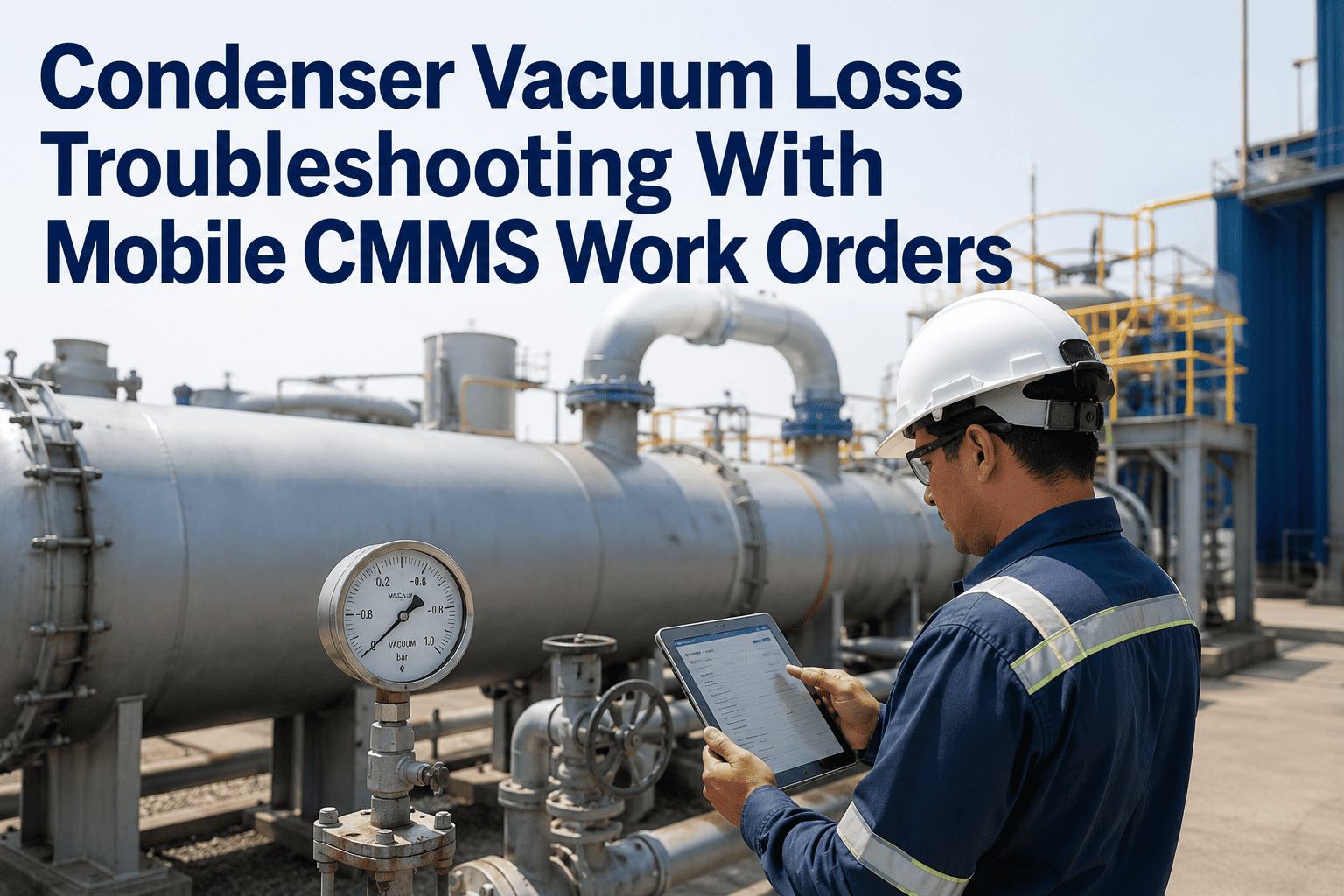
Maintenance technicians in power plants spend more time walking between control rooms, asset locations, and parts storage than they do turning wrenches. A typical work order cycle — receive assignment, locate asset, verify scope, retrieve parts, execute work, document completion — involves three separate trips and two handwritten forms that get transcribed into a computer later. This workflow is not inefficient by accident; it is the result of CMMS systems designed for office planners, not field technicians. Mobile CMMS platforms eliminate this friction by putting work orders, asset histories, QR scanning, safety checklists, and real-time documentation in a technician's pocket. Plants that deploy OxMaint's mobile maintenance app see technician productivity improve by 28%, work order cycle time drop by 40%, and crew engagement scores rise from 52% to 84% within 90 days of adoption.
Power Plant Workforce Engagement Through Mobile CMMS
Improve technician productivity with mobile work orders, QR asset scanning, offline access, safety checklists, and gamified performance tracking that turns maintenance into a competitive advantage.
Five Friction Points That Mobile CMMS Eliminates
Productivity loss in maintenance is rarely the result of slow technicians. It is the result of workflows designed around office computers that force field workers to waste time on administrative overhead.
Physical Distance Between Assignment and Execution
Work orders printed at a control room desk require technicians to walk there first, then walk to the asset location. Mobile work orders arrive on the technician's phone the moment they are assigned, eliminating the control room trip entirely.
Asset Identification and History Lookup
Technicians arriving at an unlabeled pump or valve spend time confirming asset ID from drawings or asking colleagues. QR code scanning pulls up asset history, manuals, and previous work orders instantly on the mobile app.
Safety Permit Delays and Paper Checklists
Confined space entry, lockout-tagout, and hot work permits require signatures from multiple supervisors on paper forms. Mobile safety checklists route approvals digitally, reducing permit wait time from 45 minutes to 8 minutes.
Work Documentation and Handwriting Transcription
Handwritten work order notes get transcribed into the CMMS hours or days later, creating lag between completion and record closure. Mobile completion captures notes, photos, and meter readings at the point of work with zero transcription.
Parts Availability Uncertainty Before Job Start
Technicians discover missing parts after arriving at the work site, triggering parts room trips or job deferrals. Mobile work orders display parts availability status before the technician leaves the shop, preventing wasted trips.
Mobile App Features That Drive Engagement and Performance
OxMaint's mobile app is purpose-built for power plant technicians working in noisy, industrial environments where desktop computers are impractical and paper forms fail.
Offline Mode with Automatic Sync
Technicians working in underground vaults, shielded control rooms, or remote areas access work orders and asset data without network connectivity. Completed work syncs automatically when connection returns, preventing data loss and duplicate entries.
QR Code Asset Scanning
Every asset gets a QR code sticker. Technicians scan it to pull up complete asset history, maintenance manuals, parts lists, and pending work orders. New technicians locate information as fast as 20-year veterans, eliminating knowledge silos.
Digital Safety Checklists
Lockout-tagout procedures, confined space permits, and pre-job safety reviews are built into work orders as mandatory checklists. The technician cannot mark a job complete until all safety steps are checked and supervisor sign-off captured digitally.
Photo and Video Documentation
Technicians capture defect photos, installation videos, and before-after comparisons directly in work orders. Images auto-tag with asset ID, location, and timestamp. Engineers reviewing work orders see visual evidence without requesting follow-up photos.
Work Order Prioritization and Routing
Urgent work orders flag red on the mobile dashboard. Technicians see their daily queue sorted by priority, with travel-optimized routing to minimize walking distance between jobs. Completed work automatically moves the next task to the top of the list.
Real-Time Push Notifications
Emergency work orders, safety alerts, and schedule changes push to technician phones instantly. No waiting for shift handoff meetings or checking email. Critical notifications override do-not-disturb mode for true emergency response.
Give Your Technicians the Tools They Deserve
OxMaint's mobile app works on iOS and Android, offline and online, with interfaces designed for gloved hands and outdoor screens. See how fast work order completion becomes when friction is removed from the workflow.
Gamified Performance Tracking That Boosts Engagement
The same mobile app that streamlines workflows also tracks performance metrics that technicians actually care about — not just KPIs for management dashboards.
Completion Streaks and Leaderboards
Technicians earn streak badges for consecutive days completing all assigned work orders on time. Monthly leaderboards rank crews by completion rate, quality scores, and safety compliance. Top performers get recognition at shift meetings and quarterly awards.
Skill Badges and Certification Tracking
Each technician profile displays earned certifications, completed training modules, and skill level badges. New qualifications unlock access to higher-complexity work orders, creating clear advancement paths visible to the entire crew.
Personal Performance Dashboards
Every technician sees their own metrics: work orders completed this week, average completion time, quality rating, and safety score. The dashboard compares current performance to personal bests and team averages — not just absolute targets.
Team Challenges and Milestones
Plant-wide challenges target specific goals: clear the PM backlog, achieve 30 days zero safety incidents, or complete 500 work orders ahead of schedule. Milestone achievements trigger team celebrations and bonus recognition.
Workforce Engagement Metrics: Before and After Mobile CMMS
Engagement is not a soft metric. Engaged technicians complete more work orders, report more defects, stay longer, and mentor newer crew members. These are the measurable changes plants see within 90 days of mobile CMMS adoption.
| Engagement Metric | Desktop CMMS Only | With Mobile CMMS | Change |
|---|---|---|---|
| Daily Work Orders Completed per Technician | 4.2 avg. | 5.8 avg. | +38% |
| Work Order Cycle Time (Assignment to Close) | 6.8 hours | 4.1 hours | 40% faster |
| Defect Reporting Rate | 1.2 per week | 4.7 per week | +292% |
| Photo Documentation on Work Orders | 12% | 89% | +77 points |
| Safety Checklist Completion Rate | 78% | 100% | +22 points |
| Technician Turnover Rate (Annual) | 18% | 7% | 61% reduction |
| Crew Engagement Survey Score | 52% | 84% | +32 points |
Real-Time Communication Features That Keep Crews Connected
Power plant crews work 12-hour rotating shifts with minimal overlap. Mobile CMMS bridges shift handoffs and keeps distributed teams aligned without relying on corridor conversations.
Shift Handoff Notes in Work Orders
Outgoing technicians leave detailed notes for incoming shift: what was completed, what is in progress, what issues were discovered. Incoming crew reads handoff notes before arriving on site, eliminating the 15-minute briefing huddle at shift change.
In-App Messaging Between Technicians and Planners
Technicians message planners directly from work orders to request scope clarification, report missing parts, or escalate urgent issues. Messages attach to the work order record, creating audit trails that radio calls and hallway conversations do not provide.
Broadcast Alerts for Plant-Wide Emergencies
Emergency situations — equipment failures, safety incidents, or weather events — trigger instant push notifications to all on-duty technicians with instructions and safety protocols. Everyone gets the same message at the same time, preventing information drift.
From Rollout to Full Adoption: The 30-Day Mobile CMMS Journey
Mobile CMMS adoption follows a predictable curve. Resistance in week one becomes enthusiasm by week three as technicians realize the app makes their jobs easier, not harder.
Initial Training and Skepticism
Technicians receive hands-on training during shift meetings. Common reaction: "We have been doing this fine with paper for 20 years." Early adopters start using QR scanning and photo documentation features.
First Productivity Wins
Technicians discover they complete work orders faster with mobile access to asset histories and parts availability. Skeptics see colleagues finishing assignments earlier and ask for help setting up the app.
Shift Handoff Improvements
Incoming shifts start reading handoff notes before arriving. Outgoing technicians leave detailed completion notes knowing they will be read. Paper work orders become backup only.
Full Integration and Advocacy
Mobile app becomes the primary workflow. Technicians who were skeptical in week one now train new hires on mobile best practices. Desktop work order terminals see minimal use except for planning tasks.
Frequently Asked Questions
Your Technicians Deserve Better Tools. Give Them Mobile CMMS.
OxMaint's mobile app eliminates friction from maintenance workflows, improves crew engagement, and delivers measurable productivity gains within 30 days. See the mobile interface in action and learn how fast adoption happens when tools actually help technicians do their jobs better.