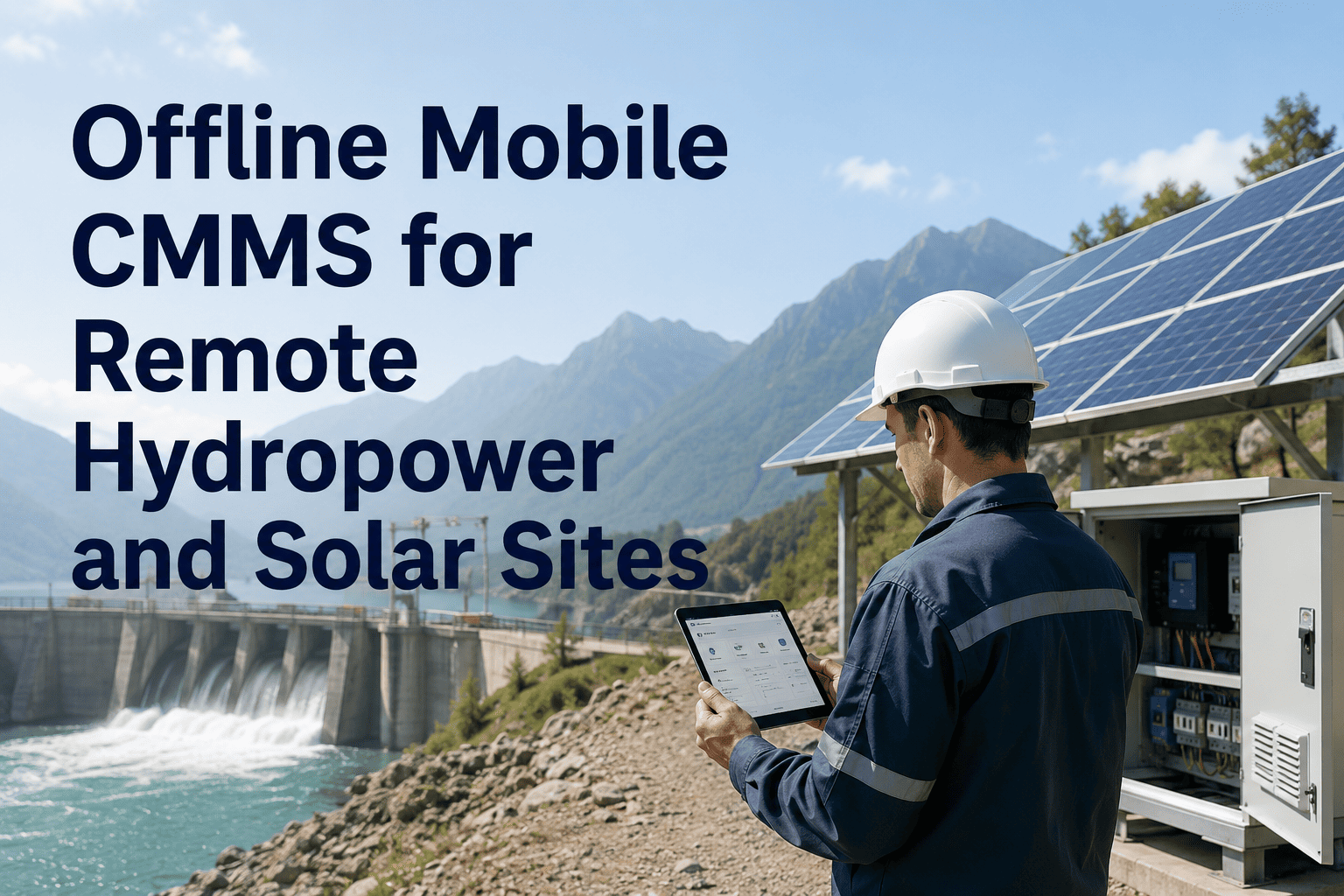
Every shift, power plant technicians lose an average of 40 minutes walking back to control rooms just to log a work order — time your turbines spend running closer to failure with no one watching. A mobile CMMS app built for offline-first field work changes that math entirely: live work orders, QR-scanned asset history, digital checklists, and automatic sync all delivered where your crews actually work — inside cable vaults, below-grade pump rooms, and switchgear buildings where Wi-Fi has never existed. Book a 30-minute demo to see how Oxmaint's mobile CMMS gives power plant technicians full maintenance capability with zero signal required.
40 min
Lost per technician per shift walking to terminals
90 min
Daily productivity recovered after mobile CMMS deployment
78%
Reduction in paper-based data errors after going digital
8 wks
Average deployment timeline for full plant rollout
The Field Reality
Why Power Plants Can't Use Standard Mobile Apps
A standard mobile CMMS assumes connectivity. Power plants guarantee the opposite. Cable vaults, underground switchgear rooms, turbine enclosures, and basement pump galleries are built from reinforced concrete and dense steel — materials that kill cellular signal by design. Any maintenance app that requires a live connection becomes a desktop terminal in disguise the moment your technician descends below grade.
Cable Vaults
Zero signal
App freezes — technician uses paper backup
Below-Grade Pump Rooms
Zero signal
Work orders inaccessible — job delayed
Turbine Enclosures
1 bar or less
Data loss mid-inspection — record incomplete
Switchgear Buildings
Intermittent
Checklist times out — must restart from scratch
Cooling Tower Internals
Zero signal
Inspection data written on hand — re-entered later
Outdoor Switchyards
Variable
Unreliable sync — duplicate or missing records
How Oxmaint Solves It
Offline-First Architecture: How It Actually Works
Oxmaint is not a web app with a disconnected fallback. It is built offline-first — meaning the full maintenance workflow runs entirely on the device, with no dependency on network availability at any point during a shift.
01
Shift Start Pre-Load
When the technician opens Oxmaint in a connected area at shift start, the app downloads all assigned work orders, asset records, equipment history, SOPs, and parts inventory to the device. Everything needed for the full shift is stored locally before entering any dead zone.
02
Full Offline Operation
In basements, cable vaults, turbine halls — anywhere — the technician works exactly as normal. Complete checklists, log meter readings, attach photos, scan QR codes, and close work orders. The app never freezes, times out, or loses progress due to signal loss.
03
Automatic Sync on Reconnect
The moment connectivity returns — whether in the control room, at the plant gate, or in the parking lot — all offline data syncs automatically. Timestamps, inspector attribution, GPS coordinates, and photo metadata are preserved exactly as captured, with conflict-free merging across the team.
04
Audit-Ready Record Created
Every completed task becomes a timestamped, inspector-attributed, photo-documented maintenance record — immediately available in the compliance dashboard, shareable with NERC, OSHA PSM, and state regulators without any additional data entry from the field.
Your Technicians Deserve Tools Built for the Plant Floor
Oxmaint deploys to your full field crew in under 8 weeks. No rip-and-replace. Works alongside your existing CMMS and SCADA systems — and works completely without signal where those systems fail.
Core Capabilities
What Technicians Get in Their Hands
Six capabilities that transform field maintenance from paperwork management to actual asset care — all running natively on iOS and Android with zero signal required.
Work Orders
Live + Offline Work Order Management
Receive, update, and close work orders from the field — with priority rankings, due dates, parts lists, and safety isolation steps included. Urgent jobs push to the nearest available technician with location and asset context pre-loaded.
Asset Lookup
QR Code Asset History in Seconds
Scan the QR tag on any transformer, pump, or control panel and instantly access the full maintenance history, last inspection date, open work orders, OEM manuals, and failure mode library — all cached offline at shift start.
Inspections
Digital Checklists with Conditional Logic
Mandatory fields, conditional follow-up prompts, and photo attachment requirements eliminate pencil-whipping. Checklists are configured per asset class — turbines, generators, transformers, pumps — aligned to OEM specs and compliance standards.
Documentation
Photo, Meter, and GPS Capture
Field engineers capture findings, photos, vibration readings, oil samples, and temperature logs with GPS confirmation — all timestamped and inspector-attributed at the moment of capture. No re-entry, no transcription errors, no missing records at audit.
Scheduling
PM Scheduling by Asset Class and Criticality
Preventive maintenance work orders auto-generate based on operating hours, criticality tier, and OEM intervals — not just calendar date. Escalating alerts at 30, 14, and 7 days ensure no inspection window closes without acknowledgment.
Compliance
Audit-Ready Export for NERC, OSHA PSM, ISO 55001
Data captured once in the field satisfies NERC CIP, OSHA PSM, ISO 55001, and state environmental documentation requirements — without separate reporting for each framework. Audit packages for 100+ assets produced in under 4 hours.
A Real Shift on Oxmaint
What a Technician's Day Actually Looks Like
Mobile CMMS works because it maps to how technicians actually operate — not how software designers imagine they do. Here is a full shift timeline when your team runs on Oxmaint.
06:00
Shift Start — App Pre-Load
Technician opens Oxmaint in the control room. All assigned work orders, PM schedules, and asset records cache locally — including dead zone areas. Ready for the entire shift in 30 seconds.
06:30
Generator Hall — QR Scan
Technician scans QR tag on Generator G-2. Last three inspections, failure history, and wiring diagram appear instantly. Job begins with complete context — no binder hunting, no radio calls.
08:15
Cable Vault — Zero Signal, Full Capability
No signal in the cable vault. No problem. Technician completes the checklist, logs six readings, photographs two connection points, and closes the work order. App queues everything for sync.
09:45
Urgent Alert — Cooling Pump Cavitation
Push notification: Cooling Pump P-3 cavitation reported. Nearest technician receives alert with asset location, urgency level, required parts, and safety isolation steps pre-loaded. Response time: under 4 minutes.
14:00
Sync and Close — Audit Record Created
Technician returns to control room. All offline data syncs automatically. Every completed task becomes a timestamped, compliance-ready record. Nothing to re-enter, nothing to reconstruct.
Before vs After
The Numbers After Mobile CMMS Deployment
These benchmarks come from power generation facilities that transitioned from paper-based and desktop-CMMS workflows to Oxmaint mobile-first maintenance over a 12-month period.
| Metric |
Paper / Desktop CMMS |
Oxmaint Mobile |
| Productive field time per technician |
5.2 hrs / shift |
6.7 hrs / shift |
| Data entry accuracy |
61% (manual transcription) |
99.2% (field capture) |
| Mean time to close work order |
4.8 hours |
1.6 hours |
| PM compliance rate |
58–67% |
96–99% at 14 months |
| Audit documentation prep time |
18 staff-days per audit |
Under 4 hours |
| Emergency work order response |
22–45 minutes |
Under 6 minutes |
| Unplanned downtime per year |
12–18 days per unit |
3–5 days per unit |
"Our technicians were spending 35 minutes per shift walking to the control room just to enter data. In our B2 plant room there's zero signal and our previous CMMS was completely useless down there. After switching to Oxmaint, we estimated we recovered 11 man-hours of productive maintenance time per day across the team."
Lead Maintenance Technician
480 MW Coal-to-Gas Converted Power Plant, Ohio
Frequently Asked Questions
Mobile CMMS for Power Plants: Common Questions
Does the mobile app really work with zero internet signal underground?
Yes — and this is the core design principle, not a feature add-on. Oxmaint caches all assigned work orders, asset records, checklists, and parts inventory to the device at shift start. Technicians in cable vaults, underground switchgear rooms, and basement pump galleries complete full inspections, log readings, and attach photos with no connectivity at all. Everything syncs automatically with conflict-free merging the moment signal returns.
Start a free trial to test offline capability in your specific plant environment.
How long does it take to deploy Oxmaint across a full plant crew?
Most power generation deployments are live across all units and field crews within 8–12 weeks, including asset registry import from existing CMMS or NBI data, inspection template configuration per asset class, crew training on iOS and Android, and compliance dashboard activation. Deployment runs alongside your existing SCADA, historian, and CMMS platforms — no rip-and-replace required.
Book a demo to build a deployment timeline for your specific facility size and crew structure.
Can the mobile app handle compliance documentation for NERC CIP and OSHA PSM simultaneously?
Field data captured once in Oxmaint — findings, photos, meter readings, inspector attribution, and GPS confirmation — is automatically structured to satisfy NERC CIP, OSHA PSM (29 CFR 1910.119), ISO 55001, and state environmental permit documentation requirements, all from the same capture event. Export formats are configured per regulatory authority, and audit packages covering 100+ assets are produced in under 4 hours.
Start a free trial to see the compliance export configuration for your regulatory obligations.
What happens to data if a technician's phone is lost or damaged during a shift?
How does the mobile CMMS handle rotating shift crews and multi-crew coordination?
Oxmaint supports full shift handover natively — incoming crews see all open work orders, in-progress inspections, and asset alerts from the outgoing shift the moment they log in. Urgent work orders push to the nearest available technician across crew boundaries with location context and safety isolation steps pre-loaded. Managers see crew-level productivity, PM compliance, and open backlogs in real time from a single dashboard.
Start a free trial to configure shift handover workflows for your crew structure.
Your Field Team Shouldn't Need Wi-Fi to Do Their Job
Power plant technicians using Oxmaint recover 90 minutes of productive maintenance time per shift, reach 96–99% PM compliance within 14 months, and produce audit-ready compliance documentation without a single extra step. Deployment is live across your full crew in 8 weeks — with or without your existing CMMS.