Mobile CMMS for Power Plant Field Technicians – Offline Capable

By Johnson on March 14, 2026

mobile-cmms-power-plant-field-technicians-offline

Power plant field technicians spend up to 40 minutes every shift walking back to a terminal just to update work orders — time stolen from the actual maintenance your plant depends on. With dead zones in basements, plant rooms, tunnels, and substations a daily reality, a CMMS that requires connectivity isn't a mobile tool — it's a desktop in disguise. OxMaint's offline-first mobile CMMS works where your technicians actually work. Start your free trial — live on mobile in under 60 minutes.

Mobile CMMS · Offline-First · Power Plant Field Operations

Full CMMS Power in Basements, Plant Rooms, and Zero-Signal Zones.

Complete work orders, capture photos, scan barcodes, and log inspection data whether you have 5G, 1 bar, or no signal at all. OxMaint syncs everything automatically the moment connectivity returns — no lost data, no manual re-entry, no excuses.

OxMaint
OFFLINE
Active Work Order
Turbine Bearing Inspection
Asset: GT-03 · Level B2 Plant Room
Vibration reading logged
Photo captured (3)
Temperature measurement
Lubrication check
Sign-off

Data saved locally · Will sync on reconnect
The Connectivity Problem

Power Plants Are Full of Dead Zones. Your CMMS Must Work in All of Them.

A power plant is not an office with reliable Wi-Fi. From subterranean equipment vaults to thick-walled transformer bays, connectivity is a daily variable — not a given. Any CMMS that fails without a signal isn't built for power generation field work.

Underground Cable Vaults
Reinforced concrete walls block all cellular and Wi-Fi signals. Critical cable termination and switchgear inspections happen here daily.
No signal · CMMS-dependent teams lose all data capture
Basement Plant Rooms
Cooling water pumps, heat exchangers, and auxiliary systems located below grade with thick structural walls between them and any signal source.
Intermittent at best · Data entry interrupted, records incomplete
Turbine Hall Interior
Heavy steel and concrete construction creates Faraday cage effects. Signal drops to 1 bar or less in areas surrounding generator stators and large rotating machinery.
1 bar · Timeouts and sync failures mid-task
Transformer Bays
Dense electrical equipment creates RF interference. Outdoor bays may have cellular coverage but indoor switchgear rooms and relay buildings routinely drop to no signal.
Variable · Unpredictable connectivity mid-inspection
Cooling Tower Structures
Interior structural access points for drift eliminators, fill media, and basin inspections sit inside thick concrete shells designed to contain water pressure — not broadcast Wi-Fi.
Weak signal · Work logs lost when session times out
With OxMaint Offline-First
Every zone, every signal level, every task. OxMaint pre-loads work orders, asset data, and SOPs to device before the technician enters the zone. Everything works as normal — offline.
Full capability regardless of signal strength
58 min
saved daily per technician switching to mobile CMMS
Frost & Sullivan

34%
productivity boost from mobile-first maintenance tools
Frost & Sullivan

30–40 min
per shift lost walking to terminals to update desktop CMMS
MaintBoard Industry Data

11.1%
CMMS market CAGR through 2030 — mobile is driving it
Grand View Research
Offline-First Architecture

How OxMaint's Offline Mode Actually Works — No Gaps, No Lost Data

Most CMMS apps bolt on "offline mode" as an afterthought — a limited fallback that loses data, breaks workflows, and requires manual reconciliation. OxMaint is built offline-first, meaning the mobile experience is designed for low-connectivity environments as the primary use case, not the exception.

1

Pre-Load on Shift Start
When a technician opens OxMaint at shift start in a connected area, the app pre-loads all assigned work orders, asset records, equipment history, and SOPs onto the device. Everything needed for the full shift is stored locally before entering any dead zone.
2

Full Function in Zero Signal
In basements, plant rooms, cable vaults — anywhere — the technician works exactly as normal. Complete checklists, log readings, attach photos, scan barcodes, capture signatures, and close work orders. The app never freezes, times out, or loses progress due to signal loss.
3

Secure Local Storage
All data captured offline is encrypted and stored securely on the device. Nothing sits in a temporary buffer waiting to disappear. Timestamps are captured at the moment of entry — not at sync time — ensuring your audit trail is accurate regardless of when connectivity returns.
4

Automatic Background Sync
The moment the device reconnects — to Wi-Fi, cellular, or plant network — OxMaint syncs all captured data to the cloud in the background with no technician action required. Supervisors see completed work in the dashboard in real time. No manual uploads, no lost entries, no reconciliation headaches.
Mobile App Capabilities

Everything a Power Plant Technician Needs — In One App

OxMaint's mobile app is built specifically for the realities of industrial field work — not retrofitted from a desktop interface. Every feature works fully offline and syncs automatically. See the full mobile experience in a 30-minute demo.

Work Orders
Complete Work Orders Anywhere
View assigned work orders with full asset history attached. Complete step-by-step task checklists, log time and labor, update status, add notes, and close the job — all without a network connection. Full work order lifecycle managed from mobile.
Photo Capture
Photo Evidence on Every Job
Capture before-and-after photos directly in the work order flow. Photos are stored locally with timestamps, GPS coordinates, and asset linkage. When connectivity returns, photos sync to the cloud asset record — building a visual maintenance history for every component.
Barcode Scan
Barcode and QR Code Asset Access
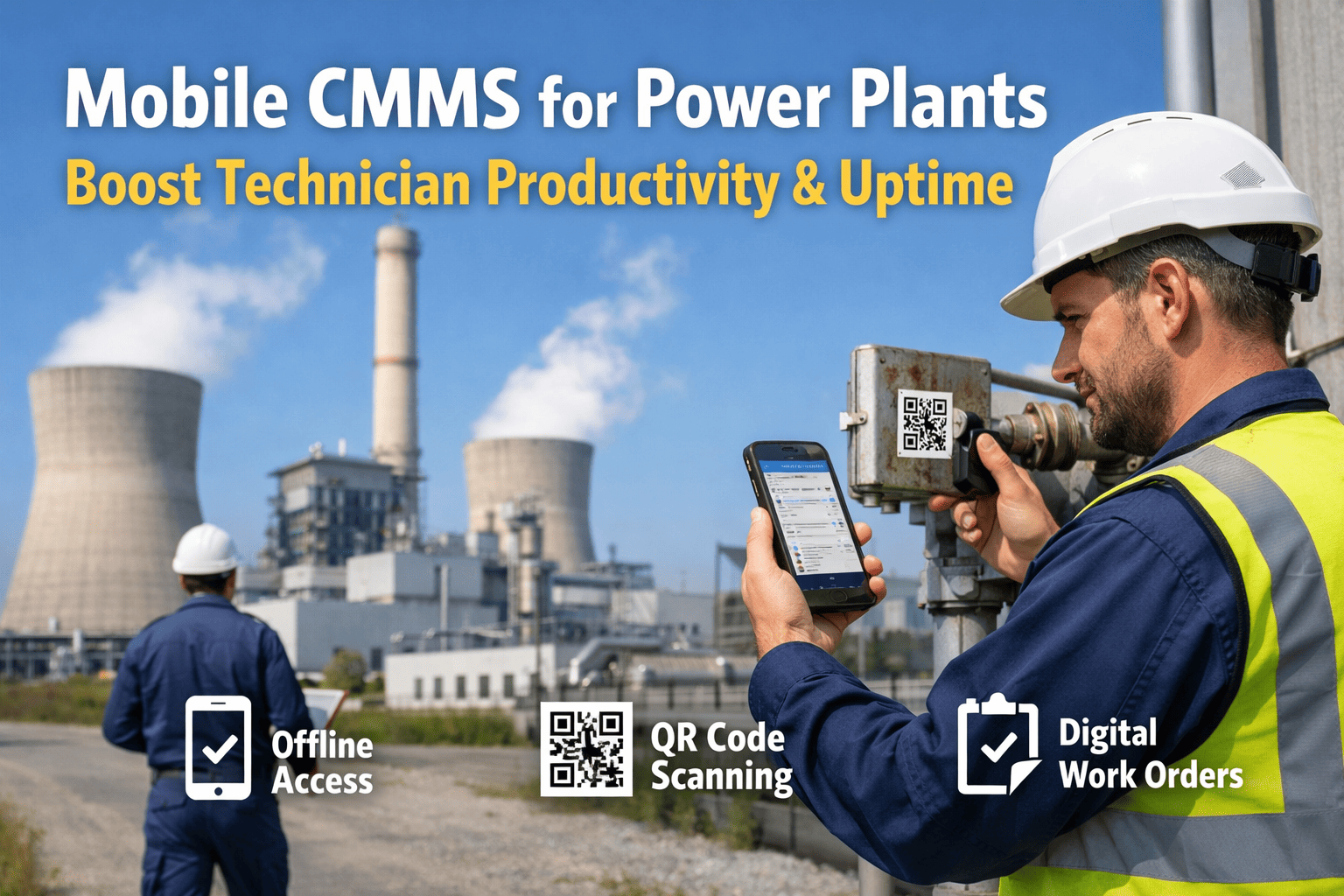
Scan the barcode or QR code on any asset to instantly pull up its full record — maintenance history, open work orders, specifications, and SOPs — without typing a part number or searching a list. Fast identification even in low-light plant room conditions.
Inspections
Digital Inspection Checklists
Replace paper inspection sheets with digital checklists that require field inputs at each step. Readings are validated as they're entered — flagging out-of-range values for immediate follow-up. Completed inspections generate audit-ready records automatically, with technician signature captured on-device.
Parts Lookup
Spare Parts Availability Check
Check parts availability and request stock from the storeroom directly from the job site — no radio calls, no walking back to the office. Parts requests link to the work order, inventory adjusts automatically when parts are issued, and the job record stays complete end to end.
Compliance
Digital Signatures and Compliance Records
Capture technician and supervisor signatures digitally at point of work. LOTO confirmations, permit-to-work sign-offs, and inspection approvals are all captured with timestamped digital signatures — building a continuous compliance audit trail with zero paper handling.
The Paper Problem

What Paper-Based and Connectivity-Dependent CMMS Actually Costs

Paper Clipboards & Desktop CMMS

Technician completes job — walks 10 min back to terminal to enter data

Handwritten readings misread during data entry — inaccurate asset history

Inspection completed but form lost — audit gap discovered 3 months later

Photo taken on personal phone — never linked to work order, never findable

CMMS session times out mid-job — all unsaved data lost, re-entry required

Parts request made by radio — arrives wrong, job delayed another hour
OxMaint Mobile — Offline-First

Job closed on-device at point of work — zero terminal walk time

Readings entered digitally with validation — errors flagged before submission

Digital inspection syncs to cloud — timestamped, signed, audit-ready immediately

Photo captured in-app — automatically linked to work order and asset record

Offline mode stores all data locally — no session timeouts, no lost entries

Parts requested in-app with part number and location — correct part, first time
"
Our technicians were spending 35 minutes per shift walking to the control room just to enter data. In our B2 plant room there's zero signal and our previous CMMS was completely useless down there. After switching to OxMaint, we estimated we recovered 11 man-hours of productive maintenance time per day across our team. That's 11 more hours of actual work — just from going offline-capable.
Lead Maintenance Technician · 480 MW Coal-to-Gas Converted Power Plant, Ohio
Mobile-First · Offline-Capable · Free to Start

Give Your Field Technicians a CMMS That Works Where They Work.

Every day your team spends walking to terminals, re-entering data from paper, or losing records to connectivity failures is a day of productivity you're never getting back. OxMaint's offline-first mobile app closes that gap permanently — deploying in under 60 minutes with no heavy implementation or IT overhead.
Frequently Asked Questions

Mobile CMMS for Power Plants — What Technicians Ask Most

What happens to data captured offline if the device is lost or damaged before syncing?
OxMaint stores offline data using encrypted local storage on the device. In the event a device is lost before syncing, the data captured on that device would not be recoverable from that specific device — which is why OxMaint's workflow is designed to sync frequently whenever brief connectivity windows exist (such as when moving between zones). For maximum data protection in high-risk environments, supervisors can configure sync frequency requirements and receive alerts when devices have unsynced data beyond a set threshold. Ask our team about offline data protection configurations in a 30-minute demo.
Does offline mode support barcode and QR code scanning without connectivity?
Yes — fully. When work orders and asset records are pre-loaded to the device at shift start, the barcode and QR scan function works completely offline. Scanning an asset tag in a zero-signal basement immediately pulls up the asset record, open work orders, and maintenance history from local storage — exactly as it would online. This is the core design principle behind offline-first architecture: the experience is identical regardless of connectivity. Try the OxMaint mobile app — start a free trial today.
How does OxMaint handle compliance documentation captured offline?
Compliance records captured offline — digital signatures, inspection checklists, LOTO confirmations, and permit-to-work sign-offs — are timestamped at the exact moment of capture on the device, not at sync time. This means the audit trail reflects the actual time the work was performed, regardless of when connectivity returned. Once synced, these records are identical to those captured online and fully satisfy audit requirements for OSHA, NERC, and site-specific regulatory programs. Start your free trial and configure your first digital inspection today.
Can multiple technicians work offline on the same assets simultaneously?
Yes, with conflict resolution built in. When multiple technicians are assigned different work orders on the same asset, OxMaint's sync logic handles the merge without data collisions. If two technicians update the same field offline (which is prevented by work order assignment rules in most cases), the system flags the conflict for supervisor review on sync rather than silently overwriting either record. The assignment rules and workflow design are configurable to match your plant's specific operating procedures. See multi-technician offline workflows in action — book a demo.

Share This Story, Choose Your Platform!