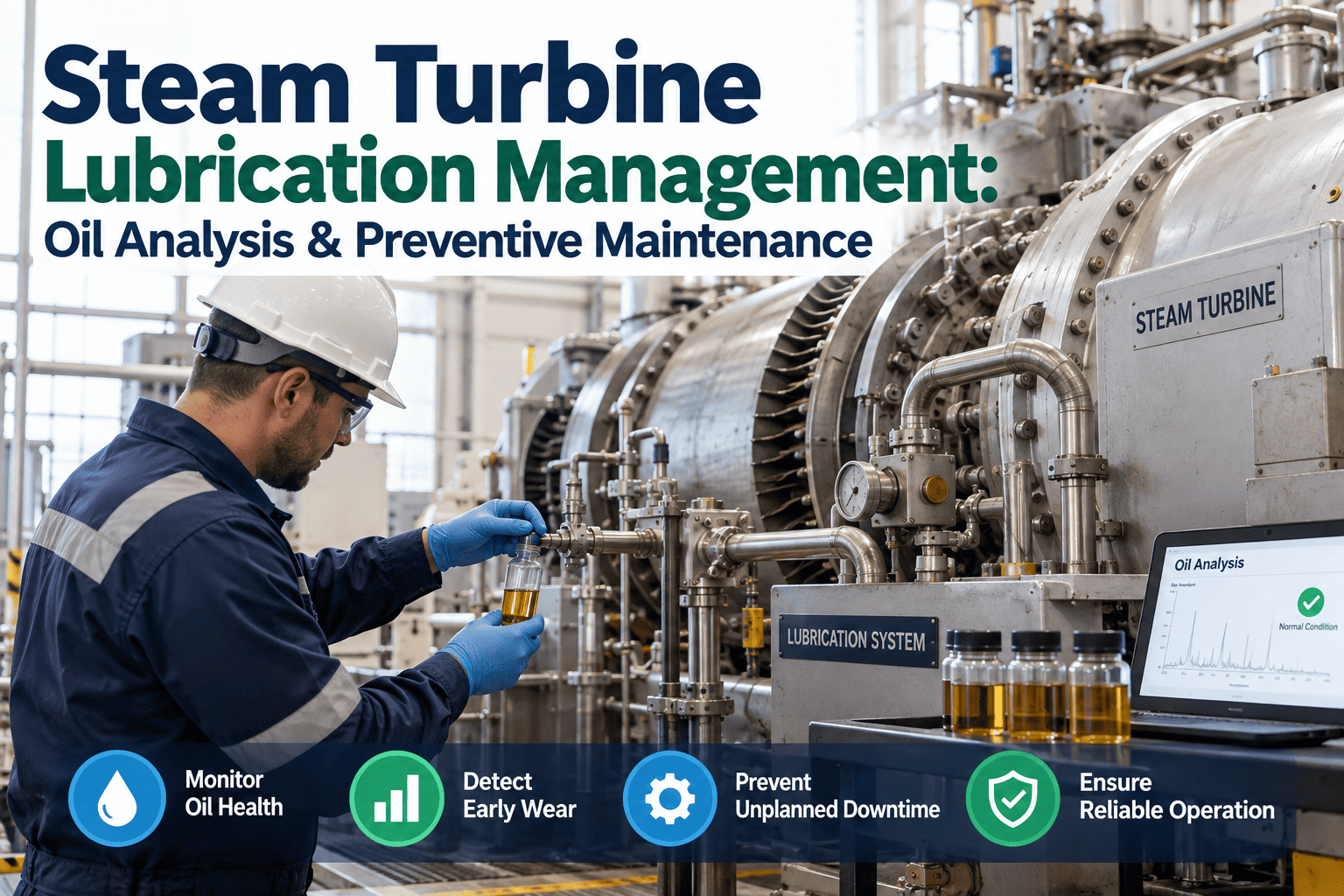
On a steam turbine, the oil is the one component touching every bearing, seal, and control valve at once — and it fails quietly. Water creeps in from a steam seal, oxidation doubles for every 10°C the reservoir runs hot, and sub-micron varnish builds on valve spools long before an alarm ever sounds. By the time a bearing runs warm, the oil has been telling you for weeks. This guide breaks down how to run a real lubrication program — sampling, contamination control, filtration, temperature monitoring, and history — and how OXMAINT AI, the AI-powered CMMS, turns every sample result and inspection into a tracked work order against the turbine.
Steam Turbine Lubrication Management: Oil Analysis & Preventive Maintenance
A turbine bearing failure is rarely sudden — the oil degrades on a schedule you can read, if someone is reading it. OXMAINT AI, an AI-powered CMMS, connects the whole lubrication workflow in one place: a scheduled sample or inspection becomes a logged result, an out-of-limit reading becomes an assigned work order, and closing it resets the next sampling and filtration date — so contamination gets caught on the report, not on the bearing.
How Turbine Oil Actually Fails
Turbine oil doesn't wear out at random — it degrades through four known mechanisms, and each one shows up in a test result before it shows up in a bearing. Knowing which is happening tells you what to do: filter, purify, top up additives, or change the charge. Start free and track every one against the turbine.
The Oil Analysis Panel — What Each Test Tells You
Oil analysis is the core of the program. Each test answers a specific question about the charge, and together they tell you whether to keep running, filter, or act. OXMAINT AI stores every result against the turbine so you see the trend, not just today's number. Book a demo to trend your own samples.
| Test | What it measures | Why it matters on a turbine |
|---|---|---|
| Viscosity | Oil's resistance to flow vs. its grade | A drift signals degradation, wrong-oil mixing, or contamination |
| Acid Number | Acidic by-products from oxidation | A rising number is oxidation advancing — additives are being used up |
| Particle Count | Solid particulate by size (ISO 4406) | Cleanliness for bearings; a climb points to ingress or filter issues |
| Moisture | Water content in the oil | Flags steam-seal leakage before demulsibility and rust protection fail |
| MPC | Varnish potential (ASTM D7843) | Catches soft insolubles that particle counts and filters can miss |
| RULER | Remaining useful additive life | Shows how much oxidation protection is actually left in the charge |
The Monitoring Cadence
Industry guidance such as ASTM D4378 points to routine testing on a set interval, tightened when a result approaches its limit or after a contamination event. The exact frequency follows the OEM and the oil's condition — the discipline is that it never gets skipped. Start free and lock the cadence in.
A Sample Result Only Helps If It Reaches the Right Work Order.
A lab report sitting in an inbox doesn't protect a bearing. OXMAINT AI ties each result to the turbine, flags the out-of-limit readings, and turns them into assigned work — so a moisture spike becomes a dewatering job, not a missed email.
What OXMAINT AI Runs for the Lubrication Program
The lab measures the oil. OXMAINT AI runs the program around it — so nothing is remembered, and nothing is lost between the report and the repair. Start free and put the program on one system.
One Moisture Spike, Caught in Time
Here's how a single sample result moves through OXMAINT AI — from a scheduled pull to a bearing protected. Book a demo to see it on your turbines.
Spreadsheet & Inbox vs. a Real CMMS
| What matters | Reports & spreadsheets | OXMAINT AI |
|---|---|---|
| Sample scheduling | Remembered, until it's missed | Auto-generated on interval |
| Result history | Scattered across lab PDFs | Trended on the asset record |
| Out-of-limit action | Report read late, or not at all | Becomes an assigned work order |
| Temperature & walkdowns | Noted on paper, filed loosely | Logged against the turbine |
| Filtration & oil changes | Hard to prove what was done when | Full service log per asset |
| OEM / review readiness | Reassembled from files | History already in one place |
Frequently Asked Questions
Read the Oil Before the Bearing Reads It for You.
Put sampling, temperature monitoring, and filtration on an automatic schedule, trend every result on the turbine, and turn out-of-limit readings into assigned work — so contamination is caught on the report, never on the bearing.