Property maintenance success depends on work order quality. A complete work order is the foundation of first-time fixes, reduced tenant complaints, and accurate maintenance cost tracking. Without standardized work order fields and structured documentation, technicians waste time searching for critical information, assets fall through cracks, and recurring problems persist across properties. Oxmaint's work order management platform transforms scattered requests into structured, actionable tasks—ensuring every detail from asset identification to completion sign-off gets captured, so your maintenance team executes repairs the first time. Start Free Trial to build standardized work orders that eliminate confusion and accelerate first-time fix rates. Book a Demo to see how property managers use Oxmaint's work order templates to reduce rework, improve tenant satisfaction, and keep repair backlogs lean.
Why Work Order Quality Directly Controls First-Time Fix Rate and Tenant Satisfaction
A work order is not a simple task ticket—it is a contractual agreement between your property, your technician, and your tenant about what will be done, how, and when. When work orders lack critical information, technicians arrive on-site unprepared, missing tools or parts. They spend 30–50 minutes investigating what should have taken 5 minutes to understand. Repeat visits destroy tenant confidence, inflate labor costs, and create deferred maintenance backlogs that compound over weeks. Properties using standardized work order templates with all mandatory fields completed before dispatch report 40–60% improvements in first-time fix rates, 50% reduction in repeat service calls, and tenant satisfaction scores that jump 25–35 points. The work order is where maintenance discipline begins—or fails.
The 18 Essential Work Order Fields That Eliminate Confusion and Accelerate Execution
Standard work order fields ensure consistency across all requests. When property managers enforce completion of these fields before technician dispatch, on-site confusion drops by 70–80%, and rework rates plummet. The following fields represent industry best practice for residential and commercial property maintenance work orders, supported by major CMMS platforms and endorsed by property management associations across the United States.
| Work Order Field | Why It Matters | Impact Without It | Required Completion |
|---|---|---|---|
| Work Order Number | Unique identifier for tracking, communications, and historical reference | Lost work orders, duplicate tickets, inability to follow up | Auto-Generated |
| Property Address & Unit Number | Ensures technician reaches correct location; links to asset records | Technician dispatched to wrong unit; delayed response; tenant confusion | Before Dispatch |
| Tenant Contact Information | Allows technician to coordinate access and confirm timeline | Lockout situations; missed appointment; wasted trip to property | Before Dispatch |
| Issue Category & Subcategory | Routes request to appropriate technician specialty; enables trend analysis | Plumbing expert dispatched to electrical issue; no visibility into problem patterns | Before Dispatch |
| Issue Description | Detailed narrative of tenant complaint; guides technician diagnostic | Technician arrives blind; spends 20–30 min diagnosing what tenant already described | Before Dispatch |
| Issue Photos | Visual documentation eliminates back-and-forth clarification calls | Miscommunication about issue severity; wrong parts ordered; incorrect work scope | Before Dispatch |
| Priority Level | Safety-critical (emergency), high-impact (3 days), or routine (10 days) routing | Non-urgent requests delayed; critical safety issues buried in queue | Before Dispatch |
| Asset Identification | Equipment name, model, serial number, and age linked to maintenance history | Wrong replacement parts; missed warranty or recall information; no repair history | Before Dispatch |
| Safety Instructions | Lockout/tagout procedures, utility shut-off locations, hazmat warnings | Technician injury; property damage; compliance violations; insurance claims | Before Dispatch |
| Required Parts List | Pre-identified parts with part numbers to avoid on-site substitution | Wrong parts used; rework when correct parts arrive; extended downtime | Before Dispatch |
| Required Tools List | Specialized tools technician should bring to avoid multiple trips | Technician makes two trips; escalated costs; tenant frustration | Before Dispatch |
| Estimated Labor Hours | Guides scheduling; enables cost prediction and technician workload planning | Over-booking technicians; missed deadlines; quality degradation from rushing | Before Dispatch |
| Due Date & Time Window | Tenant availability; emergency vs. routine scheduling; service level compliance | Rescheduled appointments; tenant unavailability; SLA breaches | Before Dispatch |
| Assigned Technician | Accountability; enables skill matching and workload balancing | Unowned tasks; diffused responsibility; missed escalations | Before Dispatch |
| Completion Notes & Photos | Documents what was done, root cause, and follow-up actions for future reference | Repeat faults; no learning across technician team; tenant disputes on work scope | At Completion |
| Materials Used & Quantities | Cost allocation; inventory tracking; warranty documentation | Budget variance; inventory discrepancies; warranty claim denial | At Completion |
| Actual Labor Hours & Technician Sign-Off | Validates completion; tracks productivity; enables payroll accuracy | Unverified work; ghost work orders; payroll disputes; liability gaps | At Completion |
| Tenant Authorization & Signature | Proof of completion; dispute prevention; compliance documentation | Tenant disputes; inability to enforce payment; liability exposure | At Completion |
Work Order Creation Workflow: From Request to Completion in Five Steps
Property managers and maintenance teams that standardize the work order workflow report 45–65% faster turnaround, 30–40% better technician efficiency, and significantly higher tenant satisfaction scores. The workflow below represents best practice for residential and commercial properties using modern CMMS platforms.
- Tenant submits request via mobile app, web portal, phone, or in-person with issue description and optional photos
- Property manager reviews request; assigns category (plumbing, HVAC, electrical, structural, appliance, safety)
- Manager flags safety-critical items (water leak, no heat, electrical hazard) for emergency dispatch
- System auto-pulls tenant contact, unit address, and asset history from property database
- Manager completes: issue description, category, priority, required parts, estimated hours, due date, assigned technician
- Manager attaches safety notes and prior repair history to give technician full context
- Technician receives work order notification on mobile device; reviews asset history, parts, and safety notes
- Technician confirms availability and ETA; sends tenant appointment window via automated SMS or app notification
- Technician packs required tools and parts listed in work order before leaving depot
- Technician logs actual start time; documents root cause and repair steps in real-time on mobile device
- Technician captures before/after photos and materials used; logs actual labor hours
- Technician explains work to tenant; obtains tenant authorization and digital or handwritten signature
- Manager reviews completed work order; verifies photos, materials, labor hours, and tenant sign-off
- Manager flags any follow-up actions (warranty claim, next PM date, seasonal maintenance); closes work order
- System sends tenant satisfaction survey; data feeds into technician performance and trend analysis
- Manager reviews weekly work order reports: first-time fix rate, average turnaround, cost per repair, technician productivity
- Identify recurring issues and asset problem patterns; schedule preventive maintenance to reduce future requests
- Adjust parts inventory min/max levels based on consumption data; negotiate vendor pricing based on spend analysis
Common Work Order Failures and How Standardization Fixes Them
Work order failures are not random. They follow predictable patterns that standardized templates and mandatory field enforcement eliminate within 2–4 weeks of implementation. Property managers using Oxmaint's structured work order system report immediate improvements in clarity, accountability, and execution speed.
Work Order KPIs That Drive First-Time Fix Rate and Technician Performance
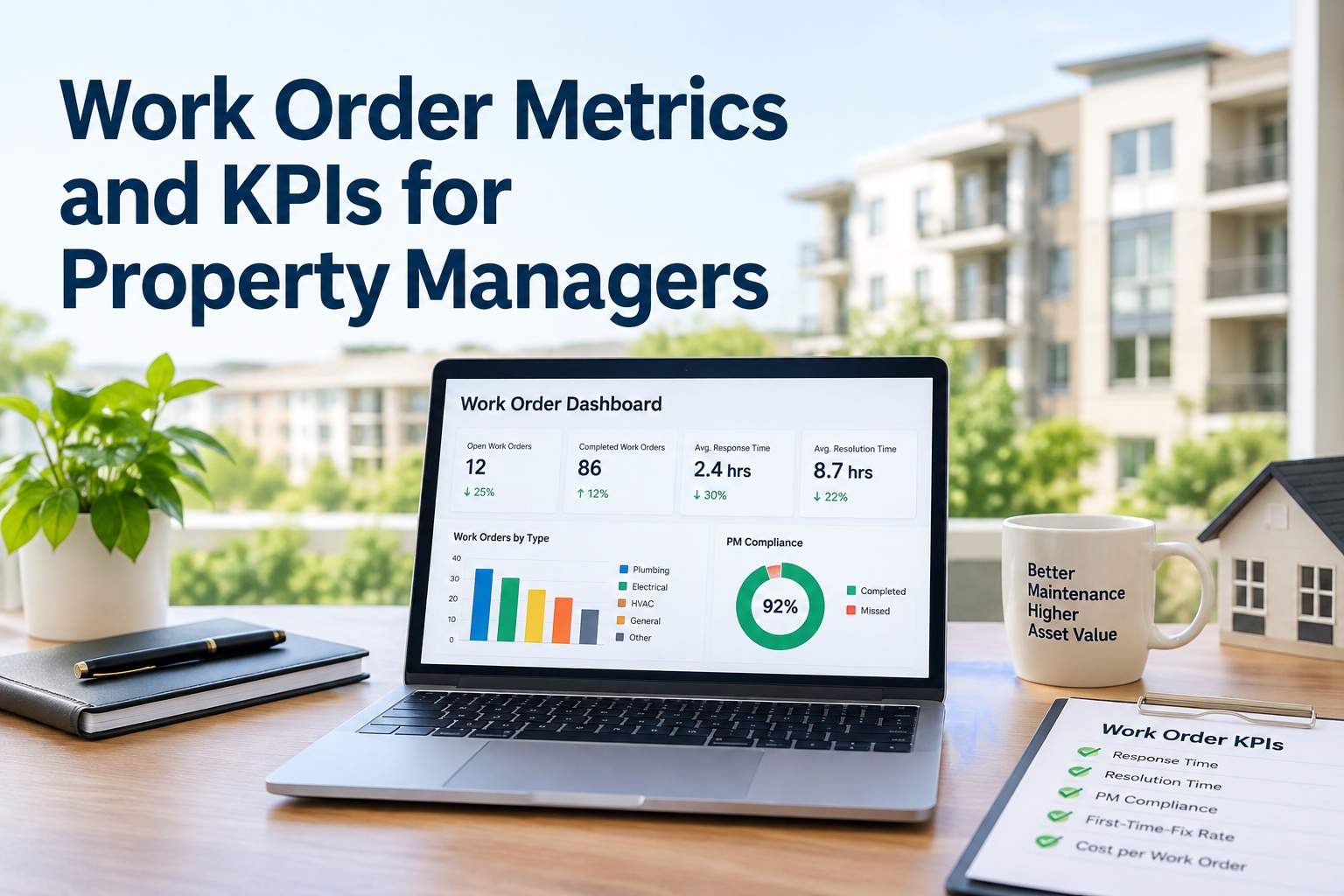
Property management teams that track work order metrics connect maintenance quality directly to business outcomes. Oxmaint's work order analytics dashboard gives property managers real-time visibility into first-time fix rates, average turnaround, cost per repair, and technician productivity—enabling immediate intervention on underperforming categories.
Percentage of work orders resolved in single visit with no return calls. Below 75% indicates incomplete issue documentation or technician skill gaps. Track by technician to identify coaching opportunities.
Average time from request submission to completion. Above 5 days signals backlog buildup or inefficient dispatch. Track by category to identify bottleneck areas.
Average total cost (labor plus parts) per completed work order. Rising cost indicates parts substitutions, rework, or overtime labor. Compare against baseline to measure standardization impact.
Percentage of assigned work orders completed within due date. Below 95% indicates overloaded technicians, capacity imbalance, or too-aggressive scheduling.
Percentage of work orders followed by a second request for same issue on same asset within 30 days. Above 12% signals root cause documentation failure or technician diagnostic gaps.
Average post-work survey response from tenants. Below 4.0 indicates communication failures, work quality issues, or technician professionalism gaps. Correlates strongly with retention.