Property maintenance managers spend an average of 15 hours per week on manual work that could be automated — creating work orders from tenant calls, chasing vendors for status updates, manually approving purchase orders, generating reports for ownership, and following up on overdue tasks. Each of these manual steps adds delays, introduces human error, and consumes technician time that should be spent on actual maintenance. Property portfolios across the United States that implement automated workflow rules report average time savings of 12 to 18 hours per week — reallocating that time from administrative work to preventive maintenance and faster response times. Start a free trial to see how Oxmaint's automation engine eliminates manual work across your entire portfolio.
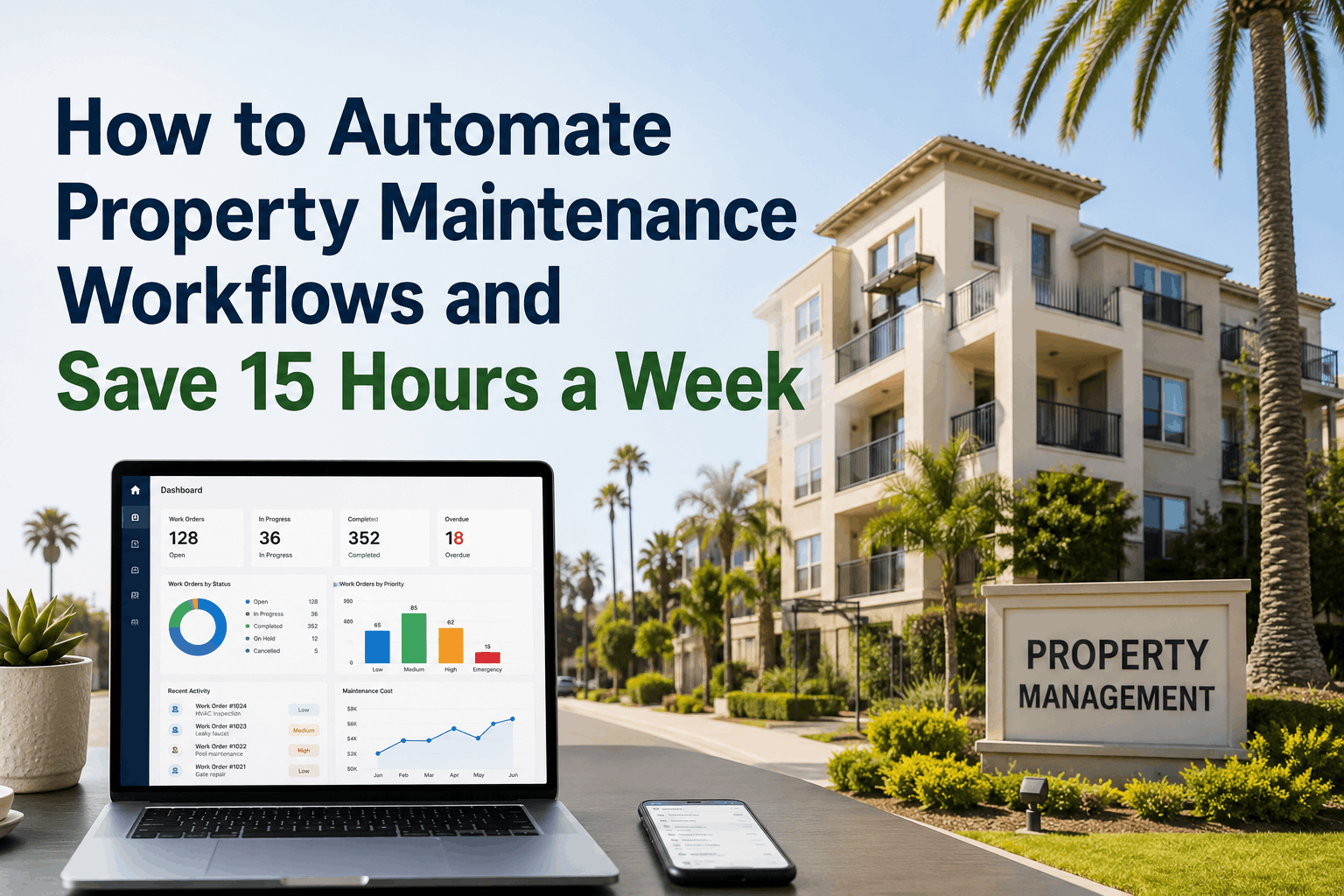
How to Automate Property Maintenance Workflows and Save 15 Hours a Week
Time-based triggers, meter-based triggers, event-based triggers, automated vendor assignment, tenant notifications, approval workflows, purchase order generation, invoice processing, report scheduling, and escalation rules — the complete guide to eliminating manual work in property maintenance.
Automation Is Not About Replacing People — It Is About Replacing Manual Steps
Property maintenance teams resist automation because they fear job loss. The reality is opposite: automation eliminates the administrative work technicians and managers hate — data entry, follow-up calls, report generation — so they can focus on the work that requires human judgment. Properties that automate routine workflows report higher job satisfaction and lower turnover among maintenance staff because technicians spend less time on paperwork and more time doing the work they were trained to do. Start a free trial to identify which of your current manual tasks can be automated immediately.
The 3 Automation Trigger Types: Time-Based, Meter-Based, and Event-Based
Every automated workflow starts with a trigger — a condition that, when met, causes an action to happen automatically. The three trigger types below cover the vast majority of property maintenance automation opportunities. Property managers who implement all three trigger types across their portfolio eliminate 80 to 90 percent of routine manual decisions.
Automatic Work Order Creation: From Tenant Request to Assigned Task in Seconds
Manual work order creation is the single largest time drain in property maintenance. Tenants call → front desk takes notes → calls or emails maintenance → technician writes down details → manual entry into system. Each step adds minutes and introduces errors. Automated work order creation eliminates the chain.
| Trigger Type | Automation Rule | Automatic Action | Time Saved per Work Order |
|---|---|---|---|
| Tenant Portal Submission | Tenant submits request via portal → rule engine evaluates priority | Work order created with tenant info, unit number, description, and photo attachments | 5–7 minutes |
| Email Integration | Email to maintenance@property.com contains keywords "emergency" or "leak" | Work order created with P1 priority, dispatched to on-call technician immediately | 4–6 minutes |
| IoT Sensor Alert | Water leak sensor detects moisture → threshold exceeded | Emergency work order created with asset location and sensor data attached | 8–10 minutes |
| Inspection Checklist | Weekly inspection notes deficiency → "repair needed" box checked | Corrective work order created with deficiency description and photo | 3–5 minutes |
Automated Vendor Assignment, Escalation, and Notification
Routing work orders to the right technician or vendor — and escalating when no one responds — is a manual process in most properties. Dispatchers call vendors, leave messages, wait for callbacks, and follow up repeatedly. Automated routing and escalation eliminates the phone tag.
Automated Approvals, Purchase Orders, and Invoice Processing
Financial workflows are the most time-consuming manual processes in property maintenance — and the most error-prone. Automated approval routing ensures purchase orders are approved before parts are ordered, and automated invoice matching ensures vendors are paid correctly and on time.
| Workflow | Automation Rule | Automatic Action | Manual Time Eliminated |
|---|---|---|---|
| Purchase Order Approval | Parts total < $500 → auto-approved. Parts total $500–2,000 → routed to property manager. Parts total >$2,000 → routed to regional director. | PO generated and sent to approved vendor based on threshold rules | 10–15 minutes per PO |
| Invoice Matching | Vendor invoice received → system matches PO number, work order number, and total amount. Match found → auto-approved for payment. | Invoice processed without AP review if match is exact | 5–8 minutes per invoice |
| Budget Checking | Work order cost would exceed property's monthly maintenance budget → system flags before technician proceeds | Manager notified for approval before work continues | Prevents unbudgeted spend |
Automated Reporting and Scheduled Dashboard Delivery
Manual reporting consumes 2–4 hours per week for most property managers — pulling data from multiple sources, formatting spreadsheets, and emailing stakeholders. Automated reporting eliminates all of it.
How Property Managers Across the USA Use Oxmaint to Automate 15+ Hours Weekly
Property managers who implement full workflow automation in Oxmaint report measurable time savings within the first 30 days — because automation rules start working immediately, not after a long implementation period. Start a free trial to configure your first automation rule in under 10 minutes.
| Manual Process | Before Automation (Weekly Hours) | After Automation (Weekly Hours) | Time Saved |
|---|---|---|---|
| Work order creation from tenant calls | 4.5 hours | 0.5 hours | −4.0 hours |
| Vendor dispatch and follow-up calls | 3.0 hours | 0.5 hours | −2.5 hours |
| Purchase order creation and approval | 2.5 hours | 0.5 hours | −2.0 hours |
| Monthly reporting to ownership | 2.0 hours | 0.2 hours | −1.8 hours |
| PM schedule management and follow-up | 3.0 hours | 0.3 hours | −2.7 hours |
| Invoice matching and AP reconciliation | 2.0 hours | 0.2 hours | −1.8 hours |
| TOTAL | 17.0 hours | 2.2 hours | −14.8 hours |
"Before Oxmaint, I was spending two hours every morning just processing work orders from the previous day — typing tenant requests into the system, calling vendors to confirm dispatch, and following up on open work orders. The automation rules changed everything. Now tenant portal requests become work orders instantly. Vendors get auto-assigned based on skills and availability. If no one acknowledges within 15 minutes, the system escalates automatically. I save 12–15 hours per week — time I now spend walking properties and catching issues before tenants report them."
— Senior Property Manager, Multi-Family Portfolio, Atlanta, Georgia (Managing 8 Properties, 1,200 Units)
Frequently Asked Questions About Maintenance Workflow Automation
What is the easiest workflow to automate first?+
Do I need special hardware or sensors for meter-based triggers?+
Can automation rules be different for different properties in the same portfolio?+
How do I ensure automation doesn't create unintended consequences?+
Can automation handle after-hours emergency calls differently from daytime requests?+
How does automated vendor assignment work when multiple vendors are qualified?+
Stop Wasting 15 Hours a Week on Manual Work — Automate It Today
Oxmaint's workflow automation engine eliminates manual data entry, routing, approvals, and reporting — so your team focuses on maintenance, not paperwork. Free trial includes all automation features.