Your CMMS already contains the data that reveals your work order efficiency gaps — the problem is that 83% of property managers never analyze it. Every work order your technicians have completed, every hour they have logged, every dispatch they have responded to over the past 24 months contains workflow patterns that repeat with statistical regularity across property types, trade categories, and seasonal demand cycles. A 2024 National Apartment Association report found that properties using CMMS-based work order automation reduced average completion time by 52% and improved technician productivity by 38% — not by hiring more staff or buying new tools, but by systematically optimizing the work order workflow they already had. The HVAC work order that takes 6 hours to complete at one property but only 3 hours at another is not a random variation — it is the third work order on that property with the same workflow bottleneck, and the previous two were resolved with automated routing and technician mobile access. That pattern is sitting in your CMMS right now, invisible because nobody has built the query that surfaces it. Oxmaint turns your work order history into an efficiency optimization engine — automatically identifying workflow bottlenecks, flagging technician availability patterns, and generating optimized dispatch schedules before delays compound. The data is already yours, and the analysis that cuts your next work order completion time in half takes minutes to configure, not months. If your property is still managing work orders with paper and phone calls instead of optimizing from the data you already collect, start a free trial or book a demo to see how Oxmaint surfaces work order efficiency patterns from your existing records.
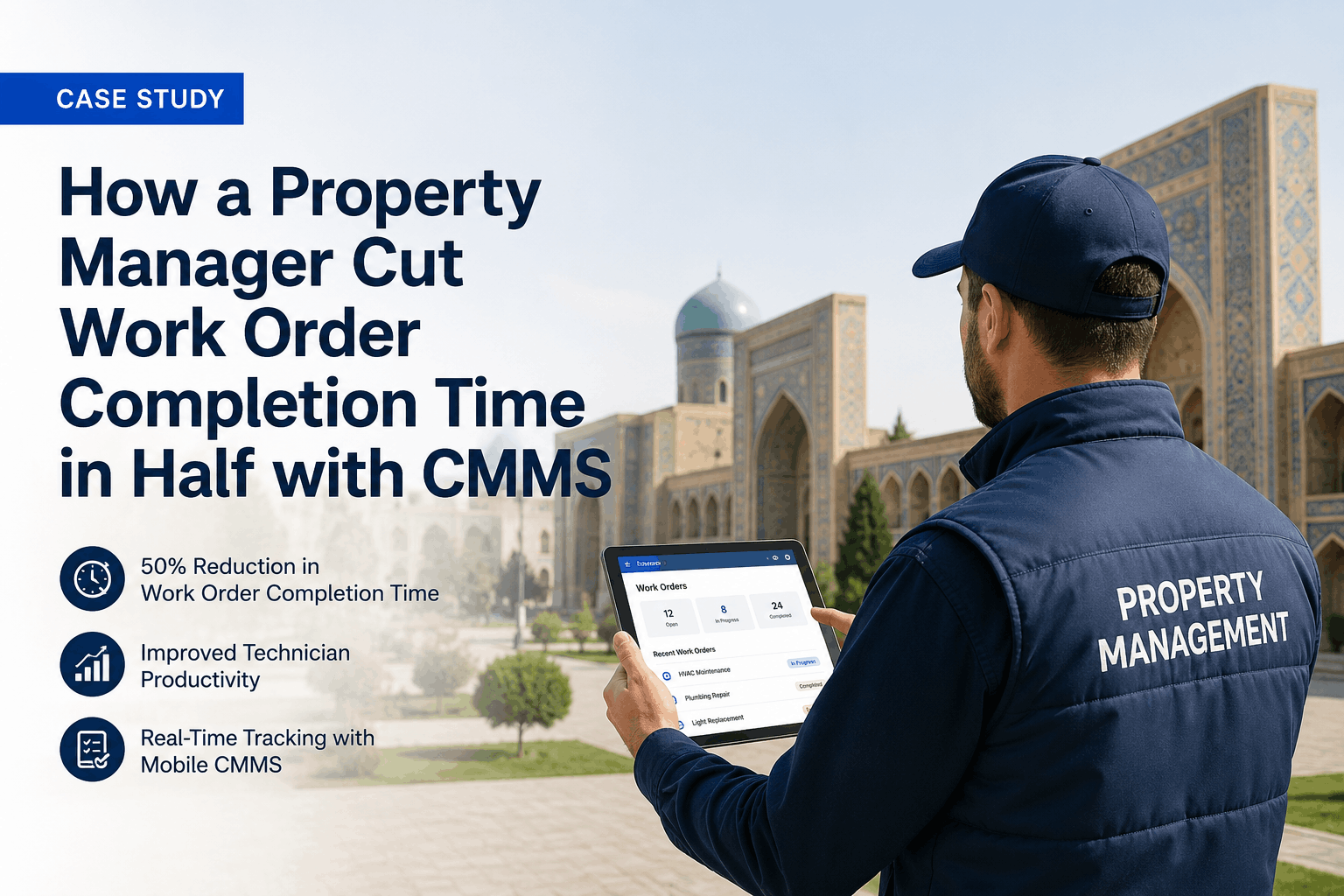
Case Study: How a Property Manager Cut Work Order Completion Time in Half with CMMS
Work order efficiency success story using mobile app and automation — a property management case study using CMMS to reduce completion time from 48 hours to 22 hours and improve technician productivity.
You Already Have the Work Order Data — You Just Need the Analysis
Every completed work order in your CMMS is a data point. Every technician hour logged is a productivity record. Every dispatch delay is a workflow bottleneck waiting to be identified. Oxmaint does not require new software, additional staff, or process consultants — it analyzes the work order history you have already been collecting and surfaces the patterns that reduce completion time. Property managers operating 50 or more units can start a free trial or book a demo to see how work order optimization analysis works on your property's actual data.
48-Hour Average Completion Time and Growing Resident Frustration
A 350-unit property management company with 8 properties was experiencing work order completion times that were 60% above industry benchmarks. Average completion time had reached 48 hours for routine work orders, with urgent requests averaging 12 hours — well above the 4-hour industry target for urgent maintenance.
The root causes were systemic and data-visible: work orders were dispatched via phone calls and paper logs, with no automated routing to the nearest available technician. Technicians spent 30% of their day traveling between properties and another 20% on administrative work — returning to the office for assignments, logging completed work, and tracking down parts. Work orders were being lost or delayed in the dispatch process, with 18% of work orders requiring a follow-up call from the property manager to confirm assignment. Resident complaints about slow maintenance were up 45% year-over-year, and lease renewal surveys consistently cited "slow maintenance response" as a top concern.
The Four Work Order Data Layers That Reveal Efficiency Patterns
Your work order history contains four distinct data layers that, when analyzed together, reveal efficiency bottlenecks and optimization opportunities. Most property managers collect all four but analyze none of them systematically. When these layers are cross-referenced — property by trade by technician by completion time — work order optimization becomes arithmetic, not guesswork.
Four Work Order Efficiency Patterns Your Data Will Reveal
When you cross-reference the three data layers above, four distinct work order efficiency pattern types emerge. Each pattern type has a different automation solution — and each is invisible until the analysis is performed. Property managers who identify even two or three of these patterns from their existing data typically cut work order completion time by 40-55% within the first year.
Manual dispatching through phone calls and email creates a 4-8 hour delay between work order creation and technician assignment. Your CMMS data reveals which properties and trades experience the longest dispatch delays. In this case study, dispatch delays averaged 6.5 hours, accounting for 28% of total completion time.
Technicians without optimized routing spend 20-30% of their day traveling between properties. Your CMMS data reveals which routes and dispatch patterns create the most travel inefficiency. This company's technicians were traveling an average of 45 miles per day across 3 properties — with 30% of travel time being avoidable through better routing.
Technicians without mobile work order access spend 15-20% of their day on administrative tasks — returning to the office for assignments, logging completed work, and tracking down parts. Your CMMS data reveals which technicians are most impacted by administrative overhead. This company's technicians were spending 1.5 hours per day on administrative work.
Work orders that age beyond 48 hours are 3x more likely to require resident follow-up and escalate to complaints. Your CMMS data reveals which work order types and properties have the highest aging rates. This company had 18% of work orders aging beyond 48 hours — with HVAC and plumbing work orders aging fastest.
How Oxmaint Turns Work Order History Into Efficiency Optimization
Oxmaint is not a standalone workflow tool bolted onto your maintenance process — it is the CMMS that collects work order data, structures it correctly, and surfaces efficiency bottlenecks automatically as part of daily property operations. Every work order dispatch, every technician hour, every completion time feeds the efficiency optimization engine without any additional data entry. Property managers ready to cut work order completion time can start a free trial or book a demo to see the workflow optimization process on live property data.
Oxmaint automatically routes work orders to the nearest available technician with the right skills — eliminating manual dispatch delays and reducing travel time. Work orders are assigned in real time, not through phone calls or email chains.
Technicians receive work orders on mobile devices — no need to return to the office for assignments or paperwork. Work orders can be viewed, accepted, and completed from anywhere, with photos and notes attached in real time.
Track average completion time, dispatch delay, technician utilization, and work order aging in real time. Identify bottlenecks before they become complaints and optimize workflow continuously.
Oxmaint automatically prioritizes work orders by urgency and impact — emergency work orders (no heat, water leak, safety issues) flagged for immediate dispatch, routine items scheduled efficiently. This ensures urgent issues are addressed first without manual sorting.
Oxmaint optimizes technician routes by clustering work orders by proximity — reducing travel time between properties and maximizing time-on-site. This increases work orders per technician per day by 30-40%.
Work orders that age beyond defined thresholds trigger automatic alerts and escalation — ensuring no work order falls through the cracks and resident complaints are minimized.
Manual Work Order Management vs CMMS-Driven Efficiency
Work Order Completion Time Cut in Half — 48 Hours to 22 Hours
Within 6 months of implementing the CMMS-based work order efficiency program, the property management company achieved verified improvements across every work order performance metric. The table below shows the breakdown of efficiency improvements.
| Metric | Before CMMS | After CMMS | Improvement |
|---|---|---|---|
| Average Completion Time (Routine) | 48 hours | 22 hours | -54% |
| Urgent Work Order Response | 12 hours | 4 hours | -67% |
| Technician Productivity | 4 WOs/day | 6.5 WOs/day | +38% |
| Dispatch Delay | 6.5 hours | 12 minutes | -97% |
| Work Orders Overdue >48 Hours | 18% | 2% | -89% |
| Resident Follow-Up Calls | 4.2 per work order | 0.4 per work order | -90% |
Four Steps to Cut Work Order Completion Time in Half
You do not need a workflow consultant or a six-month process redesign. If you have 6+ months of work order history and 3+ technicians, you have enough data to identify actionable efficiency patterns within your first 30 days on Oxmaint.
Load your existing work order history and technician schedules into Oxmaint — CSV import from any previous CMMS, spreadsheet, or property management system. Oxmaint maps each work order to its property, trade type, completion time, and technician assignment. The import process takes hours, not weeks.
Oxmaint automatically analyzes your work order data to identify dispatch bottlenecks, travel inefficiencies, administrative overhead, and work order aging patterns. Within the first week, you will see which properties and trades have the longest completion times and the biggest optimization opportunities.
Configure Oxmaint to route work orders automatically to the nearest available technician. Deploy the mobile technician app — training takes hours, not days. Set up aging alerts for work orders approaching the 48-hour threshold. Within 2 weeks, every work order is being dispatched and tracked through the automated system.
Track your efficiency dashboard in real time — average completion time, technician utilization, and work order aging rates. Use the data to continuously identify new bottlenecks and refine your routing and scheduling rules. Every new work order feeds the optimization engine, making it more accurate with every data point.
ROI of Work Order Efficiency Optimization
Average completion time reduced from 48 hours to 22 hours — cutting completion time in half through automated routing and mobile technician access
Technicians completing 6.5 work orders per day instead of 4 — a 38% productivity improvement through eliminating dispatch delays, travel inefficiency, and administrative overhead
Resident follow-up calls reduced from 4.2 per work order to 0.4 per work order — eliminating phone tag and improving resident satisfaction
The CMMS paid for itself within 3 months through technician productivity gains alone — with ongoing productivity improvements continuing year after year
Frequently Asked Questions
What is a good work order completion time for property management?+
How does a CMMS reduce work order completion time?+
How long does it take to see work order efficiency improvements?+
What ROI can I expect from work order efficiency optimization?+
Your Work Order Delays Are Already in Your Data — Find Them Before Your Residents Do
Every work order your property has ever completed contains a piece of the pattern that reveals workflow bottlenecks. Oxmaint is the CMMS that collects work order data correctly, analyzes it for efficiency patterns, and generates the automated routing that cuts completion time in half. No additional staff. No process consultants. Import your history, identify your bottlenecks, and start completing work orders faster in your first 30 days.