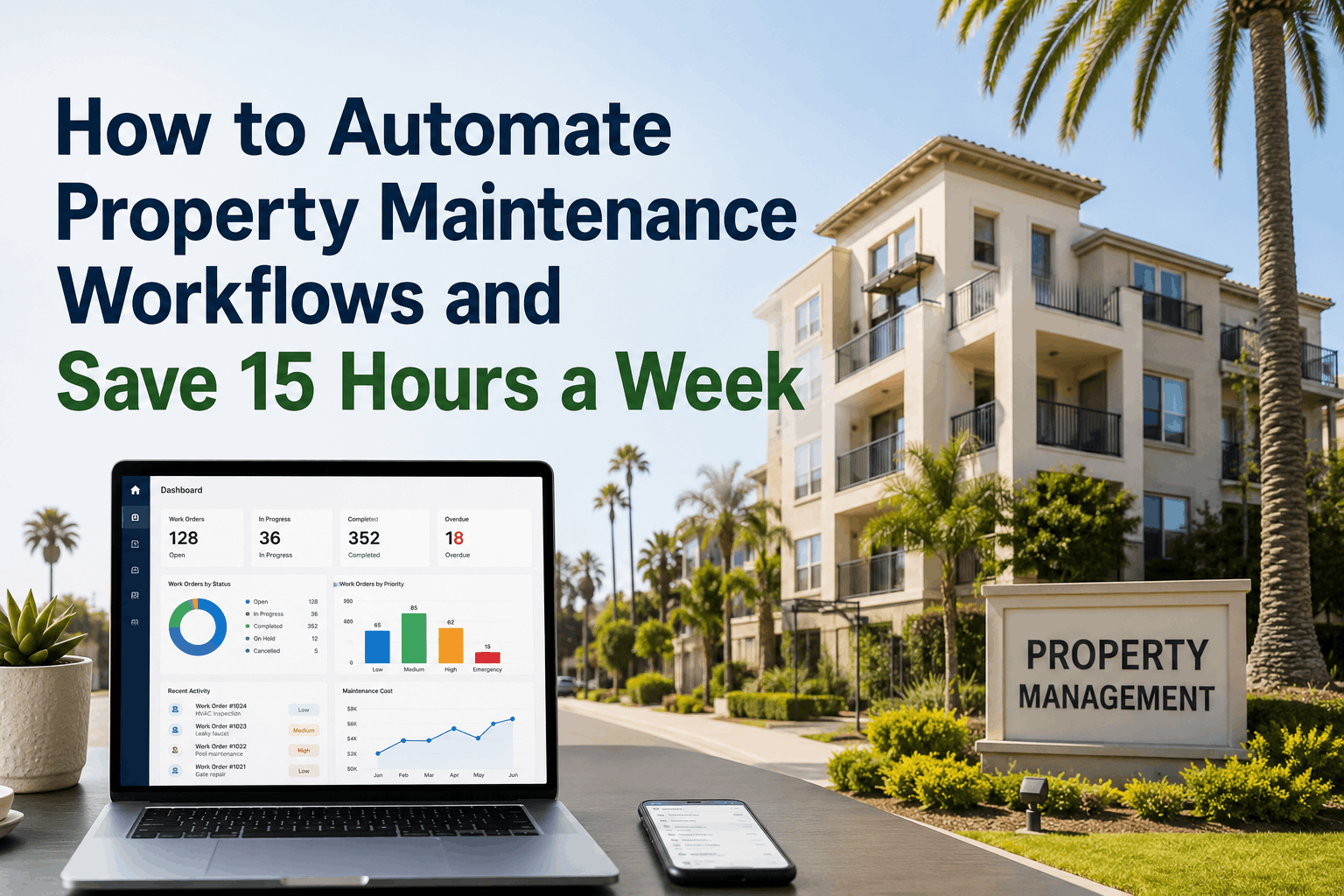
Property maintenance automation is revolutionizing how portfolios operate across the United States, shifting teams from reactive firefighting to proactive asset management. When maintenance coordinators spend 15+ hours weekly on manual tasks—creating work orders from emails, calling technicians to confirm availability, sending status updates to tenants, scheduling preventive maintenance—they're not solving problems; they're processing information. Automation eliminates these administrative bottlenecks by embedding triggers, rules, and escalation logic directly into your CMMS. A tenant submits a request through the portal at 11 PM on a Sunday; the system automatically logs it, assigns it to the next available technician with the required skill, notifies the tenant of the estimated response time, and escalates to a supervisor if no technician is available within your SLA window—all without human intervention. The result: response times drop 40-60%, tenant satisfaction increases 25-35%, and coordinators regain 10-15 hours weekly to focus on planning, vendor negotiations, and strategic initiatives. Start automating your maintenance workflows with Oxmaint today to eliminate manual bottlenecks and unlock team productivity. Book a consultation to map which of your workflows can be automated immediately for fastest ROI.
Three Trigger Types That Eliminate 80-90% of Manual Maintenance Coordination
Automation in property maintenance depends on recognizing three fundamental trigger types: time-based, meter-based, and event-based. Understanding these allows your team to design workflows that respond instantly to conditions without human oversight. Organizations that implement all three trigger types across their portfolio eliminate 80-90% of routine manual decisions, reduce maintenance coordinator workload by 50-60%, and improve SLA compliance from 70% to 95%+ automatically. Explore trigger design with Oxmaint's automation team to identify which triggers apply to your highest-burden workflows and deliver fastest payback.
Five High-Impact Automation Patterns That Property Teams Deploy First
Not all automation workflows deliver equal returns. Property management organizations prioritize the five patterns below because they address the highest-friction, highest-volume, highest-variability processes. Each pattern follows a predictable if-then logic that vendors can implement without custom development. Schedule a workflow mapping session with Oxmaint specialists to identify which patterns align with your portfolio's pain points and design your automation roadmap.
Tenant submits maintenance request via portal → system auto-logs request, classifies by type (emergency, urgent, routine), assigns priority tag → routes to appropriate technician pool (HVAC specialist, plumber, electrician) → notifies tenant of assignment and estimated arrival. Manual work order entry—historically consuming 5-8 minutes per request—becomes instant. A property with 30 monthly requests saves 2.5-4 hours monthly on data entry alone.
Every 30 days → system generates HVAC filter change work order. Every 90 days → boiler inspection. Every 6 months → fire extinguisher tag renewal. Monthly → elevator certifications. System auto-creates these recurring tasks on the schedule you define, eliminating the coordinator's manual reminder system or spreadsheet tracker. For a 200-unit portfolio with 15+ recurring PM tasks per unit, automation generates 3,000+ work orders annually without human touch.
Equipment meters track runtime hours, cycle counts, or gallons processed. When boiler reaches 2,000 hours, system auto-creates "Boiler Service" work order. When water heater hits 8,000 gallons, "Flush sediment" task triggers. Eliminates spreadsheets tracking equipment hours and coordinators manually checking thresholds. For equipment-heavy portfolios (commercial HVAC, industrial pumps), meter-based automation reduces reactive emergency repairs by 40-50%.
Work order type = "HVAC Repair" → assign to technician with HVAC certification + current location nearest property + fewest open assignments. Instead of dispatcher calling multiple technicians waiting for callbacks, system evaluates all available technicians against rules and assigns instantly. Technician receives mobile notification 5 seconds after work order creation. Response time drops 80%, technician travel time optimizes, and assignment disputes disappear because the logic is documented and transparent.
Work order assigned but not started within 2 hours → system sends first escalation reminder to technician. No response after 4 hours → supervisor notified. Still unstarted at 6 hours → tenant receives status update and revised completion estimate. Emergency work orders trigger escalation within 30 minutes of assignment. Eliminates coordinators manually tracking age and sending follow-up calls. Overdue task ratio drops from 15-20% to under 5% because escalation is mechanical and consistent.
Work order created → tenant notified via SMS/email. Technician accepted assignment → tenant updated with technician name, vehicle description, ETA. Technician en route → tenant receives real-time status. Work completed → tenant receives notification and satisfaction survey link. Instead of coordinators sending dozens of status emails, automation keeps tenants informed at every workflow stage. Tenant satisfaction increases 20-30%; complaint volume drops 25-40% because transparency eliminates uncertainty.
Automation Implementation Roadmap: How to Launch Without Disruption
Successful automation rollouts follow a deliberate sequence: assess current workflows, identify highest-impact candidates, design triggers and rules, test with pilot properties, refine based on feedback, then scale portfolio-wide. Organizations that try to automate everything at once overwhelm their team and generate change resistance. Those that start small, prove value, then expand methodically achieve 90%+ adoption and sustain improvements long-term. Each phase typically requires 2-4 weeks of design, testing, and training before moving to the next.
| Rollout Phase | Focus Area | Deliverable | Team Impact | Timeline |
|---|---|---|---|---|
| Audit Current Workflows | Document all manual processes: how work orders are created, who assigns technicians, how status is communicated, when escalation happens | Workflow map showing each step, decision point, time cost, and person responsible | All coordinators and supervisors participate; 4-8 hours total | 1 week |
| Prioritize Automation Candidates | Score each workflow against frequency (daily/weekly), volume (100s of instances annually), complexity (yes/no decision paths), and pain (time consumed, error rate) | Prioritized list of 5-10 workflows ranked by automation ROI and implementation complexity | Procurement, Operations, IT meet to align on business impact and technical feasibility | 1 week |
| Design Triggers and Rules | For top 2-3 priority workflows, specify trigger conditions, decision rules, assignment logic, escalation paths, and notification templates | Automation specification document; workflow diagrams; rule matrix showing all conditions and outcomes | IT and power-user coordinators validate logic; align on edge cases and exceptions | 2 weeks |
| Pilot with Subset of Properties | Configure and test automation rules on 1-2 representative properties; let teams execute workflows manually and via automation in parallel; gather feedback | Pilot results report: automation success rate, time savings, exceptions encountered, user satisfaction | Pilot properties' coordinators and technicians use both systems; identify friction points and needed adjustments | 2-3 weeks |
| Refine and Retrain | Based on pilot feedback, adjust automation rules, notification templates, escalation thresholds; conduct training with full team on new workflows | Updated automation rules; training materials and videos; FAQ document addressing common questions | All coordinators, supervisors, technicians attend training; IT provides ongoing support for first 2 weeks | 1-2 weeks |
| Portfolio-Wide Rollout | Activate automation across all remaining properties; provide 30-60 day support window for questions and troubleshooting | Go-live checklist; support schedule; monitoring dashboard tracking automation success rates | Teams execute fully automated workflows; support team resolves exceptions and edge cases in real-time | 2 weeks activation + 30-60 days support |
Customer Story: How Automation Transformed Coordinator Workload
A residential portfolio managing 250 units across six properties in Florida had three full-time coordinators and one supervisor who reported spending 60+ hours weekly on administrative work: answering tenant calls, creating work orders, calling technicians, sending status updates, escalating overdue repairs, and tracking PM compliance. After deploying Oxmaint's automation suite, they automated work order creation (event-based: tenant portal submissions), technician assignment (rule-based: skill matching + location proximity), tenant notifications (workflow-based: status at every stage), and PM scheduling (time-based: recurring tasks). Within 8 weeks post-automation launch, coordinators reported spending only 25-30 hours weekly on admin tasks. The freed time (30+ hours/week) was redirected to vendor relationship management, PM compliance audits, root cause analysis on recurring issues, and proactive communication with residents. Tenant satisfaction increased 28%, SLA compliance improved from 78% to 96%, emergency repairs dropped 35% (catching issues earlier), and technician overtime decreased due to better workload distribution. The company avoided hiring a fourth coordinator and reduced overtime costs by $18,000 annually. Most importantly, staff reported higher job satisfaction because they were solving real problems rather than shuffling paperwork.