Fire System Inspection Checklist

By Alice Walker on January 28, 2026

fire-system-inspection-checklist

Paper-based fire system inspections are a liability waiting to happen. Illegible handwriting, lost logbooks, and "pencil-whipped" checklists leave facilities vulnerable to code violations and safety risks during an emergency. When auditors demand proof of compliance, scrambling through filing cabinets is not an acceptable strategy. A digitized, standardized inspection checklist ensures every device is tested according to code, with indisputable digital proof.

Oxmaint transforms fire safety compliance with mobile-first inspection checklists aligned with NFPA 25, 72, and 10 standards. Technicians follow guided workflows on their mobile devices, capturing photos of deficiencies and logging pass/fail results instantly. Facilities using Oxmaint fire inspection checklists achieve 100% audit readiness, eliminate missing records, and reduce inspection administrative time by 60%. Start free to digitize your fire safety logbooks today.

100%
Audit Readiness
60%
Less Admin Time
0
Lost Logbooks
All
NFPA Codes Covered

What is a Fire Safety Inspection Checklist

A fire safety inspection checklist is a standardized diagnostic tool that guides technicians through systematic evaluation of all fire protection systems including sprinklers, alarms, extinguishers, and suppression equipment. It ensures every component is tested according to NFPA codes, documents pass/fail results with photo evidence, and creates an auditable compliance trail that satisfies fire marshals and insurance carriers.

System Categories Organization

Inspections grouped by fire protection system: water-based suppression, alarm & detection, portable extinguishers, and special hazard systems. Each category has different NFPA standards and inspection frequencies.

Compliance Levels Priority

Classification from critical deficiencies requiring immediate action to minor observations for next scheduled maintenance. Severity determines response urgency—a failed fire pump needs immediate attention while a missing tag can wait.

Pro Tip: Always check gauges and visual indicators first before running functional tests. Many apparent system failures are actually gauge malfunctions, closed valves, or tripped breakers that can be resolved quickly without dispatching specialized technicians.

Common Fire System Issue Categories

Issue Type
Severity
NFPA Standard
Typical Frequency
Water-Based Suppression
Critical
NFPA 25
Weekly / Monthly inspections required
Alarm & Detection
High
NFPA 72
Semi-Annual / Annual inspections
Portable Extinguishers
Medium
NFPA 10
Monthly visual / Annual maintenance
Emergency Lighting
Medium
NFPA 101
Monthly / Annual functional tests

Schedule a demo to see how Oxmaint tracks and prioritizes fire safety inspections with pre-built NFPA checklists.

Fire Safety Inspection Checklists

Click items to mark checks as completed. Use these checklists to systematically inspect all fire protection systems.

Sprinkler System (NFPA 25)
Weekly / Monthly
Control Valves
Gauges & Pressure
Sprinkler Heads

0/9
Fire Alarm System (NFPA 72)
Semi-Annual / Annual
Control Panel
Batteries & Power
Initiating Devices

0/9
Fire Extinguishers (NFPA 10)
Monthly
Visual Inspection
Physical Condition
Maintenance Tags

0/9
Fire Pump & Notification
Weekly / Annual
Fire Pump
Notification Devices
FDC & Standpipe

0/9
Go Paperless with Fire Inspections Deploy Oxmaint to standardize your fire life safety program, automate deficiency work orders, and eliminate compliance anxiety.

Inspection Workflow

From the initial scan to the final compliance report, Oxmaint guides the entire inspection journey. Book a demo to simplify your workflow.

1

Scan & Identify

Technician scans the asset's NFC tag or QR code. Oxmaint instantly loads the correct checklist (e.g., Monthly NFPA 25) for that specific device.

2

Execute Checks

User completes pass/fail items. "Does gauge read normal?" If No, the app mandates a photo and description of the issue.

3

Resolve Issues

Deficiencies automatically generate a work order. Minor issues can be fixed on the spot and logged; major issues route to management.

4

Sign & Certify

Technician captures a digital signature. The system updates the asset's "Last Inspected" date and emails the report to stakeholders.

Inspection Documentation Best Practices

Visual Evidence

Require photos for critical checks. Photograph gauge readings, corrosion, obstructions, or damage. Visual documentation supports insurance claims, AHJ audits, and technician training.

Deficiency Lifecycle

Track every deficiency from identification through repair to final closure. Maintain a complete audit trail showing when issues were found, who was assigned, and when corrective action was completed.

Frequency Compliance

Automated scheduling ensures no inspection is missed. Track daily, weekly, monthly, quarterly, semi-annual, annual, and 5-year inspection cycles for every asset to maintain continuous NFPA compliance.

Checklist Content Breakdown

Oxmaint templates cover the essential data points required for regulatory compliance reports.

Water-Based (NFPA 25)
Sprinkler HeadsVisual Damage / Paint
Control ValvesOpen / Secured / Signage
Water PressureSupply / System PSI
Fire PumpChurn Test / Packing
FDC ConnectionCaps / Swivels / Access
Logbook StatusDigital & Secure
Alarm & Extinguisher (NFPA 72/10)
Control PanelLEDs / Fuse / Power
BatteriesLoad Test / Corrosion
Initiating DevicesSmoke / Heat / Pull
NotificationHorns / Strobes Sync
ExtinguishersWt / Pressure / Hose
Audit Result100% Pass
Average Time Saved Per Inspection Round
40%
Eliminate data entry and lost paperwork

Inspection Frequency Guide

Set automated recurring schedules based on asset criticality and code requirements. Start free to configure your schedules.
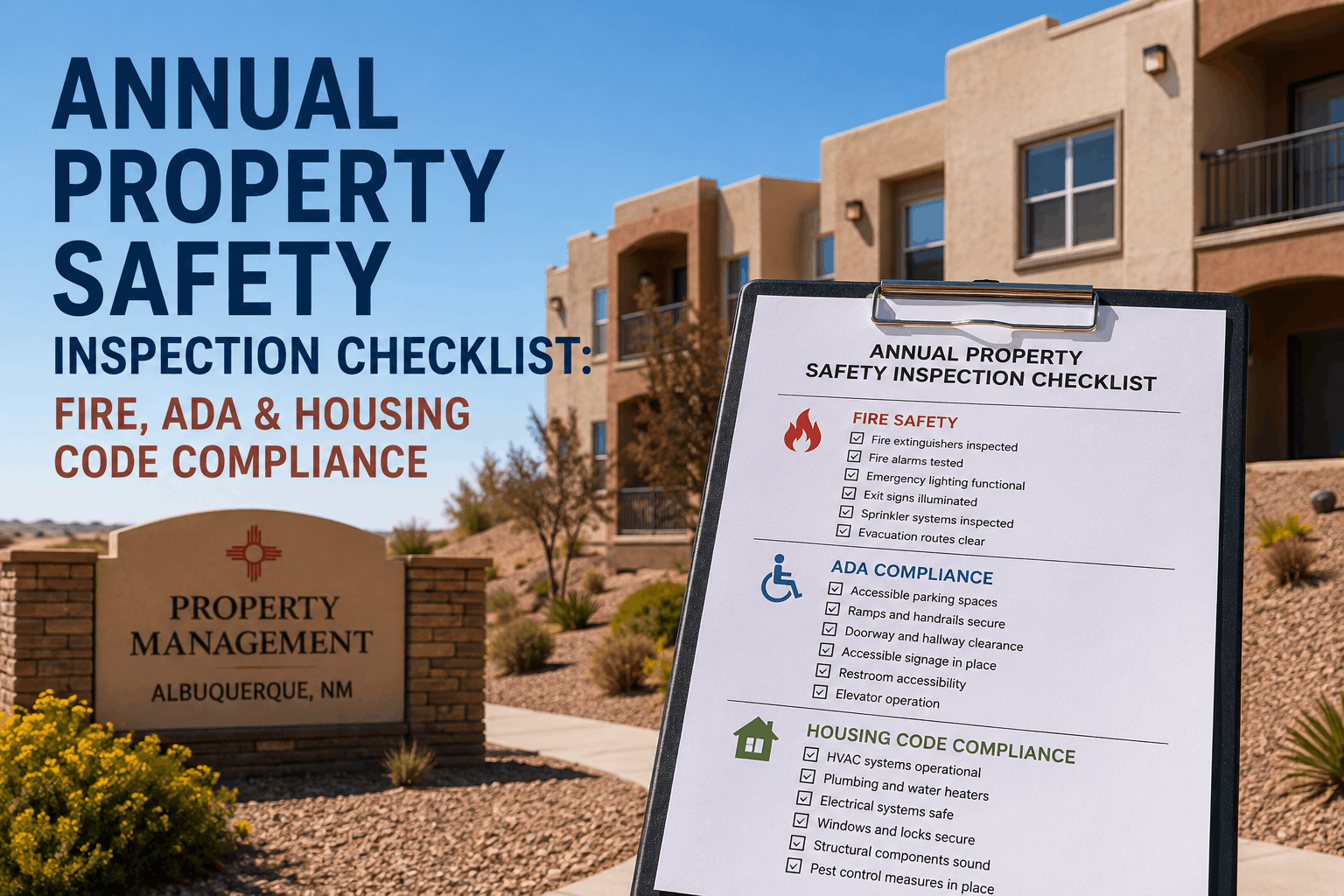
Daily / WeeklyVisual checks: Valves, Gauges, Pump Run
MonthlyExtinguishers, E-Lights, Alarm Tests
QuarterlyFlow Tests, Tamper Switches, Supervisory
Semi-AnnualBatteries, Halon / Clean Agent Systems
AnnualFull System Functional, Hydrant Flush
5-YearInternal Pipe Inspection, Hydrostatic Test

Frequently Asked Questions

Can we modify the checklists to fit local codes?
Yes. Oxmaint's form builder allows you to fully customize inspection templates. You can add specific checks required by your local AHJ (Authority Having Jurisdiction) or insurance carrier, and make fields mandatory to ensure compliance.
Does the system track deficiency resolution?
Absolutely. When an inspection item is marked "Fail," it creates a linked work order. You can track that deficiency from identification through repair to final closure, providing a complete "cradle-to-grave" audit trail for safety issues.
Can we import existing asset data?
Yes. You can bulk import your list of extinguishers, detectors, pumps, and valves via Excel/CSV. We also provide tools to easily tag these assets with QR codes during your first digital inspection round.
What happens if a technician loses internet connection?
The mobile app supports full offline functionality. Technicians can complete checklists, take photos, and save data while in a basement or shielded room. The app automatically uploads everything to the cloud once a signal is regained.
Are the reports accepted by Fire Marshals?
Yes. Oxmaint generates standardized, legible PDF reports that include all necessary timestamps, inspector identification, and deficiency details. Digital records are increasingly preferred by auditors for their accuracy and readability.
document.addEventListener('DOMContentLoaded', function() { const containers = document.querySelectorAll('.checklist-container'); containers.forEach(container => { const checkboxes = container.querySelectorAll('input[type="checkbox"]'); const progressBar = container.querySelector('.progress-fill'); const progressText = container.querySelector('.progress-text'); const total = checkboxes.length; function updateProgress() { const checked = container.querySelectorAll('input[type="checkbox"]:checked').length; const percentage = (checked / total) * 100; progressBar.style.width = percentage + '%'; progressText.textContent = checked + '/' + total; } checkboxes.forEach(checkbox => { checkbox.addEventListener('change', updateProgress); }); }); });

Share This Story, Choose Your Platform!