Fixed Fee vs Per Unit vs Per User: Which Property Maintenance Software Pricing Wins
By Alex Jordan on June 10, 2026
You're evaluating three CMMS vendors. One charges $299/month flat fee. Another charges $8/unit/month. The third charges $45/user/month. You have 32 units and 4 technicians. The quotes span from $1,200/year to $21,600/year — a 18x difference. Here's how to analyze which pricing model actually costs less for your portfolio size.
Pricing Guide · Cost Analysis · 2026
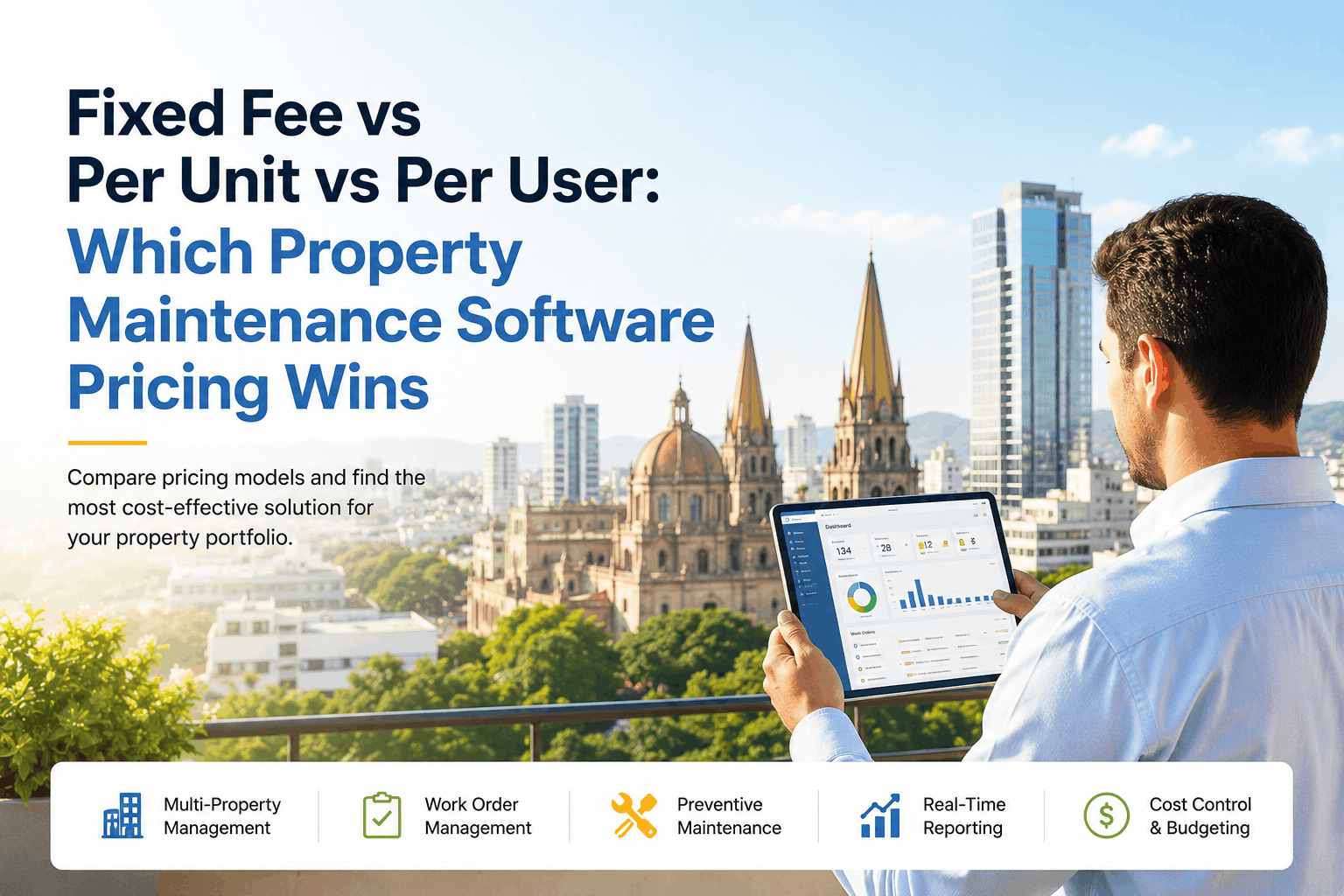
Fixed Fee vs Per Unit vs Per User: Which Property Maintenance Software Pricing Wins
Detailed cost analysis for small, medium, and large property portfolios. See which pricing model minimizes total cost of ownership and avoids vendor lock-in.
$18,000Average annual CMMS spend (year 1) for 25-unit portfolio
$6,200–$54,000Range of pricing models for identical feature set
34%Cost difference between worst and best pricing model
5 yearsTypical CMMS contract term (lock-in risk window)
The Three Pricing Models Explained
Property maintenance software vendors use three primary pricing structures. Each has different economics, scaling properties, and hidden costs. Understand the differences before you compare quotes.
Model 1
Fixed Monthly Fee
$200–$500/month (flat rate, regardless of portfolio size)
How it works: Pay the same amount whether you manage 1 property or 100. Vendor makes money based on monthly subscription volume.
Best for: Small portfolios (1–30 units) where you want predictable costs.
We calculated the annual software cost for six realistic property portfolio scenarios using typical pricing from vendors in each model. Here's what you actually pay for each portfolio size.
Small Portfolio: 12 Properties
Single manager, 2 technicians, average maintenance spend: $48K/year
Fixed Fee ($299/mo)$3,588/year
Per Unit ($9/mo per unit)$1,296/year
Per User ($45/mo per user)$1,080/year
? Winner (Cheapest)Per User (66% cheaper than Fixed Fee)
Medium Portfolio: 32 Properties
Regional manager, 4 technicians, average maintenance spend: $124K/year
Fixed Fee ($349/mo)$4,188/year
Per Unit ($10/mo per unit)$3,840/year
Per User ($50/mo per user)$2,400/year
? Winner (Cheapest)Per User (43% cheaper than Fixed Fee)
Large Portfolio: 78 Properties
Regional VP, 8 technicians, average maintenance spend: $312K/year
Fixed Fee ($449/mo)$5,388/year
Per Unit ($11/mo per unit)$10,296/year
Per User ($55/mo per user)$5,280/year
? Winner (Cheapest)Per User (2% cheaper than Fixed Fee, 49% cheaper than Per Unit)
Very Large Portfolio: 156 Properties
Enterprise, 16 technicians, average maintenance spend: $624K/year
Fixed Fee ($599/mo)$7,188/year
Per Unit ($12/mo per unit)$22,464/year
Per User ($60/mo per user)$11,520/year
? Winner (Cheapest)Fixed Fee (68% cheaper than Per Unit, 38% cheaper than Per User)
Total Cost of Ownership: Beyond Software License
Software license is only 25–35% of total CMMS cost. Implementation, training, integrations, and support add up quickly. Here's the realistic breakdown for a 32-unit portfolio over 5 years.
Vendors build margin into pricing models. Here's how to negotiate better rates based on their model.
If They're Using Fixed Fee Model
Negotiation angle: "We're willing to do a 3-year contract if you lock in price increases at 3%/year max and include professional services in the quote."
Leverage: Your contract length; multi-year commitment reduces their churn risk.
If They're Using Per Unit Model
Negotiation angle: "We plan to grow to 60 units in 3 years. What volume discount can you offer on per-unit pricing at 40+ units?"
Leverage: Growth pipeline; vendors will discount to secure future revenue.
If They're Using Per User Model
Negotiation angle: "We have 4 technicians today and need a predictable cost structure. Can you offer a blended rate (fixed + per-user above 5 users)?"
Leverage: Offering to add users gradually; they'll structure a deal to make adoption easier.
Frequently Asked Questions
Which pricing model offers the best vendor value / ROI?
Per-user model typically aligns best with your ROI. Vendors have incentive to make the software valuable (adoption drives business case). Fixed-fee vendors sometimes become complacent after sale.
Can I negotiate a hybrid model (fixed + per-unit, for example)?
Yes, absolutely. Most vendors will create hybrid pricing if you ask. Example: "$300/month fixed + $5/unit above 30 units." Always ask; they rarely offer it unprompted.
What if I sign a 3-year contract and then realize the software isn't working?
Negotiate breakup clause upfront: "If we don't achieve adoption milestones in month 4, we can exit with 90 days notice." Most vendors agree if implementation is tracked transparently.
Should I include implementation costs in my ROI calculation or treat separately?
Include them. $2,400 software + $10,000 implementation = $12,400 total cost to calculate ROI against. If you save $28,000/year, payback is 5.3 months. Don't hide implementation in separate budget.
What happens to pricing if I buy from a reseller vs. vendor directly?
Resellers typically mark up 15-20% for margin. Negotiate directly with vendor if possible. Reseller value: they manage implementation & support, which can be worth 10-15% premium if implementation is complex.
Is volume discount typical, or do vendors rarely budge on price?
Most vendors have volume tiers (e.g., 10% off at $20K+/year spend). Ask directly: "What's your volume discount at our projected spend level?" Rarely offered without asking, commonly available when negotiated.
Should pricing be my primary decision criteria, or just one factor?
Pricing is 30% of your decision. Vendor quality, implementation support, and feature depth are 70%. A 15% cheaper system that fails to adopt costs you far more than a slightly pricier system with great support.
Pick the Right Pricing Model for Your Operation
OxMaint offers flexible pricing: fixed-fee, per-unit, or custom hybrid models. See your cost based on your portfolio size and structure.