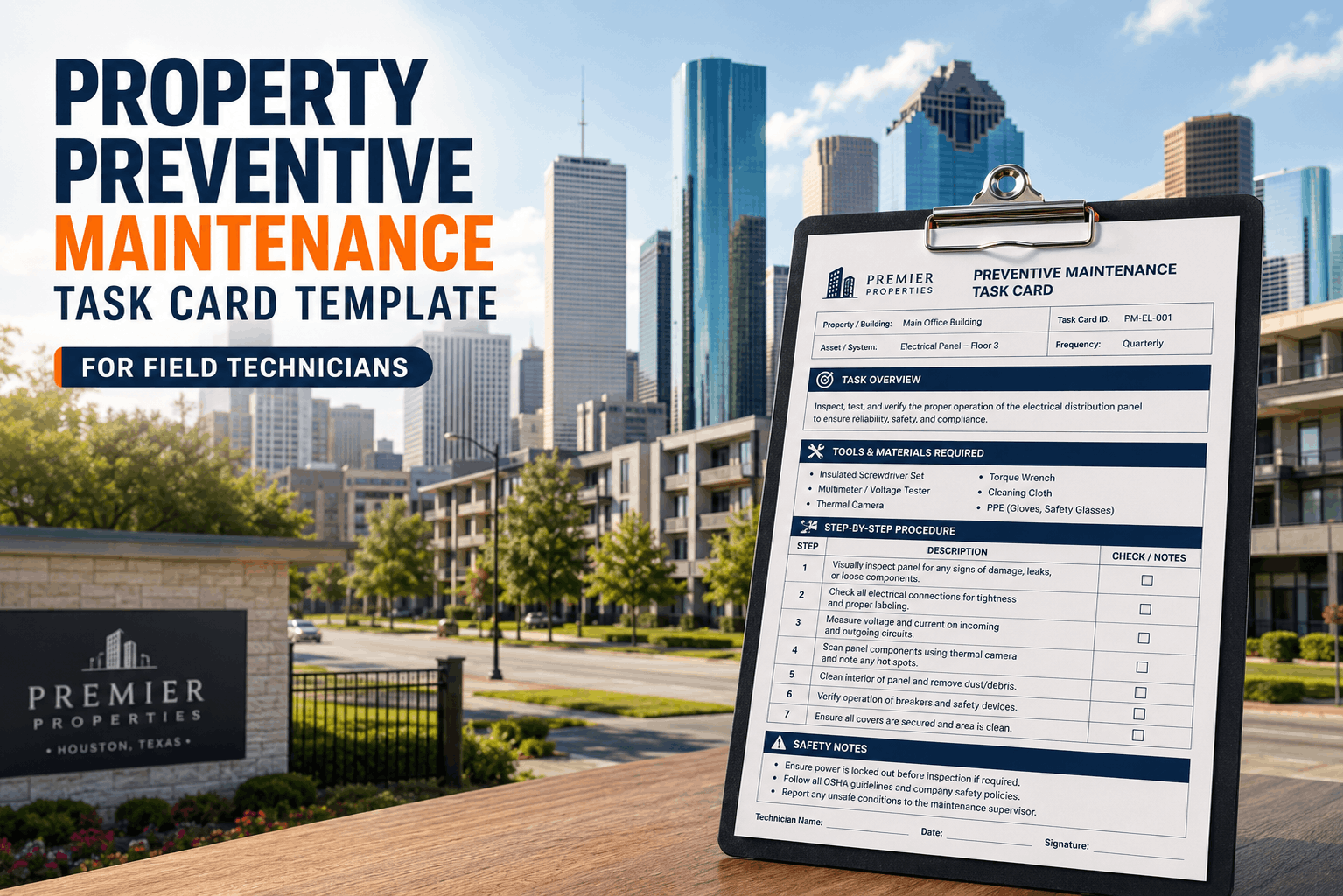
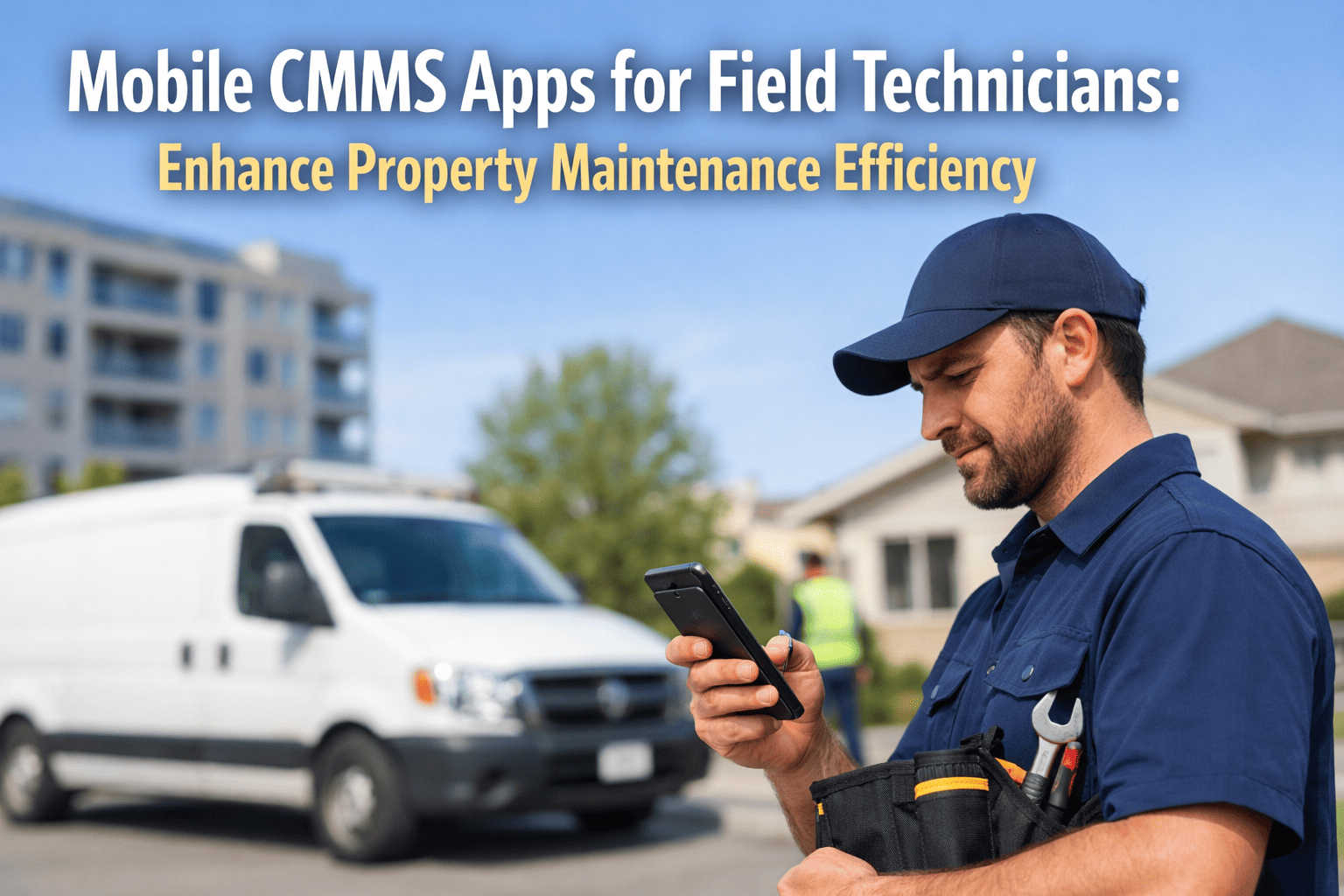
Field maintenance teams lose 35% of their productive time to paperwork, phone calls back to the office, and driving between properties to pick up work orders. That is not a technology gap. It is a revenue leak. Mobile CMMS eliminates it by putting every work order, asset record, and inspection checklist in technicians' hands at the point of work. The result: 28% more wrench-time, 42% faster work order completion, and maintenance records that update in real time instead of days later. Book a demo and see how Oxmaint's mobile-first platform connects your field teams to every asset across every property instantly.
35%
Of field technician time lost to manual paperwork, callbacks, and admin tasks
42%
Faster work order completion when technicians use mobile CMMS vs. paper-based systems
$18K
Average annual savings per technician from eliminated paperwork and reduced return trips
91%
Of maintenance teams report improved data accuracy after switching to mobile work orders
Give Your Field Teams the Tools They Actually Need
Oxmaint's mobile-first CMMS puts work orders, asset history, and inspection checklists in every technician's pocket. No more callbacks. No more clipboard forms.
What Is Mobile CMMS for Property Maintenance?
Mobile CMMS is a maintenance management platform designed to operate fully on smartphones and tablets at the point of work. Technicians receive assignments, access asset histories, complete inspections with photo documentation, log parts and labor, and close work orders from the field without returning to the office or touching a paper form. For property maintenance teams managing multiple sites, it eliminates the information gap between the office and the field that causes 62% of rework and data entry errors. Book a demo to see how Oxmaint works on your technicians' devices across every property you manage.
Mobile Work Orders
Technicians receive, update, and close work orders from their phone. Full asset history, parts list, and instructions attached. No paper, no callbacks, no return trips to the office.
Photo-Documented Inspections
Capture before/after photos, condition notes, and pass/fail status directly on the mobile device. Evidence logged against the asset record instantly. Audit-ready from the field.
Real-Time Data Sync
Every field update syncs to the central system immediately. Managers see live work order status, technician location, and completion rates without calling anyone.
Offline Capability
Basements, mechanical rooms, and parking structures have poor connectivity. Mobile CMMS stores data locally and syncs automatically when signal returns. No lost work.
6 Problems Field Teams Face Without Mobile CMMS
Every one of these problems is invisible from the office. They only show up in technician overtime, rework rates, and data quality gaps that compound across your portfolio. Book a demo and we will identify which of these inefficiencies are costing your field operation the most right now.
01
Paper Work Orders Get Lost
23% of paper-based work orders are never completed because they are lost, illegible, or misfiled. Each lost work order represents a deferred maintenance item that escalates to an emergency costing 4.8x more.
02
No Asset History in the Field
Technicians arrive at equipment with no context. They cannot see prior repairs, part numbers, or warranty status without calling the office. 38% of diagnostic time is spent gathering information that should already be available.
03
Delayed Data Entry
When technicians fill out forms hours or days after completing work, details are forgotten or approximated. 62% of manually entered maintenance records contain errors in labor time, parts used, or completion timestamps.
04
Return Trips to the Office
Technicians without mobile access average 2.3 return trips per day to pick up new assignments, drop off paperwork, or get equipment manuals. At $45/hour fully loaded, that is $18,000+ per technician annually in lost productivity.
05
No Photo Evidence
Without mobile documentation, condition assessments are subjective text descriptions that differ by technician. 71% of warranty and insurance disputes cite insufficient visual documentation of pre-existing conditions or completed work.
06
Manager Blind Spots
Without real-time field data, managers learn about delays, incomplete work, and emerging equipment issues only at end-of-day or end-of-week. 45% of preventable escalations happen because field status was not visible to management in time.
Your Technicians Deserve Better Than Paper and Phone Calls
Oxmaint puts every work order, asset record, and inspection form on your technicians' phones. Real-time. Every property. No paperwork.
How Oxmaint Mobile CMMS Transforms Field Operations
Mobile CMMS is not an add-on feature. In Oxmaint, mobile is the primary interface for field teams. Every capability works natively on phones and tablets with offline support for areas with poor connectivity. Book a demo and we will show you the exact mobile workflow your technicians would use on their next service call.
Step 01
Mobile Work Order Assignment
Work orders push directly to technician phones with priority, location, asset details, and full service history. Technicians accept and begin work without callbacks or office stops.
Step 02
Field Asset History Access
Every asset's complete record is accessible on-site: prior repairs, parts installed, warranty dates, condition scores, and attached documents. No phone calls to the office. No guessing.
Step 03
Photo and Condition Documentation
Technicians capture before/after photos, voice notes, and condition assessments on their device. Evidence is timestamped and attached to the asset record permanently.
Step 04
Real-Time Parts and Labor Logging
Log parts used, labor hours, and completion status from the field. Data syncs instantly to the central system. No end-of-day batch entry, no missing information.
Step 05
Mobile Inspection Checklists
Pre-built and custom inspection templates on mobile. Pass/fail items, photo requirements, and compliance criteria enforced per asset type. Completed inspections are audit-ready from the field.
Step 06
Manager Dashboard with Live Field Data
Managers see real-time work order progress, technician status, and completion rates across all properties. SLA alerts flag at-risk items before they become overdue.
Field Technician Productivity: Where Time Goes
The productivity gap between paper-based and mobile-equipped technicians is not marginal. It is structural. Mobile CMMS shifts 35% of wasted time back into productive maintenance work.
Active Repair and Maintenance
68%
Paperwork and Data Entry
52%
Waiting for Information
38%
Diagnosis Without Asset History
31%
Return Trips to Office
24%
Time allocation index for field technicians without mobile CMMS. Only the first bar (active repair) represents productive time. Every other bar is recoverable waste that mobile CMMS eliminates.
Paper-Based vs. Mobile CMMS: The Operational Gap
Same technicians. Same equipment. Same properties. The only variable is whether your field team has mobile access to the information they need at the point of work. Book a demo and see the live mobile interface your technicians would use starting day one.
Work Order Delivery
Printed lists, whiteboard assignments, or phone calls. 23% of orders lost or misfiled before completion.
Push notifications to technician phones. Full asset history and instructions attached. Zero lost orders.
Asset Information
Technician calls the office or guesses. 38% of diagnostic time spent gathering context instead of repairing.
Complete asset history on-screen at the asset location. Prior repairs, parts, warranty, and condition score visible instantly.
Data Accuracy
Handwritten forms entered hours or days later. 62% of records contain errors in labor, parts, or timestamps.
Data logged in real time at the point of work. 91% accuracy improvement. No batch entry, no memory gaps.
Photo Evidence
No standard process. Personal phone photos unattached to records. 71% of disputes cite insufficient documentation.
Before/after photos timestamped and attached to asset records automatically. Warranty and insurance claims supported.
Manager Visibility
Status known only at end of day or when technician checks in. Delays discovered after the fact.
Real-time dashboard with live work order status, technician location, and SLA tracking across all properties.
Completion Speed
Average cycle time inflated by admin tasks. Technicians complete 3.2 work orders per day on paper-based systems.
42% faster completion. Technicians complete 4.5+ work orders per day with mobile access to information and tools.
42% Faster Work Order Completion Starts with Mobile Access
Oxmaint's mobile CMMS is not a scaled-down desktop app. It is the primary interface for field teams, built for technicians who work with their hands, not at a desk.
Mobile CMMS Investment Analysis: Costs vs. Returns
Mobile CMMS delivers ROI through recovered technician time, eliminated paperwork, reduced rework, and faster completion cycles. Book a demo and we can project your specific return based on team size, property count, and current work order volume.
| Solution |
Implementation Cost |
Annual Savings |
Payback Period |
| Mobile Work Order Management |
$1,200 / property |
$48,000 / recovered technician time |
Under 2 weeks |
| Digital Inspection and Photo Documentation |
$800 / property |
$22,000 / reduced rework and disputes |
Under 2 weeks |
| IoT Sensor Integration (HVAC, Electrical) |
$2,400 / building |
$52,000 / prevented failures |
Under 4 weeks |
| Real-Time Field Data Sync |
$600 / portfolio |
$18,000 / eliminated data entry labor |
Under 2 weeks |
| Manager Dashboard and SLA Tracking |
$900 / portfolio |
$28,000 / prevented escalations |
Under 3 weeks |
| Full IoT + Mobile CMMS Deployment |
$8,500 / building |
$143,000 / building annually |
Under 6 months |
Complete IoT implementation delivers 3.2x ROI within 18 months, with most solutions paying for themselves in under 6 months.
Investment Reality: Full IoT deployment costs average $8,500 per building but returns $143,000 annually. The 3.2x ROI makes IoT investment essential for competitive operations.
The Numbers Behind Mobile CMMS for Field Teams
$18K
Annual savings per technician from eliminated paperwork, return trips, and recovered productive time
42%
Faster work order completion with mobile access to assignments, asset history, and documentation tools
3.2x
ROI within 18 months of deploying a unified mobile CMMS and IoT platform across a property portfolio
91%
Improvement in maintenance data accuracy when records are entered in real time from the field
Frequently Asked Questions
What can technicians actually do on the Oxmaint mobile app?
Everything they need in the field. Receive and accept work orders with full asset history and instructions. Log labor time, parts used, and completion status. Capture before/after photos with timestamps. Complete inspection checklists with pass/fail items. Access equipment manuals and warranty information. All data syncs to the central system in real time.
Book a demo and see the full mobile workflow on a live device.
Does mobile CMMS work in areas with poor cellular connectivity?
Yes. Oxmaint's mobile app stores work order data, asset records, and inspection forms locally on the device. Technicians can complete all field tasks offline in basements, mechanical rooms, parking structures, and any area with poor signal. When connectivity returns, all data syncs automatically to the central system with no manual intervention or lost records.
How much time does mobile CMMS actually save per technician?
Industry benchmarks show mobile-equipped technicians recover 35% of their previously wasted time. That translates to approximately 1.3 additional completed work orders per technician per day. For a team of 10 technicians, that is 13 additional work orders completed daily without adding headcount, which represents $18,000+ in annual savings per technician.
Book a demo and we will calculate the exact gain for your team size.
How does mobile CMMS improve maintenance data quality?
When technicians log data at the point of work instead of hours later from memory, accuracy improves by 91%. Real-time entry eliminates the approximations, forgotten details, and transcription errors that plague paper-based systems. Photo documentation adds objective visual evidence that subjective text descriptions cannot match. The result is maintenance records that hold up in audits, warranty claims, and insurance disputes.
Can managers track field team progress in real time?
Yes. Oxmaint's manager dashboard shows live work order status across all properties: which orders are in progress, which are complete, and which are approaching SLA deadlines. Technician assignment and completion rates are visible per property and per team. Automated alerts flag at-risk items before they become overdue, giving managers time to reassign or escalate rather than discovering delays after the fact.
Book a demo and see the manager view alongside the technician mobile interface.
How fast can our field team start using Oxmaint mobile?
Most teams are live within days. Technicians download the app, log in, and start receiving work orders immediately. No lengthy training sessions needed because the interface is built for people who work with their hands, not IT staff. Asset registry setup and first PM schedules are typically completed within the first week. There are no implementation fees, no hardware requirements, and no minimum contract periods.
Start a free trial and have your first mobile work order dispatched before the end of the day.
Stop Losing 35% of Your Technicians' Day to Paperwork and Callbacks
Oxmaint gives field maintenance teams mobile work orders, on-site asset history, photo-documented inspections, and real-time data sync across every property. One platform. Every technician. Every site.
Mobile work orders with full asset history attached
Photo documentation tied to asset records
Offline capability for low-connectivity areas
Real-time manager dashboard across all properties

.png)