Most property managers evaluating vendor coordination software ask the wrong first question. They ask which platform has the most features — when the real risk isn't picking a weak tool, it's picking one that becomes another disconnected silo you'll rip out in eighteen months. Industry data bears this out: a large share of managers who adopt vendor software switch platforms within a year and a half, citing integration limits and rigid workflows, and every migration burns dozens of staff hours and strains vendor relationships that took months to build. So the 2026 buyer's question is sharper: which platform makes vendor management scalable instead of just digital. This guide covers what vendor coordination software actually needs to do, how to weigh integration and vendor-side adoption, and the evaluation approach that keeps you from choosing twice. Start free on OxMaint or book a demo.
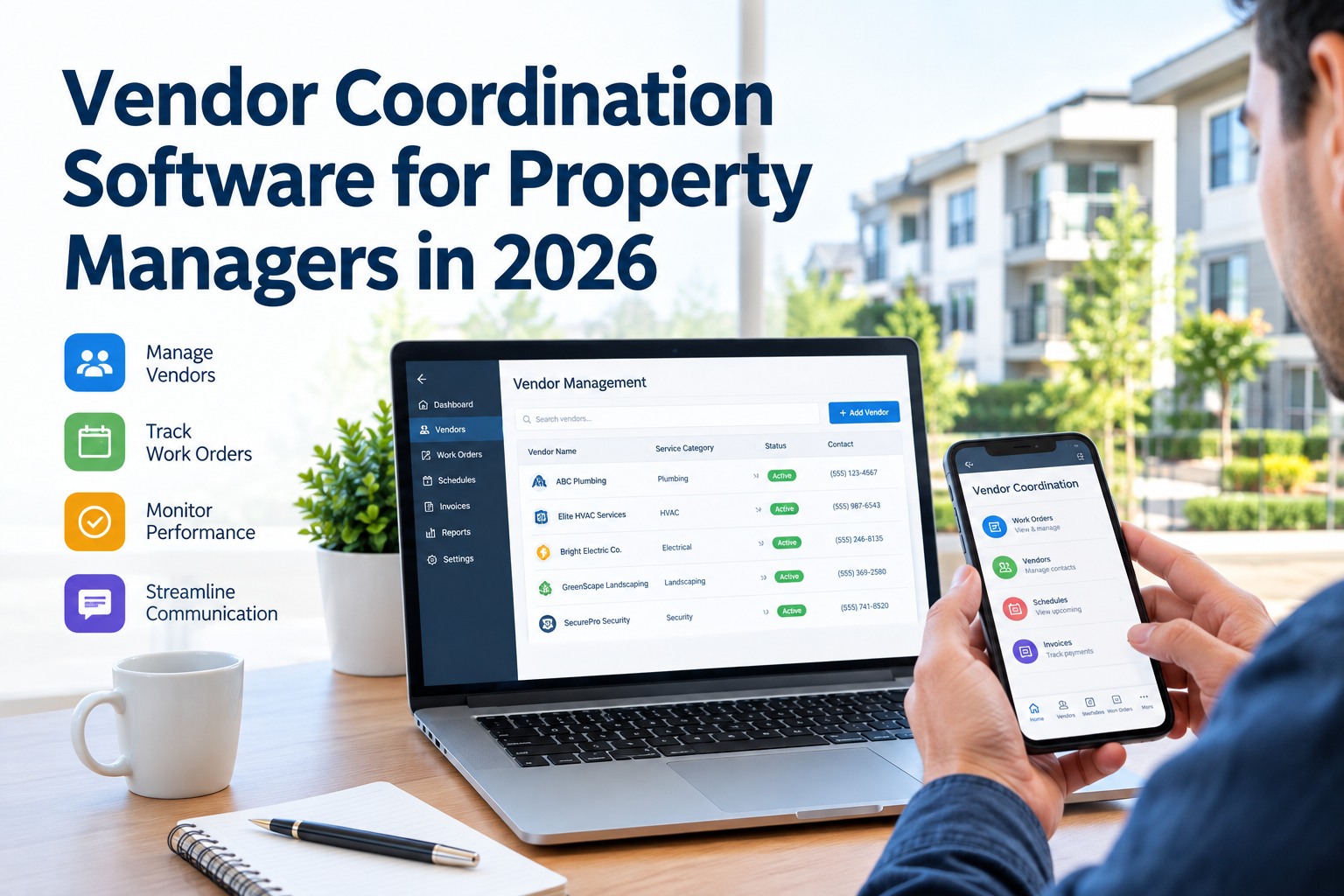
Vendor Coordination Software for Property Managers in 2026
The wrong choice isn't a weak tool — it's a tool that becomes another silo.
38%
of managers who adopted vendor software switched platforms within 18 months
80–120 hrs
staff time each platform migration burns — plus disrupted vendor relationships
~60%
of vendor coordination time is eliminable through automation — if the platform fits
2 hrs vs 2 days
vendor response time with coordination software versus manual back-and-forth
The Problem Vendor Software Actually Solves
Vendor coordination without software is a scattered mess of phone calls, texts, email threads, a spreadsheet of insurance expiry dates nobody updates, and invoices that arrive with no memory of what was approved. It works until it doesn't — usually at scale, or during an emergency, or when a vendor's certificate of insurance lapses and you find out after they've already been on-site. The right platform doesn't just digitize that mess; it turns it into a workflow where a request routes to the right vendor, the vendor confirms and updates from their phone, compliance is checked automatically, and the invoice ties back to the approved job.
Vendor Chaos
Requests scattered across calls, texts, and email
Insurance expiry tracked in a spreadsheet nobody updates
No record of what was approved when the invoice lands
Owner and tenant chasing you for status you don't have
Vendor performance judged on memory, not data
Vendor Workflow
One intake, routed to the right vendor automatically
COI compliance checked and flagged before work starts
Every invoice tied to an approved, documented job
Status visible to all parties without a phone call
Vendor scorecards built from real response and cost data
The Seven Must-Have Capabilities
Feature lists on vendor platforms run long, but only a handful of capabilities actually determine whether the software runs your vendor operation or just stores records about it. These are the seven to hold every option against — the difference between a workflow engine and a digital filing cabinet.
01
Smart Work-Order Routing
Requests route to the right vendor by trade, location, and availability — automatically, not by a coordinator manually dispatching each one.
02
Automated COI Compliance
Certificates of insurance tracked with expiry alerts, and non-compliant vendors flagged before they're dispatched — not discovered after a claim.
03
Estimates & Approval Flow
Vendor estimates captured, routed for approval against the owner's threshold, and logged — so the invoice never outruns the authorization.
04
Vendor Mobile App
Vendors accept, update, photograph, and close jobs from their phone. If the vendor side is clunky, adoption dies and you're back to phone tag.
05
Shared Status Visibility
Manager, owner, tenant, and vendor see the same live job status — killing the status-chasing calls that eat a coordinator's day.
06
Invoice & Cost Tracking
Job costs captured against the work order and pushed to accounting, so vendor spend is visible per property without double entry.
07
Vendor Performance Data
Response time, completion rate, and cost tracked per vendor — turning "who's good" from a gut feeling into a scorecard you can act on.
08
Open Integration
Bidirectional connectors to your CMMS and accounting or PM ERP — the capability that decides whether this becomes a hub or a silo.
See Vendor Coordination Run as One Workflow — Free Forever
Sign up on OxMaint's free forever plan and route vendor work orders, track COI compliance, capture approvals, and tie every invoice to an approved job — with the vendor updating from their phone. No card, no time limit, no silo.
Integration Is the Whole Ballgame
The single biggest reason vendor software gets ripped out is that it doesn't talk to the systems around it. A property operation runs on two stacks: the PM software that handles leasing, accounting, and tenant billing (Yardi, RealPage, AppFolio and the like), and the CMMS that handles the physical maintenance — assets, preventive schedules, work orders, and vendor coordination. Most portfolios need both. Vendor software that bridges them makes maintenance data flow into financial reporting without double entry; vendor software that stands alone just adds a third place to check.
PM Software / ERP
Leasing · Accounting · Tenant Billing
Yardi, RealPage, AppFolio and similar — the financial and leasing system of record for the portfolio.
Bidirectional sync — work orders, vendor invoices, and cost data flow both ways, no double entry
CMMS
Assets · PM Schedules · Work Orders · Vendors
The maintenance system of record — where vendor coordination actually lives and where the physical building is managed.
The distinction that trips up buyers: PM software and a CMMS do different jobs, and most portfolios run both. The question isn't "which replaces the other" — it's "does your vendor coordination sit inside the CMMS and sync cleanly to the PM ERP." When it does, vendor data reaches your financials automatically.
Don't Forget the Vendor's Experience
Here's the evaluation blind spot that sinks more rollouts than any missing feature: buyers judge the software from the manager's screen and never check what the vendor sees. But if the vendor side is painful, vendors simply won't use it — they'll keep calling and texting, and your shiny platform becomes a system only your staff touches while the actual coordination happens off-platform.
No Login Friction
Vendors accept and update jobs with minimal setup — a heavy onboarding or clunky portal guarantees they route around it.
Mobile-First, Field-Ready
Built for a phone on a job site — accept, photo, note, close. Vendors live in the field, not at a desk.
Fast, Clear Payment
Transparent approval and prompt payment tied to closed jobs is what keeps good vendors loyal to your platform.
Two-Way Communication
Messaging tied to the specific job, not a separate text thread — context stays with the work, for both sides.
The 2026 Evaluation Scorecard
When you demo platforms, score each on the dimensions that predict whether you'll still be using it in two years — not the feature count. Weight them by what actually breaks operations. This is the framework to walk into every vendor-software demo with.
| Evaluation Dimension | Weight | The Question That Matters |
|---|
| Integration depth | Highest | Does it sync bidirectionally with your CMMS and PM ERP? |
| Vendor-side adoption | Highest | Will your vendors actually use it, or route around it? |
| COI & compliance | High | Are non-compliant vendors blocked before dispatch? |
| Workflow fit | High | Does it match your operating model, or force a workaround? |
| Cost visibility | Medium | Does vendor spend reach accounting without double entry? |
| Scalability | Medium | Does it hold up across your whole portfolio, not one site? |
The two "highest" rows are the ones a feature checklist misses — and the two that decide whether you're choosing software once or twice.
Why OxMaint Fits the 2026 Buyer's Test
OxMaint approaches vendor coordination as part of the maintenance system of record — not a bolt-on — so vendor work lives with the assets, work orders, and PM schedules it belongs to, and syncs out to your financial stack rather than sitting beside it.
Integrate
Syncs to Your ERP
Bidirectional API connections to major PM platforms so work orders, vendor invoices, and cost data flow into financial reporting without duplicate entry.
Route
Work Orders to Vendors
Requests routed to the right vendor and tracked to close — internal teams and third-party vendors handled in the same workflow.
Comply
Automated COI Tracking
Certificates of insurance monitored with expiry alerts and non-compliant vendors flagged before dispatch — compliance built into the flow.
Mobile
Field-Ready for Vendors
Vendors accept, update, photograph, and close jobs from a phone — with a tenant portal feeding requests straight into the queue.
Cost
Spend on the Asset
Every vendor invoice tied to the work order and the asset, so per-property vendor cost is visible without a spreadsheet.
Measure
Vendor Scorecards
Response time, completion, and cost tracked per vendor — the data to reward good vendors and replace the ones dragging the portfolio.
Choose Vendor Software Once — Not Twice in 18 Months
Free forever plan — no card, no time limit. Run vendor coordination inside the maintenance system of record, synced to your PM ERP, with COI compliance and vendor scorecards built in. Or book 30 minutes and we'll map it against your current stack.
Frequently Asked Questions
What's the difference between vendor coordination software and PM software like Yardi?
PM software handles leasing, accounting, and tenant billing. Vendor coordination typically lives in a CMMS, which manages the physical building — assets, preventive maintenance, work orders, and vendor dispatch. They do different jobs and most portfolios run both, so the key is whether your vendor tool sits in the CMMS and syncs cleanly to the PM ERP rather than duplicating it.
Why do so many property managers switch vendor platforms within 18 months?
Integration limits and rigid workflows. A large share of adopters switch inside a year and a half because the tool won't connect to their existing stack or won't bend to how they actually operate — and each migration burns 80–120 staff hours plus the vendor relationships built around the old system. Weighting integration and workflow fit heavily up front is how you avoid choosing twice.
What's the most overlooked factor when evaluating vendor software?
The vendor's experience. Buyers judge the platform from the manager's screen and forget that if the vendor side is clunky, vendors won't use it — they'll keep calling and texting, and coordination happens off-platform. Always demo what the vendor sees on their phone before you commit.
How much time can vendor coordination software actually save?
Industry data suggests around 60% of vendor coordination time is eliminable through automation, and vendor response times drop from roughly two days to two hours — but only when the platform fits your portfolio size and tech stack. The savings come from routing, shared status visibility, and automated compliance, not from the software existing.
Does OxMaint handle both in-house teams and third-party vendors?
Yes. Internal technicians and external vendors are coordinated in the same work-order workflow, with COI tracking for third parties, and it integrates with major PM platforms so maintenance data reaches your financial reporting without double entry.
Start free or
book a demo.